AgentBoard SaaS Landing and Dashboard UI

Generates a refined side-by-side SaaS landing page and dashboard mockup for an AI agent workspace, useful for product design exploration.
AgentBoard SaaS Landing and Dashboard UI

Prompt

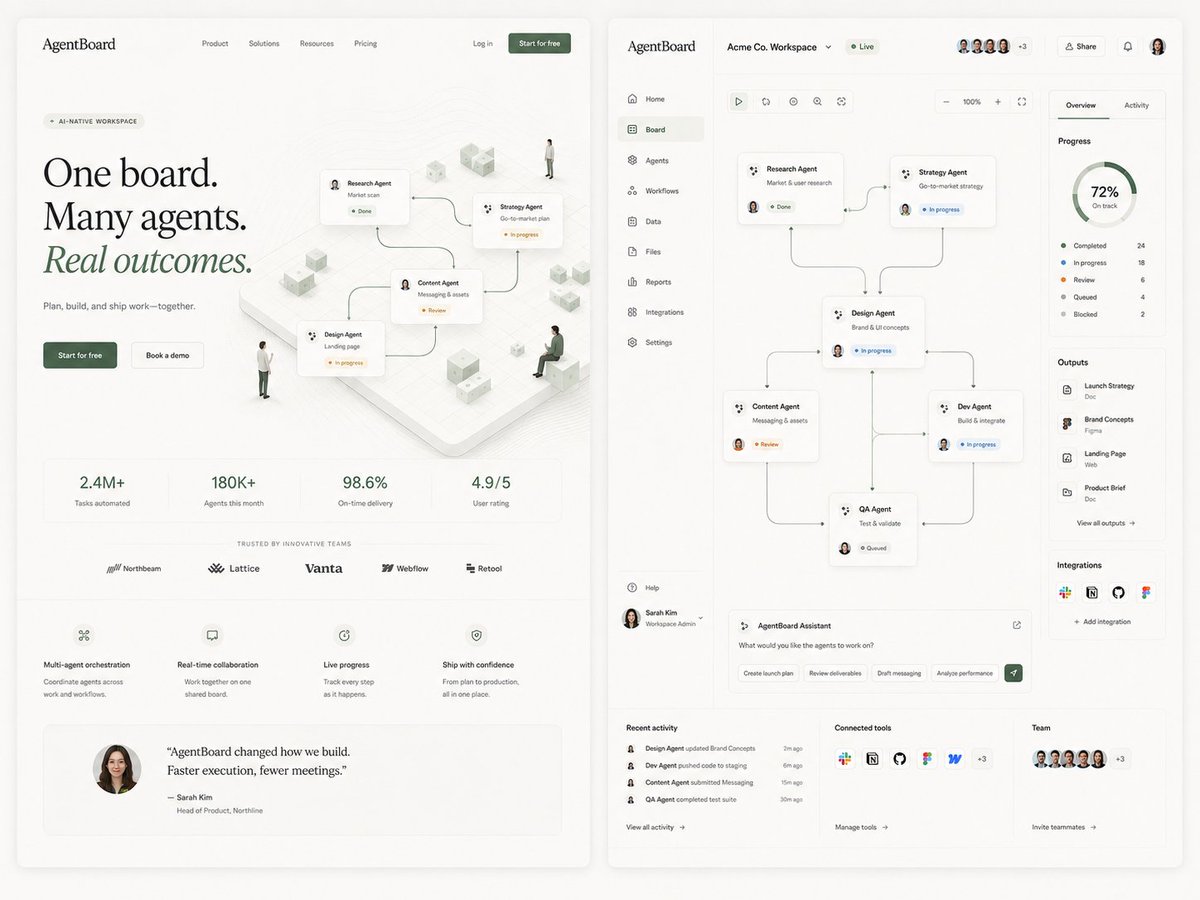
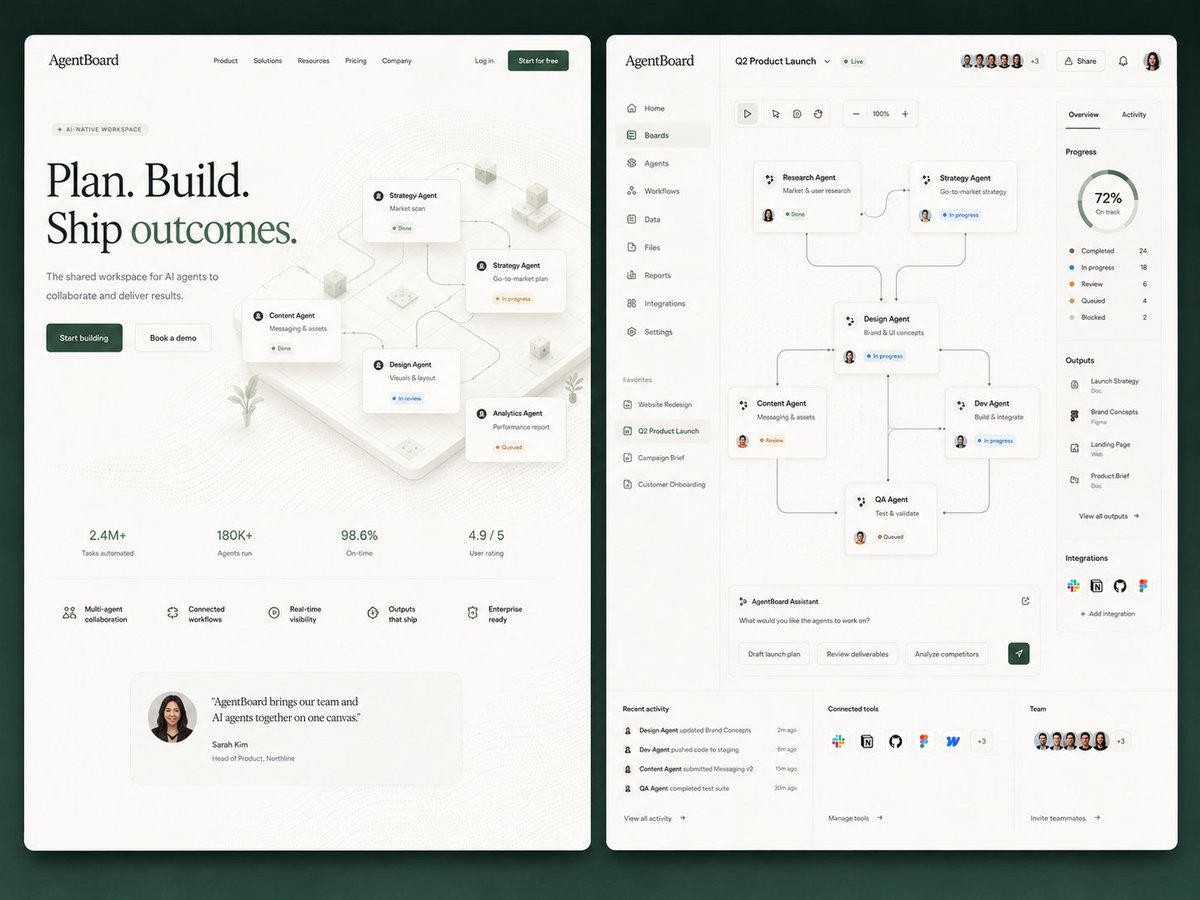
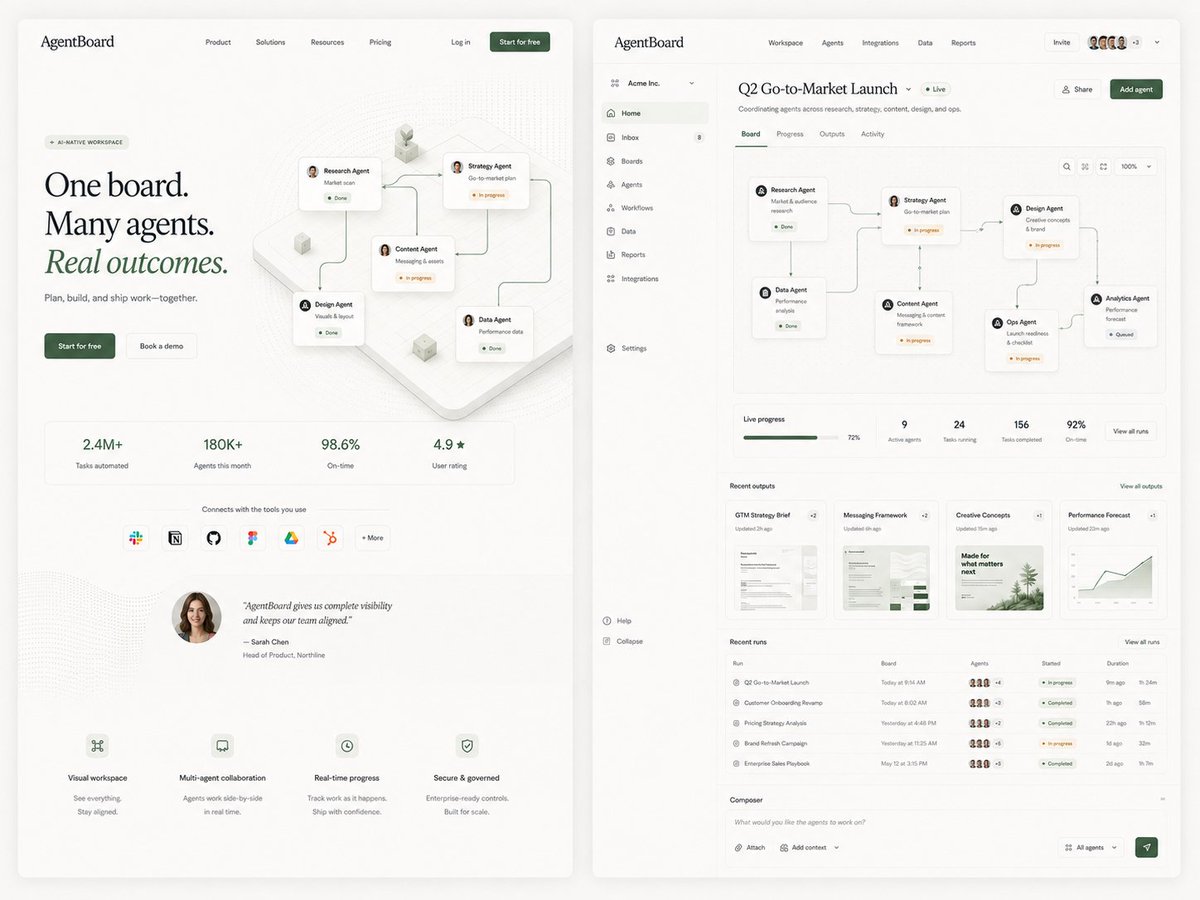
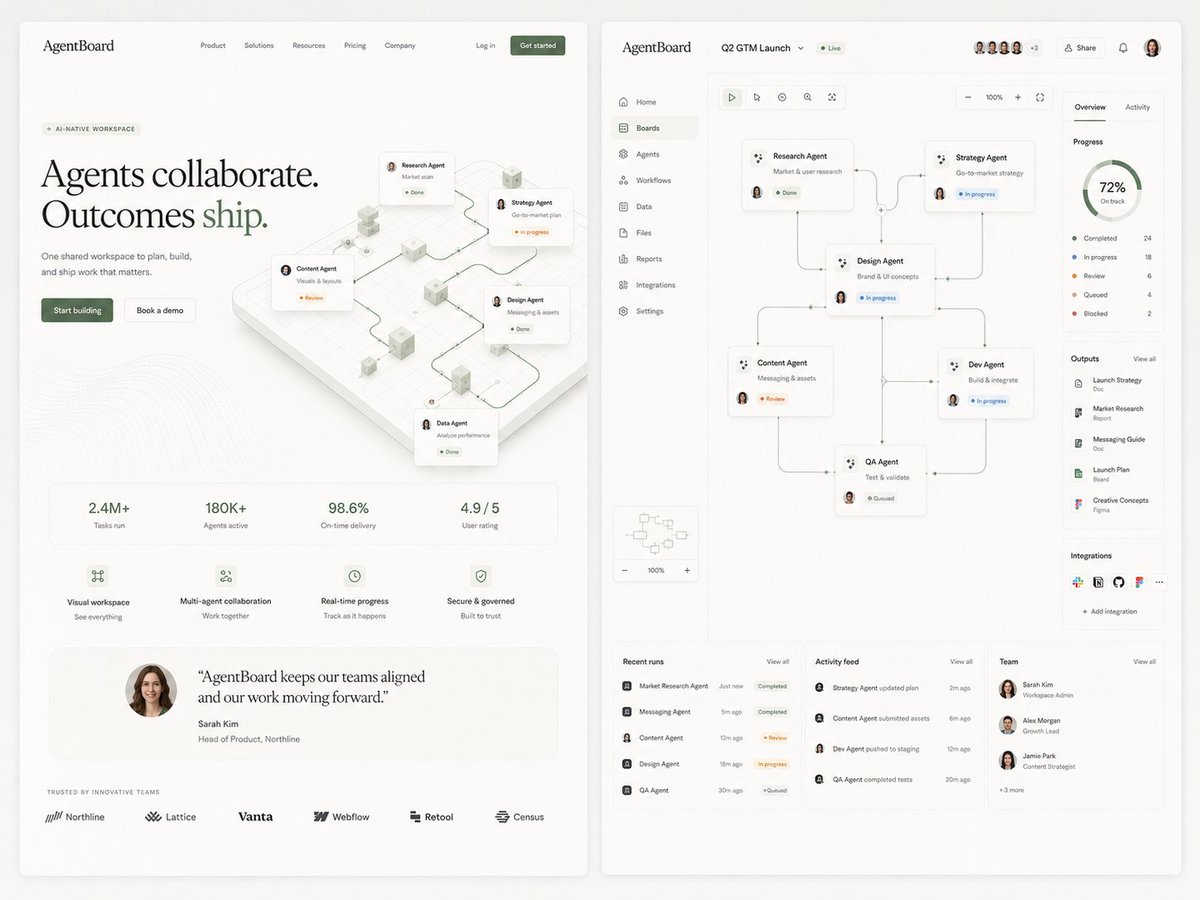
Goal: Create a polished editorial SaaS product exploration image for an AI agent collaboration platform called AgentBoard, showing two large web UI screens side by side on a warm off-white background: a marketing landing page on the left and the product dashboard on the right. Use refined startup design, soft shadows, rounded cards, thin gray dividers, lots of whitespace, muted forest-green accents, black serif display typography for the landing headline, and small clean sans-serif UI text. Canvas: Wide 4:3 composition, approximately 1200×900. Place two tall browser-like panels with rounded corners and subtle drop shadows, separated by a narrow gutter. Background is light cream with faint grain and very soft vignette. Left screen, marketing landing page: Top navigation bar with the logo text “AgentBoard” at top left, 4 centered nav links labeled Product, Solutions, Resources, Pricing, then Log in and a dark green “Start for free” button on the right. Hero area has a small pill label “AI-NATIVE WORKSPACE”, a large three-line headline reading “One board. Many agents. Real outcomes.” with “Real outcomes.” italic and green, supporting line “Plan, build, and ship work—together.”, and 2 CTA buttons: dark green “Start for free” and light outlined “Book a demo”. To the right of the hero text, show an isometric workflow board with exactly 5 connected agent cards: Research Agent, Strategy Agent, Content Agent, Design Agent, and Data Agent, linked by curved connector lines with small status chips such as Done and In progress. Below, include exactly 4 metric tiles: “2.4M+ Tasks automated”, “180K+ Agents this month”, “98.6% On-time”, and “4.9★ User rating”. Under the metrics, include a row labeled “Connects with the tools you use” with exactly 7 integration icons/buttons: Slack, Notion, GitHub, Figma, Google Drive, HubSpot, and “+ More”. Add a testimonial block with a circular female headshot and the quote “AgentBoard gives us complete visibility and keeps our team aligned.” credited to Sarah Chen, Head of Product, Northline. At the bottom, include exactly 4 feature blurbs with tiny line icons: Visual workspace, Multi-agent collaboration, Real-time progress, and Secure & governed. Right screen, product dashboard: Create a dense but elegant web app interface. Top app bar shows “AgentBoard” on the left, main tabs Workspace, Agents, Integrations, Data, Reports, plus an Invite button, a row of 5 small user avatars, a “+3” badge, and a dropdown chevron. Left sidebar for workspace “Acme Inc.” with exactly 11 navigation items: Home, Inbox with an 8 badge, Boards, Agents, Workflows, Data, Reports, Integrations, Settings, Help, and Collapse. Main page title reads Q2 Go-to-Market Launch with a green “Live” pill and subtitle “Coordinating agents across research, strategy, content, design, and ops.” Include Share and dark green Add agent buttons. Dashboard content: Below the title, show exactly 4 tabs: Board, Progress, Outputs, Activity, with Board active. The main board canvas contains exactly 6 connected workflow cards arranged left-to-right with curved connector lines: Research Agent “Market & audience research” Done; Data Agent “Performance analysis” Done; Strategy Agent “Go-to-market plan” In progress; Content Agent “Messaging & content framework” In progress; Design Agent “Creative concepts & brand” In progress; Ops Agent “Launch readiness & checklist” In progress; Analytics Agent “Performance forecast” Queued. Include small board controls at top right: search icon, layout icon, fit icon, zoom “100%”, and dropdown. Under the board, add a KPI strip with exactly 5 items: Live progress 72% with green progress bar, 9 Active agents, 24 Tasks running, 156 Tasks completed, and 92% On-time, plus a “View all runs” button. Add a Recent outputs section with exactly 4 document cards: GTM Strategy Brief, Messaging Framework, Creative Concepts, and Performance Forecast, each with a small preview thumbnail and update time. Add a Recent runs table with exactly 5 rows: Q2 Go-to-Market Launch, Customer Onboarding Revamp, Pricing Strategy Analysis, Brand Refresh Campaign, and Enterprise Sales Playbook; include tiny agent avatar clusters, colored status pills, started times, and durations. At the bottom, include a Composer input bar with placeholder “What would you like the agents to work on?”, buttons for Attach and Add context, an “All agents” dropdown, and a green send button. Visual style: Premium minimal product mockup, realistic UI proportions, crisp vector-like rendering, tiny legible interface text where possible, subtle dotted background texture, pale beige cards, green status indicators, fine connector lines, modern editorial SaaS aesthetic suitable for a product-design exploration tweet. Constraints: Use exactly 2 main screens, exactly 5 agent cards on the landing hero, exactly 4 metric tiles, exactly 7 integration icons, exactly 4 bottom feature blurbs, exactly 11 sidebar items, exactly 4 dashboard tabs, exactly 6 workflow agent cards on the dashboard board plus the queued Analytics card as the seventh endpoint, exactly 5 KPI items, exactly 4 output cards, and exactly 5 table rows. Do not add extra panels, watermarks, browser chrome, or decorative text beyond the described UI.

Runs on 18 models

  • Flux
  • Flux 2
  • Flux Kontext
  • GPT-4o Image
  • GPT Image
  • GPT Image 2
  • GPT Image 2.5
  • Grok Imagine
  • Ideogram V3
  • Imagen 4
  • Midjourney
  • Nano Banana
  • +6 more

What this prompt produces

Realistic Group Selfie with Smartphone Flash Effect Not specified nano-banana-pro
Four Seasons Portrait Collage Not specified nano-banana-pro
Minimalist Dog Sketch Clipart Not specified nano-banana-pro
Mecha Girl figure concept generated by Nano Banana Pro Not specified nano-banana-pro
Candid Flash Photography: Chaotic Holiday Party (Duplicate) Not specified nano-banana-pro
Ethereal Floral Studio Portrait Not specified nano-banana-pro

Run this prompt with the API

The request below sends this prompt, with its default values filled in, to the first model it runs on. Swap the model name for any other model listed above.

Prompt API docs
/api/v1/gpt_image_2/text_to_image
curl -X POST https://runapi.ai/api/v1/gpt_image_2/text_to_image \
  -H "Authorization: Bearer $RUNAPI_API_KEY" \
  -H "Content-Type: application/json" \
  --data-binary @- <<'JSON'
{
  "model": "gpt-image-2",
  "prompt": "Goal: Create a polished editorial SaaS product exploration image for an AI agent collaboration platform called AgentBoard, showing two large web UI screens side by side on a warm off-white background: a marketing landing page on the left and the product dashboard on the right. Use refined startup design, soft shadows, rounded cards, thin gray dividers, lots of whitespace, muted forest-green accents, black serif display typography for the landing headline, and small clean sans-serif UI text.\n\nCanvas: Wide 4:3 composition, approximately 1200×900. Place two tall browser-like panels with rounded corners and subtle drop shadows, separated by a narrow gutter. Background is light cream with faint grain and very soft vignette.\n\nLeft screen, marketing landing page: Top navigation bar with the logo text “AgentBoard” at top left, 4 centered nav links labeled Product, Solutions, Resources, Pricing, then Log in and a dark green “Start for free” button on the right. Hero area has a small pill label “AI-NATIVE WORKSPACE”, a large three-line headline reading “One board. Many agents. Real outcomes.” with “Real outcomes.” italic and green, supporting line “Plan, build, and ship work—together.”, and 2 CTA buttons: dark green “Start for free” and light outlined “Book a demo”. To the right of the hero text, show an isometric workflow board with exactly 5 connected agent cards: Research Agent, Strategy Agent, Content Agent, Design Agent, and Data Agent, linked by curved connector lines with small status chips such as Done and In progress. Below, include exactly 4 metric tiles: “2.4M+ Tasks automated”, “180K+ Agents this month”, “98.6% On-time”, and “4.9★ User rating”. Under the metrics, include a row labeled “Connects with the tools you use” with exactly 7 integration icons/buttons: Slack, Notion, GitHub, Figma, Google Drive, HubSpot, and “+ More”. Add a testimonial block with a circular female headshot and the quote “AgentBoard gives us complete visibility and keeps our team aligned.” credited to Sarah Chen, Head of Product, Northline. At the bottom, include exactly 4 feature blurbs with tiny line icons: Visual workspace, Multi-agent collaboration, Real-time progress, and Secure & governed.\n\nRight screen, product dashboard: Create a dense but elegant web app interface. Top app bar shows “AgentBoard” on the left, main tabs Workspace, Agents, Integrations, Data, Reports, plus an Invite button, a row of 5 small user avatars, a “+3” badge, and a dropdown chevron. Left sidebar for workspace “Acme Inc.” with exactly 11 navigation items: Home, Inbox with an 8 badge, Boards, Agents, Workflows, Data, Reports, Integrations, Settings, Help, and Collapse. Main page title reads Q2 Go-to-Market Launch with a green “Live” pill and subtitle “Coordinating agents across research, strategy, content, design, and ops.” Include Share and dark green Add agent buttons.\n\nDashboard content: Below the title, show exactly 4 tabs: Board, Progress, Outputs, Activity, with Board active. The main board canvas contains exactly 6 connected workflow cards arranged left-to-right with curved connector lines: Research Agent “Market & audience research” Done; Data Agent “Performance analysis” Done; Strategy Agent “Go-to-market plan” In progress; Content Agent “Messaging & content framework” In progress; Design Agent “Creative concepts & brand” In progress; Ops Agent “Launch readiness & checklist” In progress; Analytics Agent “Performance forecast” Queued. Include small board controls at top right: search icon, layout icon, fit icon, zoom “100%”, and dropdown.\n\nUnder the board, add a KPI strip with exactly 5 items: Live progress 72% with green progress bar, 9 Active agents, 24 Tasks running, 156 Tasks completed, and 92% On-time, plus a “View all runs” button. Add a Recent outputs section with exactly 4 document cards: GTM Strategy Brief, Messaging Framework, Creative Concepts, and Performance Forecast, each with a small preview thumbnail and update time. Add a Recent runs table with exactly 5 rows: Q2 Go-to-Market Launch, Customer Onboarding Revamp, Pricing Strategy Analysis, Brand Refresh Campaign, and Enterprise Sales Playbook; include tiny agent avatar clusters, colored status pills, started times, and durations. At the bottom, include a Composer input bar with placeholder “What would you like the agents to work on?”, buttons for Attach and Add context, an “All agents” dropdown, and a green send button.\n\nVisual style: Premium minimal product mockup, realistic UI proportions, crisp vector-like rendering, tiny legible interface text where possible, subtle dotted background texture, pale beige cards, green status indicators, fine connector lines, modern editorial SaaS aesthetic suitable for a product-design exploration tweet.\n\nConstraints: Use exactly 2 main screens, exactly 5 agent cards on the landing hero, exactly 4 metric tiles, exactly 7 integration icons, exactly 4 bottom feature blurbs, exactly 11 sidebar items, exactly 4 dashboard tabs, exactly 6 workflow agent cards on the dashboard board plus the queued Analytics card as the seventh endpoint, exactly 5 KPI items, exactly 4 output cards, and exactly 5 table rows. Do not add extra panels, watermarks, browser chrome, or decorative text beyond the described UI."
}
JSON

Try a prompt

Estimated: $0.04 / image

Sign in to generate with RunAPI.

Sign in to generate

Sign in to start generating with your available language models.