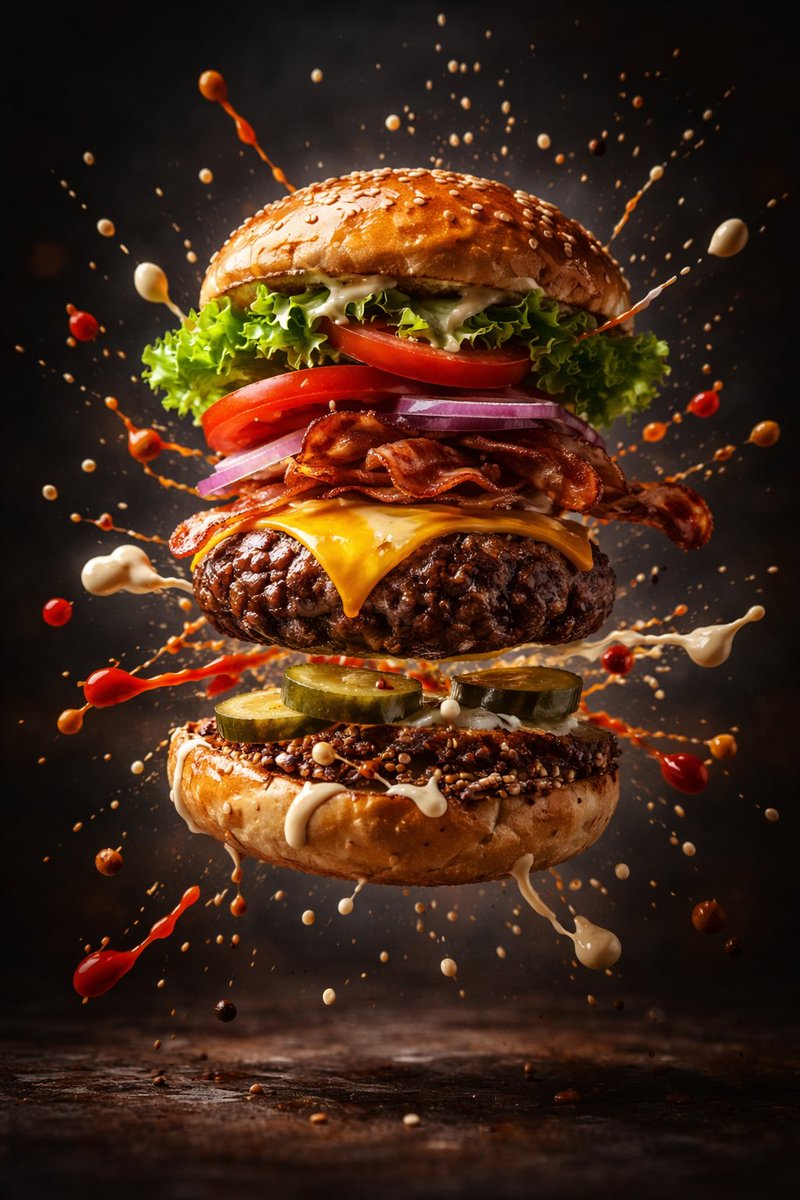
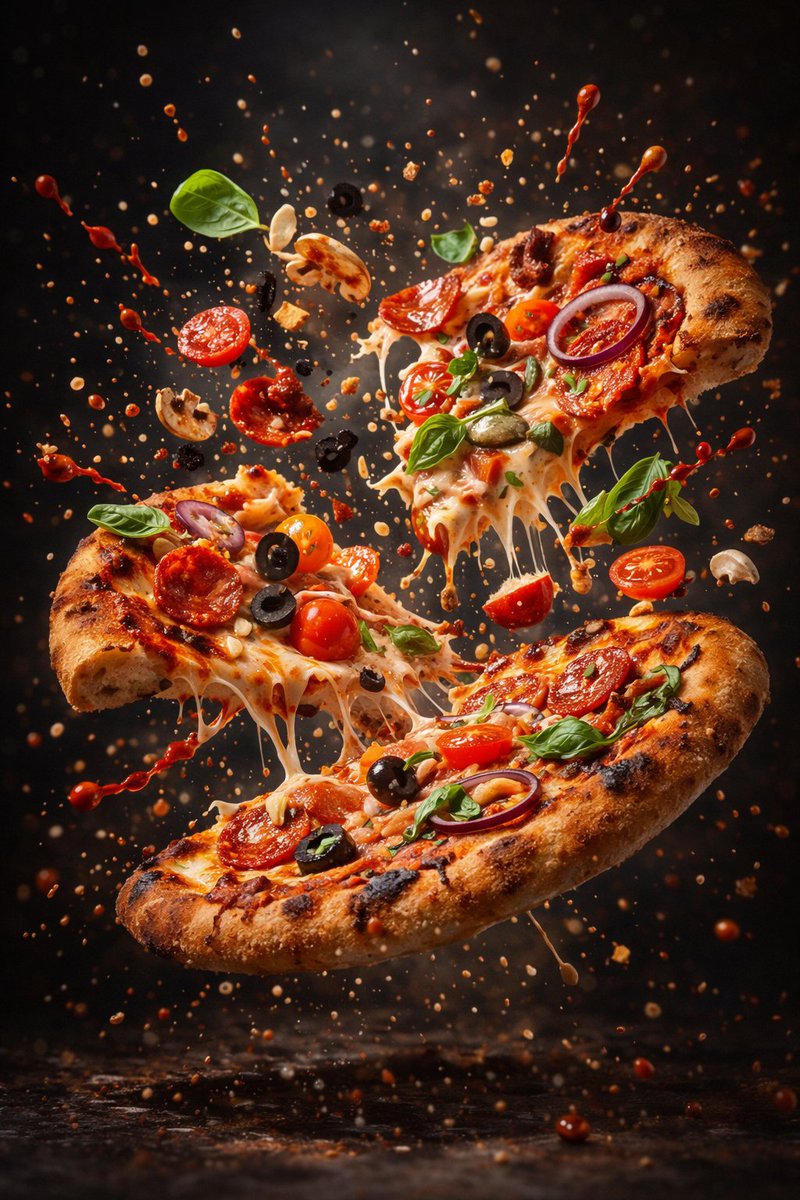
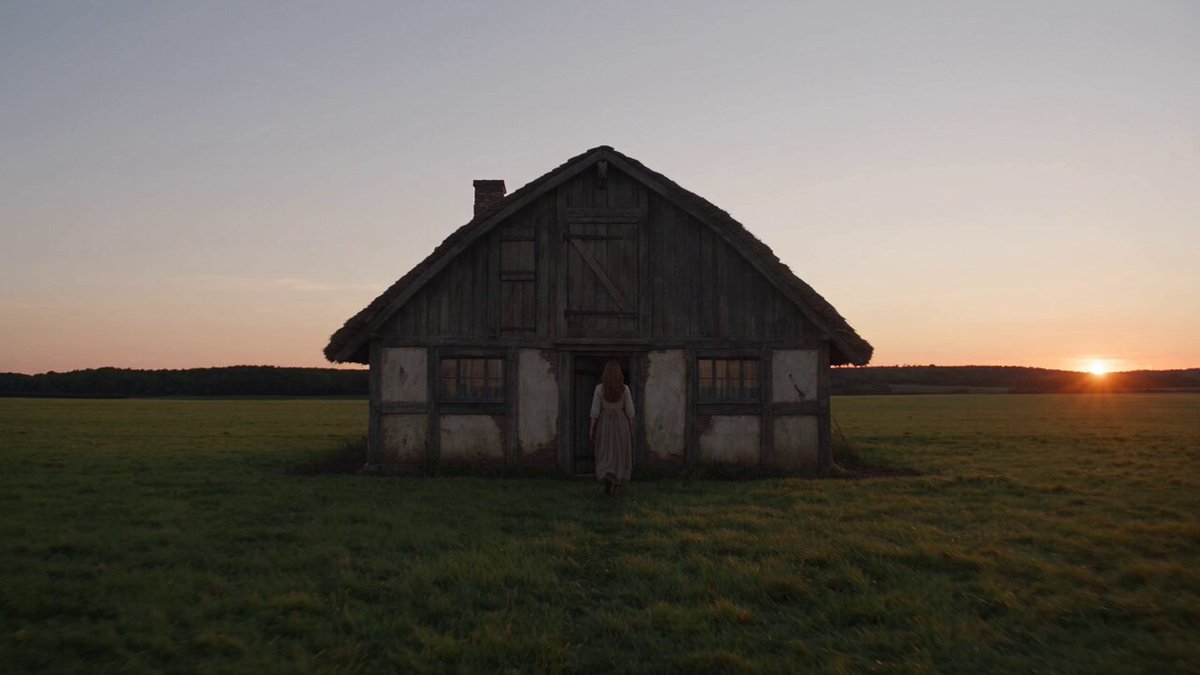
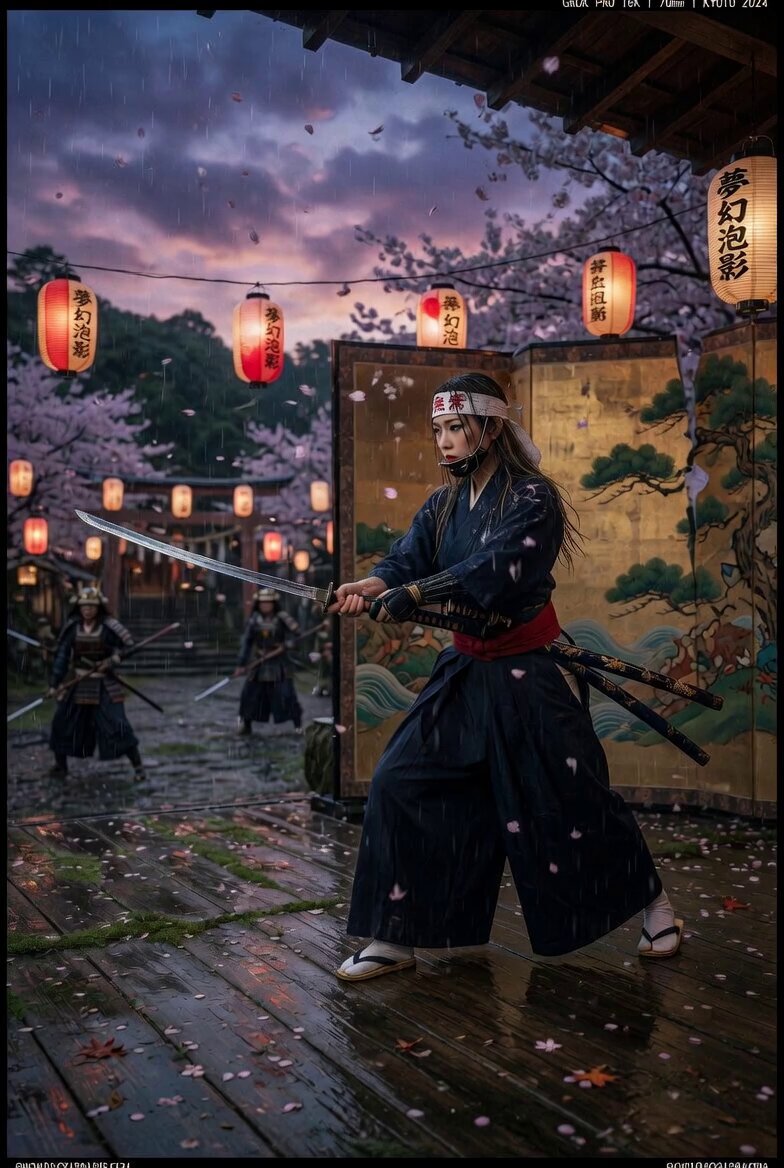
- cinematic
- coffee
- nighttime
AI VIDEO GENERATION PROMPT Reference Image: Use the attached photograph as the primary facial and identity reference. VIDEO STYLE: Ultra-realistic cinematic lifestyle photography, luxury aesthetic, artistic double-exposure cinematography. FORMAT: Vertical 9:16, 4K resolution, approximately 4 seconds, 24 FPS. MAIN SUBJECT AND IDENTITY PRESERVATION Create an ultra-realistic cinematic portrait video featuring the exact same Black African man from the uploaded reference photograph. Preserve 100% of his recognizable real identity, natural facial structure, dark skin tone, forehead, eyes, nose, lips, ears, short black hairstyle, full natural black beard and mustache, face shape, and overall masculine appearance. Do not feminize, beautify, reshape, or artificially modify his face. Maintain his authentic facial proportions, natural skin texture, beard details, and realistic appearance throughout the video. He is an elegant, confident young African man with a calm, thoughtful expression. He is wearing a luxurious oversized beige-brown knitted sweater with a comfortable high neckline and long sleeves. He holds a simple white ceramic coffee mug with both hands, gently bringing it close to his lips as he takes a slow, natural sip of coffee. After drinking, he gradually lowers the mug slightly while maintaining a peaceful, reflective expression and looking softly toward the camera. ENVIRONMENT AND BACKGROUND Behind him is a luxurious high-rise apartment or hotel room overlooking a beautiful city skyline at night. A large floor-to-ceiling glass window is covered with subtle rain droplets, creating a dreamy, sophisticated atmosphere. Warm golden interior lighting illuminates the room, with a softly glowing table lamp visible in the background. Outside the window, a magnificent nighttime cityscape stretches into the distance, filled with illuminated skyscrapers, golden streetlights, and sparkling building windows. SPECIAL VISUAL EFFECT – DOUBLE EXPOSURE Create an artistic cinematic double-exposure effect where the nighttime city skyline blends seamlessly across the man's sweater and lower body. Golden city lights, illuminated buildings, and sparkling windows should appear subtly superimposed over his knitted sweater, creating a beautiful transparent visual fusion between the man and the city. The effect should look sophisticated, realistic, and professionally composited, with natural transparency and carefully balanced highlights. Keep his face completely visible, recognizable, and naturally exposed. Do not allow the double-exposure effect to distort his facial features. LIGHTING AND COLOR GRADING - Warm amber and golden cinematic lighting. - Soft illumination on his face. - Rich golden reflections on the rainy window. - Deep brown and champagne color tones. - Beautiful bokeh from distant city lights. - Authentic dark African skin tone. - Natural skin texture and realistic beard details. - Soft shadows and atmospheric highlights. CAMERA AND MOVEMENT Static medium close-up portrait framing, camera positioned directly in front of the man at eye level. Very subtle cinematic camera movement, almost imperceptible. The man performs natural, gentle movements: 1. Holds the white coffee mug close to his lips. 2. Takes a slow, natural sip of coffee. 3. Gently lowers the mug to chest level. 4. Maintains a relaxed, thoughtful expression while looking toward the camera. Preserve realistic hand movements, natural blinking, subtle facial expressions, believable body motion, and consistent facial identity throughout the entire sequence. FINAL AESTHETIC Luxury lifestyle commercial, sophisticated nighttime atmosphere, artistic photographic double exposure, premium editorial cinematography, photorealistic details, natural human movement, cinematic depth of field, realistic glass reflections, 85mm portrait photography aesthetic. NEGATIVE PROMPT Female subject, feminine facial features, altered identity, different person, face morphing, lighter skin tone, artificial-looking skin, plastic face, excessive beauty filters, distorted facial proportions, altered beard, missing beard, distorted hands, extra fingers, duplicated coffee mug, floating objects, unnatural facial movements, exaggerated expressions, flickering lights, unstable background, warped architecture, incorrect reflections, excessive blur, oversaturated colors, low resolution, inconsistent clothing, unrealistic double exposure, cartoon, animation, CGI appearance.
- 3 minute
- bear dad
- character lock
Lock your AI character before the first clip. Fix the face, outfit, turnaround, locations and light in a character sheet. Then repeat those exact locks word for word in every shot prompt — never re-describe the character from scratch. Check every shot against the sheet before moving on. Proved with a finished 3-minute AI ad (25+ clips, one bear-dad character, no reshoots). Full method: https://hafiz-afaq-portfolio.vercel.app/services/character-lock/
- architectural walkthrough
- cinematic
- golden hour
Create a hyper-realistic cinematic architectural walkthrough of an ultra-luxurious contemporary mansion during golden hour, transitioning smoothly into a warm evening atmosphere. **Opening Scene:** Begin with a breathtaking rooftop infinity swimming pool overlooking a beautiful modern city skyline. Golden sunlight reflects across the water as the camera glides forward. **Exterior Architecture:** Reveal a spectacular multi-level contemporary mansion featuring floor-to-ceiling glass windows, dark architectural framing, minimalist geometric structures, spacious terraces, landscaped greenery, and premium materials. **Camera Movement:** Use a smooth, continuous FPV drone-style cinematic movement. Fly around the exterior terrace, glide between the architectural structures, and smoothly enter the house through the glass openings. **Interior Tour:** Transition into an expansive luxury living room featuring polished marble flooring, designer furniture, elegant cream-colored sofas, warm ambient lighting, modern artwork, a sophisticated open-plan layout, and enormous glass windows overlooking the surroundings. **Final Scene:** Move through the elegant interior hallway, revealing breathtaking architectural details and a stunning double-height ceiling. **Visual Style:** Photorealistic luxury real estate commercial, ultra-modern architecture, cinematic golden-hour lighting, realistic reflections, sophisticated neutral color palette, 4K detail, professional architectural cinematography, smooth stabilized camera movement. **Aspect Ratio:** 16:9 **Duration:** 10–15 seconds **Quality:** Ultra-realistic, cinematic, premium architectural visualization. **Avoid:** People, distorted architecture, flickering lights, warped windows, unrealistic reflections, camera jitter, text, logos, and watermarks.
- adani tea
- cinematic
- egg sandwich
Create a 50-second delicious food commercial video, vertical 9:16 for TikTok, cinematic, realistic, warm bright light. Scene 1 (0-8 sec): Wide shot of a cozy Yemeni sandwich shop in Al Mahwit, wooden table, steam, welcoming atmosphere. Scene 2 (8-18 sec): Close-up of a hot crispy potato sandwich, golden toasted bread, crispy fried potato slices, melted cheese dripping, steam rising, cheese stretching, appetizing. Scene 3 (18-28 sec): Close-up of a hot egg sandwich, fresh scrambled eggs, Yemeni spices, golden bread, steam rising, mouth-watering. Scene 4 (28-38 sec): Close-up of a small glass of hot Yemeni Adani tea with steam, next to a bowl of boiled potatoes, cozy warm background. Scene 5 (38-50 sec): Final shot, both sandwiches and tea together on wooden table, steam, slow zoom out, golden light. Text on screen at the end, big gold letters: AL-RAIMI FOR SANDWICHES Potato - Egg - Adani Tea Al Mahwit - Sanaa Street Order: 772609034 Style: Professional restaurant advertisement, high quality, mouth-watering, no voice, only visuals, because voiceover will be added later.
- beach
- cinematic
- photorealistic
Create a premium cinematic skincare advertisement for a sunscreen product, inspired by luxury beauty commercials. Vertical 9:16 format, photorealistic visuals, elegant transitions, soft golden sunlight, natural skin textures, warm orange and golden color palette, high-end commercial cinematography. Scene 1 (0–5s): A beautiful young woman with long dark brown hair stands in a lush tropical garden surrounded by vibrant green leaves and warm morning sunlight. Golden sun rays filter through the foliage as she gently touches her cheek, showcasing healthy, radiant, natural-looking skin. Use a smooth cinematic camera push-in. Scene 2 (5–10s): Extreme close-up of the woman's face as she softly applies skincare product to her cheek with her fingertips. Highlight realistic pores, smooth skin texture, subtle highlights, and a fresh dewy glow. Soft natural lighting, shallow depth of field, premium beauty-ad aesthetic. Scene 3 (10–15s): Hero product shot of an orange-and-white sunscreen tube standing upright on a natural stone pedestal in a tropical garden. Sunlight creates beautiful highlights across the packaging, with green foliage softly blurred in the background. Slowly orbit the camera around the product. Keep the packaging consistent with the supplied product reference. Scene 4 (15–20s): Macro shot of a fingertip holding a small amount of translucent pale-green gel. The gel has a glossy, lightweight texture and catches the sunlight beautifully. Transition into a close-up of the sunscreen tube with elegant floating droplets and subtle golden particles. Scene 5 (20–25s): The woman smiles naturally while enjoying the sunshine in the tropical garden. Her hair moves gently in the breeze. Cut to a luxurious product hero shot surrounded by warm golden light, delicate water droplets, and soft botanical elements. Scene 6 (25–30s): A sophisticated skincare ingredient visualization featuring translucent golden spheres, water droplets, and a glowing orange-and-white sunscreen tube. Use elegant macro photography, clean composition, and smooth motion graphics. Maintain a premium scientific skincare commercial style. Scene 7 (30–35s): Transition to a bright tropical beach with turquoise water and soft white sand. The woman, wearing an elegant white summer dress, walks peacefully beside the ocean. Her hair flows naturally in the sea breeze as sunlight reflects off the water. Use wide cinematic shots and a gentle tracking movement. Scene 8 (35–40s): Finish with a close-up of sunscreen being dispensed from the tube onto a fingertip, followed by a beautiful overhead beach shot of the woman relaxing on a white towel. End on a clean, luxurious sunscreen product hero shot with warm sunlight and sparkling water reflections. Visual Style: Photorealistic luxury skincare advertising, realistic skin and product textures, soft golden-hour lighting, tropical botanical atmosphere, cinematic macro photography, smooth camera movements, elegant match cuts, subtle lens flares, premium color grading, 4K quality, 24fps. Consistency Requirements: Maintain the same female model, facial features, hairstyle, product packaging, and orange-and-white color scheme throughout all scenes. Keep the product label clean and consistent with the reference image. Avoid distorted hands, extra fingers, artificial skin smoothing, warped packaging, and random text. Do not add unsupported product claims or change the brand identity.
- badminton
- cinematic
- indoor stadium
Create a 30-second ultra-realistic cinematic badminton sports commercial set inside a massive indoor championship arena packed with spectators. A talented female badminton player wearing a red and white athletic jersey, black shorts, white sports shoes, and her hair tied in a ponytail prepares for an intense match. Scene 1: A breathtaking aerial establishing shot of the enormous indoor stadium, with dramatic steel roof structures, thousands of spectators, and powerful spotlights illuminating the badminton court. Scene 2: A dynamic tracking shot follows the female athlete as she moves rapidly across the green badminton court, gripping her racket and preparing to return a powerful shot. Capture her intense focus, realistic footwork, and athletic movements. Scene 3: An extreme low-angle close-up of her white sports shoes making quick movements across the court. Show realistic friction, rapid footwork, subtle floor reflections, and natural motion blur. Scene 4: A dramatic slow-motion shot of the athlete jumping high to smash the shuttlecock. Bright stadium lights shine behind her as the camera rotates slightly, creating a powerful sports-advertisement aesthetic. Scene 5: Artistic cinematic transitions featuring mirrored reflections, diagonal glass-like panels, split-screen compositions, and close-ups of the racket striking the shuttlecock. Maintain realistic anatomy and consistent character appearance. Scene 6: Finish with a powerful low-angle hero shot of the athlete standing confidently on the court, surrounded by glowing stadium lights and a cheering audience. Visual Style: Photorealistic sports cinematography, 4K resolution, dramatic stadium lighting, teal and blue color grading, realistic skin texture, shallow depth of field, dynamic camera movements, high-speed action, smooth slow motion, subtle lens flares, professional sports commercial quality. Camera: Aerial wide shots, tracking shots, low-angle close-ups, macro details, slow-motion action, and dramatic hero shots. Aspect Ratio: 9:16 vertical Duration: 30 seconds Quality: Ultra-realistic, cinematic, professional sports advertisement. Negative Prompt: Cartoon visuals, distorted anatomy, extra fingers, duplicated limbs, unnatural racket movement, floating shuttlecock, inconsistent faces, flickering frames, blurry subject, unrealistic physics, excessive motion blur.
- investment
- land banking
- oil palm
introduction of a Real estate project named palmville .it is a form of land banking where subscribers don't only invest money on a bank but also get an interest on their land for 40years. Lifepage helps the client to plant oil palm on their land with the help of our Agronomy partners and the clients start earning interest on their investment after 6 years for the duration of 40years.
- bengali voiceover
- cinematic
- corn kernels
Bangladeshi Poultry Farm Corn Feed Video
ভিডিওর সমস্যাগুলো দূর করে, সঠিক ডায়ালগ ও স্ক্রিপ্টসহ একটি প্রফেশনাল ও বাস্তবসম্মত ভিডিও তৈরির সম্পূর্ণ প্রম্পট গাইড নিচে দেওয়া হলো: **সম্পূর্ণ ভিডিও প্রম্পট (AI Video Generator-এর জন্য):** > **Subject & Action:** A healthy, realistic gray-feathered hen pecking at golden corn grains on the ground, transitioning to a close-up of human hands holding raw yellow corn kernels, followed by a quick shot of corn being ground in a kitchen blender. > **Environment & Scene:** Authentic flat rural Bangladeshi poultry farm inspired by Naogaon—lush paddy fields and green trees in the soft-focus background under warm daylight. A rustic wooden table outdoors. Absolutely NO text, NO signboards, NO mountains, and NO castles. > **Audio & Dialogue (Bengali Voiceover):** Clear, smooth, professional native male Bengali voiceover with natural accent: > 1. *"মুরগিকে অনেকেই ভুট্টা ভাঙা খাওয়ান, যার দাম ৪৫ টাকা কেজি।"* > 2. *"খরচ কমাতে ৩০ টাকা কেজি দরে আস্ত ভুট্টা কিনুন।"* > 3. *"বাড়িতে এনে ব্লেন্ডারে গুঁড়ো করে নিন।"* > 4. *"এতে প্রতি কেজিতে ১৫ টাকা বাঁচান।"* > > > **Style & Quality:** Cinematic 8K, photorealistic texture, shallow depth of field, bright crisp lighting, perfect lip-sync/audio-visual timing, 60fps smooth movement. --- **ভিডিওর দৃশ্যের ধারাবাহিকতা (Storyboard):** * **০:০০ - ০:০২ সেকেন্ড:** একটি সুন্দর দেশি মুরগি খামারের মাঠে আস্ত ও ভাঙা ভুট্টা খাচ্ছে। * **০:০২ - ০:০৪ সেকেন্ড:** হাত দিয়ে এক গামলা আস্ত ভুট্টা দানা দেখানোর ক্লোজ-আপ শট। * **০:০৪ - ০:০৬ সেকেন্ড:** আস্ত ভুট্টা ব্লেন্ডারে গুঁড়ো করার দৃশ্য। * **০:০৬ - ০:০৮ সেকেন্ড:** মুরগির দানা খাওয়ার শান্ত ও সুন্দর সমাপনী দৃশ্য।
- hames laser
- marketing campaign
- metal fabrication
Sheet metal fabrication with hames laser as well as energy mission press break make a video for metacarve Fab tech marketing campaign
give me a marketing video for spare parts slaes company
- cinematic
- dance
- dramatic lighting
Référence @ Image1 pour l’apparence ; copie EXACTEMENT la caméra @ Video1 ; sync @ Audio1. [Narration]. Cinématique, fluide, réaliste. 🎶 Danse beat-sync Fille @ Image1 danse comme @ Video1, zoom Hitchcock, musique @ Audio1. Lumière dramatique, grain film. 🎬 Action ciné Homme @ Image2 combat dans un ascenseur, orbite caméra @ Video2, étend 10s avec climax. 📱 Pub produit (UGC) Produit @ Image3, travelling fluide @ Video3, musique upbeat @ Audio2. Style smartphone naturel. 🏃 One-shot cinématique De @ Image1 à @ Image5, tracking continu d’un coureur montant vers un toit. Réaliste, dynamique.
- camera angles
- glass reflections
- glass ui
Design a motion-graphics style ad based on this image, using multiple camera angles—e.g., close-ups that highlight the glass reflections, various tap/click interaction animations, and a focus on this glossy “glass UI” design language. End with the logo: LEPADPHONE.