- conversation
- living room
- nigerian
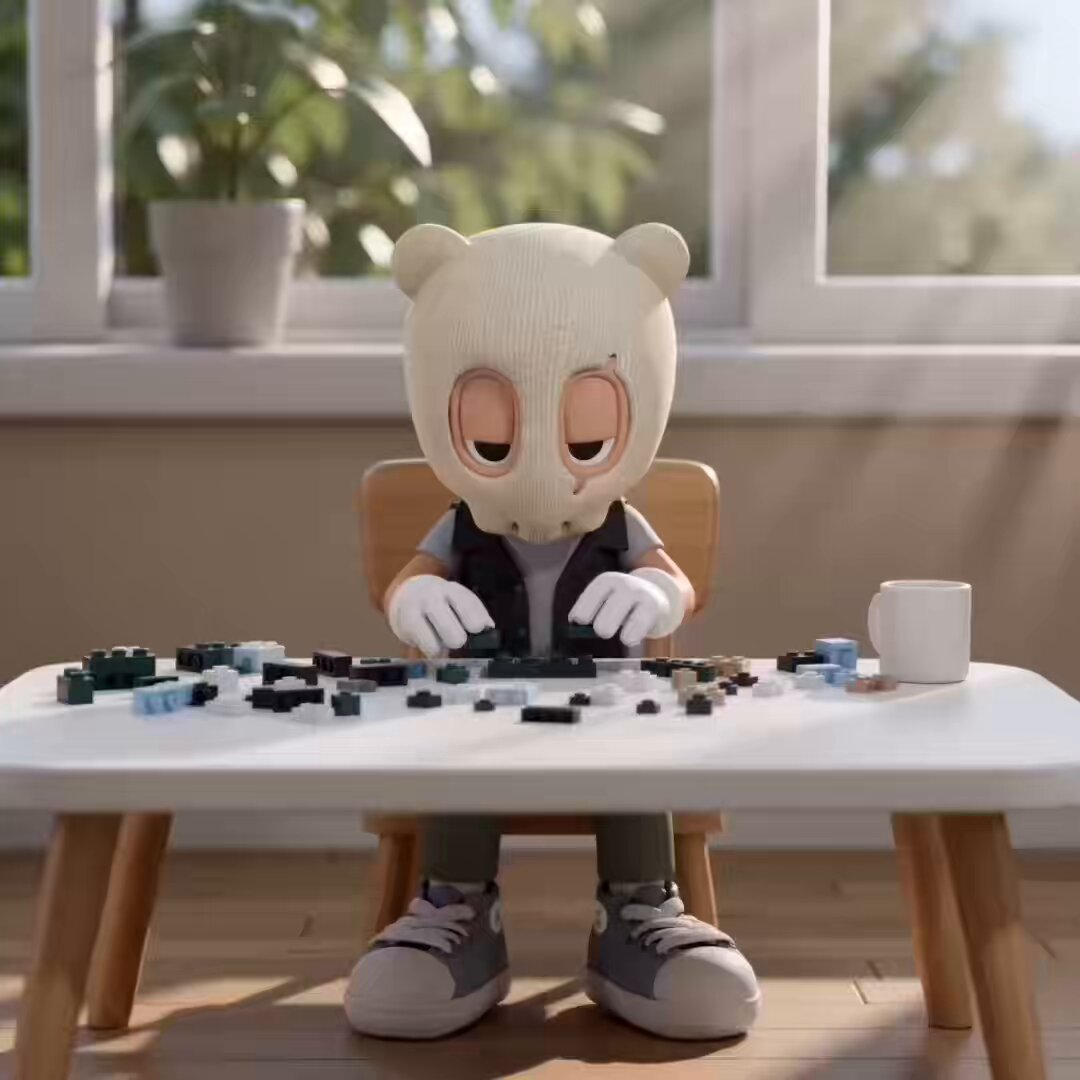
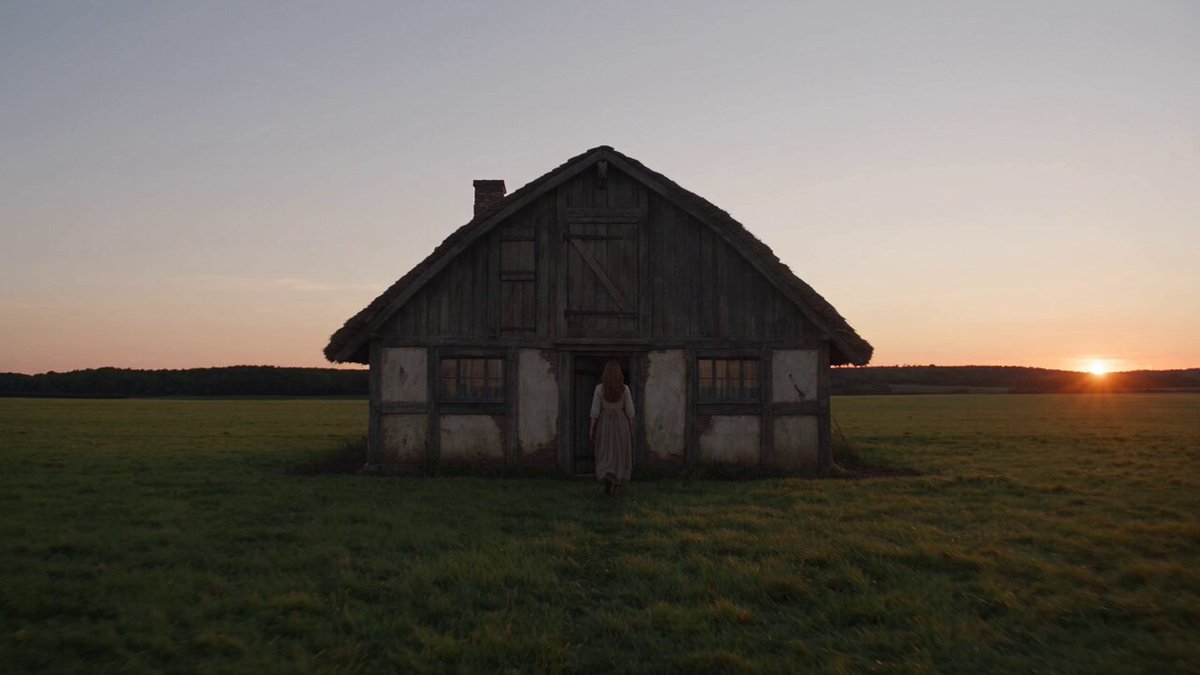
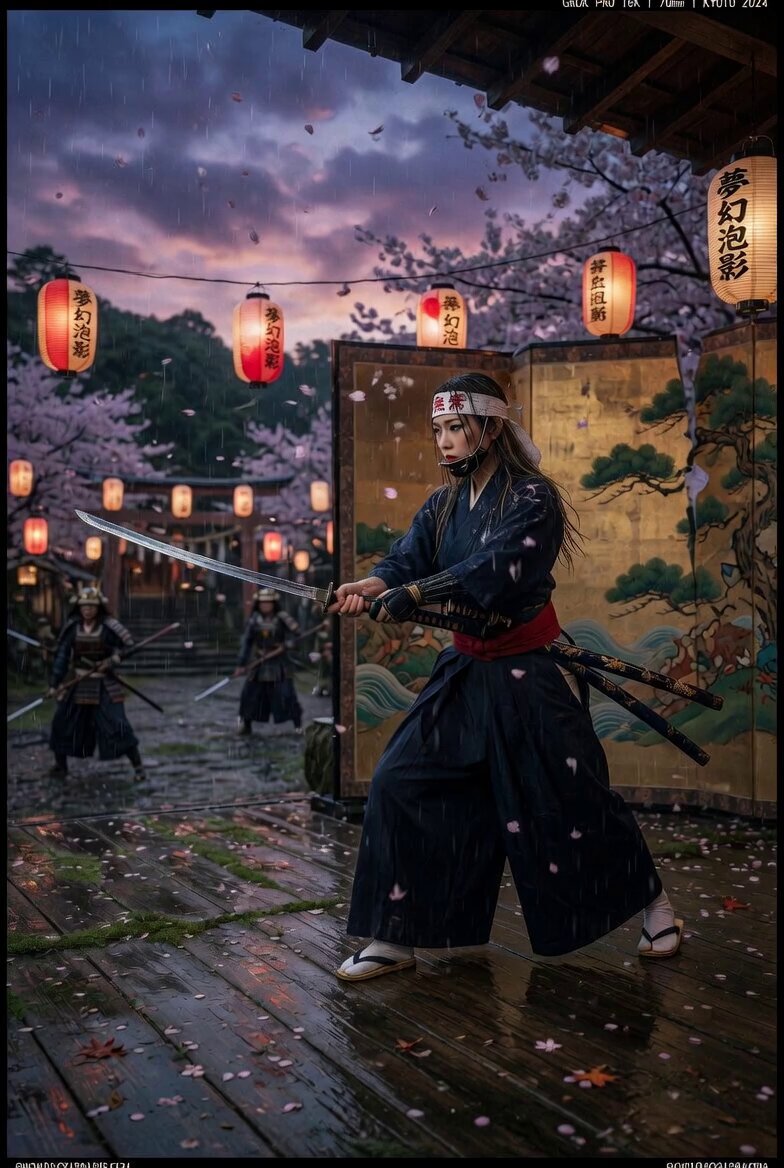
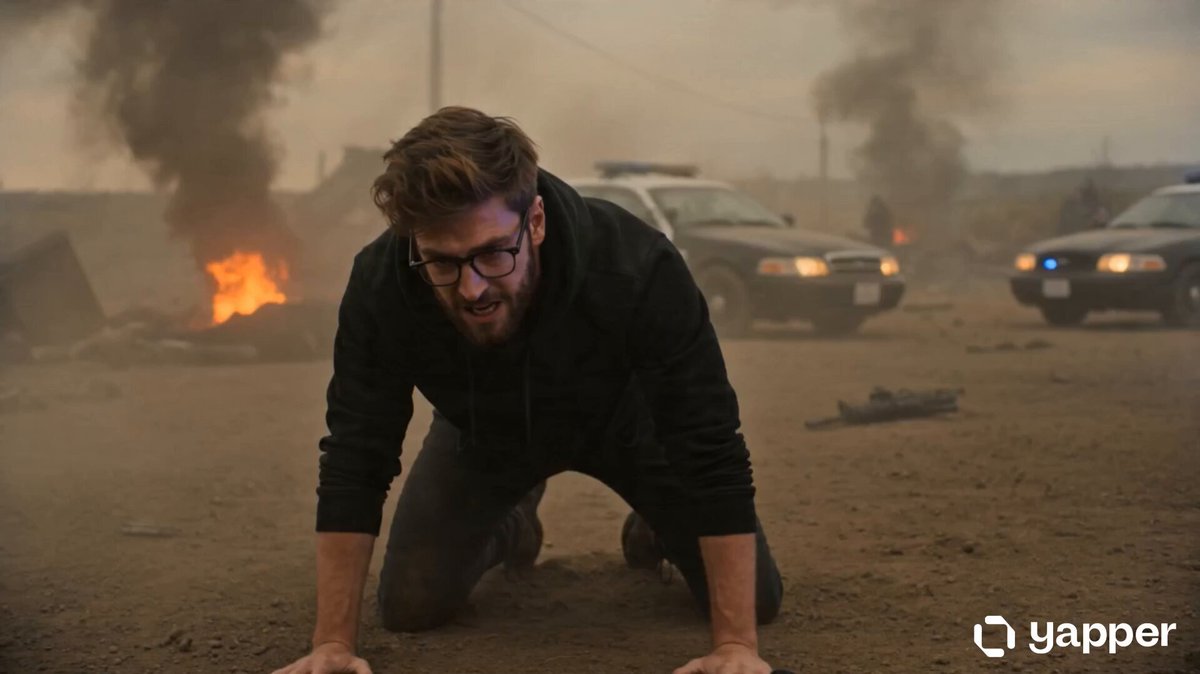
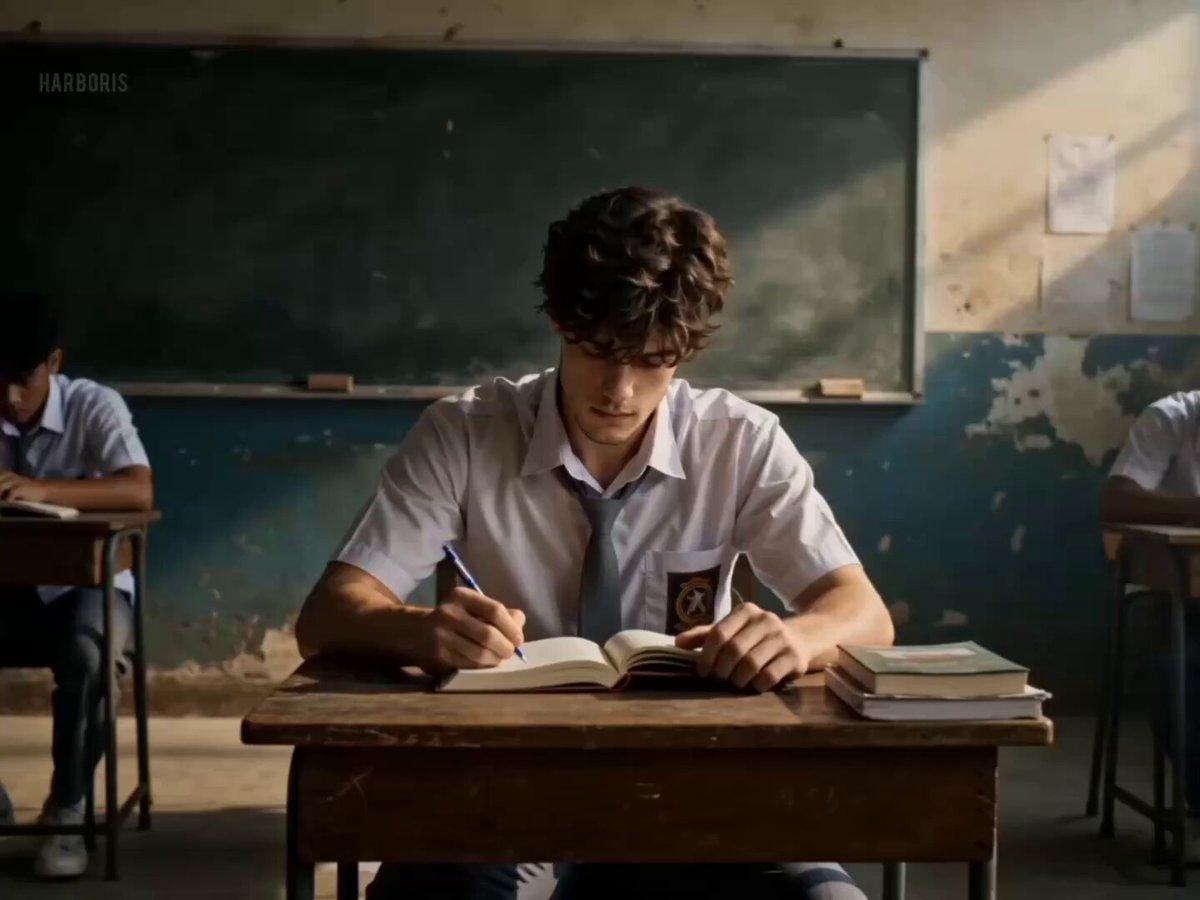
A 10s AI video of a young Nigerian man having a conversation with his wife in the living room
- flamingos
- golden hour
- reflections
Use the attached still (step 1: a water-level photograph of about twenty greater flamingos standing in a line across a shallow salt lagoon at golden hour, one in the center with its wings raised) as the exact first frame and animate it into a 7-second, 16:9 cinematic shot. Keep every element where it is in the still: the flamingos and their positions in the line, the raised wings of the center bird, the mirror reflections, the hazy hills, the apricot sky and the soft sun glow at the upper left. Motion (0-7 s): - 0-2 s: the center flamingo beats its raised wings; the birds around it lift their heads, open their wings and start stepping forward, sending ripples across the reflections. - 2-5 s: the whole line breaks into a running display across the shallow water, long legs pattering on the surface and kicking up small splashes, wings flapping wide to show coral-pink and black flight feathers, necks stretched forward. - 5-7 s: the flock keeps running and flapping from left to right, most birds leaving the frame on the right and a few lifting just above the water, while their reflections break into rippling pink streaks; the last few birds follow them out. Camera: locked-off telephoto framing at water level with a very slow pan to the right; focus stays on the flock; no cuts. Lighting and mood: constant warm golden-hour light, apricot sky and soft glints on the water; peaceful, graceful, natural. Audio (if supported): splashing footsteps, wingbeats, soft honking calls, a light breeze; no music, no voices. Avoid: people, boats, extra flamingos appearing from nowhere, birds merging or morphing, broken or extra legs and wings, sudden lighting changes, unnatural fast motion, text.
- cinematic
- financial struggles
- motivational
Create a 60-second ultra-realistic cinematic motivational short film titled “THE BATTLES NOBODY SEES.” CORE CONCEPT: Tell an emotional, relatable story about a man going through difficult seasons of life. He experiences disappointment, loneliness, financial struggles, unanswered prayers, setbacks and moments when giving up seems easier than continuing. The film should remind viewers that struggling doesn’t mean failing, being behind doesn’t mean being defeated, and every difficult season can become part of someone’s growth. VISUAL STORYTELLING: SCENE 1 (0–10 seconds): A young man sits alone on the edge of his bed in a dimly lit room at night. His phone lights up, but there are no meaningful messages. He looks exhausted and lost in thought. Rain falls outside the window. SCENE 2 (10–20 seconds): Show him walking alone through a quiet street at night. Close-up of his face, tired eyes and thoughtful expression. Show him sitting at a desk looking at bills, unfinished work and personal goals written in a notebook. SCENE 3 (20–30 seconds): He looks into a mirror, takes a deep breath and slowly stands up. Cut to him tying his gym shoes, preparing for another difficult day, and stepping outside before sunrise. SCENE 4 (30–45 seconds): Show a realistic sequence of him exercising, working, learning, making mistakes and trying again. Show sweat, exhaustion, persistence and small victories. His progress should feel gradual and believable. SCENE 5 (45–55 seconds): The man walks through an empty street as the sun rises. His facial expression is calmer. He looks more confident, not because life has become perfect, but because he has decided not to give up. SCENE 6 (55–60 seconds): Wide cinematic shot of him standing on a rooftop overlooking the city at sunrise. Slowly fade to black. FINAL ON-SCREEN MESSAGE: “YOUR STORY ISN’T OVER.” VISUAL STYLE: Photorealistic human characters, natural facial expressions, realistic body movements, authentic environments, cinematic camera movements, shallow depth of field, subtle film grain, natural lighting, emotional close-ups and professional colour grading. Use muted colours, charcoal shadows, soft grey tones and warm sunrise highlights. VOICEOVER: Calm, mature masculine voice. Deep but natural, emotionally grounded, conversational and sincere. Avoid exaggerated shouting or artificial motivational delivery. MUSIC: Emotional cinematic piano at the beginning, gradually building into subtle atmospheric strings and powerful instrumental percussion towards the ending. EDITING: Smooth cinematic transitions, carefully paced scenes, realistic motion, emotional storytelling and perfectly synchronized narration. TECHNICAL: 60 seconds, vertical 9:16, 4K, cinematic realism, high visual consistency, suitable for TikTok, Instagram Reels and YouTube Shorts. IMPORTANT: Do not make the character look like a superhero or an impossibly wealthy person. Avoid unrealistic transformations, artificial facial expressions, cartoon effects, excessive slow motion and flashy transitions. Make the story feel personal, honest and believable.
**Setting:** The 2026 Ballon d’Or Ceremony. Grand stage in Paris. Golden trophy sits centre on a pedestal. Audience claps. Host stands at microphone. Harry Kane sits front row, dressed sharp, smiling, ready to go up. Kylian Mbappé sits nearby. Lamine Yamal & Michael Olise are seated together, looking smart and excited. --- ## Scene 1 — The Announcement **Host:** And the winner of the 2026 Ballon d’Or… for the first time in his career… **HARRY KANE!** *(Applause erupts. Harry grins, stands up, shakes hands, walks toward the stage. Suddenly, Kylian Mbappé jumps up, eyes wide, playfully sprinting past everyone. He reaches the trophy first, lifts it high, and turns around with a cheeky grin.)* **Mbappé:** *(holding trophy above head)* MINE! 😜 I WON IT! *(Audience laughs. Harry stops, hands on hips, shaking his head with a smile.)* **Kane:** Kylian… put it down. They called **my** name. **Mbappé:** *(backing away, trophy still in hands)* Are you sure? Maybe I misheard! It sounded like *Kylian*! --- ## Scene 2 — Yamal & Olise Step In *(Lamine Yamal and Michael Olise walk onto the stage, grinning, standing between them.)* **Yamal:** Guys, calm down — everyone saw the envelope! It says **Harry Kane**. **Olise:** Yeah, Kylian, don’t be greedy! You’ve got enough already! Hand it over, mate. **Mbappé:** *(pulling trophy slightly away)* Just let me hold it for one photo! Please? I promise I’ll give it back after the picture! **Kane:** *(laughing)* One photo. That’s it. Then I get it. Deal? **Mbappé:** Deal! *(grins big)* --- ## Scene 3 — The Selfie & The Handover *(Mbappé holds the trophy high. Yamal pulls out his phone. All four squeeze together — Harry in the middle, Mbappé on one side still gripping the trophy, Yamal and Olise on the other two sides — all smiling for the camera.)* **Yamal:** Say CHEESE! And… got it! *(Mbappé sighs, smiles, and gently passes the trophy into Harry’s hands.)* **Mbappé:** Okay… it looks better on you anyway. Congratulations, Harry. You deserve it. **Kane:** Thank you, Kylian. And thanks, guys — for coming to save me from this one. *(laughs)* **Olise:** No problem! Now go give your speech — before he tries to run off with it again! *(Everyone laughs. Mbappé raises his hands in surrender. Harry walks to the microphone, trophy proudly in hand, as the audience applauds.)*
- becoming
- cricket player
- virat kohli
A boy's story about becoming a cricket player just like virat kohli
- foamy wave
- hatchlings
- loggerhead sea turtle
Use the attached still (step 1: a low photograph of ten loggerhead sea turtle hatchlings crawling across wet sand toward the sea at sunrise) as the exact first frame and animate it into a 6-second, 16:9 cinematic shot. Keep every element where it is in the still: the ten hatchlings and their positions on the sand, the open nest hollow at the lower left, the foamy wave edge from the top center to the right, the low sun on the horizon at the right and the pink and orange sky. Motion (0-6 s): - 0-1.5 s: the hatchlings begin to move, flippers pushing in small alternating strokes as they crawl diagonally toward the upper right; light glints on the wet sand. - 1.5-4 s: the hatchlings keep scrambling toward the water at a natural, slightly clumsy pace, leaving fresh flipper tracks, while a foamy wave rolls up the beach from the right and spreads over the sand toward them. - 4-6 s: the wave's foam edge reaches the leading hatchlings and washes around their flippers, then slowly recedes, leaving a glossy reflective sheen and small bubbles on the sand as the group keeps crawling seaward. Camera: locked-off low framing just above the sand with a very slow, slight push-in; focus stays on the nearest hatchlings; no cuts. Lighting and mood: constant soft sunrise light, warm pink and orange reflections and a sun glint on the water; hopeful, calm, natural. Audio (if supported): gentle surf, the soft hiss of foam on the sand, a light breeze; no music, no voices. Avoid: people, hands, birds, extra or duplicated turtles appearing, turtles morphing or walking upright, sudden lighting changes, unnatural fast motion, text.
{ "refs": { " @/img1 ": "LOCATION MAP. 90 degree top-down view, north is up. Treat it as a floor plan; every element keeps its position in all shots.", " @/img2 ": "CHARACTER. Match face, freckles, hair and outfit exactly." }, "set_layout": "Round teal pond with lily pads at center. Wooden jetty on the WEST shore. Bench with a red scarf just SOUTH of the pond, slightly west. Dirt path enters from the SOUTH and curves past the bench to the jetty. White heron in the shallows on the SOUTH-EAST shore. Reeds on the NW, NE, E and S shores. Birches and bushes ring the meadow.", "character": "Young woman, long platinum blonde hair, freckles, blue eyes, white tee, grey denim overalls, white sneakers, gold necklaces.", "performance": "Sassy, relaxed, talks like a friend spilling a secret. Natural pauses, breaths, a half laugh. Accurate lip sync. Eyebrow raises, eye rolls, smirks, glances off camera. Loose expressive hands matching the words.", "look": "Photoreal cinematic, 35mm anamorphic, golden morning sun from the east, soft haze, natural skin texture, 16:9, 30s", "shots": [ { "t": "0-4s", "cam": "Low wide from the south end of the path looking north, slow push in", "act": "Walks up the path, tucks hair behind her ear, rolls her eyes on 'total mess', flicks her hand", "line": "Okay so... AI video and keeping a location consistent? Total mess. Until now." }, { "t": "4-8s", "cam": "Wide from the east shore looking west across the pond, slow lateral track", "act": "Strolls the path, holds up one finger, draws a flat square in the air", "line": "One top-down shot of your set. Straight down, ninety degrees." }, { "t": "8-11s", "cam": "Wide from the north shore looking south, reeds in foreground", "act": "Reaches the bench, heron at frame left, points in four quick directions, tilts her head", "line": "North, east, south, west. The model reads it like a map." }, { "t": "11-16s", "cam": "Over the shoulder from behind the bench looking north at the pond", "act": "Sits, flicks the red scarf over her shoulder, gestures left to the jetty, right to the heron", "line": "Jetty stays west. Bench stays south. And that heron? Hasn't moved. Not once." }, { "t": "16-20s", "cam": "Medium close up from the pond edge looking south at her on the bench", "act": "Leans back, slow smirk, small laugh, points at camera", "line": "Cut from anywhere you want. Same pond. Same set. I'm kind of obsessed." }, { "t": "20-24s", "cam": "Extreme low angle from far at the north-east meadow edge, lens in the grass looking south-west, blurred wildflowers in front, towering birches, jetty right, heron left, she small on the bench", "act": "Spreads both arms along the bench backrest, then raises one finger high", "line": "And no, I didn't build a 3D scene. One image. That's the whole trick." }, { "t": "24-27s", "cam": "Wide profile from the end of the jetty looking east", "act": "Crosses her legs, shrugs with open palms, mock humble face", "line": "Location consistency, darling. It's not that deep." }, { "t": "27-30s", "cam": "Smooth crane rising to a 90 degree overhead view matching image_1", "act": "Looks up, waves, blows a playful kiss", "line": "You're welcome." } ], "audio": "Diegetic only: her voice (distant in the far shot), footsteps on dirt, birdsong, water lapping, reeds rustling, bench creak", "continuity": "Pond, jetty, bench, heron and birches stay where image_1 places them. Same outfit and light throughout." }
- desert battlefield
- futuristic fighter
- industrial corridor
Ultra-realistic Hollywood action VFX, one seamless 25-second shot. Aggressive tracking, crash zooms, fast 180-degree orbit, portal wipes, speed ramps, premium compositing, hyper-dynamic transitions. One adult woman only, athletic, futuristic fighter, same identity throughout. Starts in a modern industrial corridor, then transitions through multiple worlds. 0-5s: She sprints through a metallic corridor toward camera. A portal erupts open behind her, blasting sparks and wind. 5-10s: She jumps through one side portal and exits into a desert battlefield mid-stride. Camera keeps pace with her as sand explodes outward. 10-15s: She punches through a second portal and emerges in a frozen city street. Ice shards and snow swirl around her without breaking momentum. 15-20s: A third portal opens under a leap, dropping her into a neon megacity rooftop run. Camera orbits as she keeps moving. 20-25s: Final portal chain. Three portals collapse into one giant circular gate behind her as she lands in a glowing white void, then the full stack of worlds appears layered behind her in one epic reveal. Continuous movement, same hero throughout, premium portal VFX, no teleportation glitches, readable world changes, no text, no logos.
- arctic evening
- cinematic shot
- ice tower
Use the attached still (step 1: a tidewater glacier front meeting a calm turquoise fjord at Arctic evening) as the exact first frame and animate it into a 6-second, 16:9 cinematic shot. Keep every element where it is in the still: the tall white and deep-blue glacier face across the middle of the frame, the large leaning ice tower near the center, the dark snow-patched mountains and pale pink-gold sky behind, the glassy foreground water with small floating icebergs and brash ice, the seabirds on the floe at the right, and the warm low sun from the right. Motion (0-6 s): - 0-1.5 s: stillness; faint ripples move across the water and tiny ice fragments drift slowly. - 1.5-3.5 s: the leaning ice tower near the center cracks at its base, tilts forward and collapses into the fjord, shedding chunks of ice and a puff of white ice dust. - 3.5-6 s: a large white splash rises and falls back, a wave rolls outward toward the camera, the floating icebergs bob and rock, and the seabirds lift off the floe and fly out of frame to the right. Camera: locked-off, steady tripod-like framing from water level, with only a very slight rise as the wave arrives; no cuts, no zoom. Lighting and mood: the warm evening light and sky stay constant; dramatic but natural. Audio (if supported): a deep crack and thunderous rumble, a heavy splash, then lapping water and distant bird calls; no music, no voices. Avoid: people, boats, text, new objects, the whole glacier collapsing, sudden lighting changes, morphing mountains, unrealistic water.
CAR BLOCK (paste into every car clip) The car is an old, faded silver Toyota Corolla with a dented front bumper, left-hand drive, as in Nigeria. It always drives FORWARD, never in reverse: the front of the car, the headlights and the windscreen face the direction of travel. Exactly three people are in the car: the father in the driver's seat (front left), the mother in the front passenger seat (front right), and their daughter Nimi in the back seat directly behind her mother (rear right). The rear left seat is empty and piled with plastic buckets and bags. Luggage is tied on the roof rack. No other passengers. CLIP 1: The old car on the road Photorealistic cinematic live-action, vertical 9:16, bright morning daylight, a road in Nigeria leading toward a university campus. Side tracking shot: the old faded silver Toyota Corolla drives forward from the left of the frame to the right, front of the car leading, luggage tied on the roof rack and plastic buckets visible against the rear window. [Paste CAR BLOCK.] Sound: rattling old engine, birds, distant traffic. No dialogue, no subtitles, no on-screen text. Not cartoon or anime. CLIP 2: All three in the car Photorealistic cinematic live-action, vertical 9:16, natural daylight. Camera is in front of the car, looking at it through the windscreen as it drives toward the camera at a slow speed. [Paste CAR BLOCK.] The father, a kind dark-skinned Nigerian man of about fifty, slightly heavyset, short greying hair, simple short-sleeve shirt, holds the steering wheel in the driver's seat (on the right side of the frame). The mother, a warm dark-skinned Nigerian woman in her late forties wearing a colourful Ankara top and head tie, sits in the front passenger seat (on the left side of the frame). Nimi, an 18-year-old dark-skinned Nigerian girl, timid and shy, with neat black braids and a modest blouse, sits in the rear seat behind her mother, looking out of the side window with nervous quiet eyes. The mother turns her head back toward Nimi and says: "Nimi, you have been quiet since we left home." Nimi gives a small shy smile and says softly: "I'm just nervous, Mummy." Authentic Nigerian accents, accurate lip sync. Sound: engine hum, light traffic. No subtitles, no on-screen text. Not cartoon or anime. CLIP 3: Dad speaks Photorealistic cinematic live-action, vertical 9:16, natural daylight, interior of a moving old car in Nigeria. Camera is in the back seat, looking forward between the two front seats. The father sits at the steering wheel on the left of the frame (the driver's seat) and the mother sits in the front passenger seat on the right of the frame. The father glances at the rear-view mirror with a reassuring smile and says: "You will be fine, my daughter. Just focus on your books." The mother nods with a soft smile. Through the windscreen, a Nigerian road moves slowly ahead. Authentic Nigerian accents, accurate lip sync. Sound: engine hum, light traffic. No subtitles, no on-screen text. Not cartoon or anime. CLIP 4: Arriving at campus Photorealistic cinematic live-action, vertical 9:16, bright morning daylight, entrance area of a Nigerian university campus. Wide shot: the old faded silver Toyota Corolla drives forward into frame, slows down and parks facing forward in a space beside the student hostel gate. Luggage is on the roof rack. Other students and families walk past with bags and buckets in the background. The car never reverses. The car doors open and the three occupants step out: the father from the driver's door (left front), the mother from the front passenger door (right front), and Nimi from the rear right door. Sound: campus chatter, car doors, birds. No dialogue, no subtitles, no on-screen text. Not cartoon or anime. CLIP 8: The car leaves Photorealistic cinematic live-action, vertical 9:16, bright morning daylight, Nigerian university hostel gate. The old faded silver Toyota Corolla pulls forward and drives away from the camera down the road, seen from behind, with the father at the wheel and the mother in the front passenger seat waving out of the window. The car moves forward only, never in reverse. Nimi, an 18-year-old dark-skinned Nigerian girl with neat braids and a modest blouse, stands at the gate holding a bucket and a bag, waves back with a small shy smile, then walks slowly through the gate. Slow push-in on her back as she goes in, then the shot fades to black. Sound: engine fading, campus chatter softening, birds. No dialogue, no subtitles, no on-screen text. Not cartoon or anime.
- apartment
- art house
- crosswalk
Cinematic ultra-realistic quiet emotional drama short film, 16:9, 30 seconds, 24fps, shot like an indie art-house film, dim warm-and-cool lighting, a lonely apartment at night, soft lamp glow, a rain-fresh city street with golden streetlights and bokeh, shallow depth of field, crisp detail, subtle film grain, slow intimate camera movement, reflective and bittersweet mood. 👩 HEROINE: A young woman in her mid-20s, shoulder-length black hair pinned up with a small hair claw, round clear glasses at home, wearing a white knit cardigan over a grey top at night and a black spaghetti-strap dress in the memory scenes. Tired, thoughtful and quietly strong. Keep her face identical in every shot. 🚪 0–4s: A dim hallway at night. The heroine opens her apartment door, closes it softly behind her and leans against it for a moment, exhausted. She exhales and walks into the dark living room. 💻 4–8s: Close-up of her face lit by the cold blue glow of a laptop. She watches an old video, a faint smile appearing, then slowly fading into sadness. A single reflection of the screen glimmers in her glasses. 🚗 8–12s: She grabs her bag and steps out into a warm-lit night street. A parked car stands in the distance with a silhouetted figure inside. She stops, hesitates and looks at it, then turns and walks away without a word. 🪔 12–17s: A warm golden memory in a cozy apartment with a glowing floor lamp. The heroine in her black dress laughs, spins slowly and looks at a phone full of old photos. Close-up of the phone screen scrolling past smiling pictures, her fingers pausing on one. 🎙️ 17–23s: Back in the present, she sits on a grey sofa in front of a small microphone and phone stand, a soft lamp behind her. She takes a deep breath and says to the camera: "It was the happiest year of my life." A pause. "And the hardest lesson." 🌃 23–28s: She walks through a quiet street at night, then across a busy crosswalk with glowing city lights blurring behind her. Rear tracking shot, her ponytail swaying gently, steady and determined. 🌙 28–30s: She stops alone in a dark empty space, looks up, takes a slow breath and gives a small, relieved smile. She whispers: "But I'm still here." Slow push-in on her face, then fade to black. 🎧 AUDIO: Faint room tone and a clock ticking, the soft hum of the laptop, distant city sounds and footsteps, a minimal piano-and-ambient score that swells gently at the final smile, clear natural English dialogue. 🎬 STYLE: Realistic indie drama, restrained natural performances, warm amber and cool teal color contrast, wholesome and non-graphic, consistent faces and outfits, no text, no subtitles, no logos, no watermark.
- creature horror
- dark mysterious
- giant pitcher plant
Martin Lazzari vs. Giant Pitcher Plant Swallowed Whole – Digestive Bad Ending GENRE: Fantasy / Adventure / Creature Horror SCENE 1 – THE MYSTERIOUS JUNGLE CAMERA: Wide establishing shot of a tropical jungle. Strange plants sway in the warm breeze. Martin Lazzari walks through the jungle, looking around. MARTIN (curious): "Wow... this place is beautiful!" SFX: Birds chirping. Leaves rustling. Martin notices an enormous pitcher plant nearby. MARTIN: "Huh? What's that strange-looking plant?" SCENE 2 – THE PITCHER PLANT CAMERA: Close-up of the giant plant opening its enormous pitcher-shaped mouth. MARTIN: "Whoa! That's huge!" Martin steps closer and examines the slippery rim. MARTIN: "Wait... why is it moving?" SFX: SLURP... SQUELCH... GURGLE! Suddenly, the plant bends toward him! MARTIN (shocked): "WHAT THE?!" SCENE 3 – SWALLOWED WHOLE CAMERA: Dramatic medium shot. The pitcher plant suddenly pulls Martin inside its enormous slippery opening. MARTIN: "HEY! LET ME GO!" SFX: SLUUURP! SPLORCH! GLOOP! The plant swallows Martin completely. CAMERA: Exterior shot of the giant pitcher plant wobbling before slowly closing its lid. SFX: GULP! POP! SCENE 4 – INSIDE THE PITCHER PLANT CAMERA: Stylized fantasy cutaway showing Martin safely inside a dark, enclosed, slippery chamber. MARTIN (muffled): "Mmmmph! Hello?! Can anybody hear me?!" SFX: GLOOP... GURGLE... BLORP... MARTIN (muffled): "Eww! It's so slimy! And it's really hot in here!" He tries pushing against the slippery walls. MARTIN: "Somebody get me out of here!" SFX: SQUELCH! GURRRGLE! BLOOP! SCENE 5 – THE BAD ENDING CAMERA: Exterior close-up of the pitcher plant. The plant gently bubbles and wobbles. SFX: BLUB... BLUB... POP! GLOOP! Martin's muffled voice gradually fades away. MARTIN (faintly muffled): "Help... me..." SFX: GURGLE... BLOOP... POP! The plant closes completely. CAMERA: Slow zoom out as the jungle becomes quiet. MUSIC: Dark, mysterious orchestral ending. THE END – MARTIN LAZZARI'S BAD ENDING