Fashion Editorial Outfit Breakdown

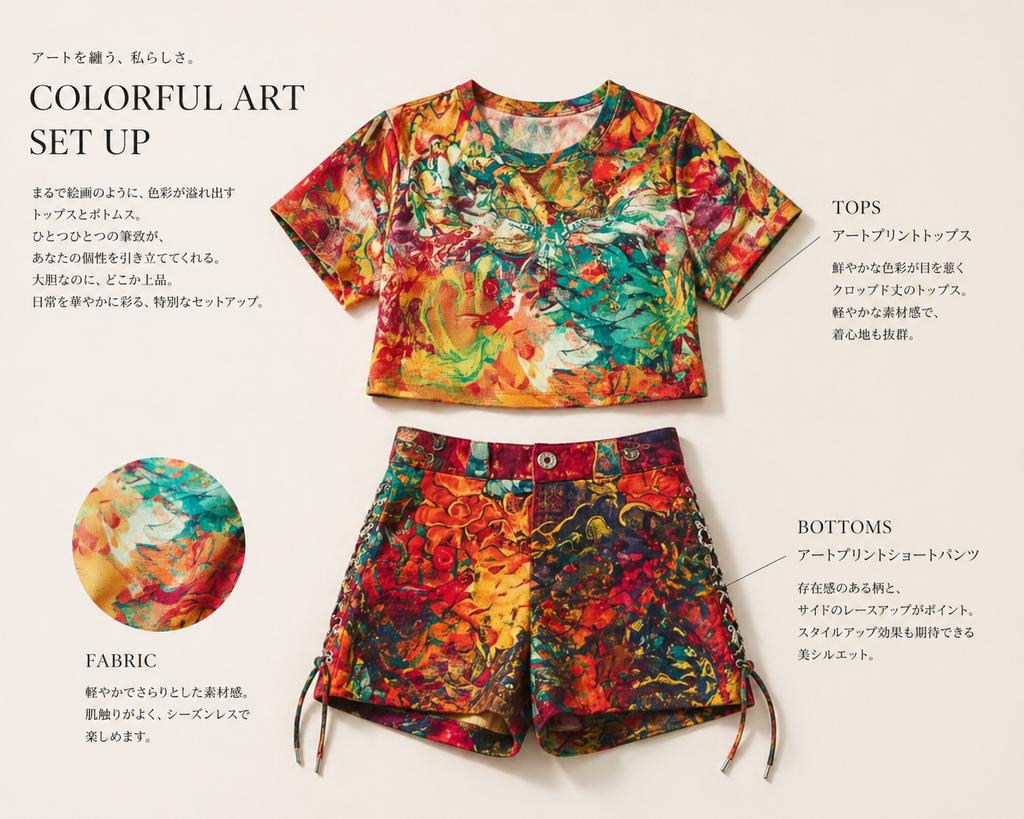
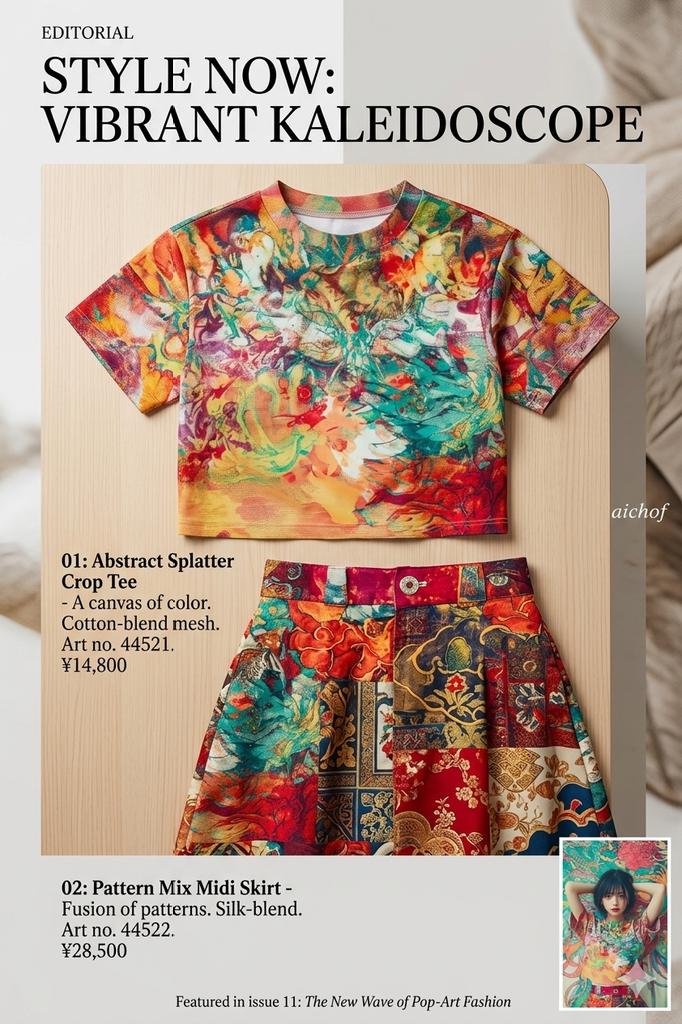
This prompt turns a reference outfit photo into a polished magazine-style apparel layout for product presentation and catalog mockups.
Fashion Editorial Outfit Breakdown

Prompt

Using REFERENCE_0, extract only the outfit and turn it into a clean fashion magazine product showcase on a light warm-beige background. Remove the person entirely and display the clothing as separate laid-flat items: 1 cropped short-sleeve top centered near the top and 1 pair of shorts centered below it. Preserve the vivid multicolor art print from the reference, but present the garments neatly, as if for an editorial catalog page, with soft studio shadows. Add 1 circular fabric-detail inset at the lower left showing a close-up of the print. Add elegant editorial typography and thin callout lines, with 4 text blocks total: a large headline block at upper left reading “COLORFUL ART SET UP” with small Japanese copy above and below, 1 right-side block labeled “TOPS” with Japanese description, 1 lower-right block labeled “BOTTOMS” with Japanese description, and 1 lower-left block labeled “FABRIC” with short Japanese description. Keep the overall look refined, minimal, premium, and like a clothing introduction page in a magazine.

Runs on 18 models

  • Flux
  • Flux 2
  • Flux Kontext
  • GPT-4o Image
  • GPT Image
  • GPT Image 2
  • GPT Image 2.5
  • Grok Imagine
  • Ideogram V3
  • Imagen 4
  • Midjourney
  • Nano Banana
  • +6 more

What this prompt produces

咖啡馆旅行手账分栏页 Not specified gpt-image-2
日系 Chibi 互动小插画 Not specified gpt-image-2
动漫动作短片设定分镜板 Not specified gpt-image-2
Realistic Group Selfie with Smartphone Flash Effect Not specified nano-banana-pro
Four Seasons Portrait Collage Not specified nano-banana-pro
Minimalist Dog Sketch Clipart Not specified nano-banana-pro

Run this prompt with the API

The request below sends this prompt, with its default values filled in, to the first model it runs on. Swap the model name for any other model listed above.

Prompt API docs
/api/v1/gpt_image_2/text_to_image
curl -X POST https://runapi.ai/api/v1/gpt_image_2/text_to_image \
  -H "Authorization: Bearer $RUNAPI_API_KEY" \
  -H "Content-Type: application/json" \
  --data-binary @- <<'JSON'
{
  "model": "gpt-image-2",
  "prompt": "Using REFERENCE_0, extract only the outfit and turn it into a clean fashion magazine product showcase on a light warm-beige background. Remove the person entirely and display the clothing as separate laid-flat items: 1 cropped short-sleeve top centered near the top and 1 pair of shorts centered below it. Preserve the vivid multicolor art print from the reference, but present the garments neatly, as if for an editorial catalog page, with soft studio shadows. Add 1 circular fabric-detail inset at the lower left showing a close-up of the print. Add elegant editorial typography and thin callout lines, with 4 text blocks total: a large headline block at upper left reading “COLORFUL ART SET UP” with small Japanese copy above and below, 1 right-side block labeled “TOPS” with Japanese description, 1 lower-right block labeled “BOTTOMS” with Japanese description, and 1 lower-left block labeled “FABRIC” with short Japanese description. Keep the overall look refined, minimal, premium, and like a clothing introduction page in a magazine."
}
JSON

Try a prompt

Estimated: $0.04 / image

Sign in to generate with RunAPI.

Sign in to generate

Sign in to start generating with your available language models.