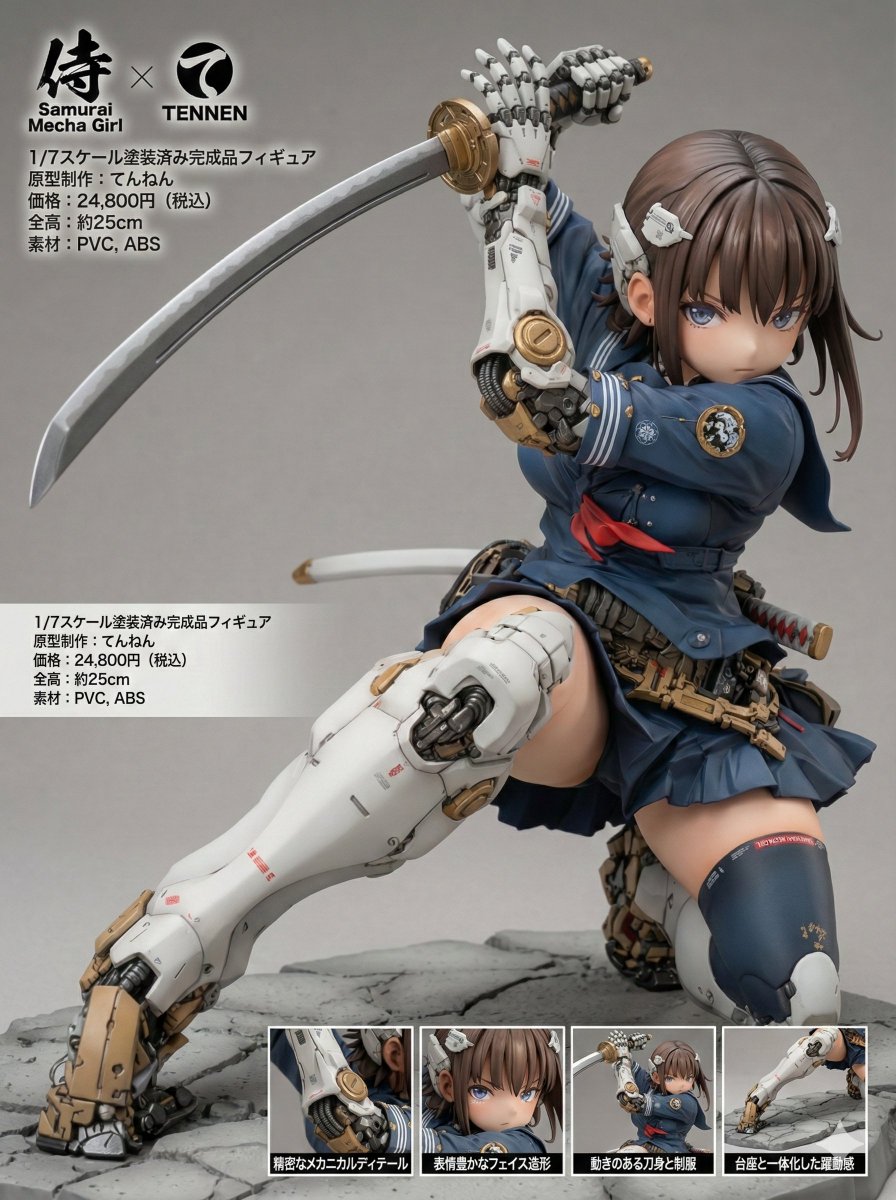
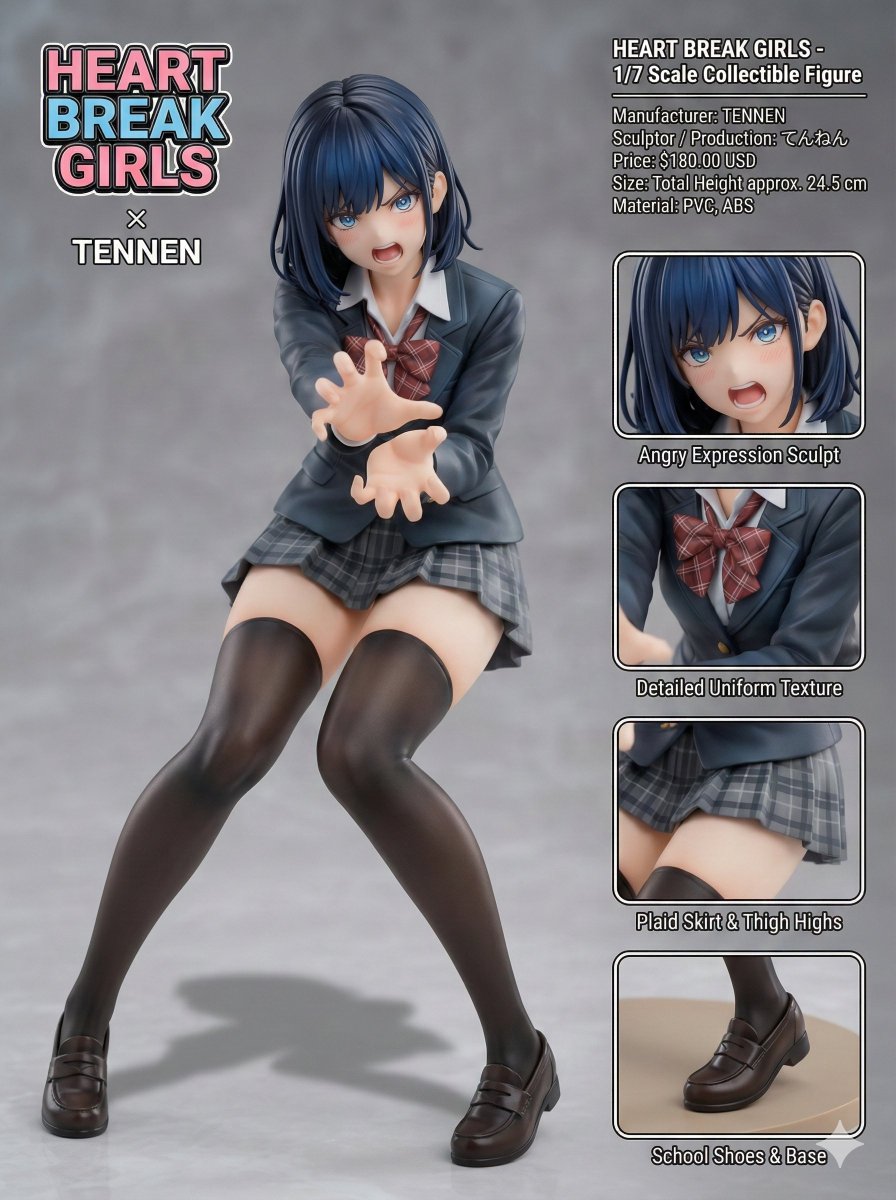
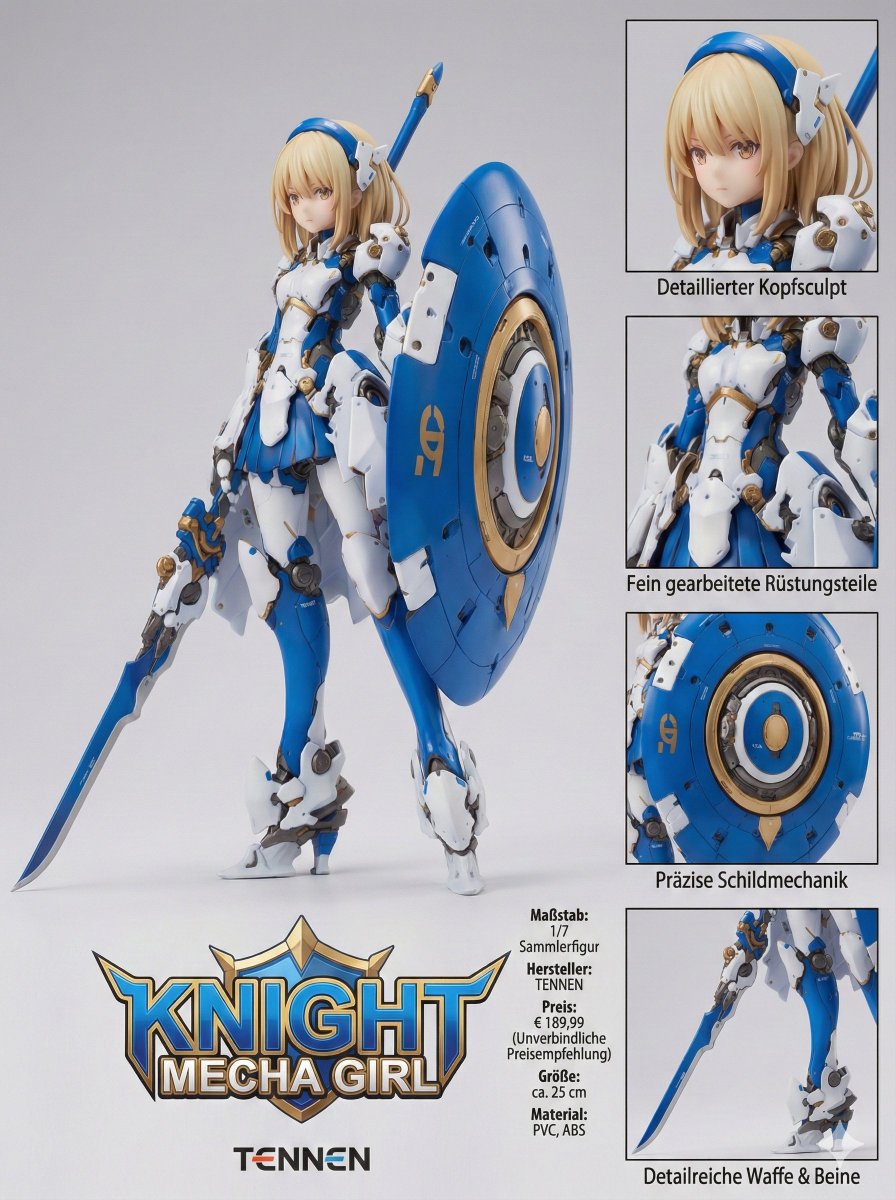
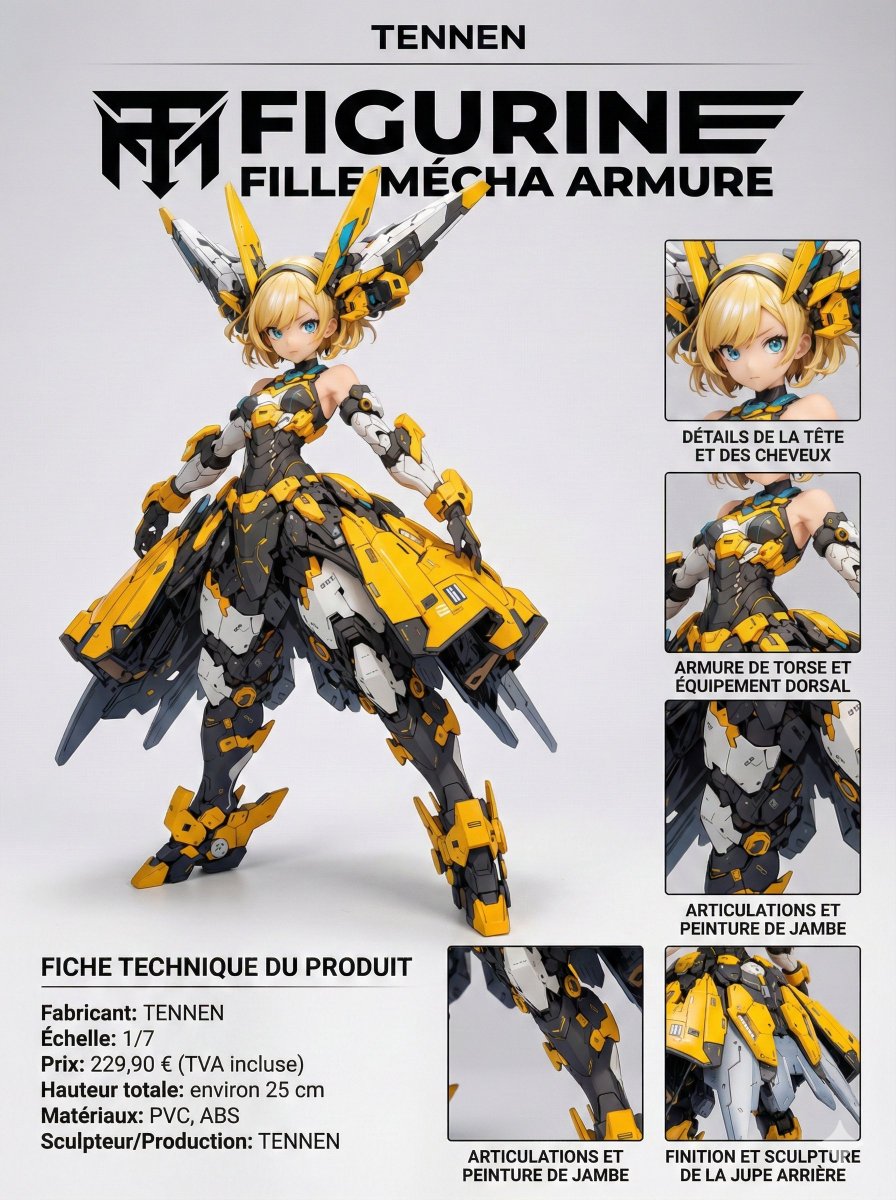
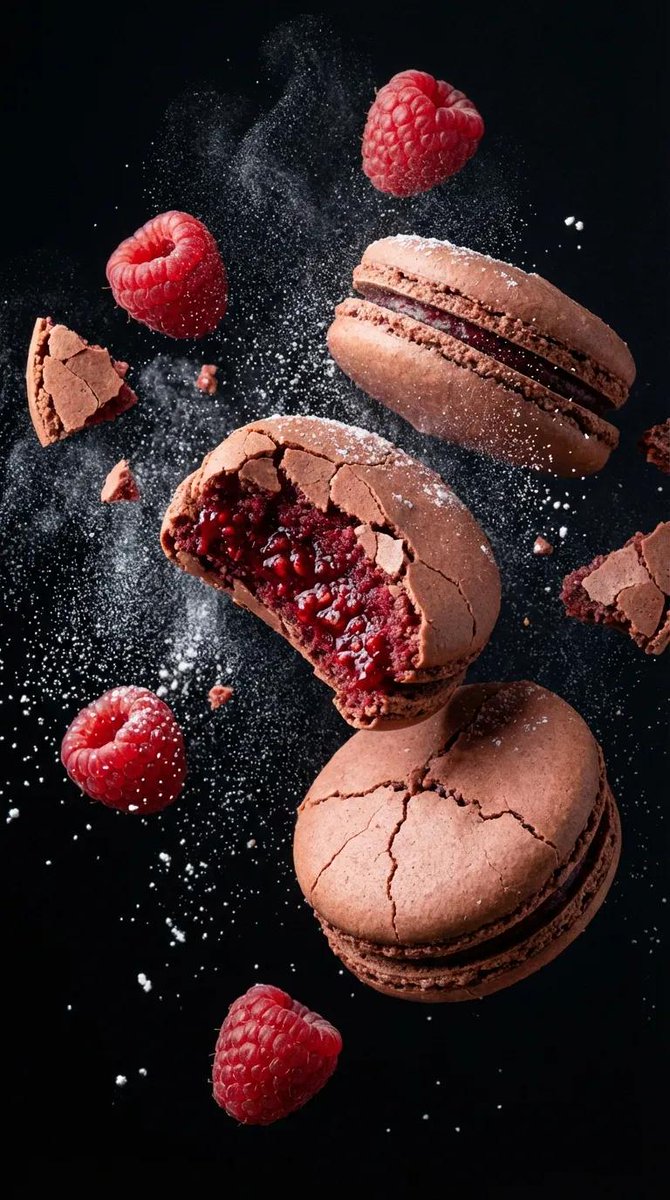
- collectible
- glossy plastic
- lego minifigure
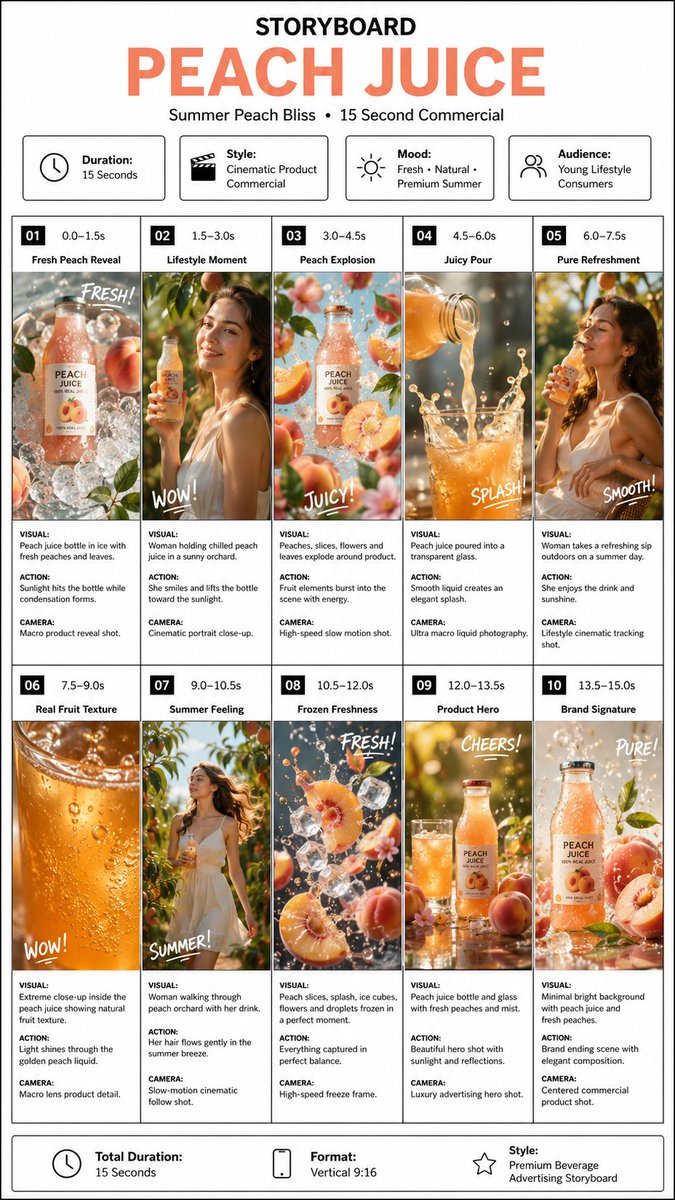
{ "prompt": { "title": "Personalized LEGO Minifigure Collectible Generator", "concept": "Transform the person in the reference image into a premium, highly detailed, classic LEGO minifigure collectible. The result must look like a professionally manufactured physical LEGO toy photographed in a high-end product photography studio.", "reference_image_analysis": { "instruction": "Analyze the reference photograph before designing the minifigure.", "identify_and_preserve": [ "Distinctive facial characteristics", "Face shape and proportions", "Hair color, hairstyle, and hair volume", "Eyebrows and characteristic expression", "Glasses and eyewear", "Facial hair, beard, and moustache", "Original clothing and dominant colors", "Logos, typography, and recognizable clothing graphics", "Jewelry, watches, bags, and personal accessories", "Other distinctive visual characteristics" ], "identity_priority": "The resulting minifigure should be immediately recognizable as the person in the reference image, despite the simplified LEGO facial design." }, "character_construction": { "design_language": "Authentic classic LEGO minifigure construction with premium collectible detailing.", "head": { "shape": "Classic cylindrical LEGO minifigure head", "material": "Glossy injection-molded plastic", "color": "Traditional LEGO yellow or appropriate LEGO skin-tone color", "face": "Printed LEGO facial graphics", "eyes": "Classic expressive LEGO eyes with black pupils and white highlights", "eyebrows": "Printed eyebrows matching the subject", "expression": "Friendly, confident, natural expression", "facial_hair": "Precisely printed stubble, beard, or moustache when present" }, "hair": { "construction": "Separate molded LEGO hairpiece", "material": "Glossy ABS plastic", "style": "Reproduce the reference hairstyle using recognizable molded hair geometry", "details": "Individual molded hair sections, realistic plastic reflections, accurate hair color" }, "eyewear": { "instruction": "Reproduce glasses and sunglasses as separate miniature LEGO-compatible accessories when present.", "style": "Accurate frame shape, color, and proportions." }, "torso": { "shape": "Classic LEGO minifigure torso", "clothing": "Reproduce the original outfit using clean printed graphics.", "graphics": "Preserve recognizable logos, lettering, color combinations, pockets, collars, and clothing details.", "texture": "Smooth plastic with printed designs. Never use realistic fabric textures.", "finish": "Premium glossy molded plastic." }, "arms": { "shape": "Classic cylindrical LEGO arms", "proportions": "Authentic minifigure dimensions", "color": "Match the reference clothing" }, "hands": { "shape": "Traditional C-shaped LEGO hands", "color": "Match the minifigure head color" }, "legs": { "shape": "Classic rigid LEGO minifigure legs", "proportions": "Short, blocky, connected LEGO legs", "details": "Printed trousers, shoes, and other recognizable clothing details where appropriate" }, "accessories": { "instruction": "Recreate recognizable personal accessories as miniature molded LEGO elements.", "examples": [ "Glasses", "Watches", "Headphones", "Backpacks", "Bags", "Hats", "Jewelry", "Professional equipment", "Personal objects" ], "rule": "Only include accessories supported by the reference photograph." } }, "material_and_rendering": { "material": "High-quality injection-molded ABS plastic", "surface": "Smooth, polished, glossy plastic", "reflections": "Subtle controlled studio reflections", "edges": "Precise molded edges and authentic LEGO geometry", "printing": "Sharp, clean, high-resolution printed graphics", "realism": "Photorealistic physical toy rendering", "quality": "Premium collectible product visualization" }, "composition": { "subject_count": 1, "position": "Precisely centered in the frame", "pose": "Standing upright in a natural neutral minifigure pose", "orientation": "Front-facing with a subtle three-quarter angle", "framing": "Complete character visible from hair to feet", "scale": "Character occupies approximately 75 to 85 percent of the image height", "symmetry": "Balanced composition with equal visual breathing room", "camera": "Professional product photography, slightly elevated three-quarter perspective" }, "background": { "type": "Pure white seamless studio background", "color": "#FFFFFF", "environment": "No scenery, no diorama, no LEGO bricks, no furniture, no props", "shadows": "Very subtle natural contact shadow beneath the character", "distractions": "Absolutely none" }, "lighting": { "style": "Premium commercial studio lighting", "key_light": "Large softbox positioned at 45 degrees", "fill_light": "Soft frontal fill light", "rim_light": "Subtle highlights around the hair and shoulders", "shadows": "Soft realistic shadows", "exposure": "Bright, balanced, clean exposure" }, "miniature_effect": { "concept": "The character must look like a real, tiny physical collectible toy photographed using professional macro photography.", "camera_style": "Macro product photography", "lens": "90mm to 105mm macro lens aesthetic", "depth_of_field": "Moderately shallow depth of field, keeping the entire minifigure sharp.", "focus": "Sharp focus on the face, hair, torso, and clothing details.", "perspective": "Natural miniature toy photography perspective", "scale_illusion": "Subtle optical characteristics that communicate physical miniature scale without distorting the character.", "background_blur": "Not applicable to the pure white seamless background." }, "visual_consistency": { "priority_1": "Authentic LEGO minifigure anatomy", "priority_2": "Recognizable personal identity", "priority_3": "Accurate clothing and accessories", "priority_4": "Premium glossy plastic materials", "priority_5": "Consistent studio product photography", "rule": "Never convert the character into a realistic human, action figure, Funko Pop, or generic cartoon character." }, "negative_prompt": [ "Realistic human anatomy", "Human skin texture", "Photorealistic human face", "Funko Pop proportions", "Action figure anatomy", "Soft organic body shapes", "Long human-like legs", "Realistic fabric", "Cloth wrinkles", "Oversized hands", "Deformed LEGO parts", "Missing accessories", "Incorrect hairstyle", "Unrecognizable facial characteristics", "Extra limbs", "Multiple characters", "Background scenery", "LEGO diorama", "Colored background", "Text outside the character", "Watermarks", "Packaging", "Display stands", "Cropped feet", "Cropped hair" ], "output_settings": { "format": "Photorealistic 3D render", "aspect_ratio": "2:3", "resolution": "High resolution", "background": "Pure white", "subject": "One complete centered LEGO minifigure", "presentation": "Premium collectible studio product photograph" } } }
- mossy branch
- product photography
- red panda
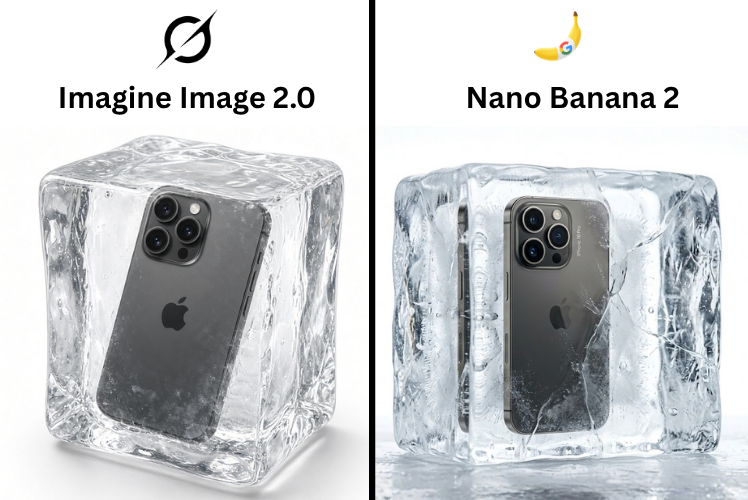
A close, slightly elevated studio photograph of a finished needle-felted wool sculpture of a red panda sitting on a mossy branch, 16:9 landscape composition, the sculpture filling the center of the frame. The red panda is built entirely from densely poked wool fibers: rusty orange and cinnamon body, cream muzzle and ear linings, dark brown eye patches and legs, a ringed bushy tail curling around the branch. Tiny black glass bead eyes catch a soft highlight; whiskers are a few fine threads of dark wool; individual poked texture shows on the cheeks and paws so it reads as handmade felt, not fur photography. The branch is wrapped in real preserved sheet moss and a few dried fern fronds, resting on a pale linen cloth over a wooden craft table. Soft diffused window light from the upper left, gentle contact shadows under the paws, shallow depth of field with the face and front paws sharpest, the far end of the tail and table edge softly blurred. At the lower right corner, out of focus: a felting needle in a wooden handle and a small pile of dyed wool rovings in orange, cream, and brown. Photoreal product photography of handmade needle-felted fiber art, true colors, cozy and quiet mood. Not a drawing, not a painting, not a real animal: a real photographed wool sculpture. No readable text, no letters, no signature, no watermark, no hands.
- ceramic
- coffee set
- glass carafe
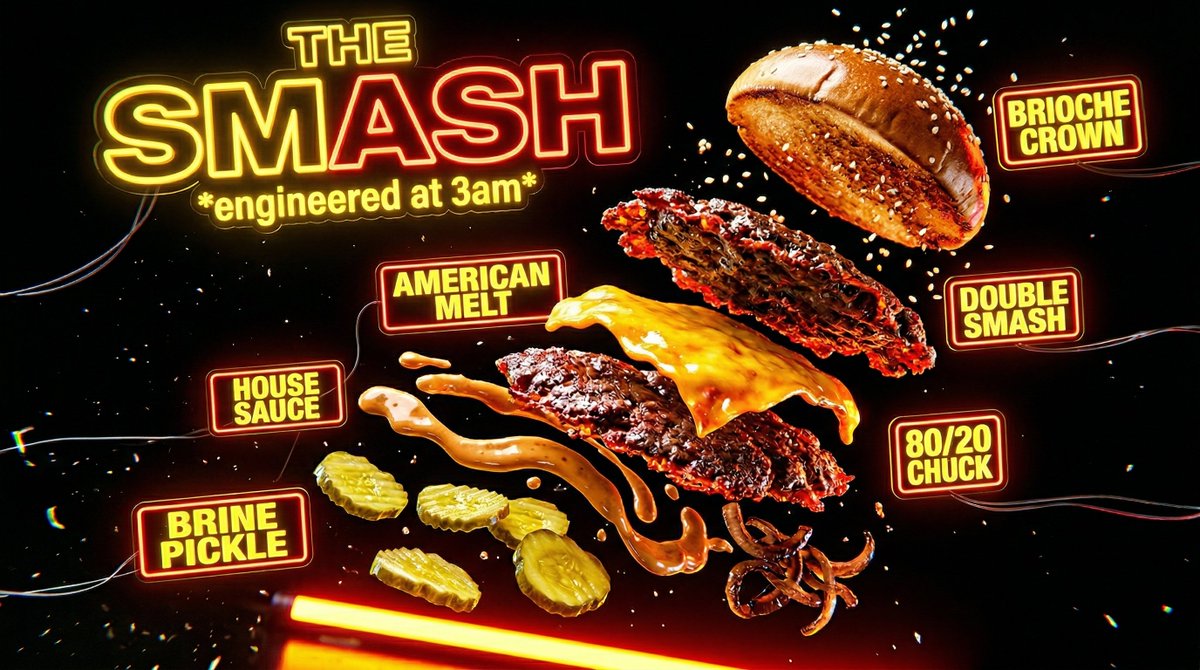
Product hero photograph of a matte sand-beige ceramic pour-over coffee set: a ribbed dripper on a clear glass carafe with a thin ribbon of steam, two matching handleless cups beside it. Set on a honed travertine slab against a cream plaster wall. Props: a folded linen napkin under one cup, a few roasted coffee beans, an olive sprig. Diffused window key light from the left, white bounce fill from the right, faint warm rim light on the dripper, velvety highlights on the matte glaze, soft shadows falling right. Full-frame camera, 85mm lens, f/5.6, focus on the dripper rim, elevated three-quarter angle. Palette: sand beige, cream, terracotta, espresso brown, olive green. Calm, warm, handcrafted morning mood. Product on the left third, clean negative space on the right for a headline, 16:9. No logos, no text, no hands, no clutter.
- design
- electrolyte
- flavour
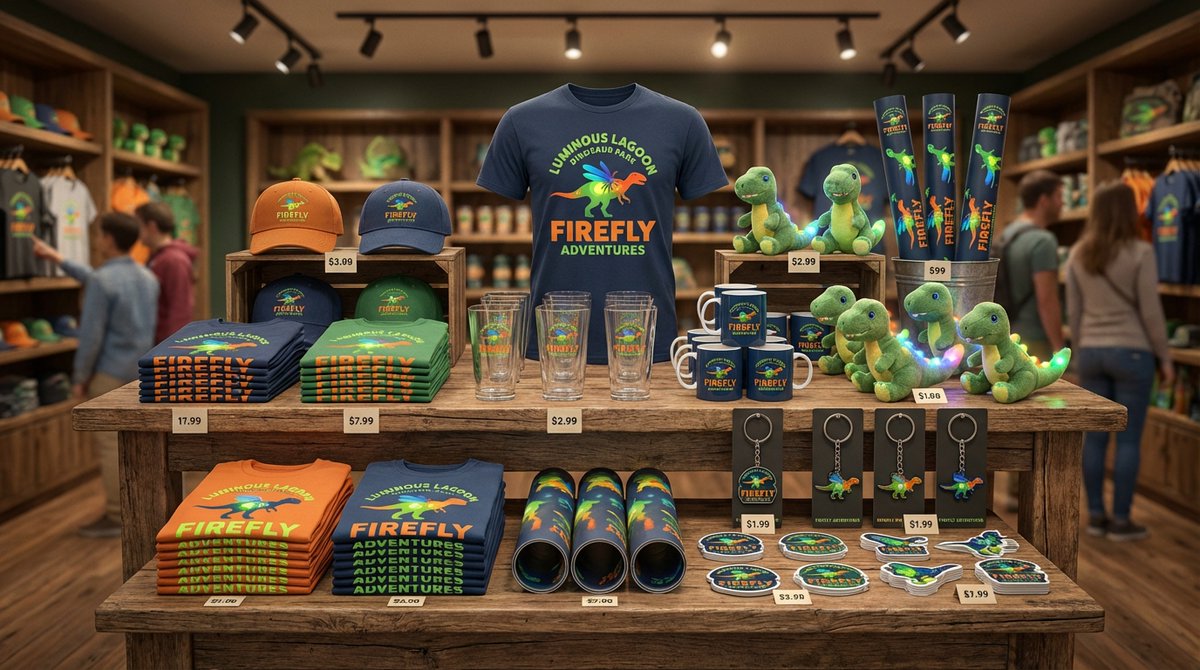
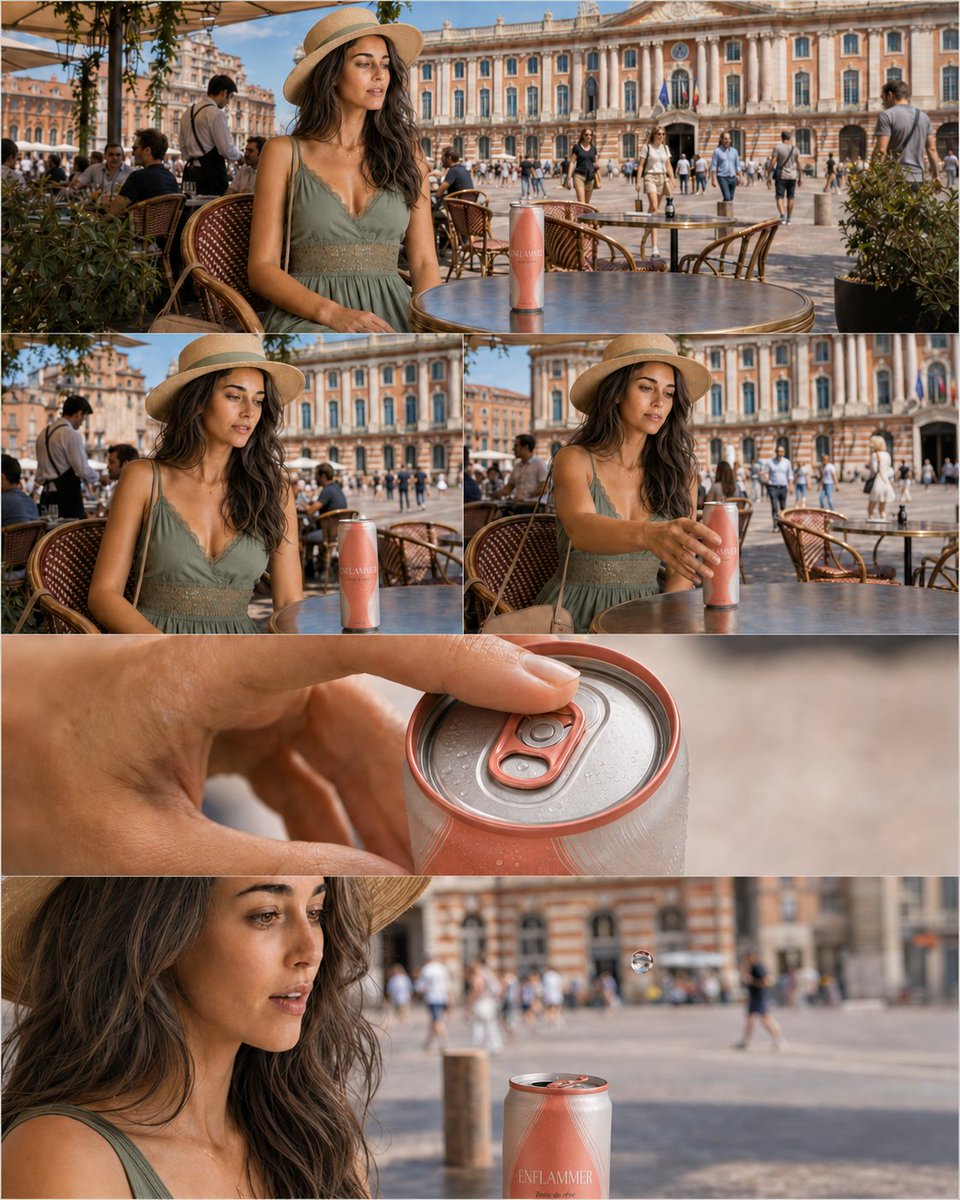
Stick Pack / Sachet Design for Electrolyte Drink Mix – Natural Hemp Life ABOUT US Natural Hemp Life is a European wellness brand selling in Sweden, Denmark, Norway and Poland. We're launching a new line of electrolyte drink mix sticks (single-serve powder sachets) and need a fresh, eye-catching pouch design. WHAT WE NEED A front and back design for a single-serve electrolyte stick pack, plus one flavour variant to show how the system works across flavours. DESIGN DIRECTION - Inspiration: Look closely at Liquid I.V. stick packs. We want that same feel: bold, clean, modern, energetic, easy to read on a shelf and on a phone screen. Use it for style only. Do not copy their logo, layout or trade dress one to one. - We like lime green color, so use it instead of blue where applicable. - Fruit imagery (required): Each sachet must show a large, vivid, appetising picture of the flavour's fruit, as Liquid I.V. does. The fruit should be a hero element, not a small icon. - Our logo, toned down: Use the Natural Hemp Life logo (attached), but make the hemp leaf/flower much less prominent. It can be smaller, simplified, lighter, or single-colour. This is a hydration product first, so the hemp symbol should not dominate. - Our signature straight line: All our products have a characteristic straight line (see attached product photos). It must appear on this pouch too, so the sachet clearly belongs to our range. - Colour: Each flavour gets its own strong colour matching its fruit, while the layout stays the same across the range. - Hierarchy: 1) Fruit picture + flavour name, 2) "Electrolytes" / product type, 3) Natural Hemp Life logo, 4) short claims or benefit icons. TECHNICAL DETAILS - Format: stick pack, approx. ${width} x ${height} mm (we'll confirm the exact dieline with the winner) - Flavours: [e.g. Lemon Lime, Watermelon, Raspberry]. Please show at least one. - Back side: space for ingredients, nutrition table, usage instructions, EAN barcode and multi-language text (SE/DK/NO/PL). Placeholder text is fine.