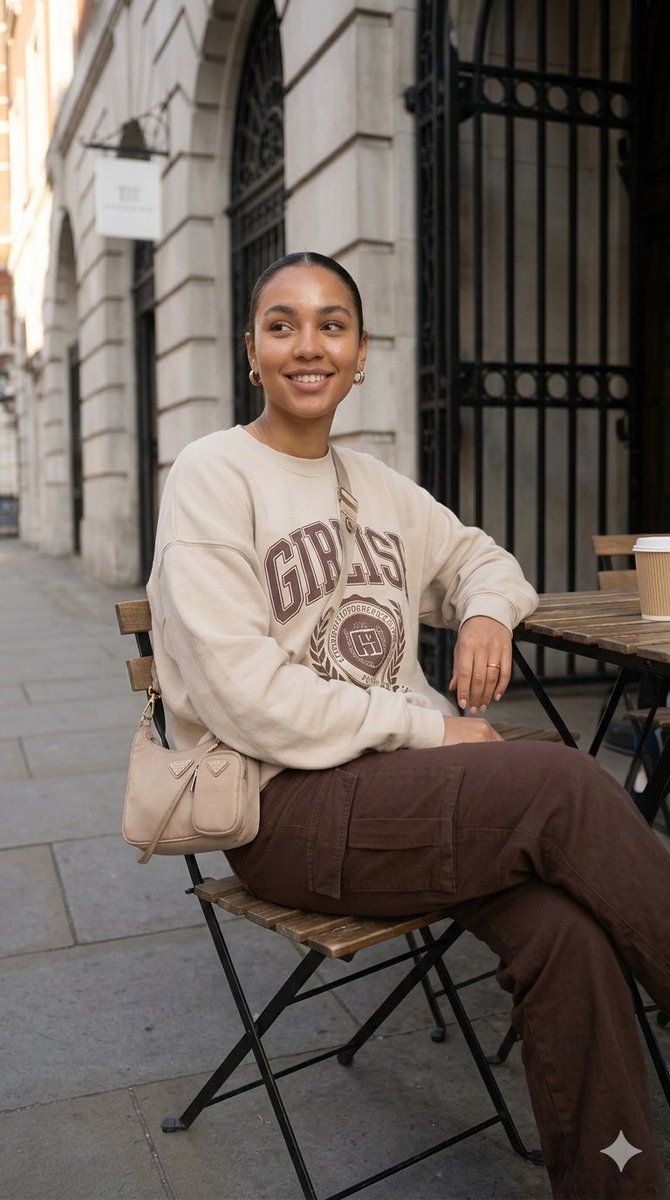
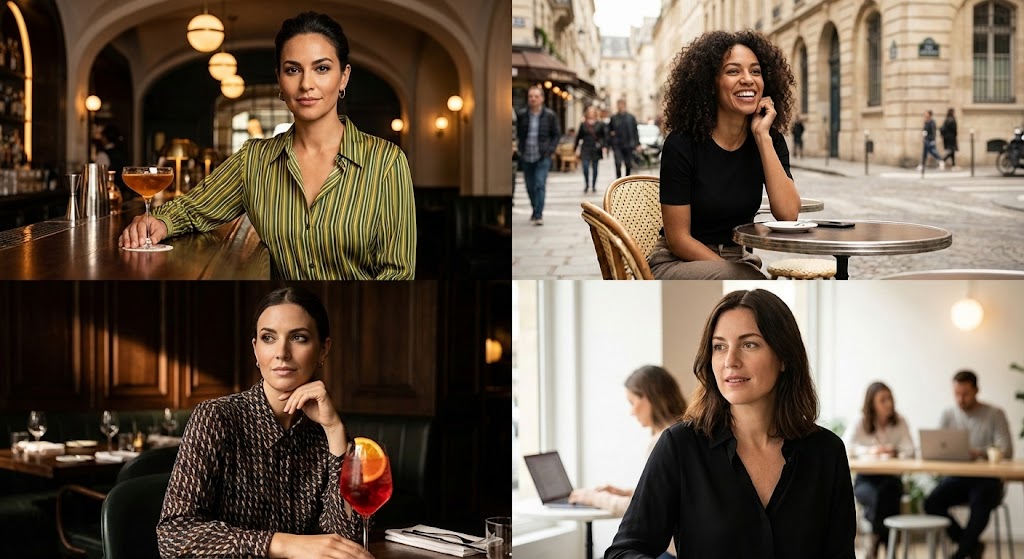
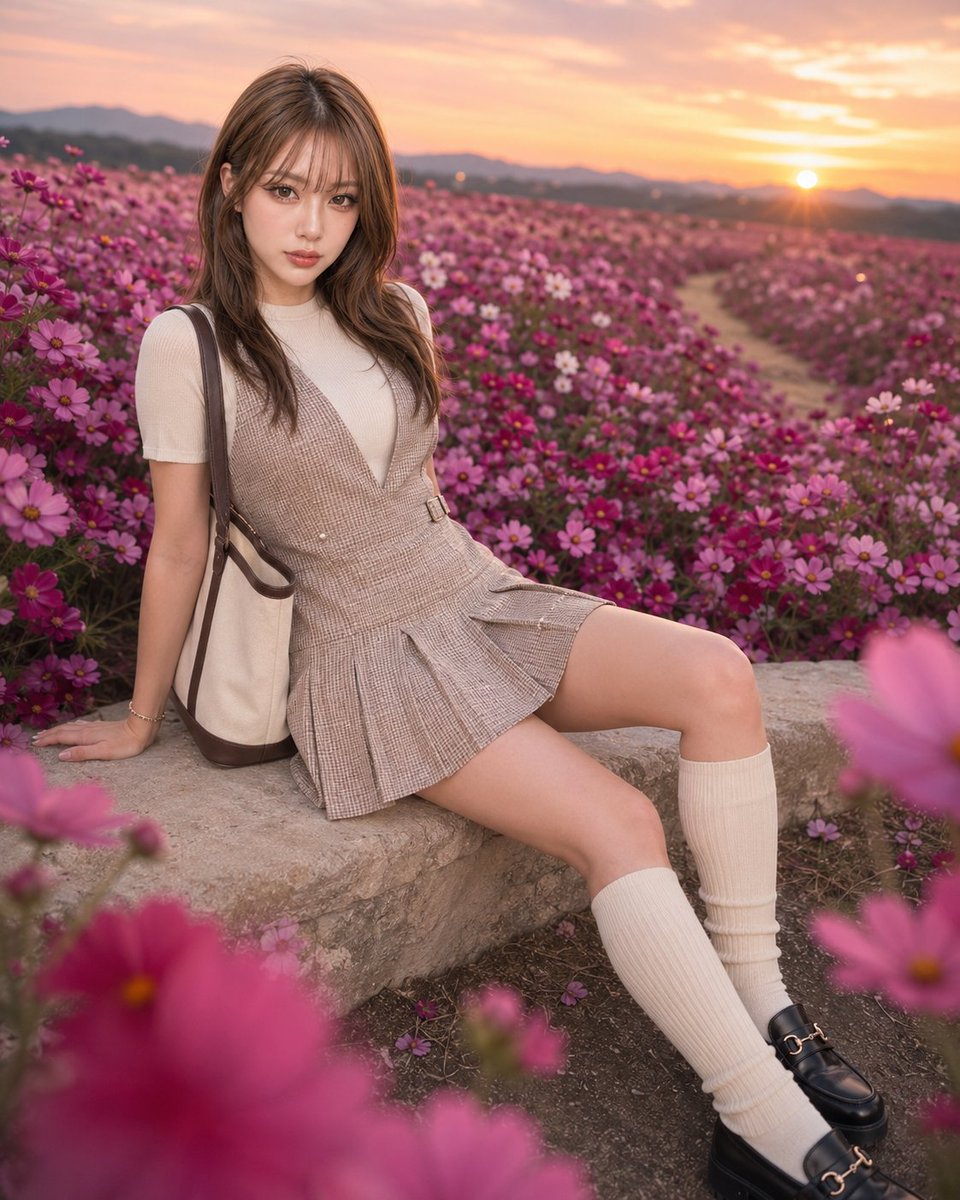
Black and White Editorial Portrait

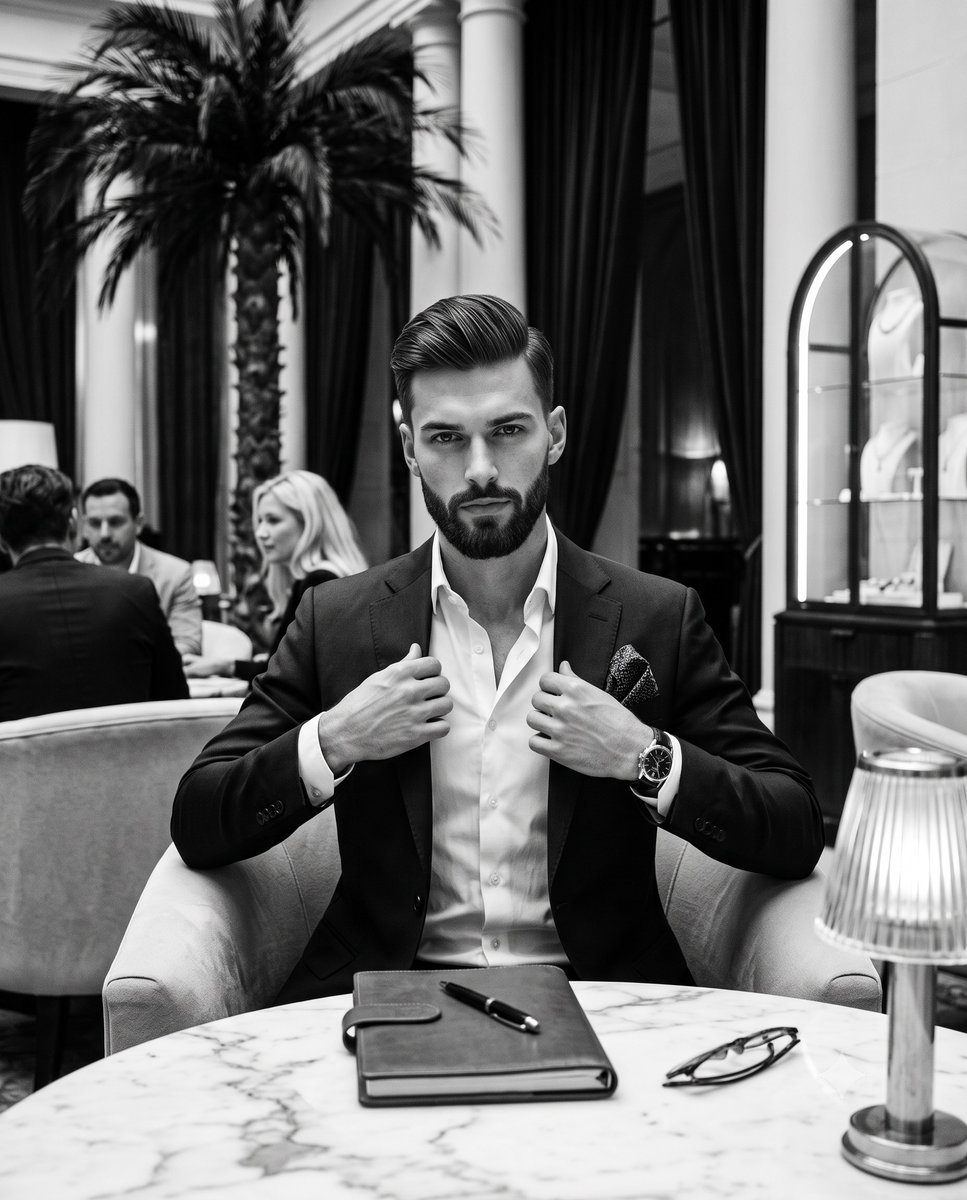
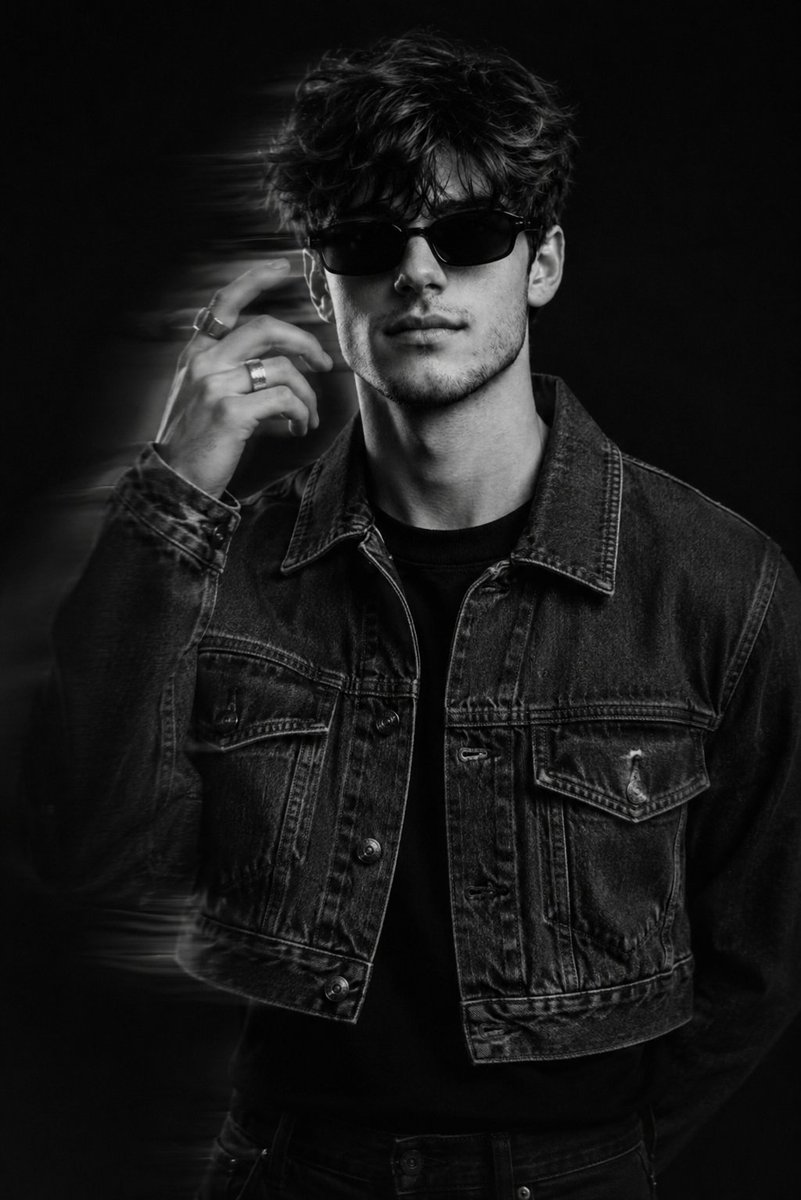
A sophisticated prompt for a high-contrast black and white fashion portrait, focusing on identity preservation and cinematic motion blur.
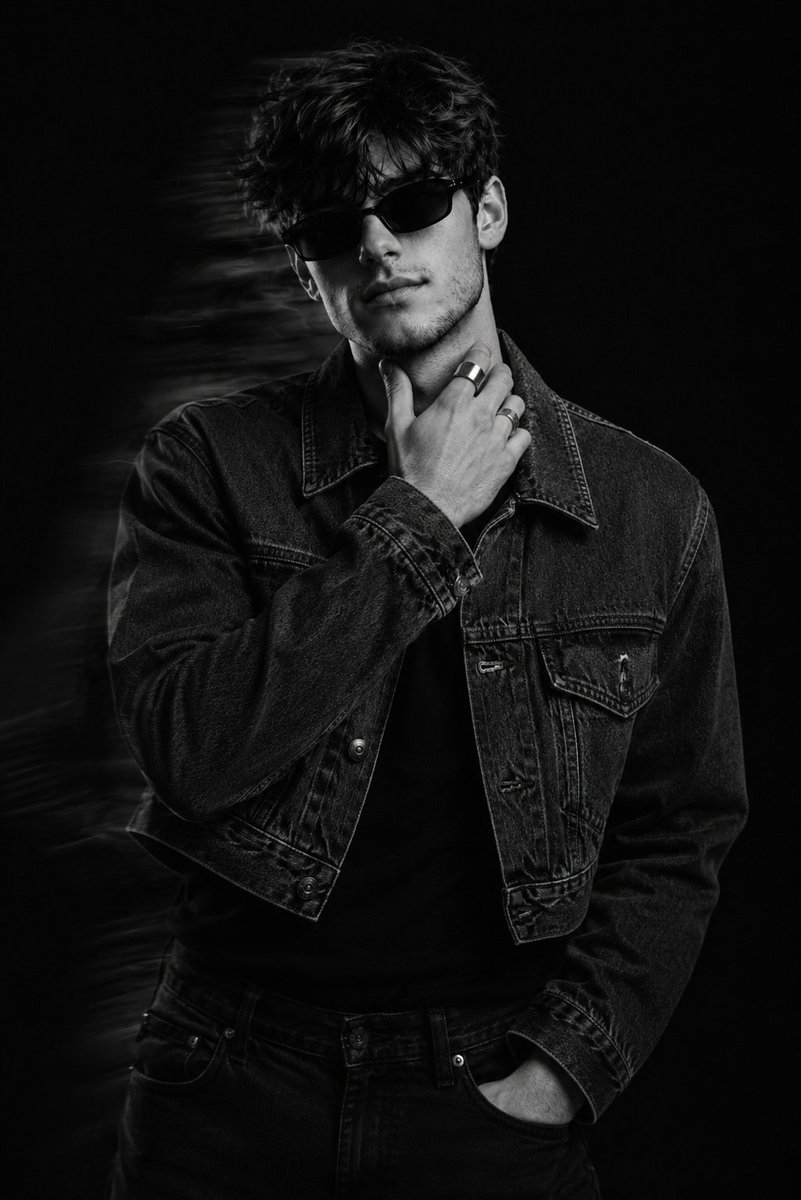
Black and White Editorial Portrait

Prompt

Create a hyper-realistic fashion editorial portrait based on the uploaded reference image. Keep the exact same composition, body pose, camera distance, lens perspective, framing, studio background, black and white color grading, dramatic low-key lighting, shadows, grain texture, motion blur effect and overall cinematic atmosphere. Replace the original person in the image with the target character from the provided character reference. Preserve the target character's facial structure, skin tone, hairstyle, face proportions, identity features and overall appearance as accurately as possible. The new character must stand in the same position as the original model, facing the camera with the same confident pose. One hand should be raised near the face, while the other arm remains behind the body, matching the original posture. The clothing can adapt to the target character's style, but it must remain close to the original fashion mood: cropped denim jacket, dark pants, sunglasses, rings and streetwear styling. The outfit should look natural on the target character while keeping the same silhouette and fashion editorial feeling. Keep the background exactly the same: dark grey studio backdrop, strong directional spotlight from above, deep shadows on the face and body, high contrast black-and-white treatment, visible fabric details on the jacket, realistic folds, denim texture, accessories and subtle imperfections. Maintain the same artistic motion blur light streaks behind and around the character, especially on the left side of the frame. The blur should feel like a long-exposure studio effect, not artificial. Do not change the camera angle, do not zoom in or out, do not alter the lighting setup, do not change the background, do not add text, logo or extra objects. Ultra realistic, cinematic fashion photography, black and white editorial, high contrast, studio portrait, natural skin texture, realistic clothing texture, professional magazine shoot. Negative Prompt: Do not change the pose, camera angle, lens, background, lighting, framing or motion blur. Do not distort the face. Do not make the character look artificial. Do not add text, logo, watermark, extra people, colorful elements or different background. Do not over-smooth the skin. Do not change the black and white style.

Runs on 18 models

  • Flux
  • Flux 2
  • Flux Kontext
  • GPT-4o Image
  • GPT Image
  • GPT Image 2
  • GPT Image 2.5
  • Grok Imagine
  • Ideogram V3
  • Imagen 4
  • Midjourney
  • Nano Banana
  • +6 more

What this prompt produces

咖啡馆旅行手账分栏页 Not specified gpt-image-2
日系 Chibi 互动小插画 Not specified gpt-image-2
动漫动作短片设定分镜板 Not specified gpt-image-2
Realistic Group Selfie with Smartphone Flash Effect Not specified nano-banana-pro
Four Seasons Portrait Collage Not specified nano-banana-pro
Minimalist Dog Sketch Clipart Not specified nano-banana-pro

Run this prompt with the API

The request below sends this prompt, with its default values filled in, to the first model it runs on. Swap the model name for any other model listed above.

Prompt API docs
/api/v1/gpt_image_2/text_to_image
curl -X POST https://runapi.ai/api/v1/gpt_image_2/text_to_image \
  -H "Authorization: Bearer $RUNAPI_API_KEY" \
  -H "Content-Type: application/json" \
  --data-binary @- <<'JSON'
{
  "model": "gpt-image-2",
  "prompt": "Create a hyper-realistic fashion editorial portrait based on the uploaded reference image.\n\nKeep the exact same composition, body pose, camera distance, lens perspective, framing, studio background, black and white color grading, dramatic low-key lighting, shadows, grain texture, motion blur effect and overall cinematic atmosphere.\n\nReplace the original person in the image with the target character from the provided character reference. Preserve the target character's facial structure, skin tone, hairstyle, face proportions, identity features and overall appearance as accurately as possible. The new character must stand in the same position as the original model, facing the camera with the same confident pose. One hand should be raised near the face, while the other arm remains behind the body, matching the original posture.\n\nThe clothing can adapt to the target character's style, but it must remain close to the original fashion mood: cropped denim jacket, dark pants, sunglasses, rings and streetwear styling. The outfit should look natural on the target character while keeping the same silhouette and fashion editorial feeling.\n\nKeep the background exactly the same: dark grey studio backdrop, strong directional spotlight from above, deep shadows on the face and body, high contrast black-and-white treatment, visible fabric details on the jacket, realistic folds, denim texture, accessories and subtle imperfections.\n\nMaintain the same artistic motion blur light streaks behind and around the character, especially on the left side of the frame. The blur should feel like a long-exposure studio effect, not artificial. Do not change the camera angle, do not zoom in or out, do not alter the lighting setup, do not change the background, do not add text, logo or extra objects.\n\nUltra realistic, cinematic fashion photography, black and white editorial, high contrast, studio portrait, natural skin texture, realistic clothing texture, professional magazine shoot.\n\nNegative Prompt:\n\nDo not change the pose, camera angle, lens, background, lighting, framing or motion blur. Do not distort the face. Do not make the character look artificial. Do not add text, logo, watermark, extra people, colorful elements or different background. Do not over-smooth the skin. Do not change the black and white style."
}
JSON

Try a prompt

Estimated: $0.04 / image

Sign in to generate with RunAPI.

Sign in to generate

Sign in to start generating with your available language models.