- editorial
- illustration
- japanese
Transform the uploaded reference image into a beautiful, premium editorial illustration poster. Composition: Create a vertical 4:5 split-layout design. The upper half should display the original photograph in its realistic photographic style, preserving the subject's exact appearance, facial features, hairstyle, outfit, pose, and expression. The lower half should feature a beautifully stylized 2D illustration of the exact same subject, recreating the original photograph's pose, expression, clothing, and composition. Convert the subject into a charming, hand-painted digital illustration with soft brush textures, clean shapes, delicate outlines, warm skin tones, and beautiful artistic details. Background Design: Transform the original background into a creative illustrated environment. Add minimal geometric architecture, abstract shapes, subtle plants, soft natural elements, and a complementary color palette inspired by the original photograph. Poster Layout: Place the illustration inside a clean rectangular artwork frame, surrounded by a warm ivory or cream-colored background. Add a large elegant uppercase headline beneath the illustration, with a small complementary subtitle and a subtle decorative line. Typography: Use thin, sophisticated, widely spaced uppercase lettering. Choose a short title that matches the mood of the photograph, with a smaller minimalist tagline underneath. Art Direction: Modern Japanese editorial poster design, contemporary lifestyle illustration, soft pastel colors, warm sunlight, minimalist graphic design, artistic storytelling, premium magazine aesthetic. Important: Maintain the original person's identity and recognizable features. The illustrated version must clearly resemble the person in the original photograph. Keep the top photograph realistic and the bottom illustration artistic. Ensure both versions match perfectly in pose and composition. High-quality details, balanced layout, elegant negative space, professional art direction, 4:5 portrait poster.
- architectural
- handcrafted
- miniature
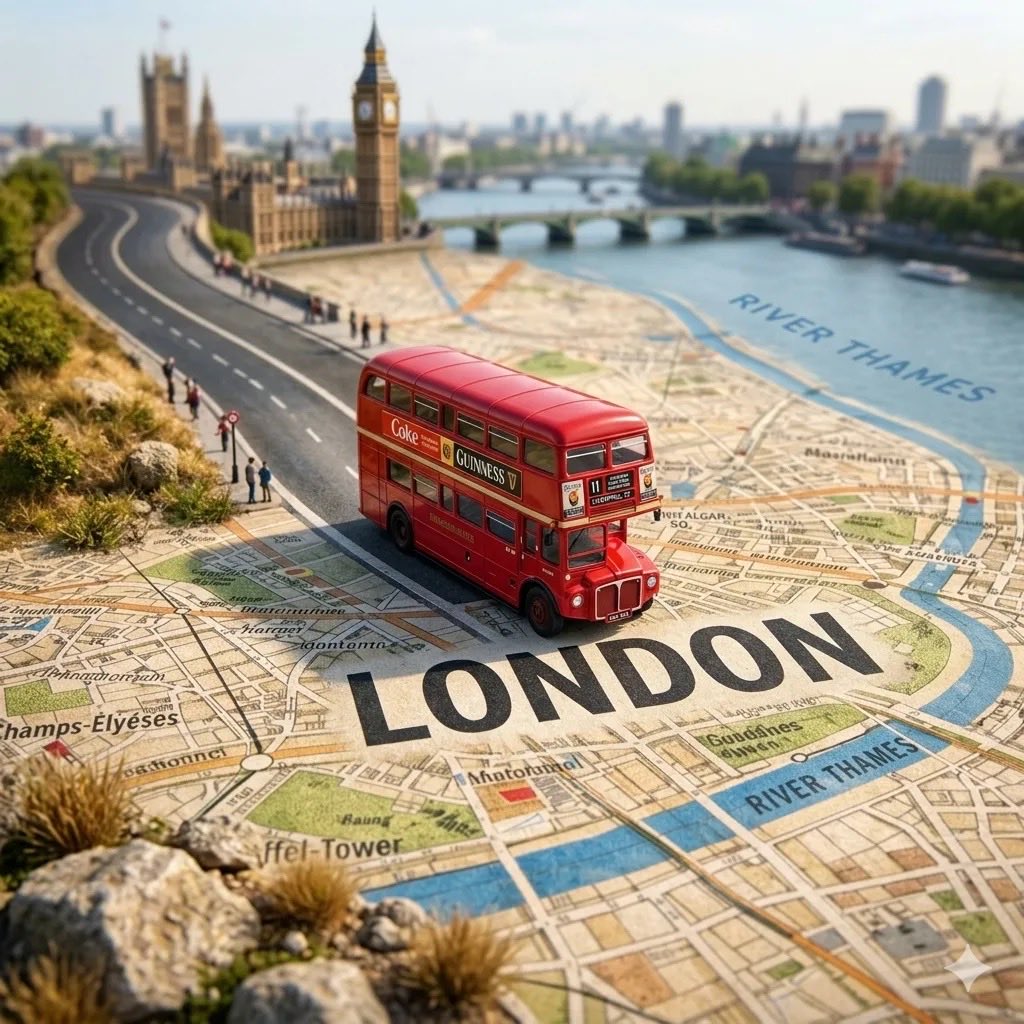
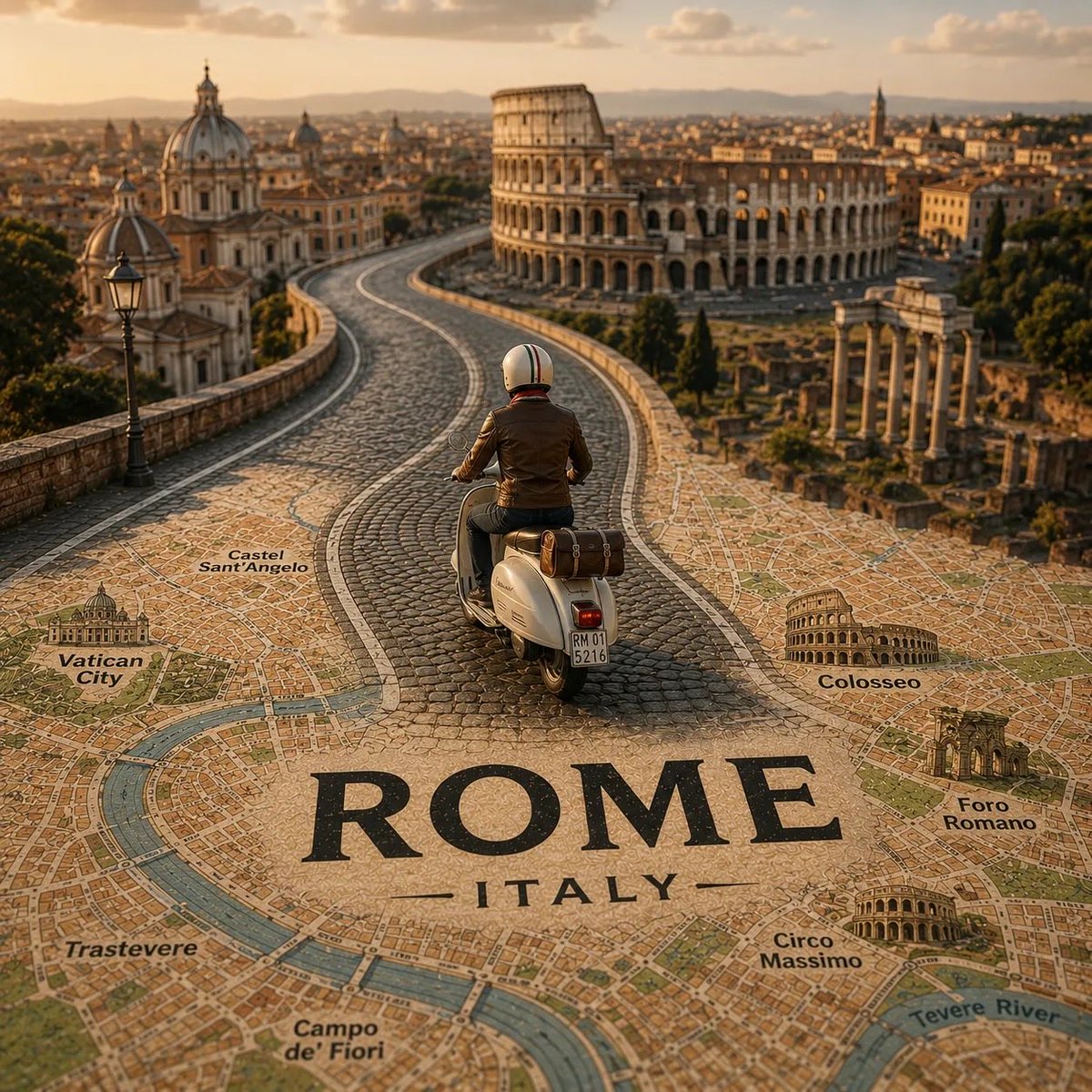
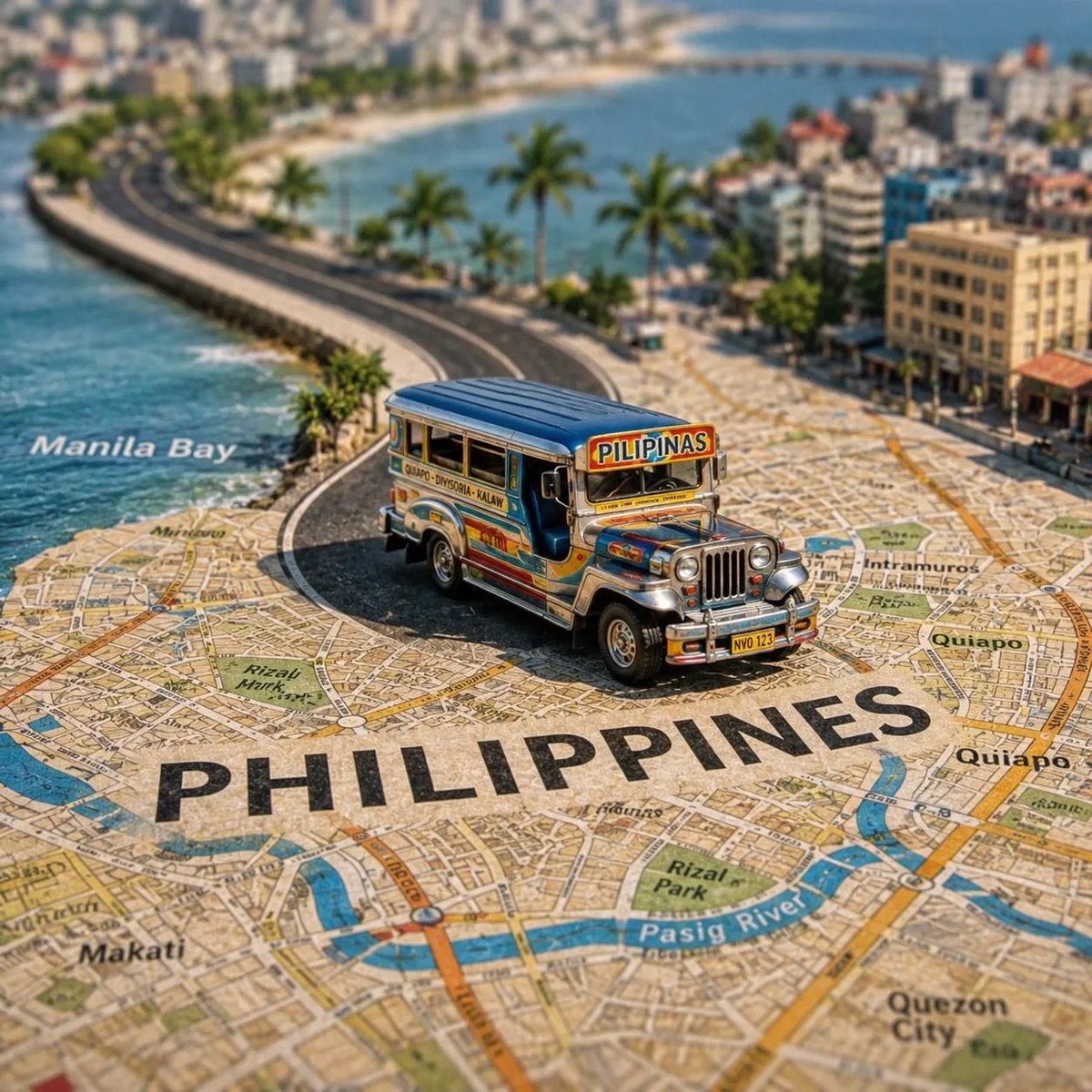
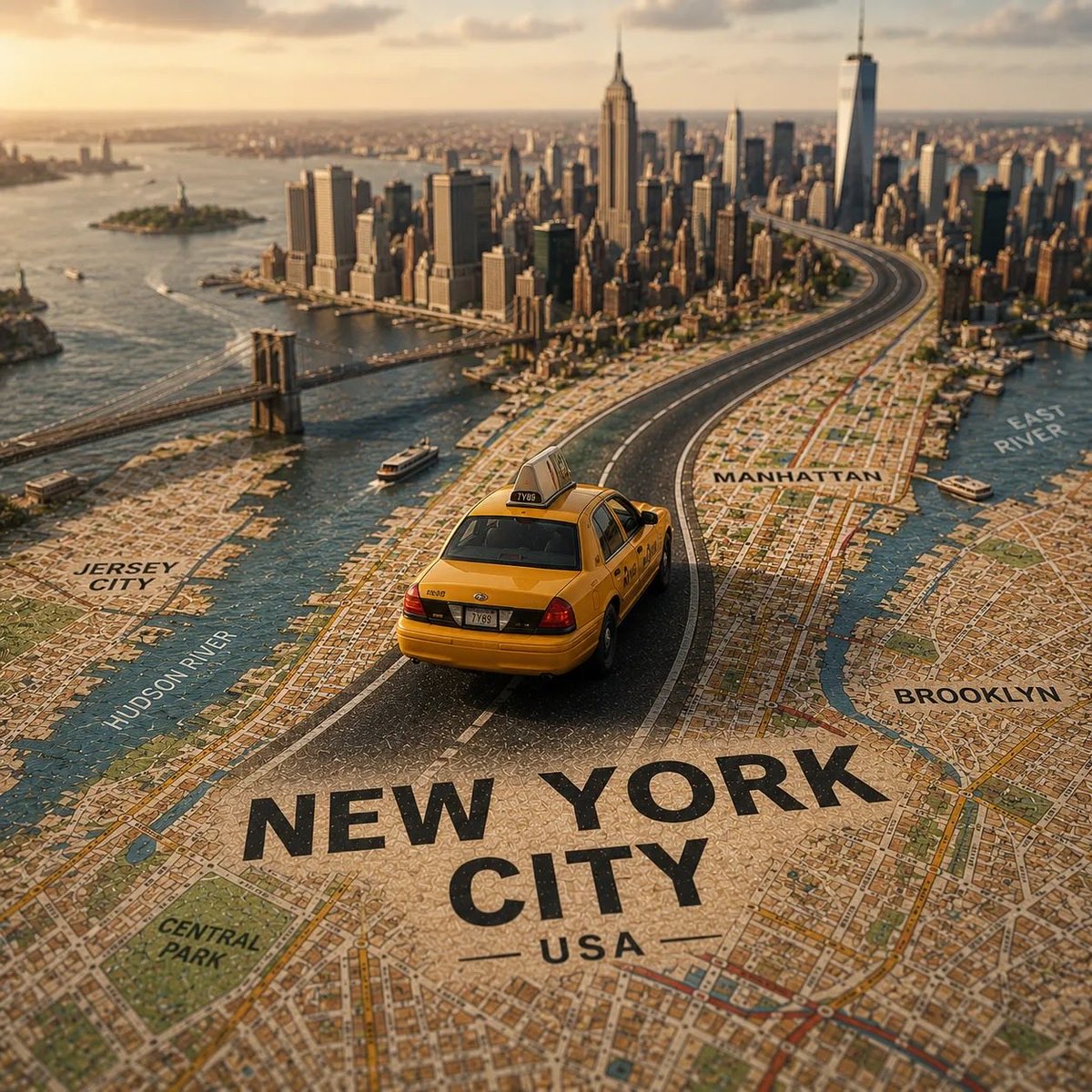
Create an extraordinarily beautiful 3D layered paper-cut architectural travel poster featuring [LANDMARK NAME], [CITY], [COUNTRY]. Transform the destination into an enchanting miniature architectural world, crafted entirely from intricately layered, sculpted and cut coloured paper. 1. CENTRAL ARCHITECTURAL SCENE Feature the destination’s most iconic landmark as the main attraction. Preserve its authentic and recognisable architectural identity. Recreate buildings using multiple layers of carefully cut paper. Include distinctive rooftops, windows, arches, towers, domes, bridges or architectural details specific to the destination. Arrange smaller surrounding buildings to create a charming miniature cityscape. Make the entire scene resemble a beautifully handcrafted architectural diorama. 2. LAYERED PAPER LANDSCAPE Build an extraordinary three-dimensional environment. Flowing paper-cut hills and sculpted mountains. Layered rivers, lakes, coastlines or ocean waves where appropriate. Curved bridges, winding pathways and miniature staircases. Overlapping paper clouds, hills and architectural backgrounds. Intricate foreground elements framing the composition. Beautiful irregular paper-cut edges surrounding the scene. Every layer should have visible depth, delicate edges and realistic cast shadows. 3. UNIQUE DESTINATION DETAILS Include small architectural and cultural elements that make each destination instantly recognisable. Select details according to the location rather than repeating the same decorations. 4. DESTINATION-SPECIFIC COLOUR PALETTE Create a completely original colour identity for every destination. Use 6–9 harmonious shades inspired by its architecture, culture, landscape and atmosphere. Combine rich colours, soft pastels, contrasting paper layers and carefully selected neutral tones. Never repeat the same palette between different destinations. 5. THREE-DIMENSIONAL PAPER ART Authentic handmade paper-cut aesthetic. Multiple overlapping cardstock layers. Sculpted paper architecture. Delicate folded and curved paper details. Visible paper thickness. Soft realistic shadows between layers. Beautiful tactile textures. Intricate miniature craftsmanship. Gentle studio lighting. The artwork must look like a real handcrafted paper sculpture photographed professionally, not a flat illustration or plastic 3D render. 6. DISTINCTIVE POSTER COMPOSITION Place the entire architectural scene inside an elegant irregular organic paper-cut frame. Use a balanced vertical composition with: Large miniature architectural scene in the centre. Beautiful layered foreground. Subtle surrounding negative space. Soft neutral background. Realistic depth and dimensional shadows. 7. MINIMAL TYPOGRAPHY Below the artwork, write: [CITY / DESTINATION NAME] [COUNTRY] Add one short, elegant poetic tagline of approximately 3–6 words inspired by the destination. Use elegant uppercase modern typography for the destination name and a delicate refined serif font for the tagline. Keep typography minimal, correctly spelled and beautifully positioned. 8. FINAL ART DIRECTION A breathtaking fusion of miniature architecture, layered paper sculpture, handcrafted papercraft, whimsical storytelling and premium contemporary travel poster design. Extremely intricate craftsmanship, sophisticated colour harmony, realistic paper shadows, beautiful depth, exquisite architectural details and museum-quality presentation. Portrait 2:3 composition. No watermark, no unnecessary text, no photorealistic buildings, no plastic appearance.
- cinematic
- cobalt blue
- mechanical
{ "aspect_ratio": "3:4", "style": "premium Hollywood sci-fi superhero theatrical poster, photorealistic CGI, clean cinematic composition, IMAX production quality, sophisticated visual storytelling", "prompt": "Create an extraordinary original Hollywood blockbuster movie poster titled VYKRON: RISE OF THE LAST TITAN. A powerful adult female superhero stands in the center foreground, shown full body from head to toe. She wears an iconic futuristic metallic cobalt-blue and silver battle suit with elegant orange illuminated energy details, sophisticated mechanical armor, sculpted shoulder protection and advanced robotic gauntlets. Her appearance is confident, stylish and intimidating. Her face is clearly visible and beautifully detailed.\n\nDirectly behind her stands ONE enormous futuristic mechanical Titan, towering over the city. Its distinctive silhouette features massive armored shoulders, powerful mechanical arms, an illuminated circular chest reactor and an angular futuristic head. The Titan should look magnificent, intimidating and incredibly expensive to build.\n\nBACKGROUND DESIGN: A beautiful futuristic megacity stretching across the horizon, with elegant skyscrapers and a dramatic atmospheric sky. A large glowing blue energy ring appears behind the Titan, creating a powerful visual focal point. A few distant orange lights illuminate the architecture. The skyline should remain clean, organized and visually calm. No chaotic destruction.\n\nCOMPOSITION: Heroine occupies the central lower foreground. The gigantic Titan fills the middle background. The glowing circular energy structure frames the upper background. Every subject must be clearly separated and instantly recognizable.\n\nCOLOR GRADING: Rich cobalt blue, polished silver, electric cyan and carefully placed warm orange highlights. Bright attractive colors, balanced exposure, beautiful cinematic reflections and premium atmospheric lighting.\n\nIMPORTANT VISUAL RULES: Minimal background clutter, no excessive explosions, no flying debris, no random aircraft, no multiple robots, no crowded buildings, no excessive smoke, no visual noise, no unnecessary objects. Maintain clean negative space and strong subject separation.\n\nAt the top write:\n\nTHE LAST ERA BEGINS.\n\nAt the bottom display a huge bold metallic movie title:\n\nVYKRON\n\nBelow it write:\n\nRISE OF THE LAST TITAN\n\nProfessional Hollywood theatrical typography, beautiful poster hierarchy, premium cinematic finish, exceptional clarity, original character and original machine design, no existing franchise references, no watermark." }
- abstract
- geometric
- minimal
Transform my uploaded photo into a standalone, premium-quality 3:4 vertical design poster. Divide the entire canvas into two perfectly equal horizontal sections: the top half (50%) and the bottom half (50%). The upper section should feature realistic photography, while the lower section should present an abstract visual symbol derived from the core identity of the subject. TOP HALF – REALISTIC PHOTOGRAPHY Preserve the original subject's structure, realistic textures, natural lighting, shadows, and original color atmosphere. Apply only subtle, sophisticated color grading to achieve the aesthetic of fine-art photography and independent editorial publications. The background may be naturally extended to fit the canvas, but never stretch, distort, or alter the original subject. BOTTOM HALF – ABSTRACT VISUAL IDENTITY Extract the photograph's essential visual characteristics: the subject's silhouette, structure, posture, and narrative relationships. Do not recreate the entire object. Instead, reduce it into a recognizable abstract visual symbol. Use geometric deconstruction, modular shapes, structured lines, negative space, and symbolic elements to create a central visual identity inspired by premium branding and experimental design systems. Focus on the subject's core character rather than minor details. Even with minimal geometric elements, the abstract symbol must remain visually connected to the original photograph. VISUAL STYLE & DESIGN LANGUAGE Post-digital graphic design, deconstructed Swiss design, generative symbol systems, and diagrammatic abstraction. Build a systematic visual language using geometric modules, fine lines, circular trajectories, grids, micro-symbols, numerical indexing, and abstract nodes. Create visual tension between: - Order × Imperfection - Precision × Handmade Traces - Digital × Analog - Rationality × Emotion Achieve strong visual recognition using the fewest possible elements. Keep everything minimal and avoid unnecessary complexity. COMPOSITION & LAYOUT Maintain a highly restrained composition. The abstract symbol must be the sole visual focal point, positioned centrally or slightly off-center, surrounded by generous negative space. Avoid excessive icons, decorative elements, or infographic-style layouts. The overall aesthetic should resemble the core visual identity of contemporary art institutions, architectural studios, experimental creative labels, and premium design brands. TYPOGRAPHY & DETAILS Typography should function only as a supporting system component, never as a dominant headline. You may incorporate extremely small numbers, letters, or short phrases that interact with the abstract symbol through indexing and reference relationships. Use refined, restrained typography with the subtle annotation aesthetic of archival documents and experimental art publications. COLOR SYSTEM Extract the signature colors from the original photograph and reinterpret them as a cohesive brand color system. Introduce a small number of distinctive accent colors as functional visual codes, such as teal, blue, magenta, or orange, combined with gray-white or warm-white backgrounds for contrast. Colors should function as systematic identifiers rather than decoration. Avoid chaotic color combinations, cheap neon effects, and generic commercial gradients. PRINT TEXTURE & MATERIALITY Incorporate subtle material effects inspired by: - Xerox texture - Risograph grain - Print registration errors - Scanner noise - Subtle paper texture Add delicate printing misalignment, fine grain, scanning noise, and slightly imperfect edges to give the digital symbols the tactile quality of physical print. FINAL OBJECTIVE Extract an independent and self-contained visual DNA from the original photograph. The final result should feel like a sophisticated, minimal, culturally meaningful abstract logo with a strong visual identity and systematic design language.
- black friday
- classroom
- iadc
i want to make a poster for IADC wellsharp classroom/online telling about black friday and significant discoun
- avant garde
- collage
- coral red
Create a high-end experimental Japanese editorial fashion poster with a contemporary avant-garde graphic design aesthetic, vertical 2:3 composition. MAIN SUBJECT & POSE: A young East Asian woman with shoulder-length, naturally wavy, slightly messy dark brown-black hair, wearing a dark charcoal oversized sleeveless denim vest over a black top and loose-fitting washed charcoal-grey denim jeans. She has delicate facial features, a calm yet confident expression, slightly parted lips, and a direct gaze toward the camera. Her body is positioned at a slight angle, with her upper body leaning forward. One arm is dramatically extended directly toward the camera, with her hand reaching into the foreground. Use extreme forced perspective and exaggerated foreshortening, making the hand appear significantly larger than her face and body. Fingers are naturally spread and softly blurred due to shallow depth of field. The subject should feel dynamic, mysterious, artistic, and editorial. POSE & CAMERA: Low-angle fashion photography, close-up perspective, wide-angle lens aesthetic, approximately 24mm lens. The subject occupies most of the central frame. Her face remains relatively sharp while the outstretched hand dominates the foreground with strong perspective distortion. Natural body proportions, realistic skin texture, authentic photographic details. BACKGROUND & COMPOSITION: Warm ivory/off-white textured paper background with a subtle fine-grain printed canvas texture. Create an asymmetrical mixed-media collage composition with overlapping geometric shapes, abstract cutouts, vintage illustrations, and monochromatic photographic fragments. Place a tall, vivid coral-red rectangular panel vertically behind the subject, slightly right of center, extending from near the top edge to the bottom edge. The rectangle partially overlaps the subject and creates a strong vertical visual division. Add large burnt-orange circular shapes on the left-middle and bottom-right portions of the composition. Include smaller orange circular dots around these shapes. Incorporate black-and-white vintage bird photographs and hand-drawn ornithological illustrations, partially cropped and layered behind the subject. Include abstract sketchbook-style bird drawings, feather details, and fragmented photographic elements. Add overlapping black and grey geometric paper cutouts, irregular triangular shapes, and diagonal collage fragments. TYPOGRAPHY & JAPANESE DESIGN ELEMENTS: At the upper-right area, incorporate large Japanese typography reading "知覚する" (Perceive). The first two Japanese characters, "知覚", should sit prominently over the coral-red rectangular panel in dark black calligraphic serif typography. The remaining characters, "する", extend toward the upper-right over the ivory background. Across the lower-middle section, overlay bold uppercase white sans-serif typography reading: "PERCEIVE" Use a heavy condensed modern grotesk font, with selected letters featuring a thin outlined treatment to create a layered typographic effect. Below it, aligned toward the left, place the word: "IT." Use oversized white uppercase typography with a partially outlined letter treatment. Add small abstract decorative details, including a black diagonal striped square in the upper-left corner, tiny ornamental line drawings, geometric symbols, and a small black double-arrow symbol in the bottom-right corner. COLOR PALETTE: Warm ivory: #F1EEE5 Vivid coral red: #EF5558 Burnt orange: #E98A16 Charcoal black: #252323 Washed denim grey: #666665 Pure white: #FFFFFF Maintain a strong contrast between warm orange and coral-red accents, monochromatic photography, and the neutral paper background. LIGHTING & PHOTOGRAPHIC TREATMENT: Warm directional sunlight hitting the woman's face and hand from the left side, creating rich amber highlights and deep cinematic shadows. Subtle film grain, slightly desaturated editorial photography, realistic skin tones, soft motion blur in the foreground, and high-contrast photographic details. ART DIRECTION: Japanese contemporary editorial magazine design meets avant-garde streetwear fashion photography. Experimental Swiss-inspired typography, vintage natural-history illustration, modern brutalist graphic design, analogue paper collage, layered cut-and-paste artwork, and sophisticated fashion magazine art direction. FINAL QUALITY: Ultra-detailed photorealistic fashion photography combined with professionally designed graphic collage elements. Sophisticated visual hierarchy, intentional asymmetrical balance, crisp typography, tactile paper texture, intricate details, and premium art-direction quality. Vertical 2:3 poster, full-bleed composition, no borders, no mockup, no watermark. cartoon, anime, illustration-only subject, 3D character, plastic skin, artificial face, distorted facial features, extra fingers, missing fingers, malformed hands, duplicate arms, unnatural anatomy, flat perspective, weak foreshortening, excessive background clutter, symmetrical composition, neon colors, oversaturated skin, glossy digital background, low resolution, blurry face, unreadable typography, random letters, misspelled Japanese characters, incorrect text placement, watermark, logo, poster mockup, frame, border.
- diwali
- greeting message
- joy
Please create a Diwali poster for me that includes a greeting message—one with a unique, thought-provoking concept that compels people to reflect. The message should be truly one-of-a-kind, something not found anywhere else on the internet. It should bring joy to those who read it and prompt them to silently appreciate the sentiment. Also, please include my name at the bottom of the poster.
- art nouveau
- camellia flowers
- misty
An Art Nouveau poster illustration of a tea picker harvesting leaves on a misty tea plantation, tall portrait 3:4, with no text. A young woman stands in profile facing left in the center, her dark hair in a low bun with a small yellow flower, wearing a long pale green robe-like dress with flowing sleeves and swirling leaf patterns, and carrying a woven wicker basket full of fresh tea leaves on her back by a leather shoulder strap as she reaches out to pick leaves from the bushes. A large golden sun disc with fine radiating rays glows behind her head. Rows of rounded tea bushes fill the foreground, and terraced tea hills and layered blue-green mountains fade into soft mist behind her. Large red and white camellia flowers with golden centers and glossy leaves bloom in both lower corners. An ornate border of curling green vines and leaves frames the whole poster, with a small gilded ornament at the top and an empty arched cartouche across the top. Flat muted greens, cream, gold, and red, fine ink outlines, vintage lithograph paper texture. No text, no lettering, no logos.
- landmark
- paper
- photorealistic
Create an ultra-realistic vintage travel poster for ${country:Japan}, combining retro travel advertising, postal memorabilia, and a nostalgic magazine-cover aesthetic. Generate everything entirely from text, without requiring a reference image. Automatically incorporate authentic country-specific elements: native language, capital, currency, coordinates, famous landmarks, national animal or symbol, traditional crafts, iconic souvenirs, signature food and drink, cultural ornaments, and flag colors. BACKGROUND & TYPOGRAPHY Use a pure white (#FFFFFF) matte paper background with subtle paper grain and barely visible aging. Keep it white, without cream, beige, yellow, or sepia tones. At the top, add "COLLECT MEMORIES NOT THINGS." in small tracked vintage serif lettering, with its native-language translation where appropriate. Below, display ${country:Japan} in oversized distressed brick-red (#B5432E) vintage slab-serif typography with authentic worn letterpress texture. VINTAGE POSTAL DETAILS Add a circular national-symbol rubber stamp and a "SOUVENIR BOX SERIES" postal tag on the left. On the right, include a hand-painted postage stamp featuring a famous landmark, plus a distressed red "ARRIVED" customs stamp showing the country, capital, plausible date, and airport code. Include accurate capital coordinates. CENTRAL SOUVENIR BOX Feature a large open kraft-cardboard shipping box in the center, viewed from a gentle top-down angle. Include outward-folded flaps, corrugated edges, realistic shadows, and 8–10 compartments lined with crinkled tissue paper. Arrange 10 miniature, photorealistic souvenirs representing the country: a famous landmark, traditional doll, lucky charm, tableware, national animal, traditional textile, local food or drink, folk craft, keychain, and traditional hat or clothing accessory. Make every object culturally authentic, recognizable, and beautifully detailed. Add "SOUVENIRS FROM ${country:Japan}" in vintage dark-brown lettering on the front flap. BOTTOM TRAVEL COLLAGE Below the box, arrange: - A folded illustrated map titled "EXPLORE ${country:Japan}", featuring 3–4 destinations, dotted travel routes, landmark illustrations, and a compass rose. - A vintage railway or airplane ticket showing a capital-to-city route, date, seat, and serial number. - A die-cut travel sticker depicting an iconic national landmark. - One small traditional folk-craft object. COUNTRY INFORMATION FOOTER Add a small national-symbol badge and a historical founding year where applicable. Include a neatly arranged information strip: LANGUAGE: [NATIVE LANGUAGE] | CAPITAL: [CITY] | CURRENCY: [CURRENCY] | BEST TIME: [SEASON] Finish with a circular "MADE IN ${country:Japan}" stamp, miniature national-symbol postage stamp, tiny airplane with a dashed flight path, and the national motto in small italic lettering. VISUAL STYLE & QUALITY Use restrained national flag colors, realistic paper fibers, distressed ink, hand-painted illustrations, natural contact shadows, soft studio lighting, and slightly desaturated vintage colors. Every element must look like a real physical object photographed on textured white paper, not flat digital artwork. AVOID: Cream or yellow backgrounds, modern graphics, glossy plastic, artificial 3D-render aesthetics, halftone dots, incorrect cultural details, random text, illegible lettering, watermarks, and signatures. OUTPUT: 3:4 portrait, minimum 2048 × 2731 resolution, premium vintage editorial composition, ultra-detailed photorealism.
- cappadocia
- fairy chimneys
- halftone
A risograph print poster of hot air balloons drifting over the fairy chimneys of Cappadocia at sunrise, vertical portrait 3:4. Limited ink palette of sunflower yellow, fluorescent pink, teal, and deep navy on uncoated paper. The whole sky is flat sunflower yellow. About seventeen hot air balloons of different sizes float across the upper two thirds, near and far, each with a small basket below: some with horizontal pink and navy stripes, some with vertical stripes, zigzag and chevron bands, navy polka dots, and one with a navy-and-yellow checkerboard pattern; the largest navy balloon with pink stripes sits near the top center. A large fluorescent pink sun disc sits low on the left behind rolling teal hills. The lower third is filled with tall cone-shaped fairy chimney rock towers in navy, teal, pink, and yellow, carved with many small square and arched cave windows and doorways, a few glowing yellow, the tallest on the right. Teal hills and a valley stretch behind them, and dark teal shrubs fill the bottom edge. Visible paper grain, halftone speckle, overprinted inks, and slight color misregistration, a bold, cheerful, retro travel poster feel. No text, no logos.
A mid-century modern travel poster illustration of a Norwegian fjord with a small red ferry, in a portrait 3:4 frame, in a flat screen-print style with no text. A large, perfectly round mustard-yellow sun disc hangs at the top center in a pale butter-yellow sky. Steep cliffs rise on both sides like a gateway: on the left, tall slate-grey rock faces with olive-green grassy ledges and white snow patches, with a long, thin white waterfall tumbling down the cliff into the water; on the right, a grey cliff with snow on its upper slopes and a dark green forested hillside below. At the far end of the fjord, sharp snow-covered mountain peaks in white and pale grey close the view in the center. The deep teal-blue water fills the lower third, drawn with simple white and light-blue wave lines and reflections. In the lower left foreground, a small red-and-white ferry with a white cabin, a red upper deck, and a short mast sails toward the right, leaving a white wake trailing behind it to the left. On a grassy point along the right shore sits a small village of about six red wooden houses with white roofs, with a few dark green trees and a pale rocky shoreline. Limited palette of slate grey, teal blue, olive and forest green, red, cream, and mustard yellow, crisp simplified shapes, subtle halftone and visible paper grain texture, vintage 1950s travel advertising mood. No text, no lettering, no logos.
- agent first
- cheat sheet
- markdown
Generate a single-page, print-optimized cheat sheet + pocket reference card for Basecamp + the official Basecamp CLI (basecamp). Design constraints (non-negotiable): - One US Letter page (8.5×11"), portrait, 0.4" margins maximum. - High-density but instantly scannable. Zero fluff. Every line earns its space. - Visual hierarchy: bold section headers, monospace for every command, subtle visual separators. - Two logical zones on the page: 1. Left 60% → Core CLI reference (commands + patterns) 2. Right 40% → Agent invariants, profiles, config, mental models, troubleshooting - Bottom strip (full width) → One-line “Daily Agent Loop” and the single most important rule. - Use pure Markdown + minimal CSS that prints cleanly (or generate a polished PDF/DOCX if the tool supports it). No decorative graphics that waste ink or space. - Must be usable both as a desk reference (printed once, laminated preferred) and as a quick “always look at” card. Content requirements (drawn from Basecamp CLI Mastery principles): 1. Installation & Auth (ultra-compact) 2. Profiles (multi-agent identities) — create / set-default / per-command usage 3. Project-local config (.basecamp/config.json) — exact recommended structure + how agents must use it 4. Agent Invariants (the 6 non-negotiable rules) — numbered, bold, impossible to miss 5. Output modes table: --json / --agent / --jq / --md / --ids-only + when to use each 6. Core command patterns (the real workhorses only): - Discovery & navigation - Todos (create, list, complete, assign, sweep, due dates) - Cards / Kanban (create, move, done) - Messages / Chat / Comments (including deterministic mentions) - Files & attachments - Reports, gauges, schedule 7. Breadcrumb chaining & --agent --help introspection habit 8. Mentions pattern: [@Name](mention:SGID) preferred form 9. Daily agent loop pattern (one tight example) 10. Troubleshooting one-liners (doctor, auth, noninteractive, config check) Tone & style of the sheet itself: - Extremely high signal. Ruthless prioritization. - Commands shown with the most common useful flags already attached. - Prefer real, copy-pasteable examples over abstract descriptions. - Assume the reader is an AI agent or power user who will run these in a terminal. Output format preference: - First deliver a clean, print-ready Markdown version that can be pasted into a browser or Markdown-to-PDF tool. - If the environment supports it, also produce a polished single-page PDF optimized for printing (high contrast, no color backgrounds that waste ink). Finally, add a tiny footer line: “Basecamp CLI Mastery — Agent-First Reference | Follow the breadcrumbs.” Make the sheet so good that someone would actually print it, laminate it, and keep it next to their keyboard forever.