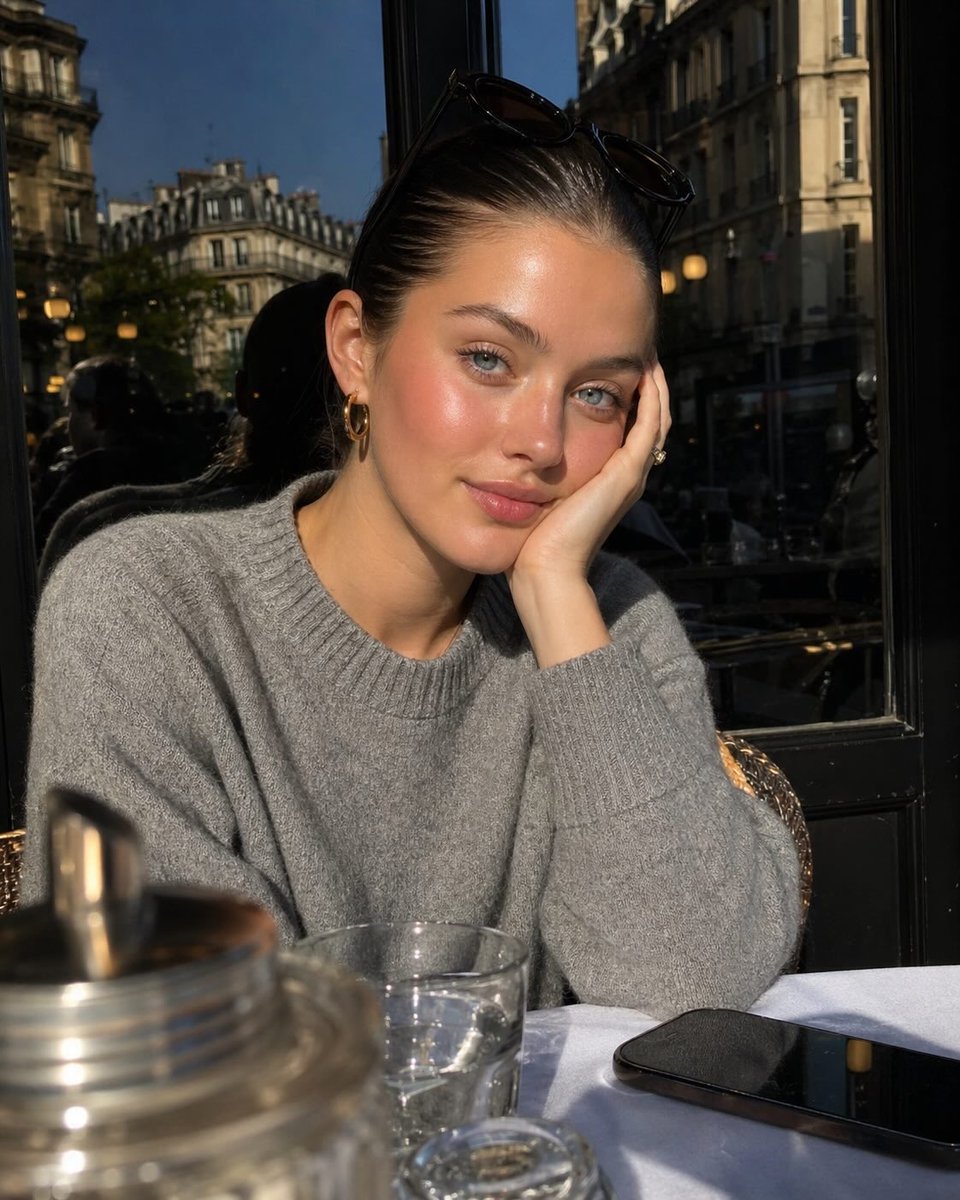
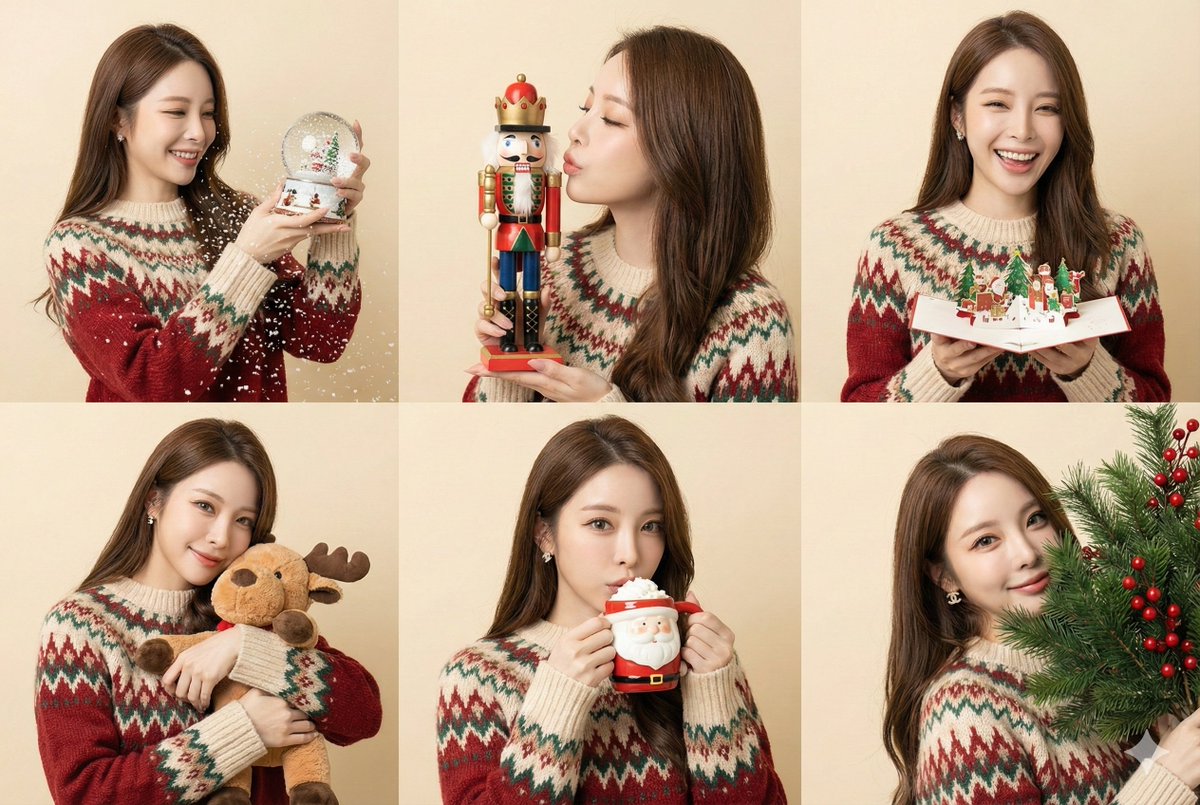
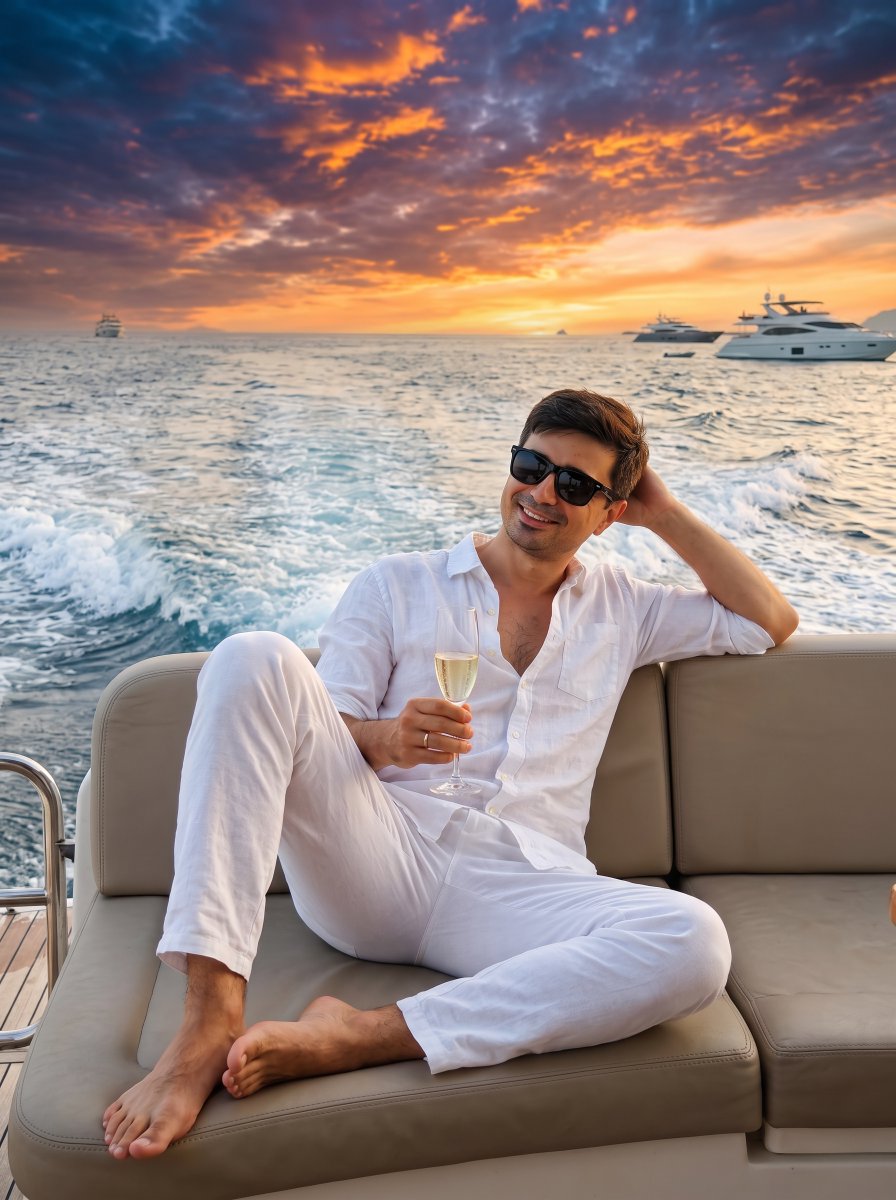
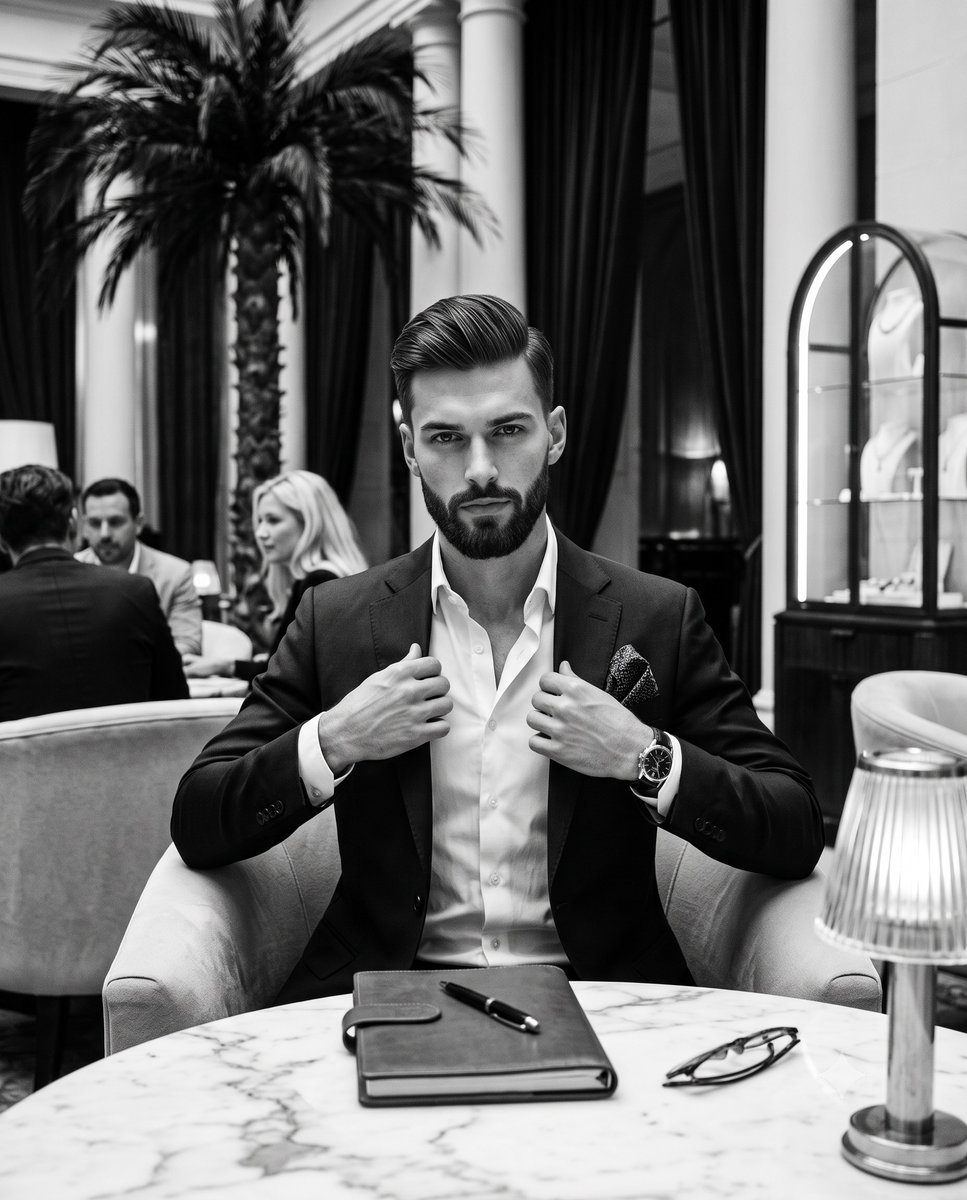
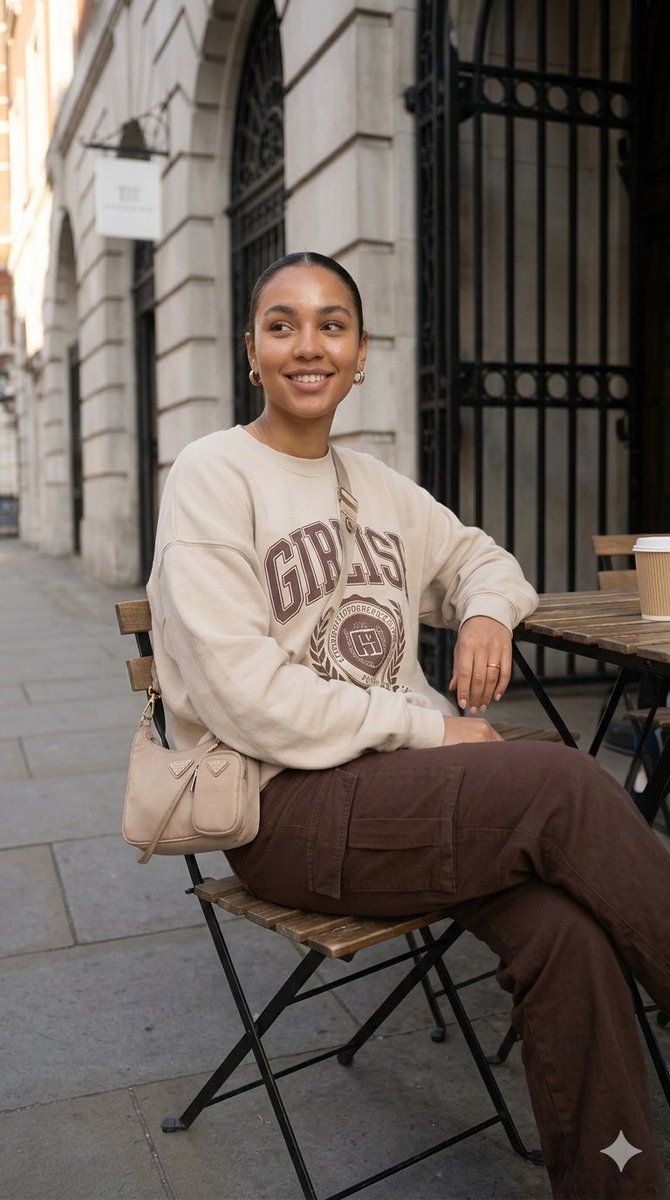
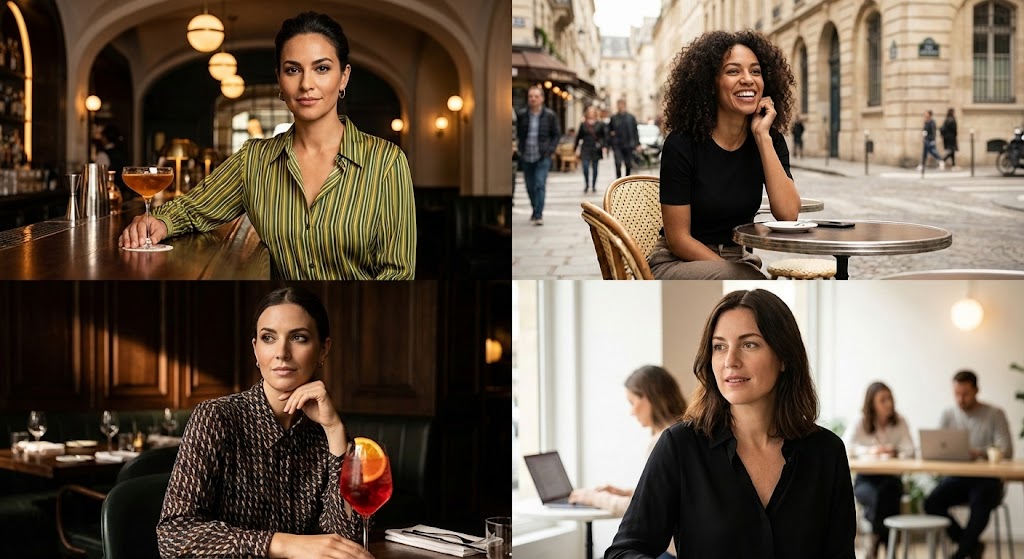
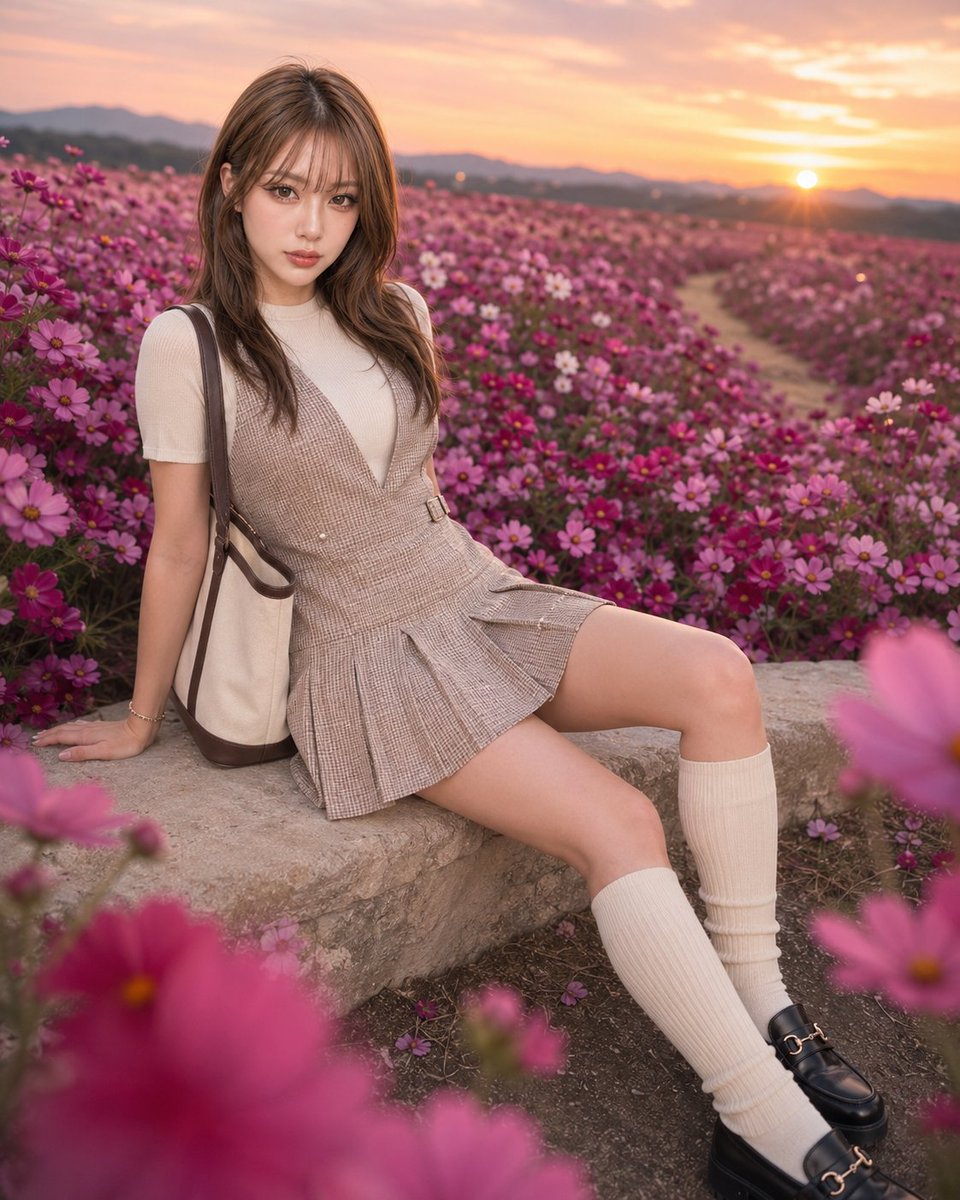
Censored Studio Portrait

Generates a warm minimalist studio portrait of a young woman with a square privacy block over the face for anonymized profile or concept imagery.
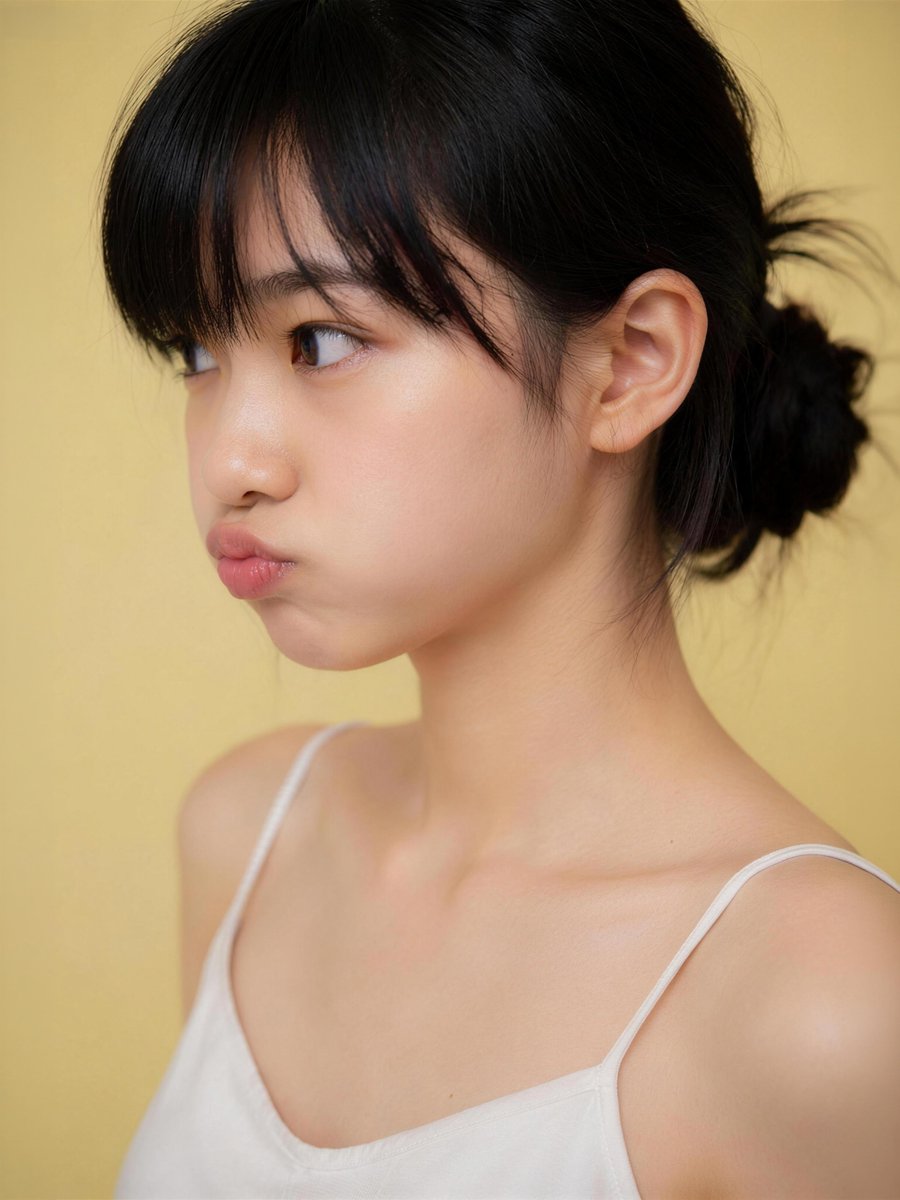
Censored Studio Portrait

Prompt

Create a realistic studio portrait photograph of a young East Asian woman from the upper chest up, framed vertically in a 3:4 crop. She is turned slightly to the viewer’s left in a three-quarter pose, showing one visible ear and the side of her neck, with her face centered but intentionally covered by a large opaque square privacy block. She has natural black hair styled in a loose low bun at the back, with soft bangs across the forehead area and a few wispy flyaway strands. She wears a simple white camisole with thin spaghetti straps, bare shoulders, natural skin texture, and soft collarbone highlights. Use a warm matte pale yellow seamless studio background. Lighting should be soft, flattering, and diffused, with gentle shadows, shallow depth of field, and a high-end AI photography look. Add exactly 1 censoring element: a large square block over the face, aligned vertically and horizontally over the central face area, filled with a smooth muted skin-tone vertical gradient from dark brown at the top to peach-beige at the bottom, with sharp edges and no text. Keep the composition clean and minimal, no jewelry, no props, no watermark, no extra text.

Runs on 18 models

  • Flux
  • Flux 2
  • Flux Kontext
  • GPT-4o Image
  • GPT Image
  • GPT Image 2
  • GPT Image 2.5
  • Grok Imagine
  • Ideogram V3
  • Imagen 4
  • Midjourney
  • Nano Banana
  • +6 more

What this prompt produces

咖啡馆旅行手账分栏页 Not specified gpt-image-2
日系 Chibi 互动小插画 Not specified gpt-image-2
动漫动作短片设定分镜板 Not specified gpt-image-2
Realistic Group Selfie with Smartphone Flash Effect Not specified nano-banana-pro
Four Seasons Portrait Collage Not specified nano-banana-pro
Minimalist Dog Sketch Clipart Not specified nano-banana-pro

Run this prompt with the API

The request below sends this prompt, with its default values filled in, to the first model it runs on. Swap the model name for any other model listed above.

Prompt API docs
/api/v1/gpt_image_2/text_to_image
curl -X POST https://runapi.ai/api/v1/gpt_image_2/text_to_image \
  -H "Authorization: Bearer $RUNAPI_API_KEY" \
  -H "Content-Type: application/json" \
  --data-binary @- <<'JSON'
{
  "model": "gpt-image-2",
  "prompt": "Create a realistic studio portrait photograph of a young East Asian woman from the upper chest up, framed vertically in a 3:4 crop. She is turned slightly to the viewer’s left in a three-quarter pose, showing one visible ear and the side of her neck, with her face centered but intentionally covered by a large opaque square privacy block. She has natural black hair styled in a loose low bun at the back, with soft bangs across the forehead area and a few wispy flyaway strands. She wears a simple white camisole with thin spaghetti straps, bare shoulders, natural skin texture, and soft collarbone highlights. Use a warm matte pale yellow seamless studio background. Lighting should be soft, flattering, and diffused, with gentle shadows, shallow depth of field, and a high-end AI photography look. Add exactly 1 censoring element: a large square block over the face, aligned vertically and horizontally over the central face area, filled with a smooth muted skin-tone vertical gradient from dark brown at the top to peach-beige at the bottom, with sharp edges and no text. Keep the composition clean and minimal, no jewelry, no props, no watermark, no extra text."
}
JSON

Try a prompt

Estimated: $0.04 / image

Sign in to generate with RunAPI.

Sign in to generate

Sign in to start generating with your available language models.