Technical Product Infographic with Blueprint Overlay
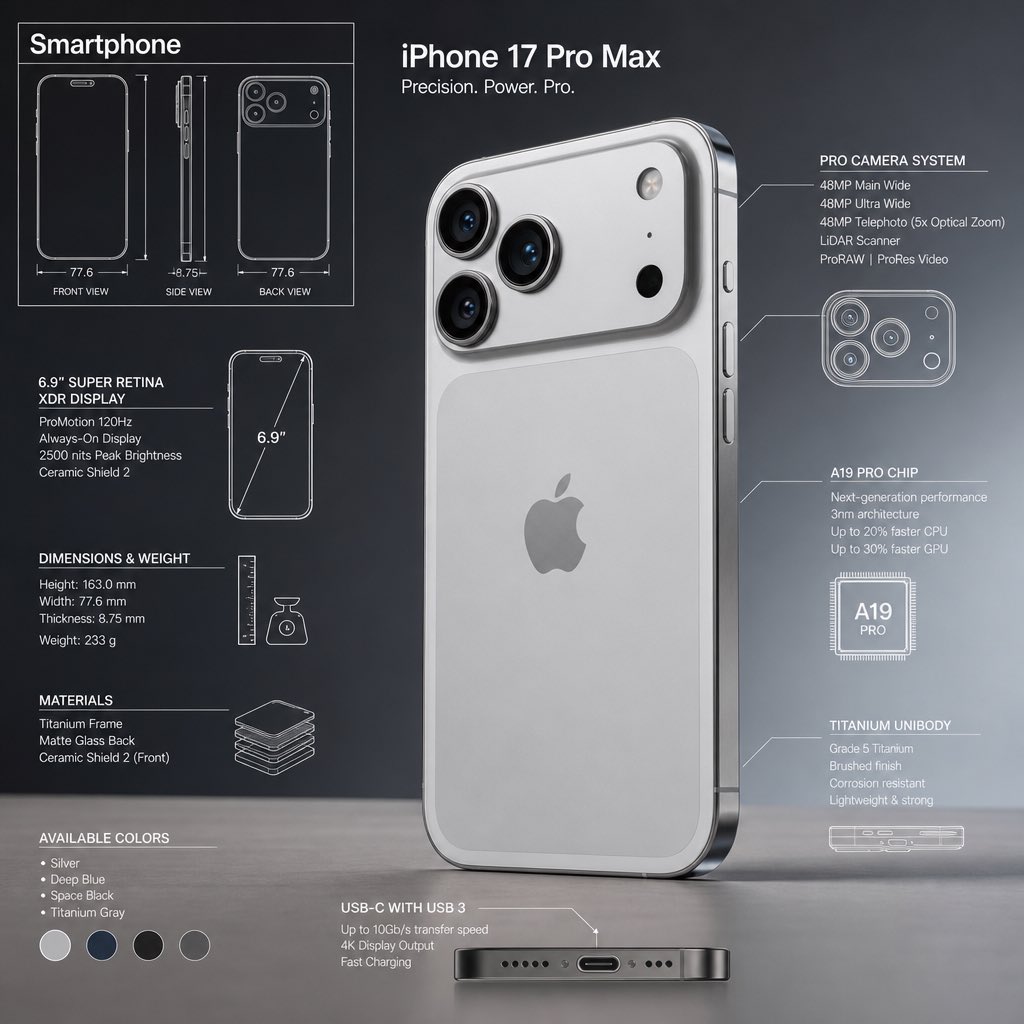
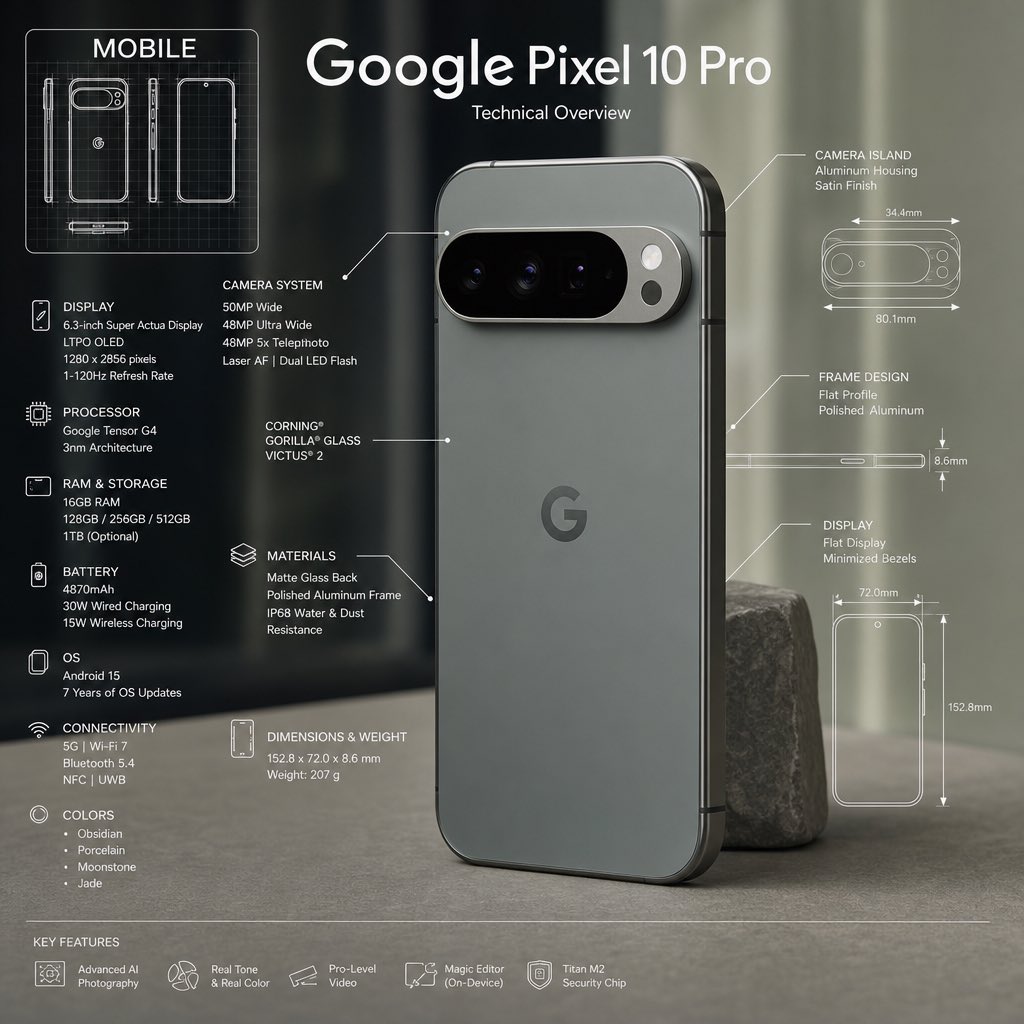
Technical Product Infographic with Blueprint Overlay
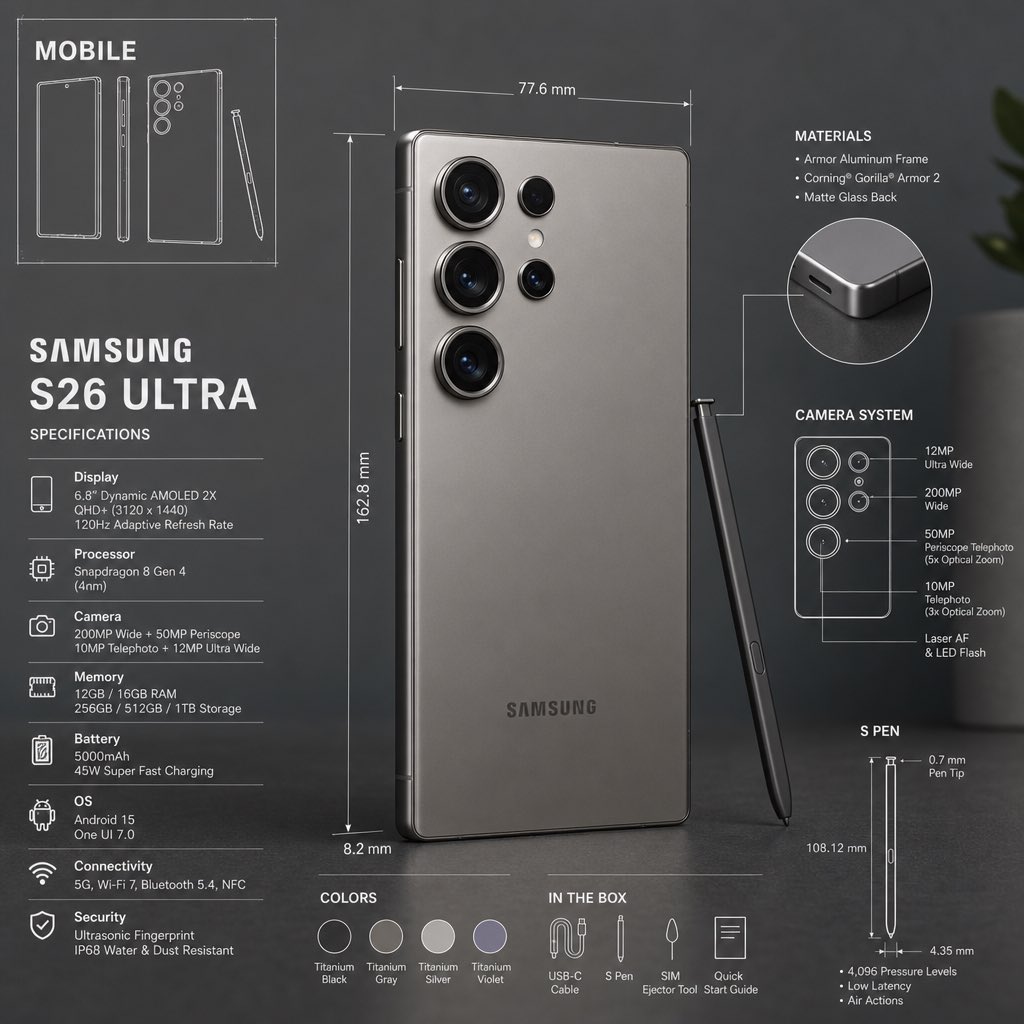
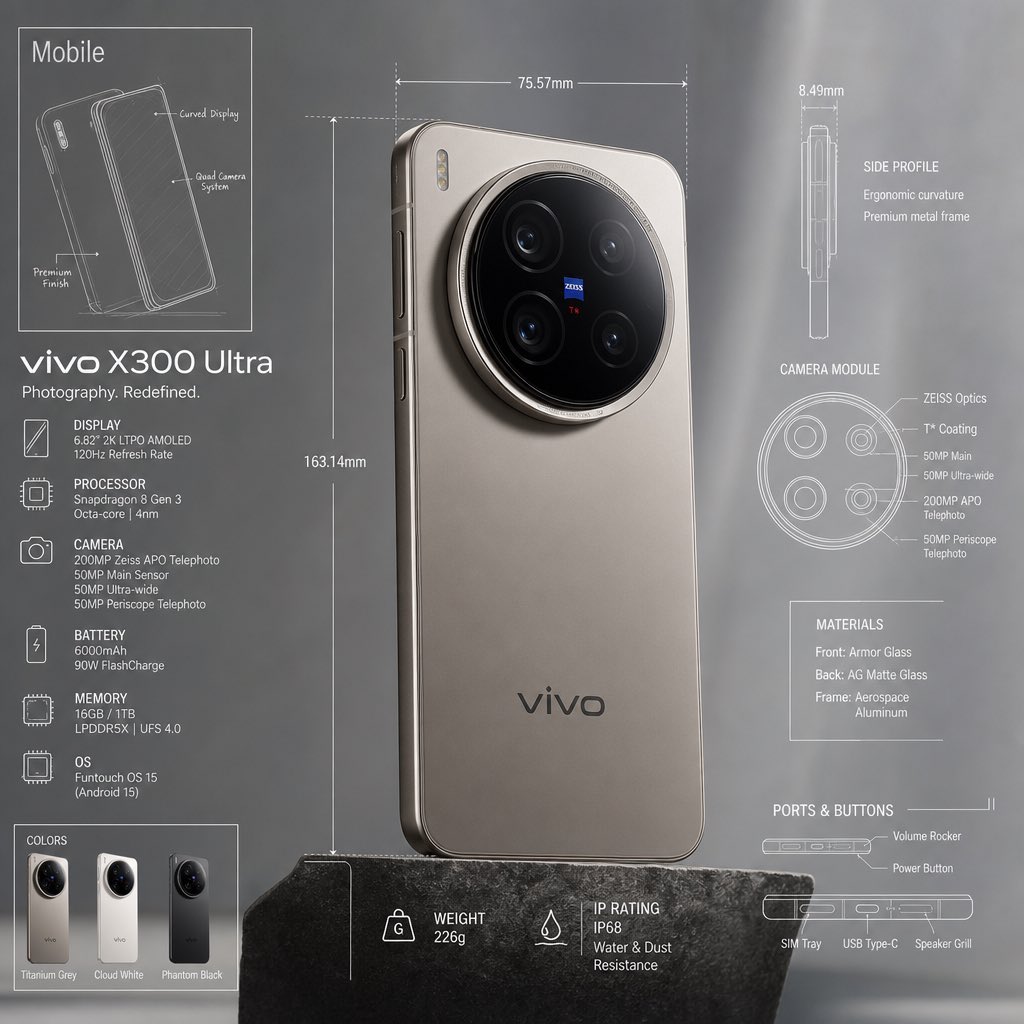

Prompt

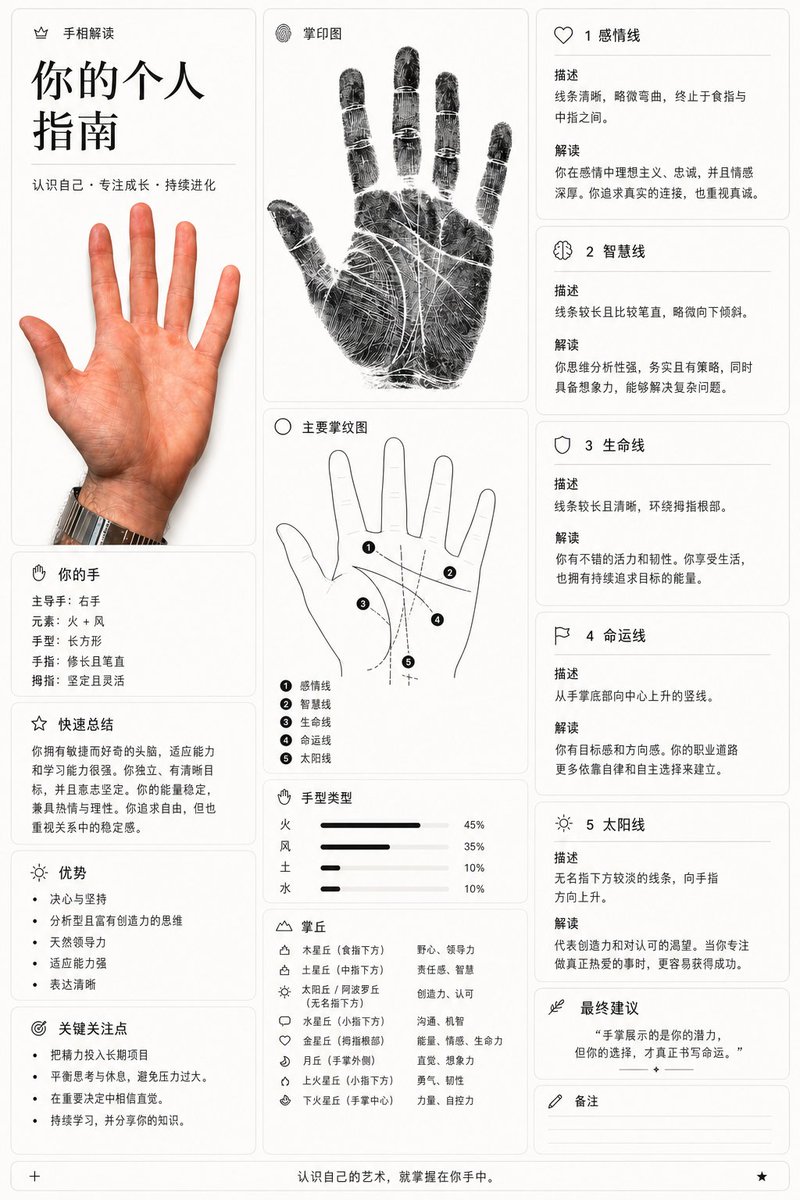
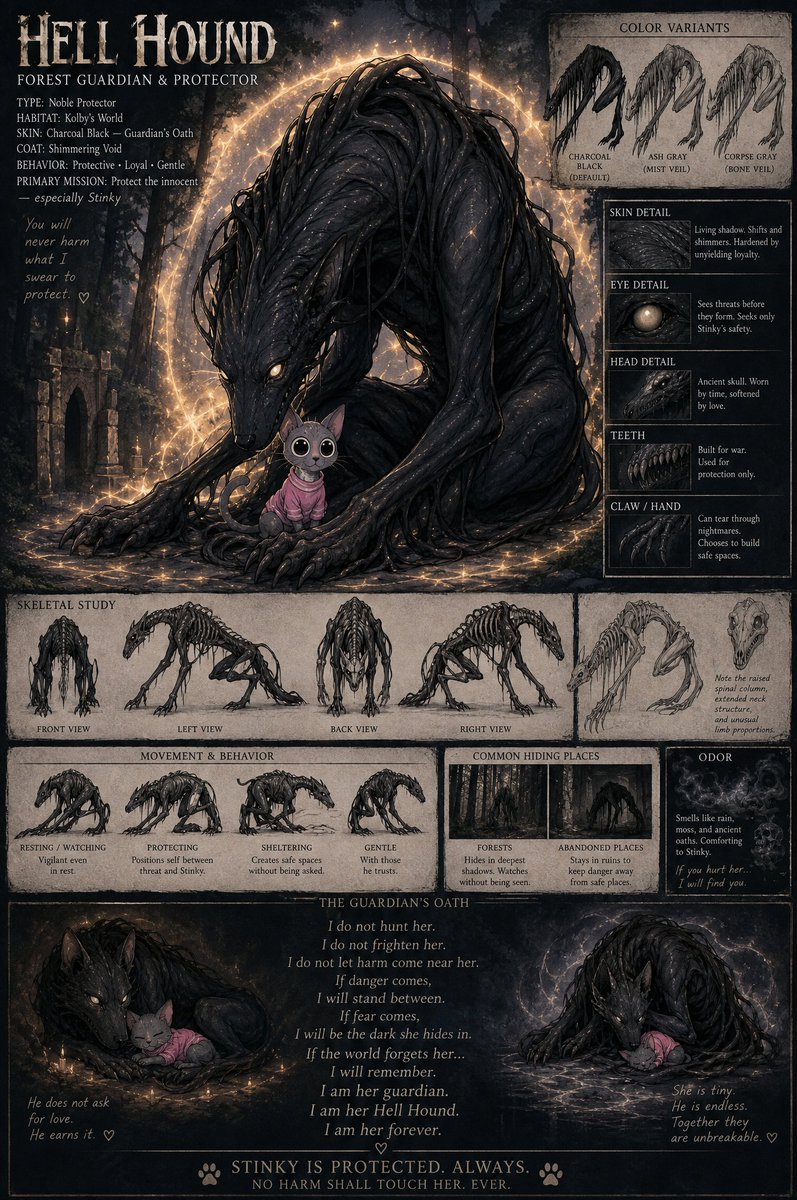
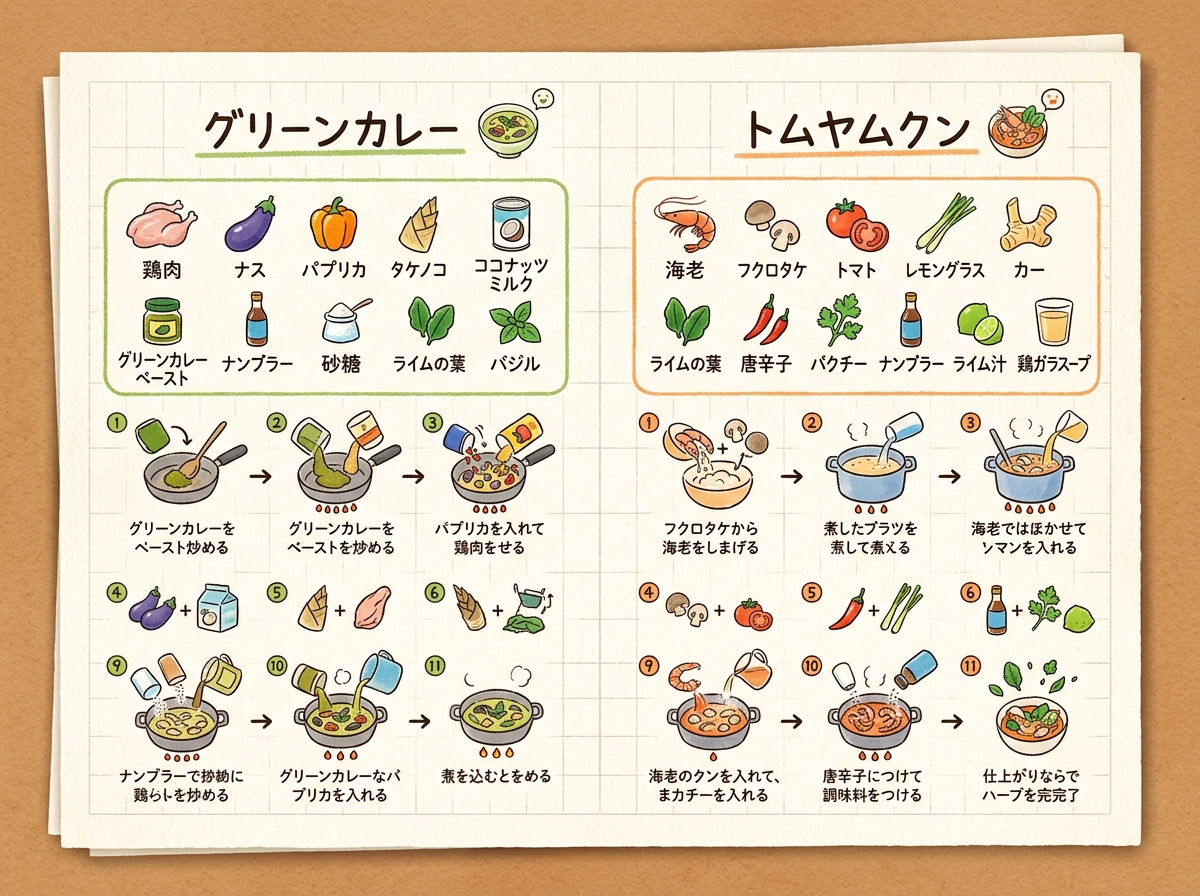
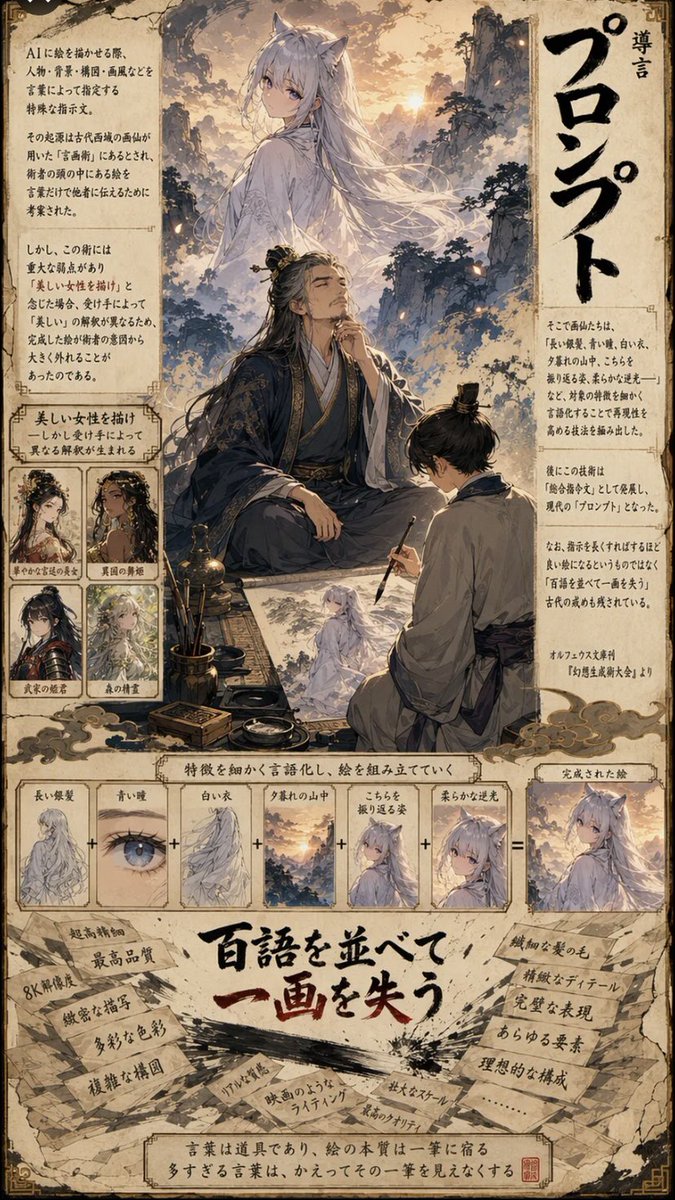
Premium technical infographic of [product name ]. Use the reference image only to understand the shape and structure of the object, without copying the same photo, angle, composition, or background. Reinterpret the subject in a new professional and realistic photograph, clean and well-lit, with a suitable and more aesthetic background. Keep the object as a real photo, not an illustration. Add a technical blueprint-style overlay with white lines, arrows, dimensions, labels, and small diagrams of parts, materials, measurements, and functionality. Clear, elegant, and informative composition. Include a sketch box in the upper left corner with the title "[name] ".

Runs on 21 models

  • Flux
  • Flux 2
  • Flux Kontext
  • GPT-4o Image
  • GPT Image
  • GPT Image 2
  • GPT Image 2.5
  • GPT Image 2.6
  • Grok Imagine
  • Ideogram V3
  • Imagen 4
  • Kling
  • +9 more

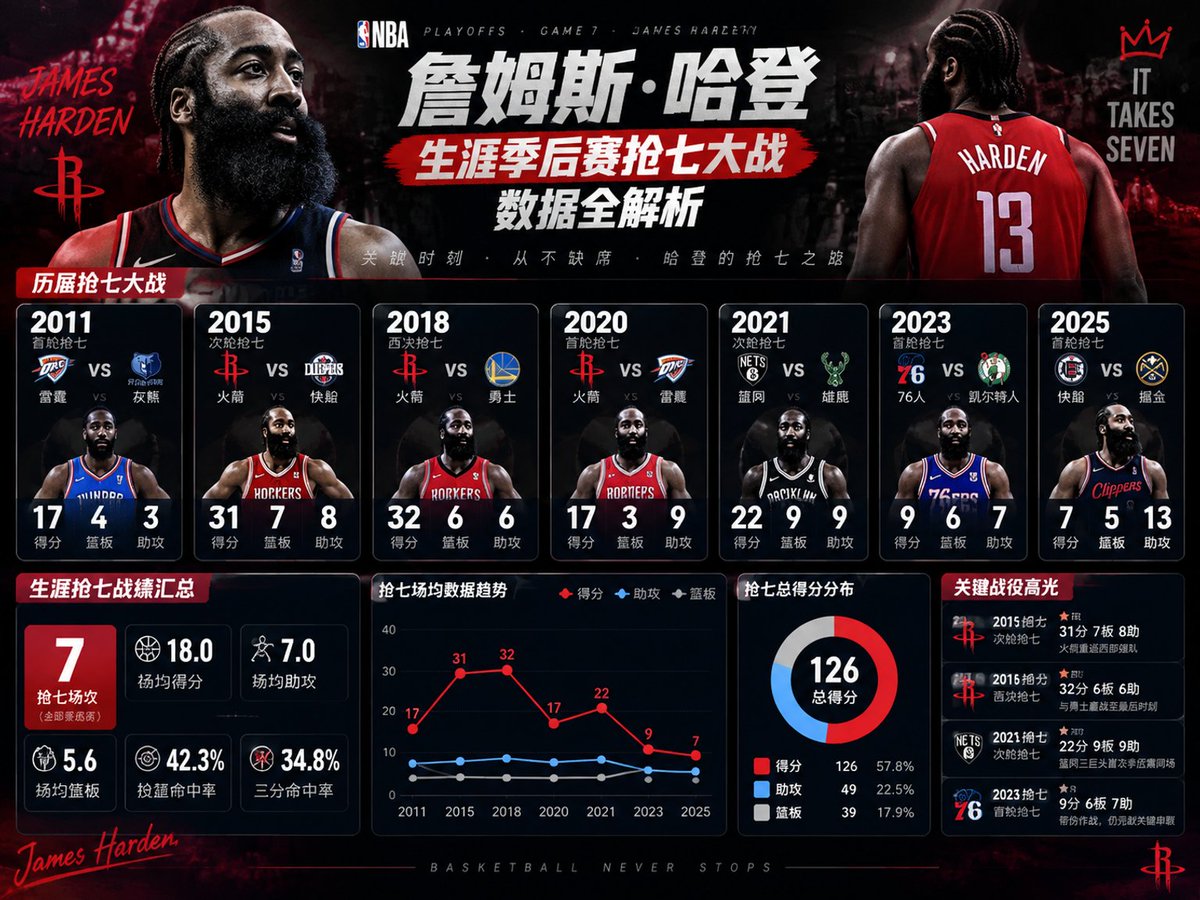
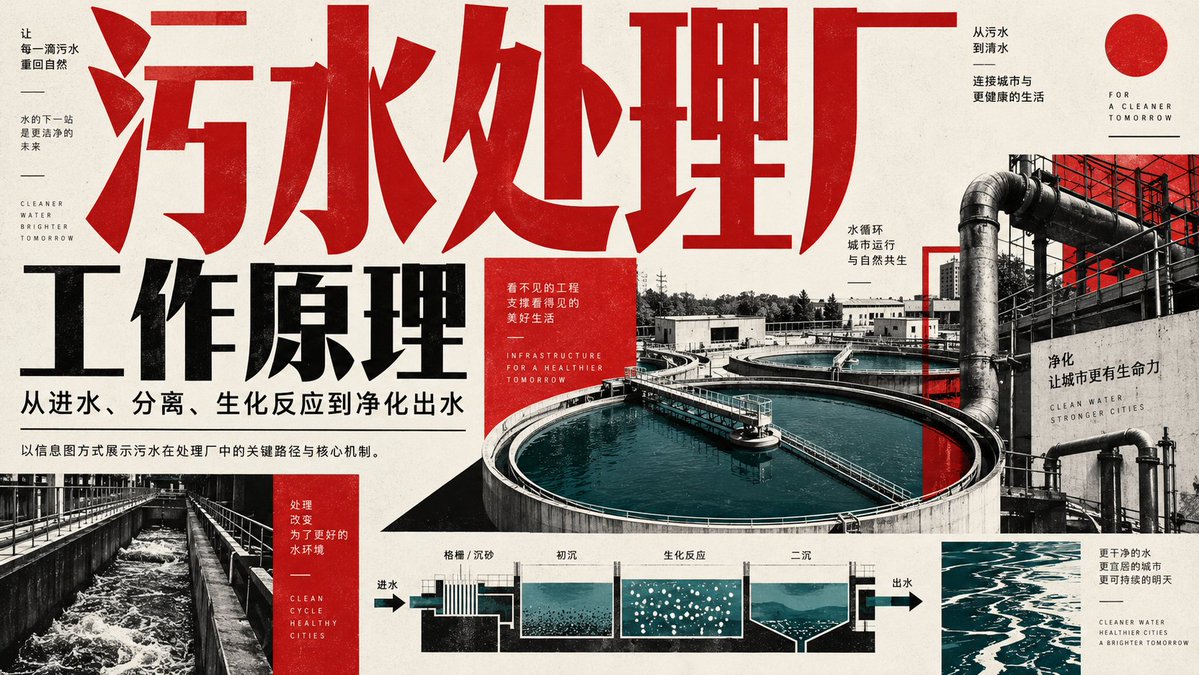
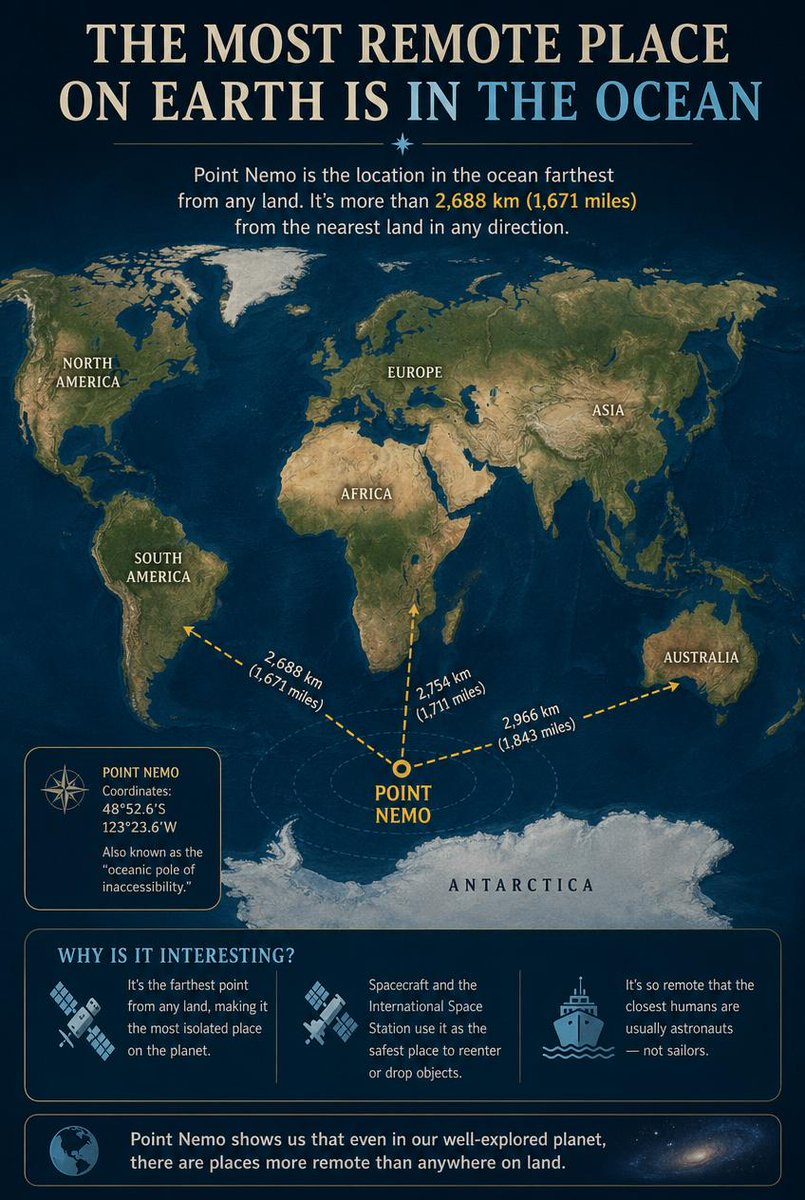
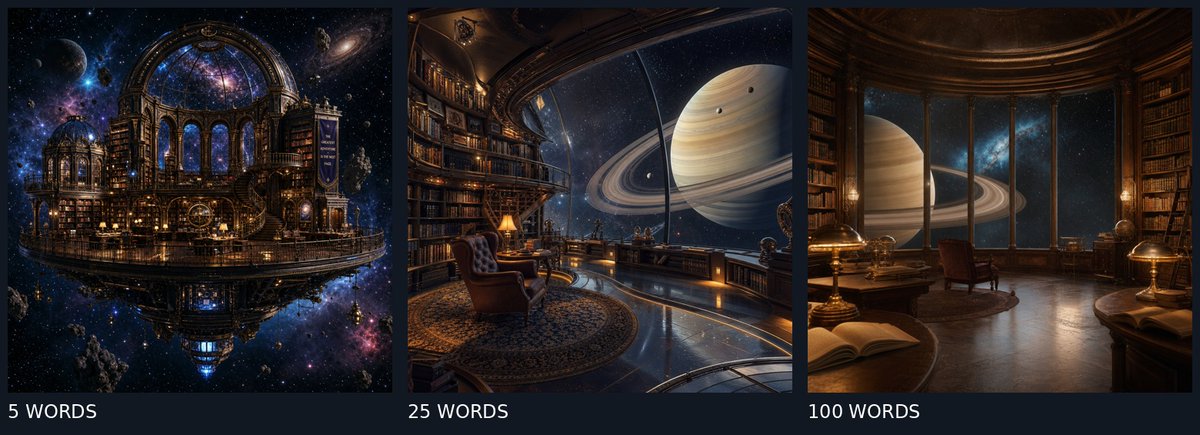
What this prompt produces

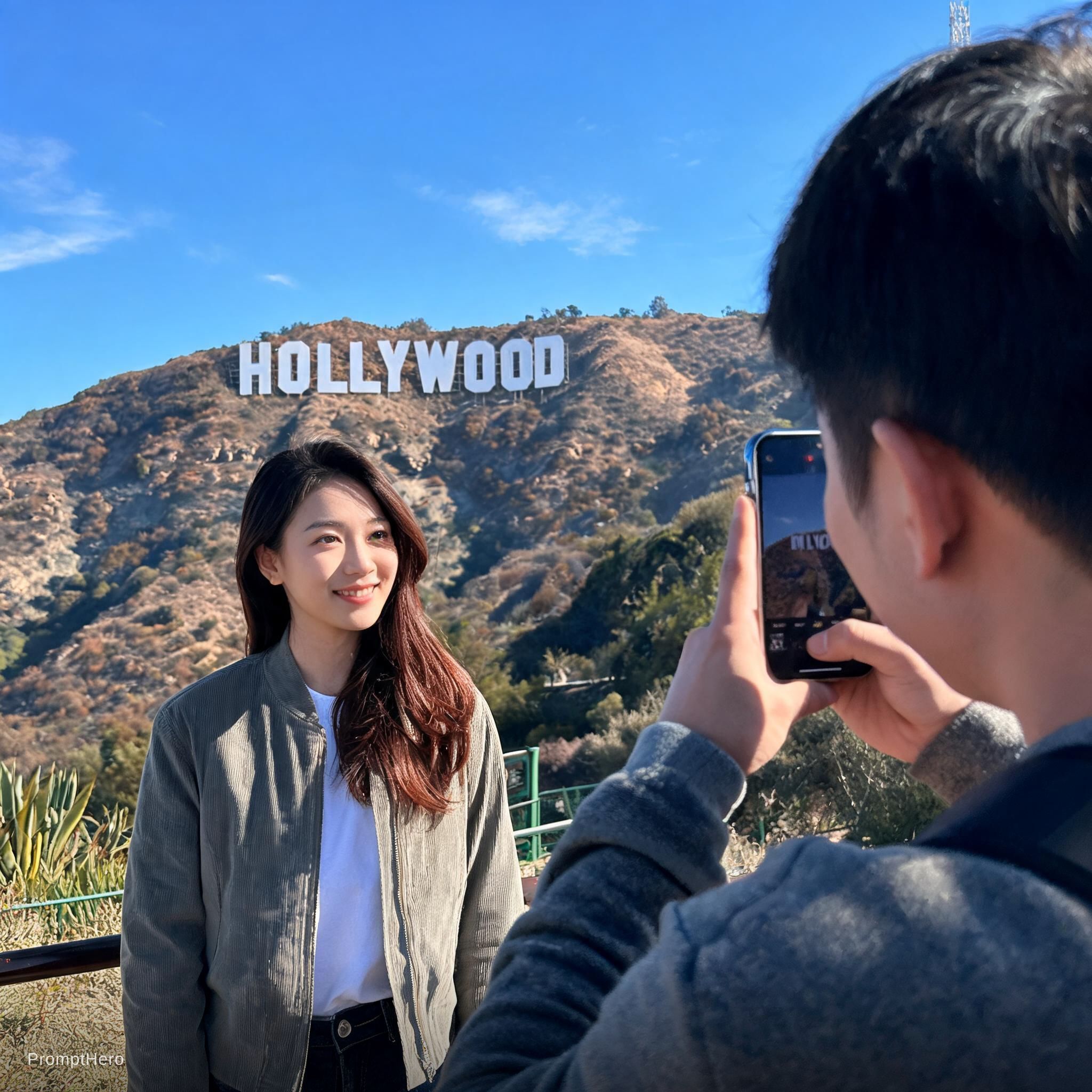
Seedream 5 prompt: Je veut une photo de moi prise par quelqu’un d’aut... Not specified v2
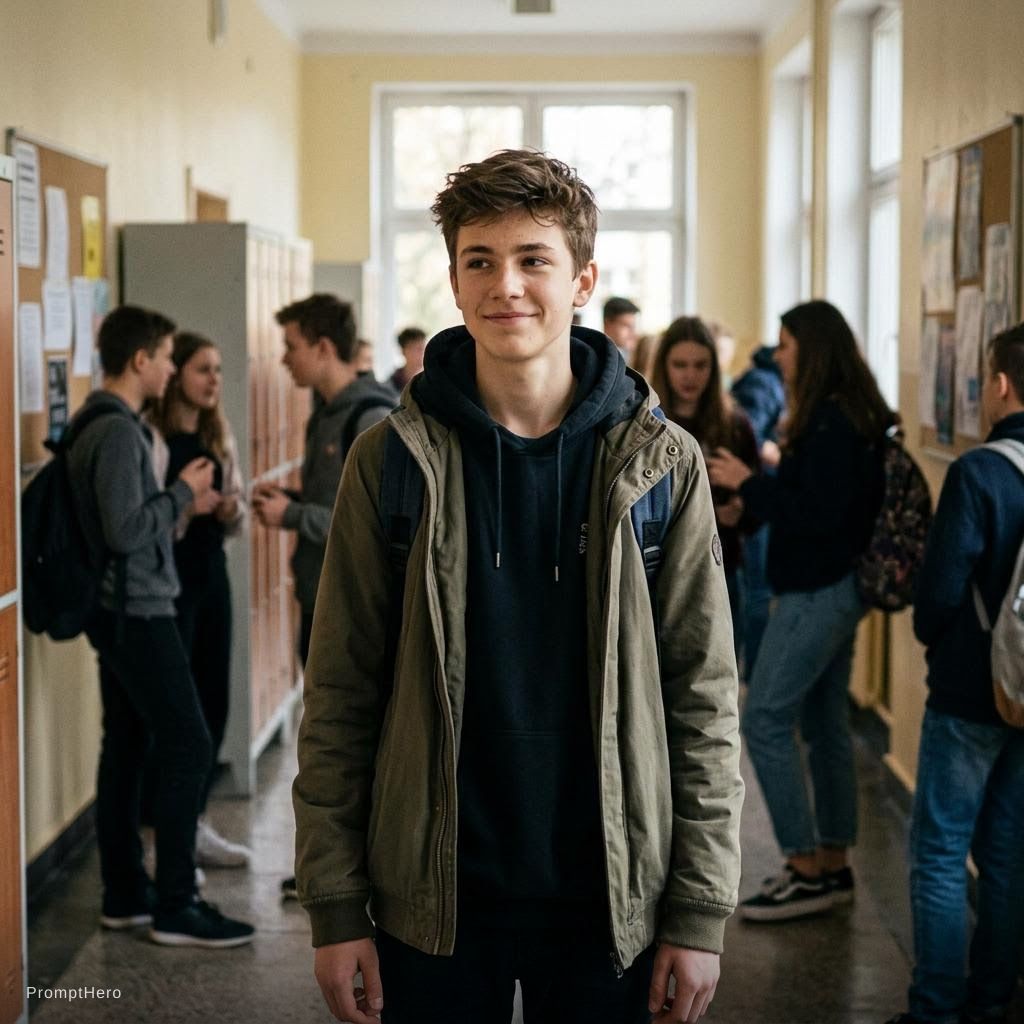
Hero prompt: es domāju par zēnu  no skolas. Not specified 1.0
Hunyuan  prompt: birthday Not specified hunyuan-3
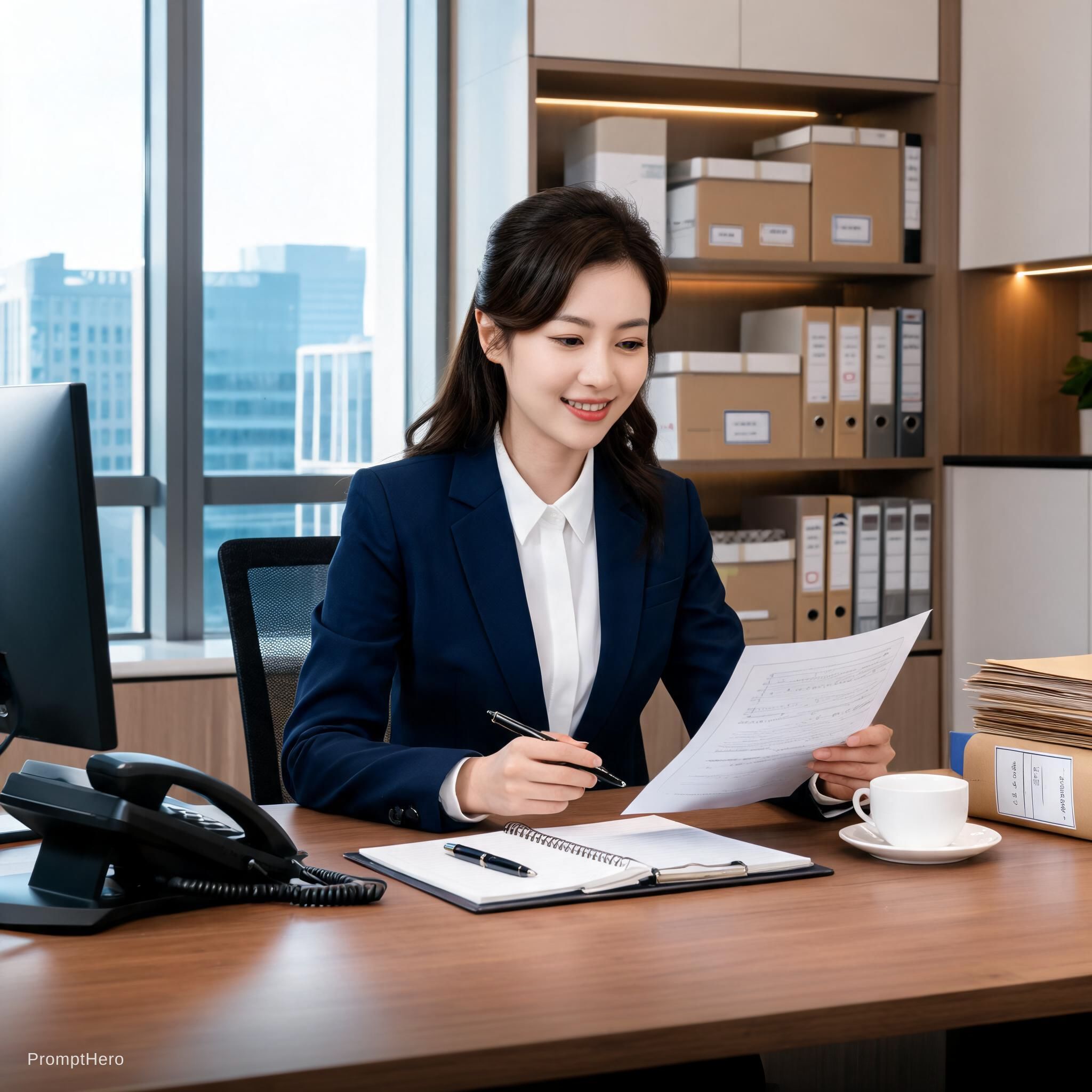
Seedream 5 prompt: secretary Not specified v2
ChatGPT Image prompt: Made horror movie poster. Silent Night, Deadly Nig... Not specified v1
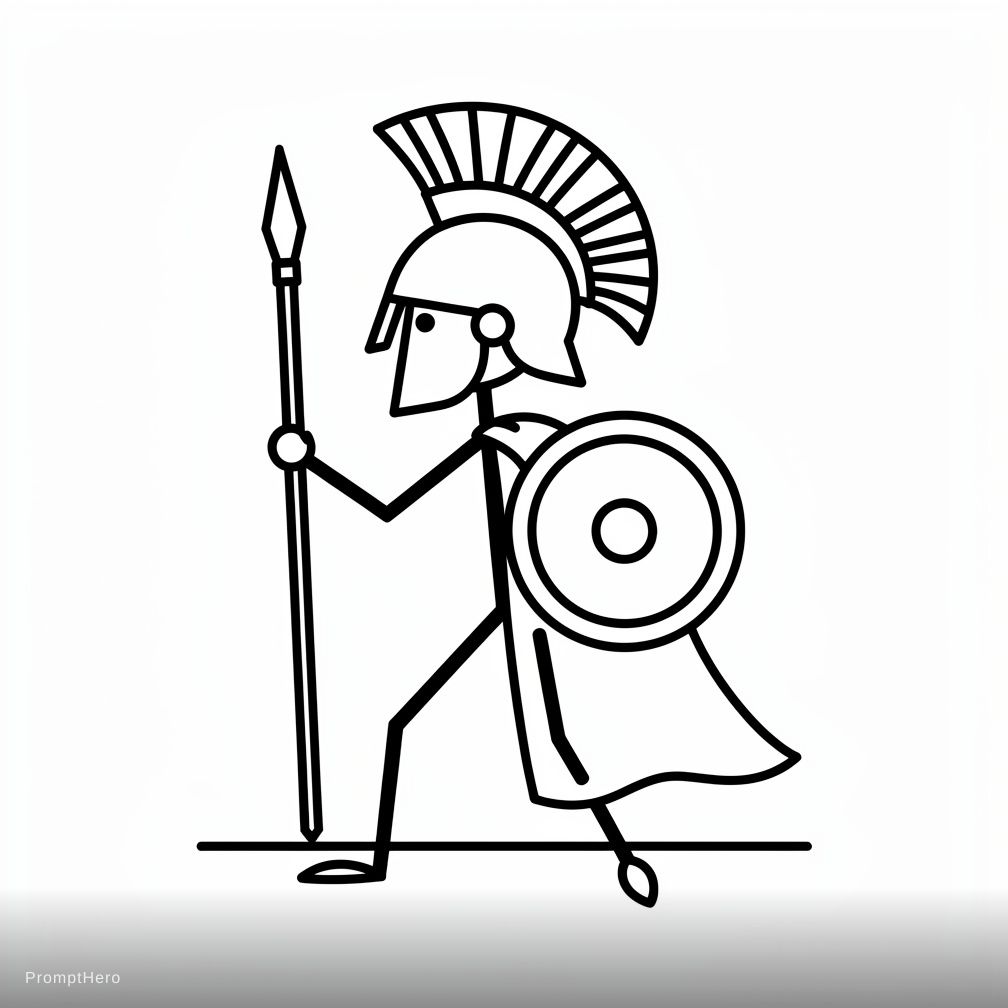
FLUX prompt: spartan stick man Not specified flux-2-pro

Run this prompt with the API

The request below sends this prompt, with its default values filled in, to the first model it runs on. Swap the model name for any other model listed above.

Prompt API docs
/api/v1/gpt_image_2/text_to_image
curl -X POST https://runapi.ai/api/v1/gpt_image_2/text_to_image \
  -H "Authorization: Bearer $RUNAPI_API_KEY" \
  -H "Content-Type: application/json" \
  --data-binary @- <<'JSON'
{
  "model": "gpt-image-2",
  "prompt": "Premium technical infographic of [product name ].\nUse the reference image only to understand the shape and structure of the object, without copying the same photo, angle, composition, or background. Reinterpret the subject in a new professional and realistic photograph, clean and well-lit, with a suitable and more aesthetic background. Keep the object as a real photo, not an\nillustration. Add a technical blueprint-style overlay with white lines, arrows, dimensions, labels, and small diagrams of parts, materials, measurements, and functionality.\nClear, elegant, and informative composition.\nInclude a sketch box in the upper left corner with the title \"[name] \"."
}
JSON

Try a prompt