3D Breakout Effect Editorial Ad
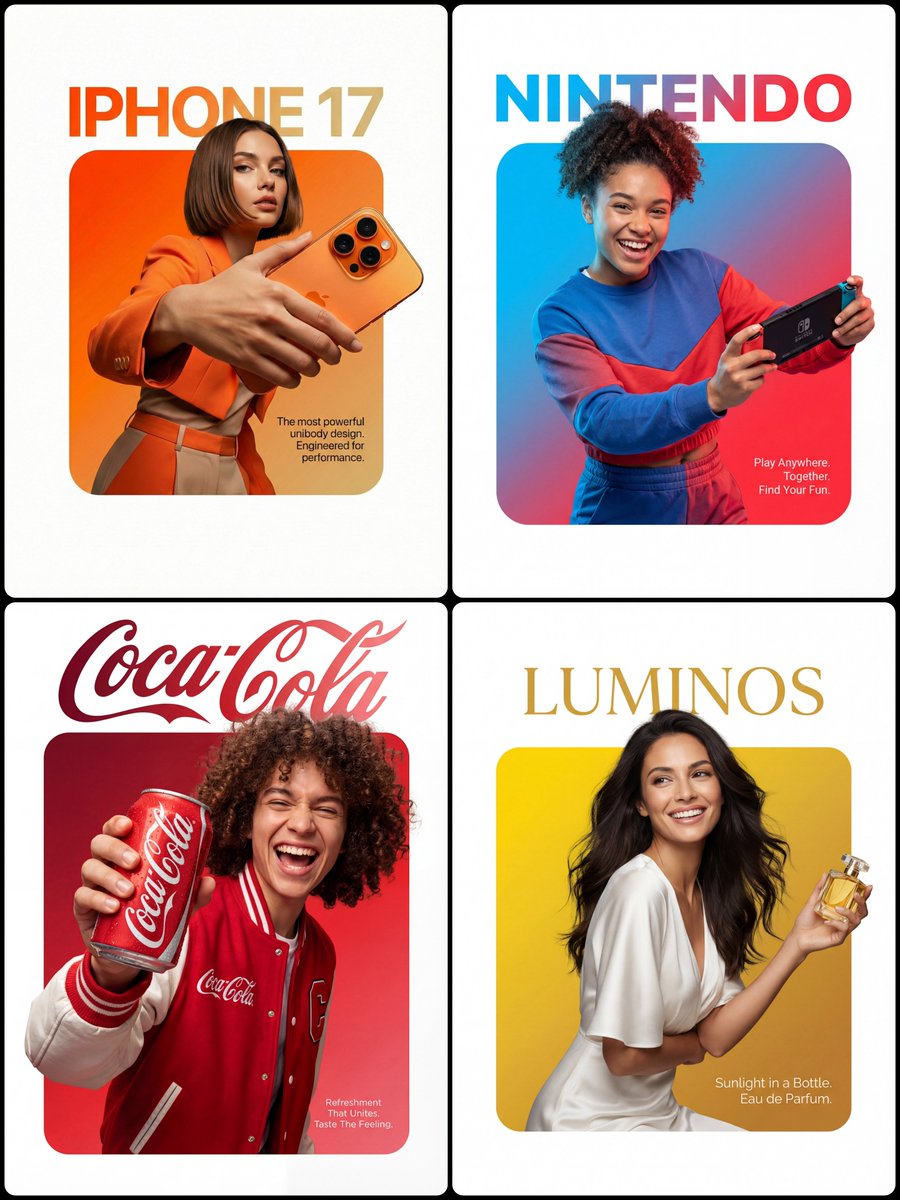
3D Breakout Effect Editorial Ad

Prompt

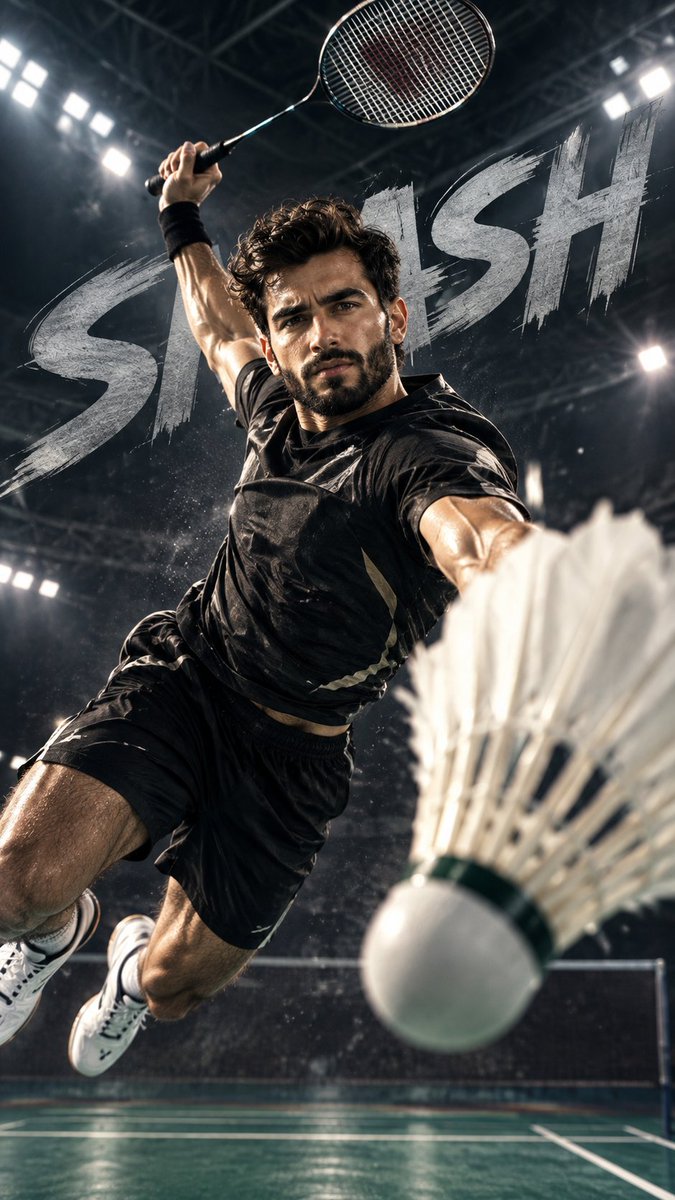
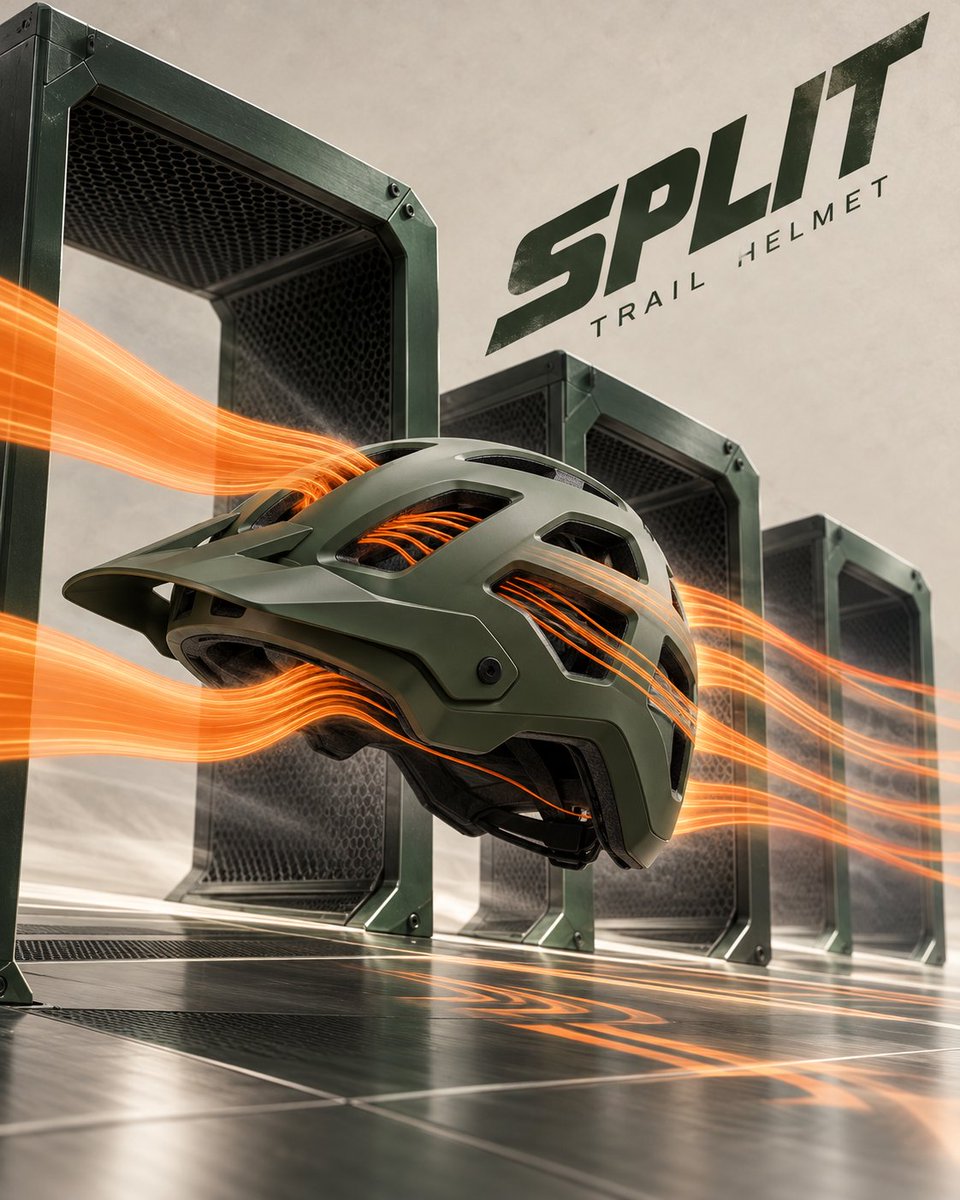
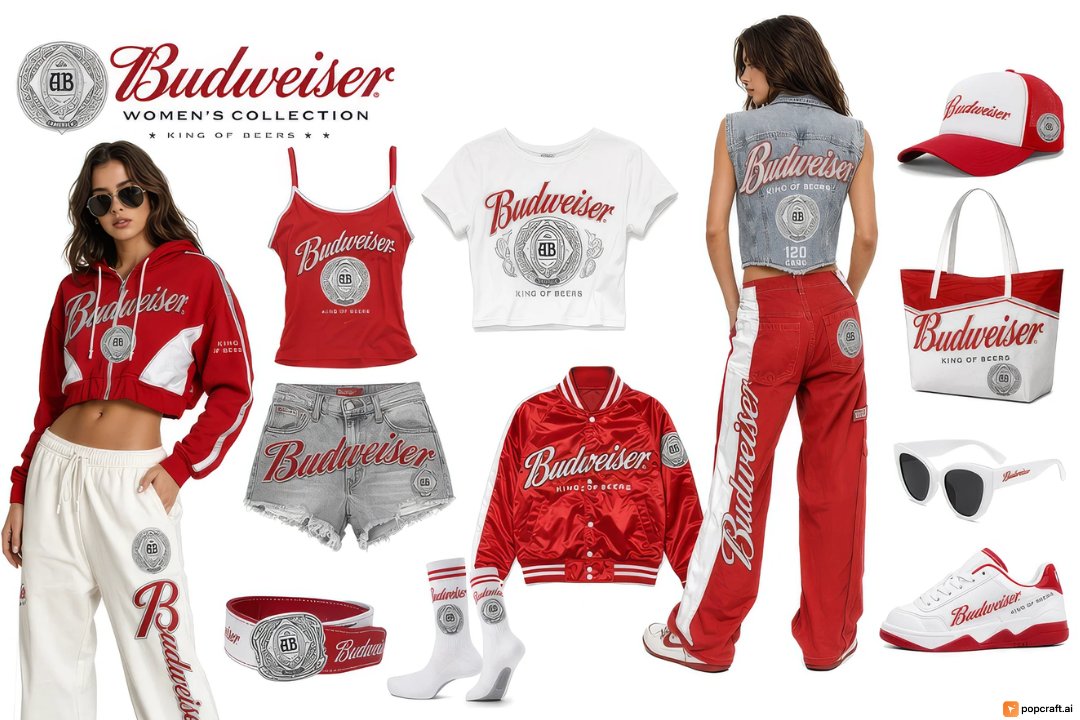
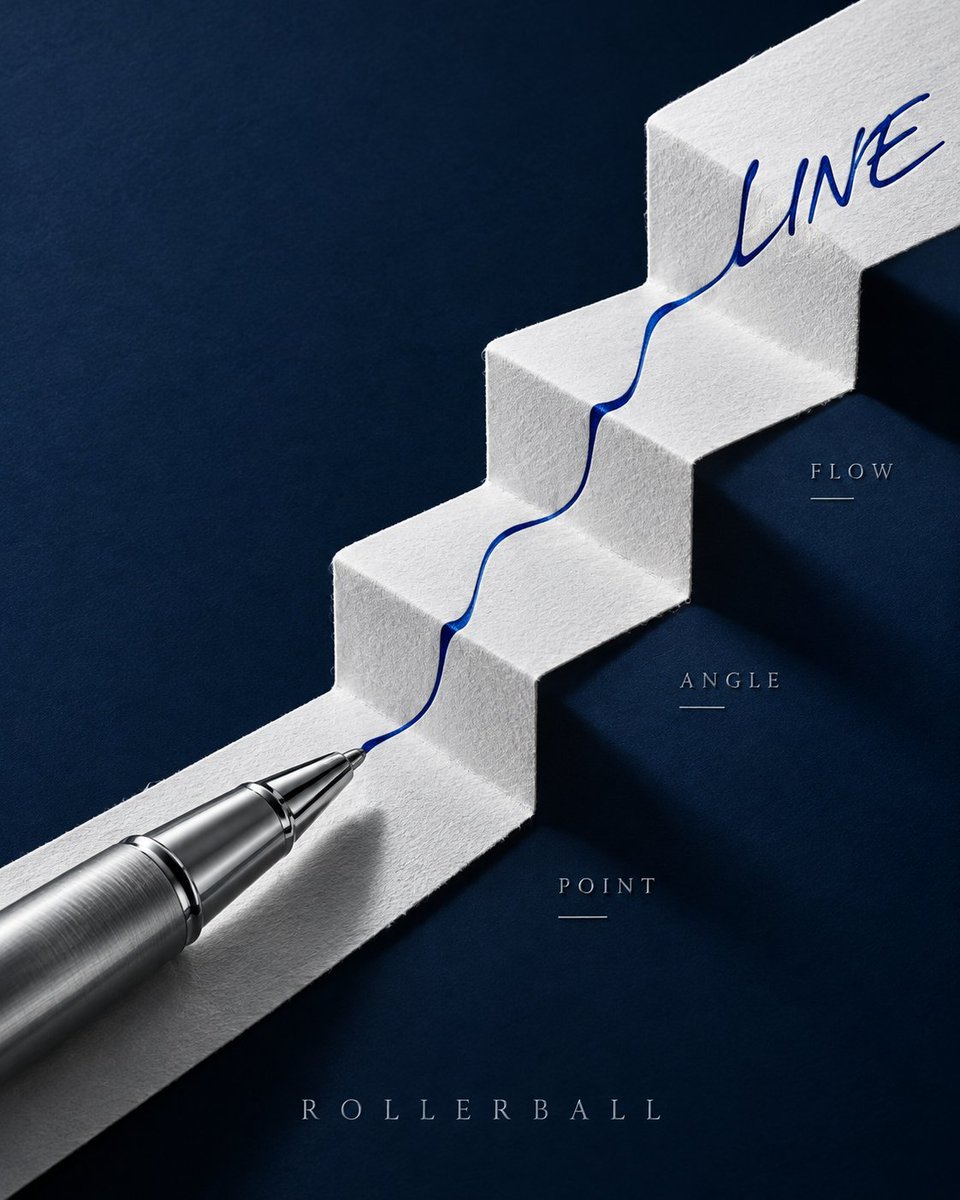
A premium editorial-style ad layout set on a clean pure-white background. At the center sits a perfectly symmetrical solid rounded square (filled, not an outline) with a smooth vibrant gradient inside fading from Top-Left Color through to Bottom-Right Color. A Description of Character is placed so that the lower edge of their torso lines up flush with the bottom edge of the square, no leftover colored strip beneath them. The figure and outfit stay in true-to-life colors and textures, lit by professional studio lighting that is fully separate from the background gradient, so no color tint bleeds onto skin or clothing. They grip Product Description in a confident, realistic hold. Importantly, the crown of the head and hair push past the top edge of the square and overlap into the white space, while the hands and the product cross the side edges as well, creating a strong 3D breakout effect spilling onto the canvas. Typography: Above the square, set on the white space with a deliberate gap, place the [Font Style] brand wordmark '[Brand Name]' in [Top Text Color]. Inside the square, layered over the gradient in the bottom-right corner, drop a small block of thin clean [Bottom Text Color] body text reading '[Slogan/Tagline]'. Lighting is [Lighting Type: e.g., Sharp/Soft], crisp, and commercial, bringing out the texture of both the person and the product.

Runs on 20 models

  • Flux
  • Flux 2
  • Flux Kontext
  • GPT-4o Image
  • GPT Image
  • GPT Image 2
  • GPT Image 2.5
  • GPT Image 2.6
  • Grok Imagine
  • Ideogram V3
  • Imagen 4
  • Kling
  • +8 more

What this prompt produces

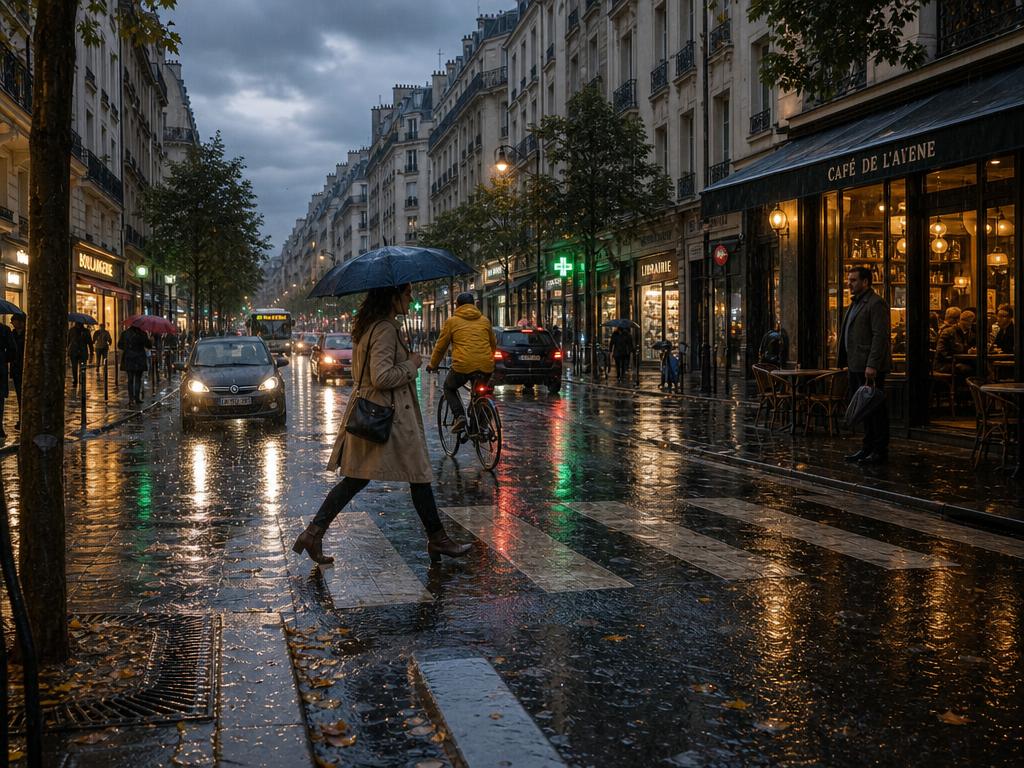
Rainy French Street at Night Not specified gpt-image-2
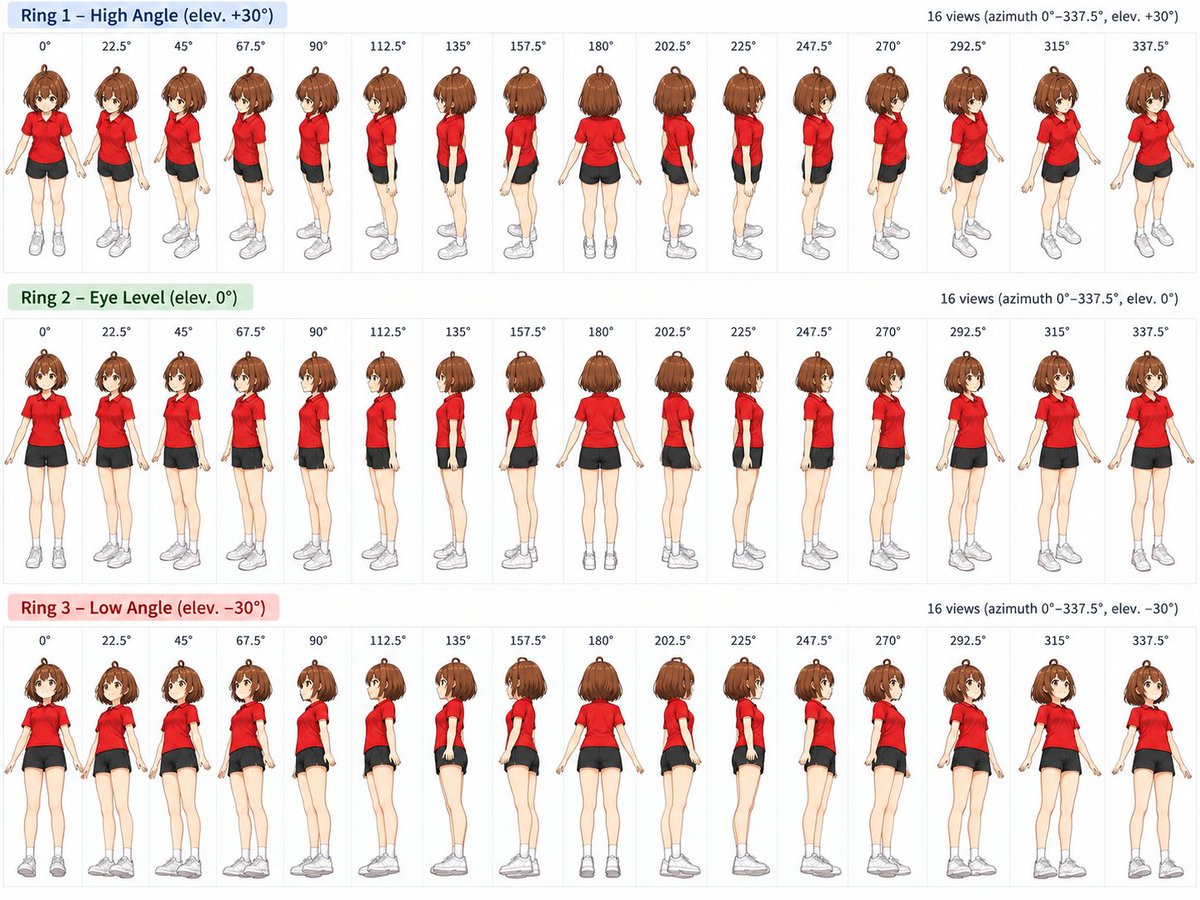
Camera Dome 48-Point View Setup Not specified gpt-image-2
Seedream 5 prompt: Preteen cheerleaders, very pretty, around 11 years... Not specified v2
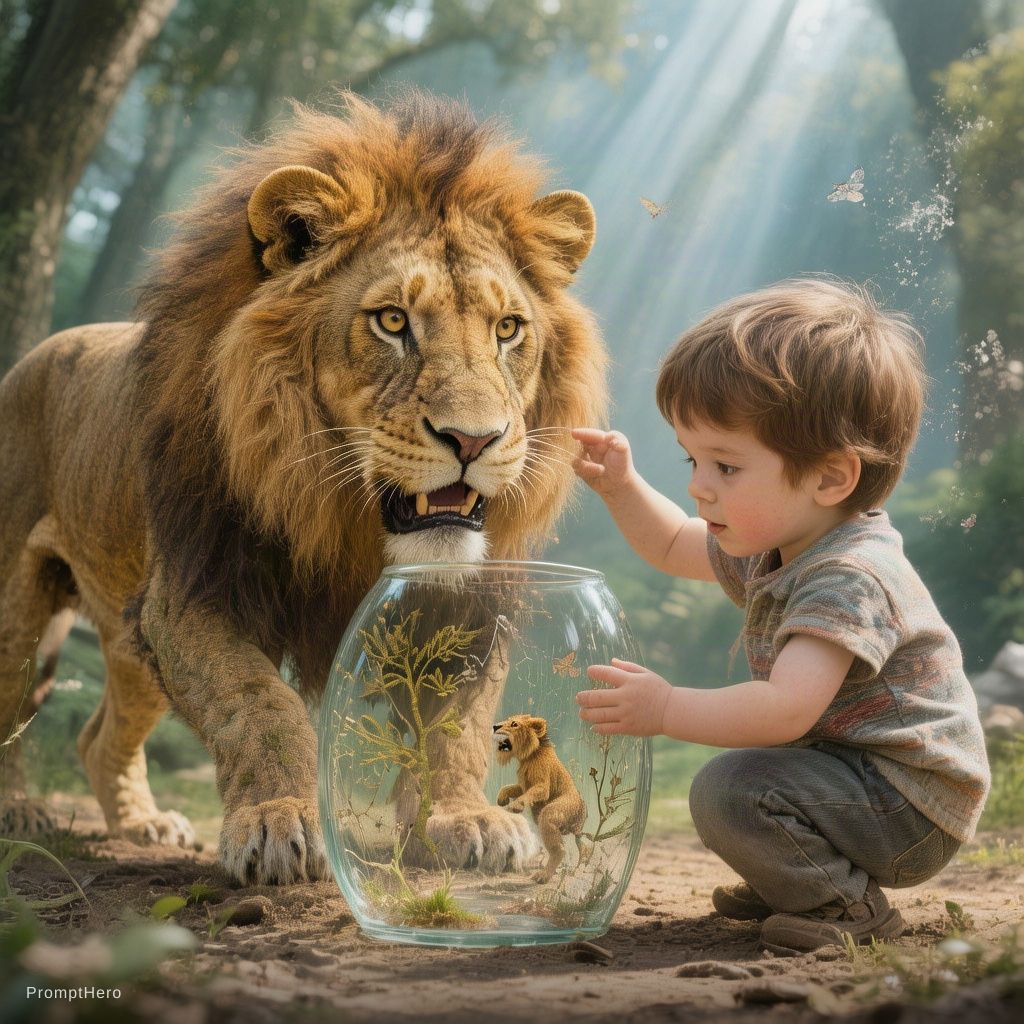
Hunyuan  prompt: make a prompt in which a small boy playing with th... Not specified hunyuan-3
Hero prompt: Base Image (Template): Image 1. Retain the exact o... Not specified 1.0
Seedream 5 prompt: Una mujer Not specified v2

Run this prompt with the API

The request below sends this prompt, with its default values filled in, to the first model it runs on. Swap the model name for any other model listed above.

Prompt API docs
/api/v1/gpt_image_2/text_to_image
curl -X POST https://runapi.ai/api/v1/gpt_image_2/text_to_image \
  -H "Authorization: Bearer $RUNAPI_API_KEY" \
  -H "Content-Type: application/json" \
  --data-binary @- <<'JSON'
{
  "model": "gpt-image-2",
  "prompt": "A premium editorial-style ad layout set on a clean pure-white background. At the center sits a perfectly symmetrical solid rounded square (filled, not an outline) with a smooth vibrant gradient inside fading from Top-Left Color through to Bottom-Right Color.\n\nA Description of Character is placed so that the lower edge of their torso lines up flush with the bottom edge of the square, no leftover colored strip beneath them. The figure and outfit stay in true-to-life colors and textures, lit by professional studio lighting that is fully separate from the background gradient, so no color tint bleeds onto skin or clothing.\n\nThey grip Product Description in a confident, realistic hold. Importantly, the crown of the head and hair push past the top edge of the square and overlap into the white space, while the hands and the product cross the side edges as well, creating a strong 3D breakout effect spilling onto the canvas.\n\nTypography: Above the square, set on the white space with a deliberate gap, place the [Font Style] brand wordmark '[Brand Name]' in [Top Text Color]. Inside the square, layered over the gradient in the bottom-right corner, drop a small block of thin clean [Bottom Text Color] body text reading '[Slogan/Tagline]'.\n\nLighting is [Lighting Type: e.g., Sharp/Soft], crisp, and commercial, bringing out the texture of both the person and the product."
}
JSON

Try a prompt