AI Model Eyewear Store Comparison
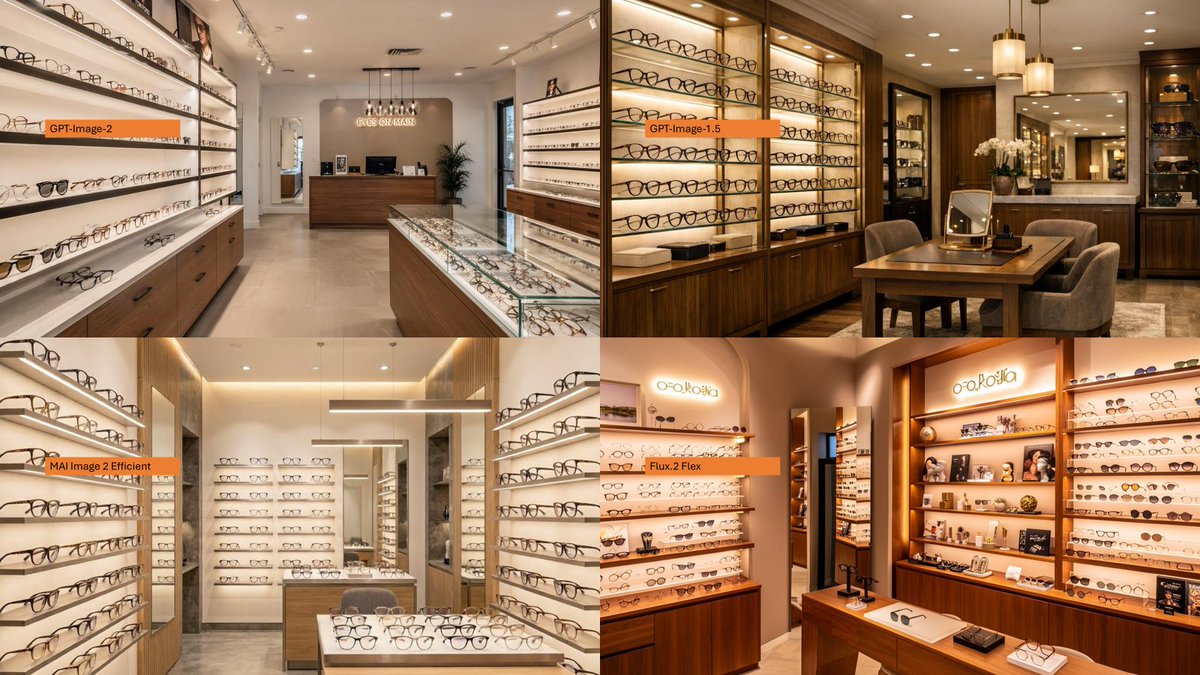
AI Model Eyewear Store Comparison

Prompt

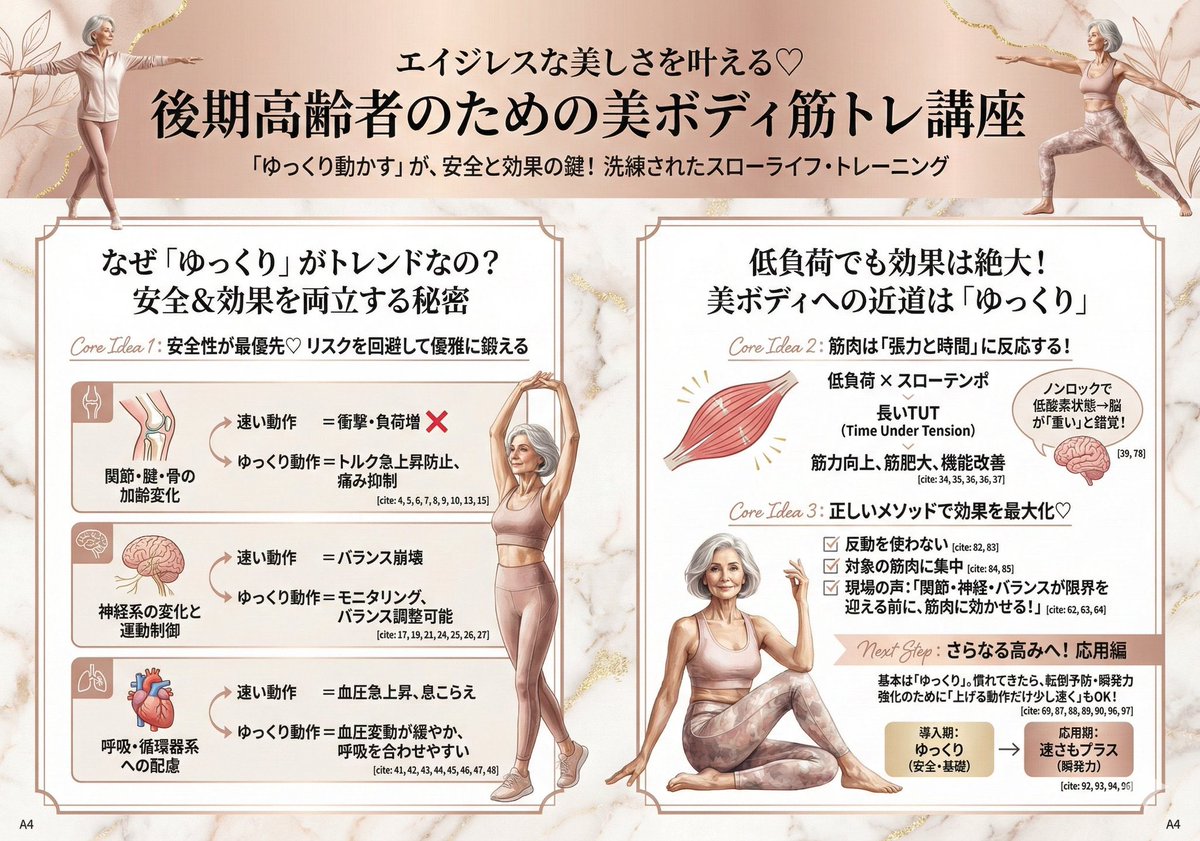
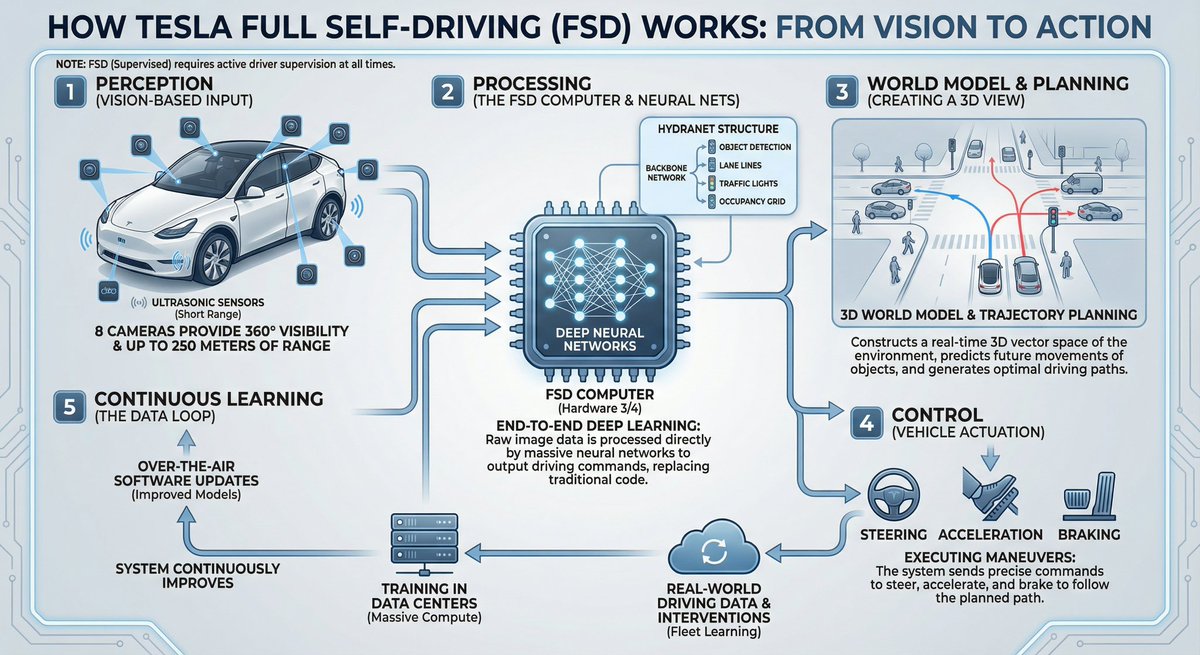
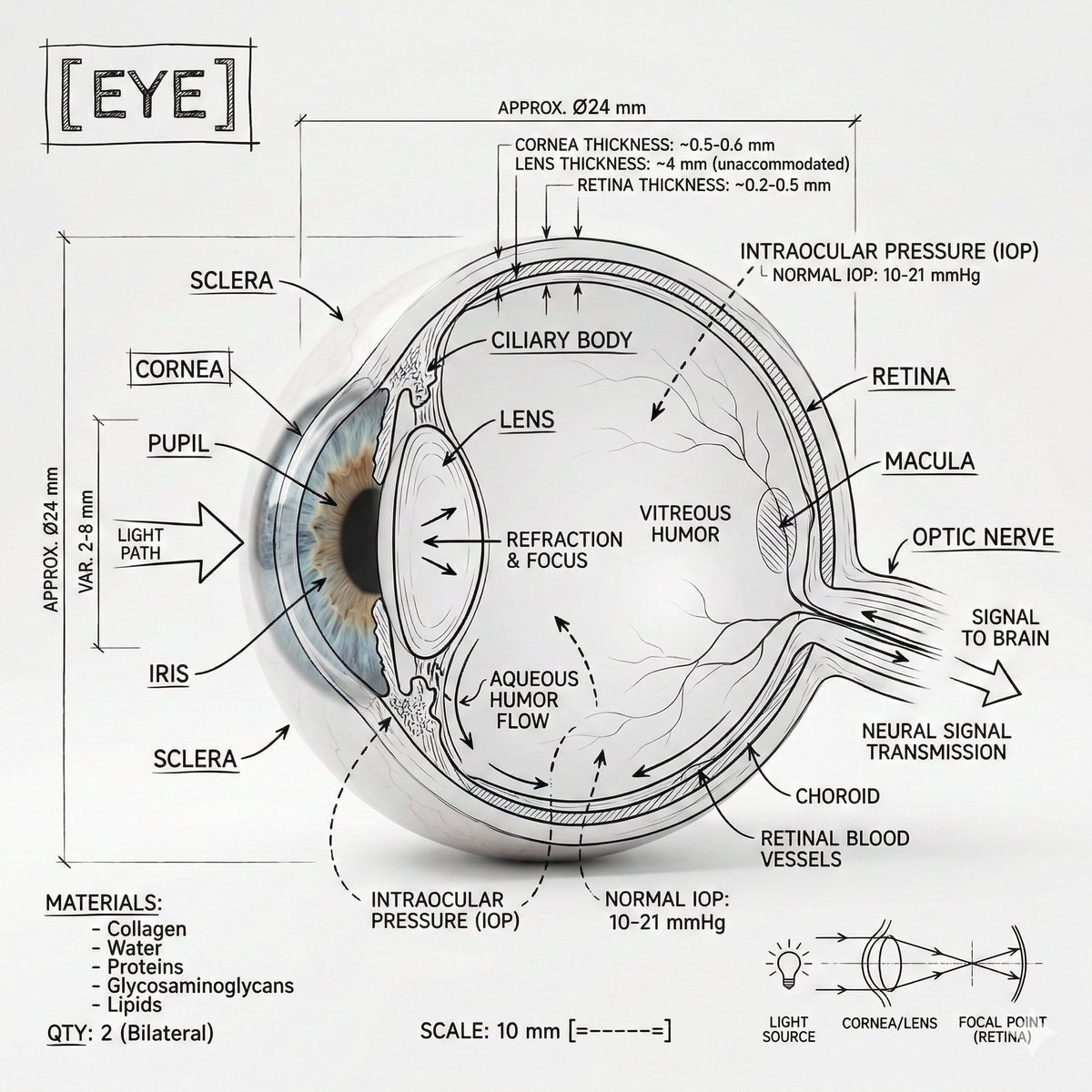
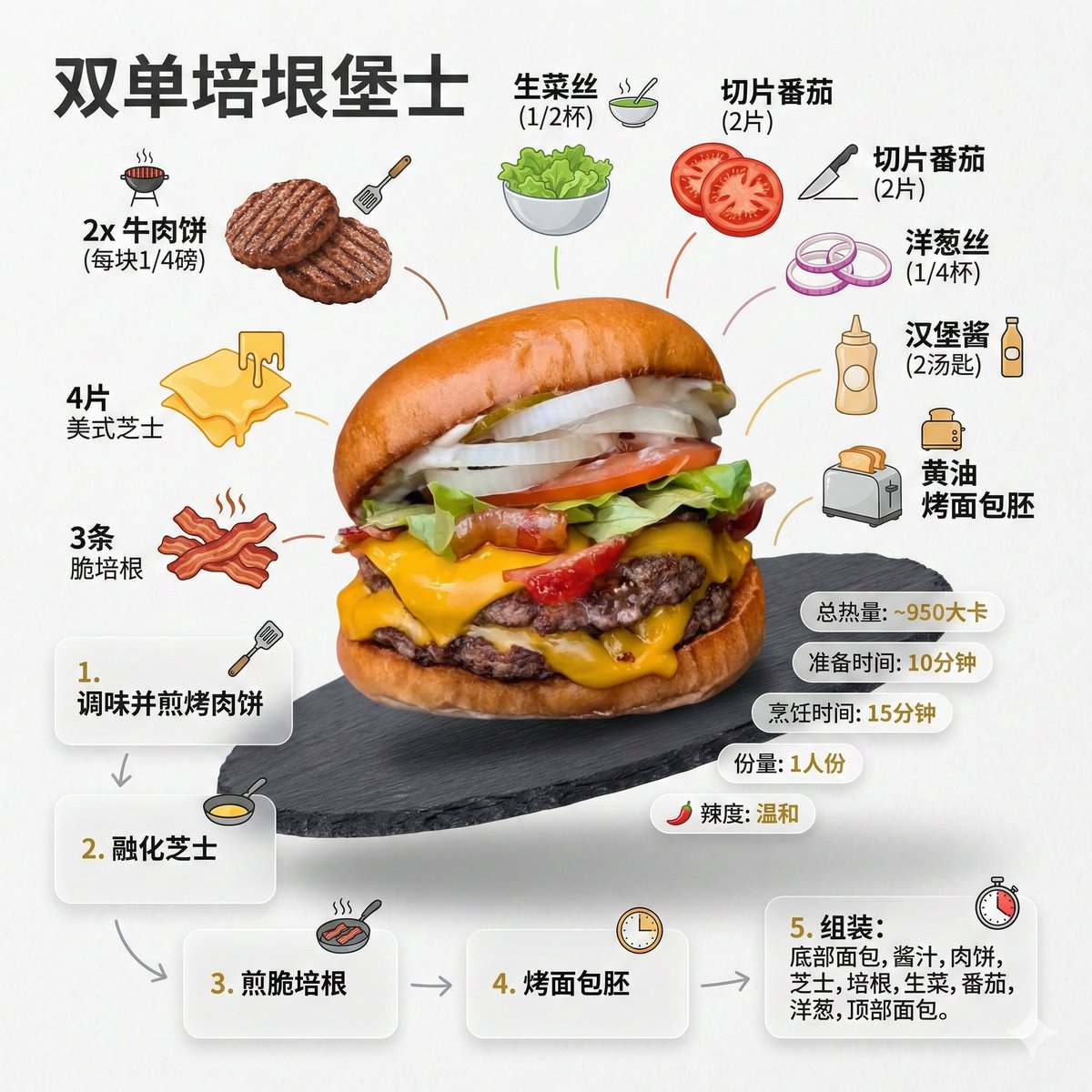
Using the provided reference image as a loose layout inspiration for a model-comparison graphic, replace the Japanese DX infographic with a clean 2×2 comparison collage of photorealistic eyeglasses store interiors. Create exactly 4 panels: top-left labeled GPT-Image-2, top-right labeled GPT-Image-1.5, bottom-left labeled MAI Image 2 Efficient, and bottom-right labeled Flux.2 Flex. Each panel should show a different upscale optical boutique interior filled with wall displays of eyeglass frames, glass counters, warm lighting, wood cabinetry, mirrors, and showroom depth. Use small horizontal orange label bars with black text near the left side of each panel. Make the final image a wide 16:9 collage with thin panel boundaries, no extra explanatory text, no Japanese report content, and no watermark.

Runs on 20 models

  • Flux
  • Flux 2
  • Flux Kontext
  • GPT-4o Image
  • GPT Image
  • GPT Image 2
  • GPT Image 2.5
  • GPT Image 2.6
  • Grok Imagine
  • Ideogram V3
  • Imagen 4
  • Kling
  • +8 more

What this prompt produces

Split-Page Coffee Shop Travel Journal Not specified gpt-image-2
Cute Chibi Characters in a Sweet Playful Moment Not specified gpt-image-2
Underground Train Yard Clash Anime Development Board Not specified gpt-image-2
Realistic Group Selfie with Smartphone Flash Effect Not specified nano-banana-pro
Exploded-View Structural Cutaway for Food Photography Not specified nano-banana-pro
Four Seasons Portrait Collage Not specified nano-banana-pro

Run this prompt with the API

The request below sends this prompt, with its default values filled in, to the first model it runs on. Swap the model name for any other model listed above.

Prompt API docs
/api/v1/gpt_image_2/text_to_image
curl -X POST https://runapi.ai/api/v1/gpt_image_2/text_to_image \
  -H "Authorization: Bearer $RUNAPI_API_KEY" \
  -H "Content-Type: application/json" \
  --data-binary @- <<'JSON'
{
  "model": "gpt-image-2",
  "prompt": "Using the provided reference image as a loose layout inspiration for a model-comparison graphic, replace the Japanese DX infographic with a clean 2×2 comparison collage of photorealistic eyeglasses store interiors. Create exactly 4 panels: top-left labeled GPT-Image-2, top-right labeled GPT-Image-1.5, bottom-left labeled MAI Image 2 Efficient, and bottom-right labeled Flux.2 Flex. Each panel should show a different upscale optical boutique interior filled with wall displays of eyeglass frames, glass counters, warm lighting, wood cabinetry, mirrors, and showroom depth. Use small horizontal orange label bars with black text near the left side of each panel. Make the final image a wide 16:9 collage with thin panel boundaries, no extra explanatory text, no Japanese report content, and no watermark."
}
JSON

Try a prompt

Estimated: $0.04 / image

Sign in to generate with RunAPI.

Sign in to generate

Sign in to start generating with your available language models.