AI Portraits & Selfies Prompts
7,633 prompts for studio portraits, headshots, mirror selfies and fashion portraits. Each one is shown with the image it produced. Copy a prompt as written, or run it on GPT Image, Nano Banana or Seedream with the same API call.
Runs on 36 image models through one API key
curl -G https://runapi.ai/api/v1/prompts \
  -d modality=image -d category=portrait-selfie \
-H "Authorization: Bearer $RUNAPI_API_KEY"Portraits & Selfies prompt examples
7,633 prompts Updated November 20, 2026
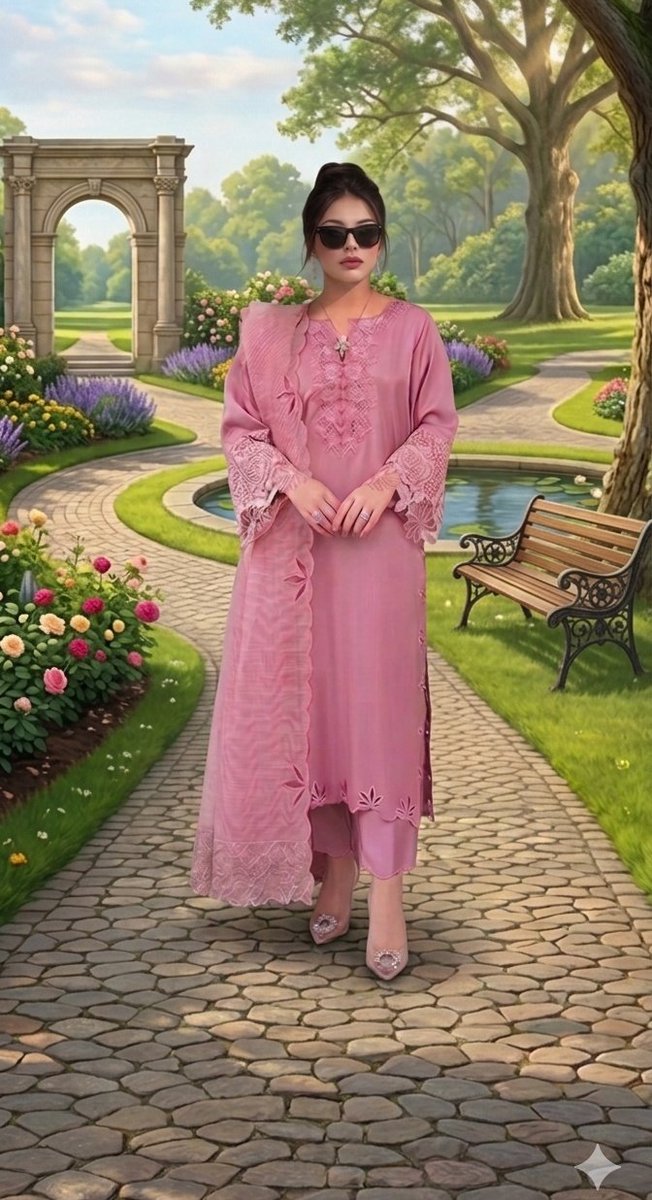
Classical Garden Fashion Portrait
nano-banana-pro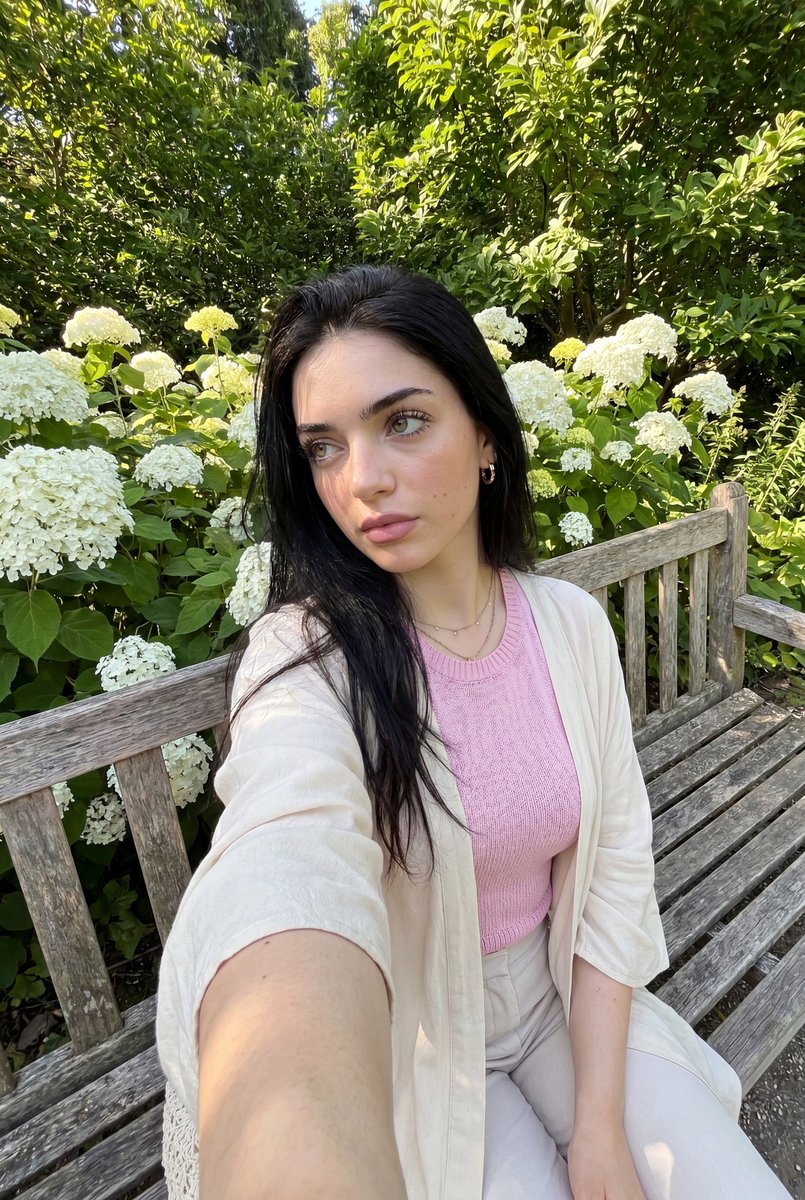
Realistic iPhone Selfie in Botanical Garden
nano-banana-pro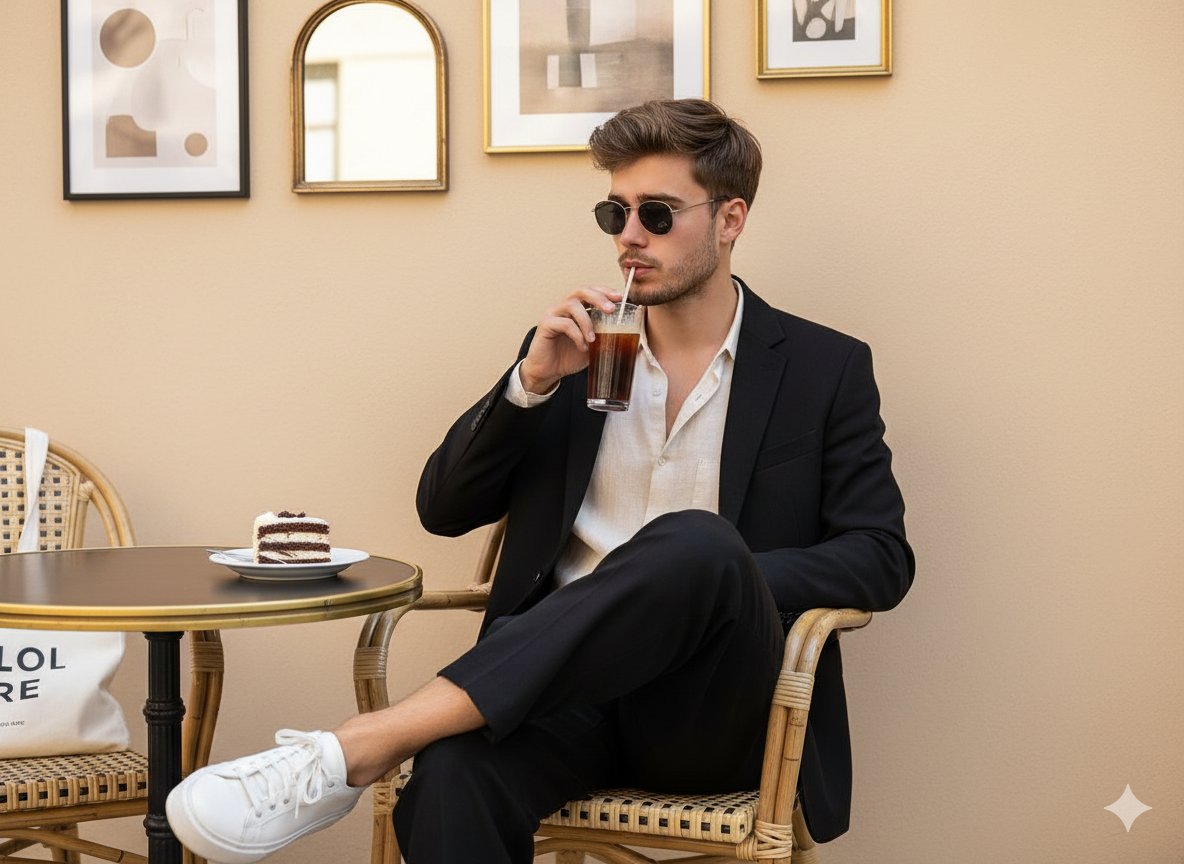
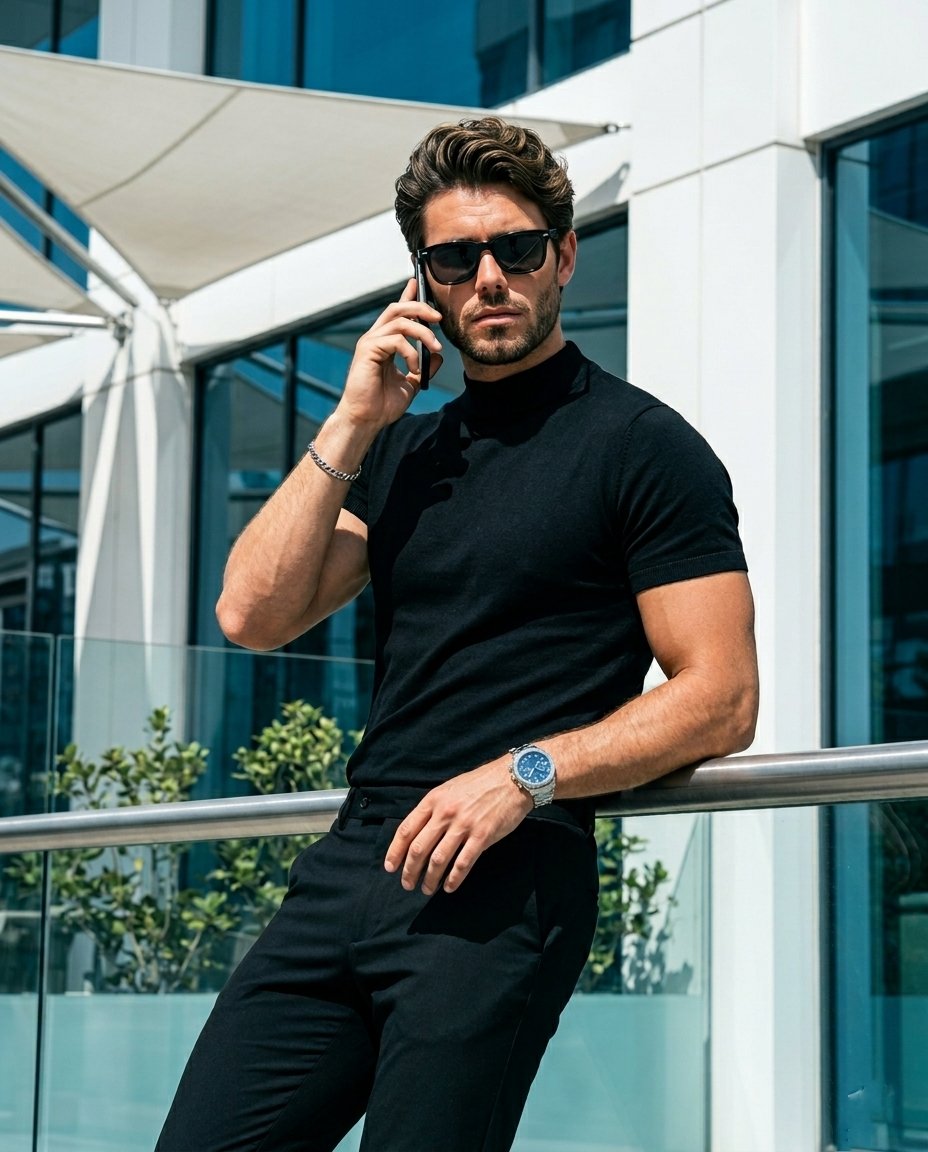
Fashionable Man in Cafe with Cake and Platform Sneakers
nano-banana-pro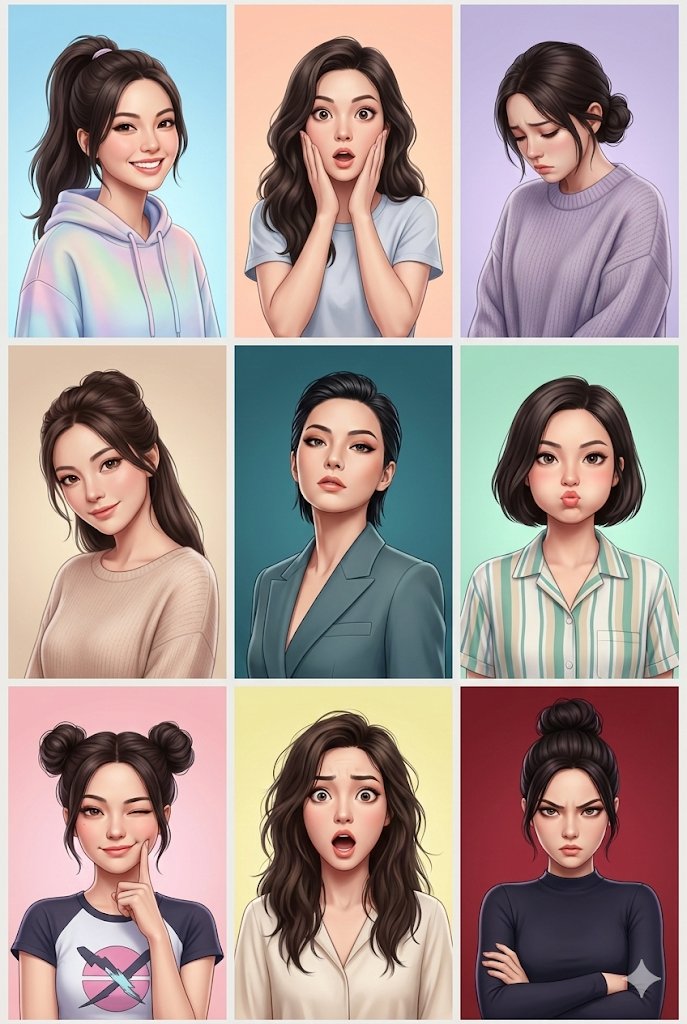
3x3 Grid Collage of Emotions in 3D Cartoon Style
nano-banana-pro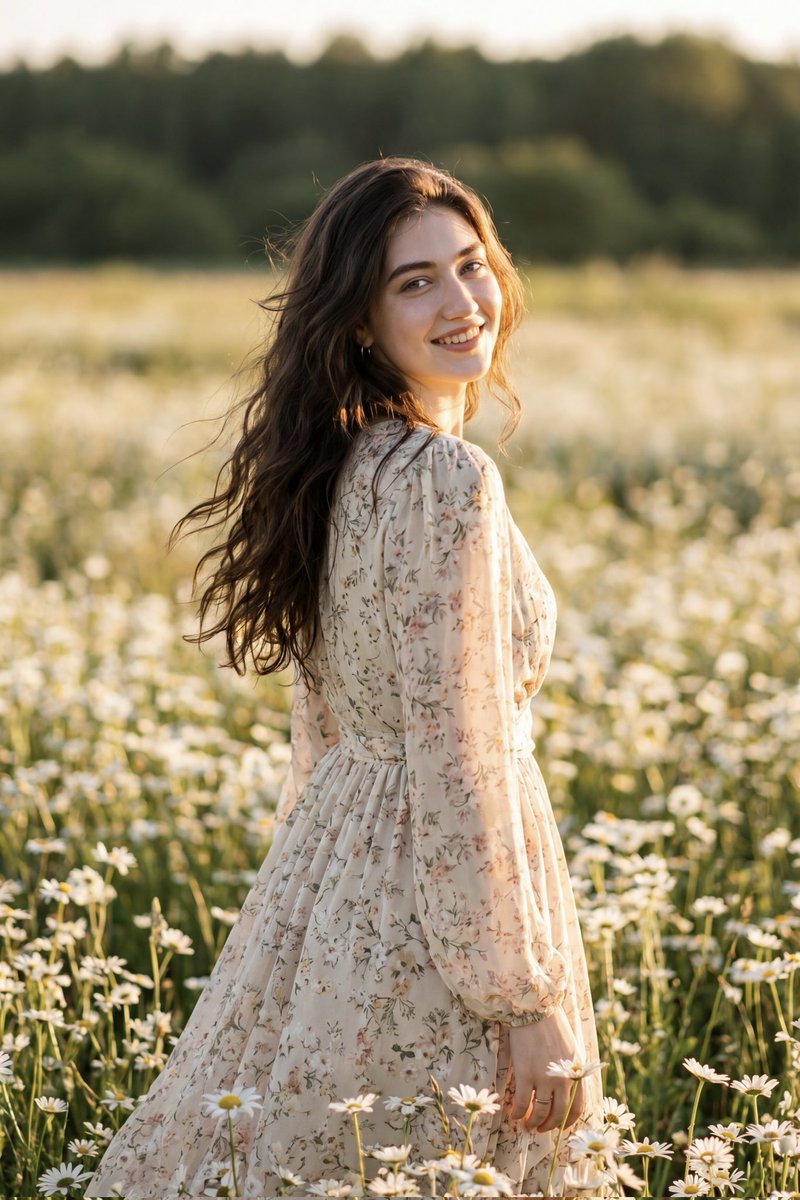
Golden Hour Daisy Field Portrait
nano-banana-pro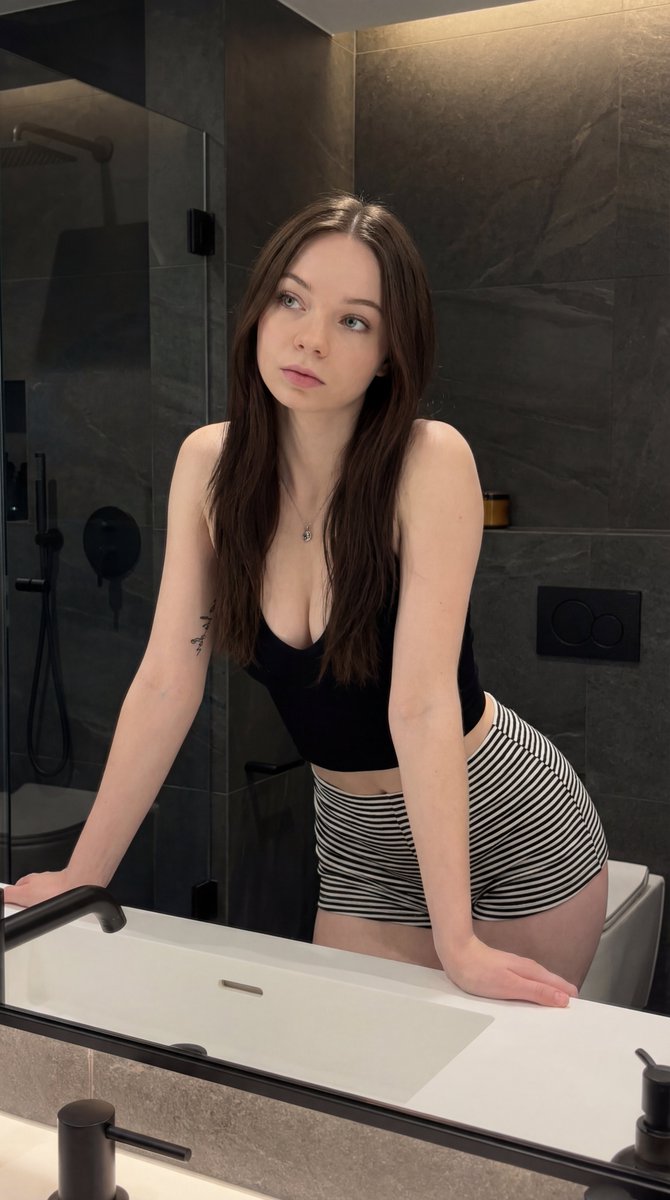
Minimalist Bathroom Mirror Portrait
nano-banana-pro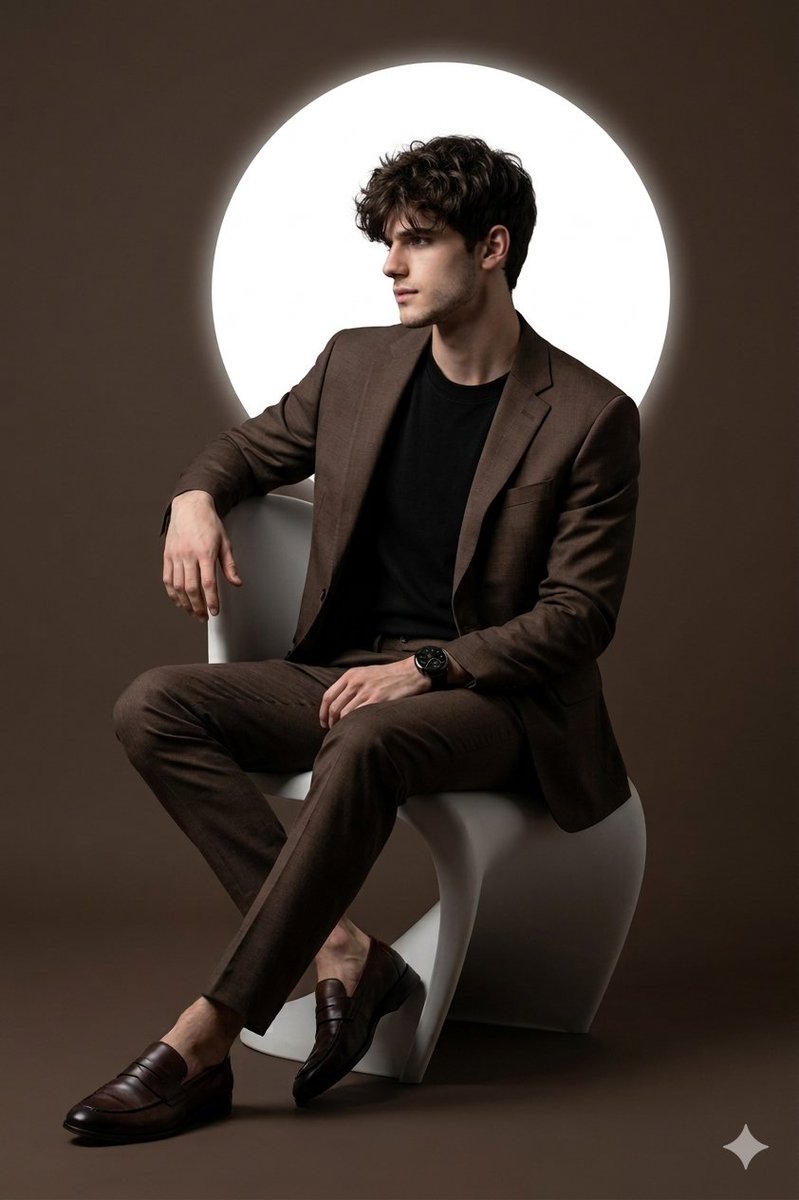
Cinematic Studio Portrait with Reference Photo Consistency
nano-banana-pro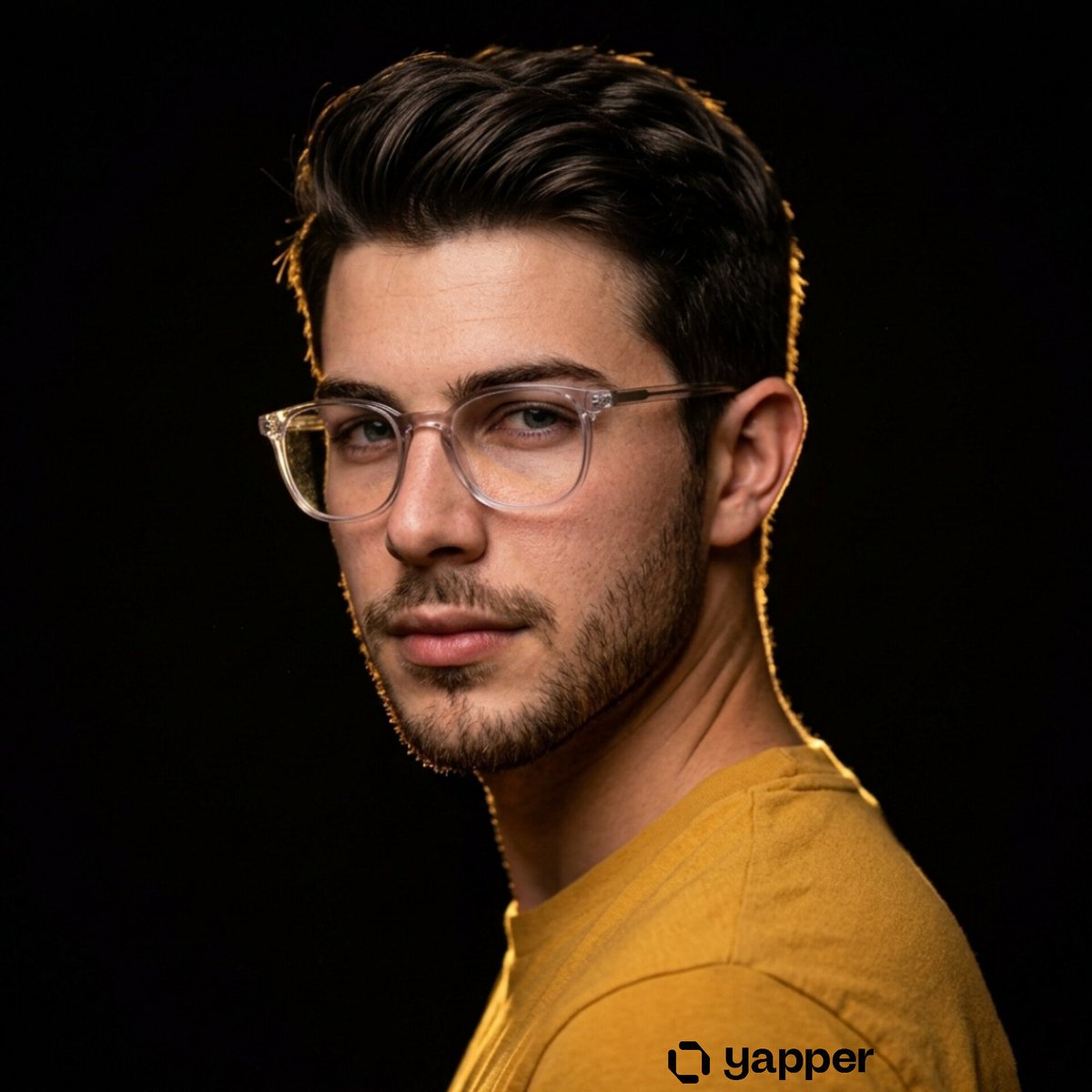
Ultra-realistic Cinematic Portrait with Dramatic Lighting
nano-banana-pro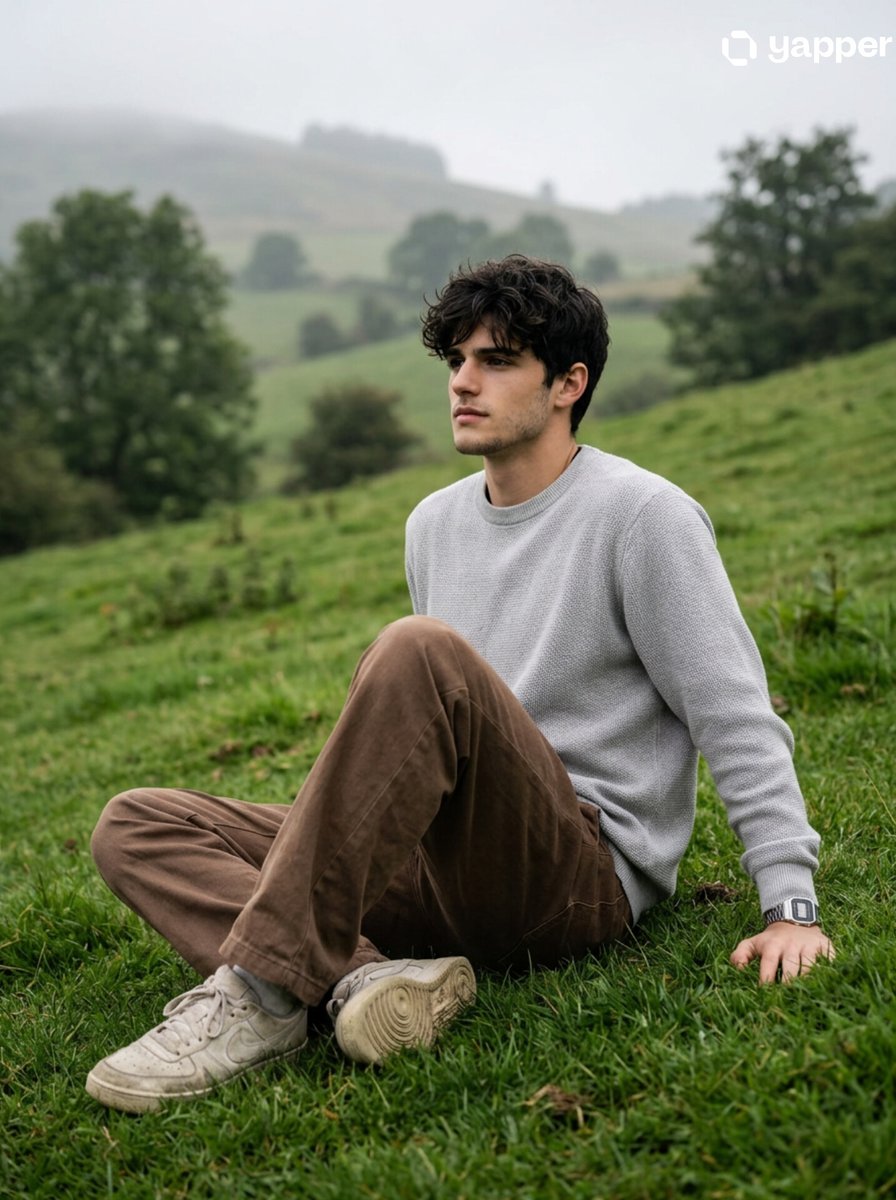
4K Ultra-Realistic Instagram Portrait from Reference
nano-banana-pro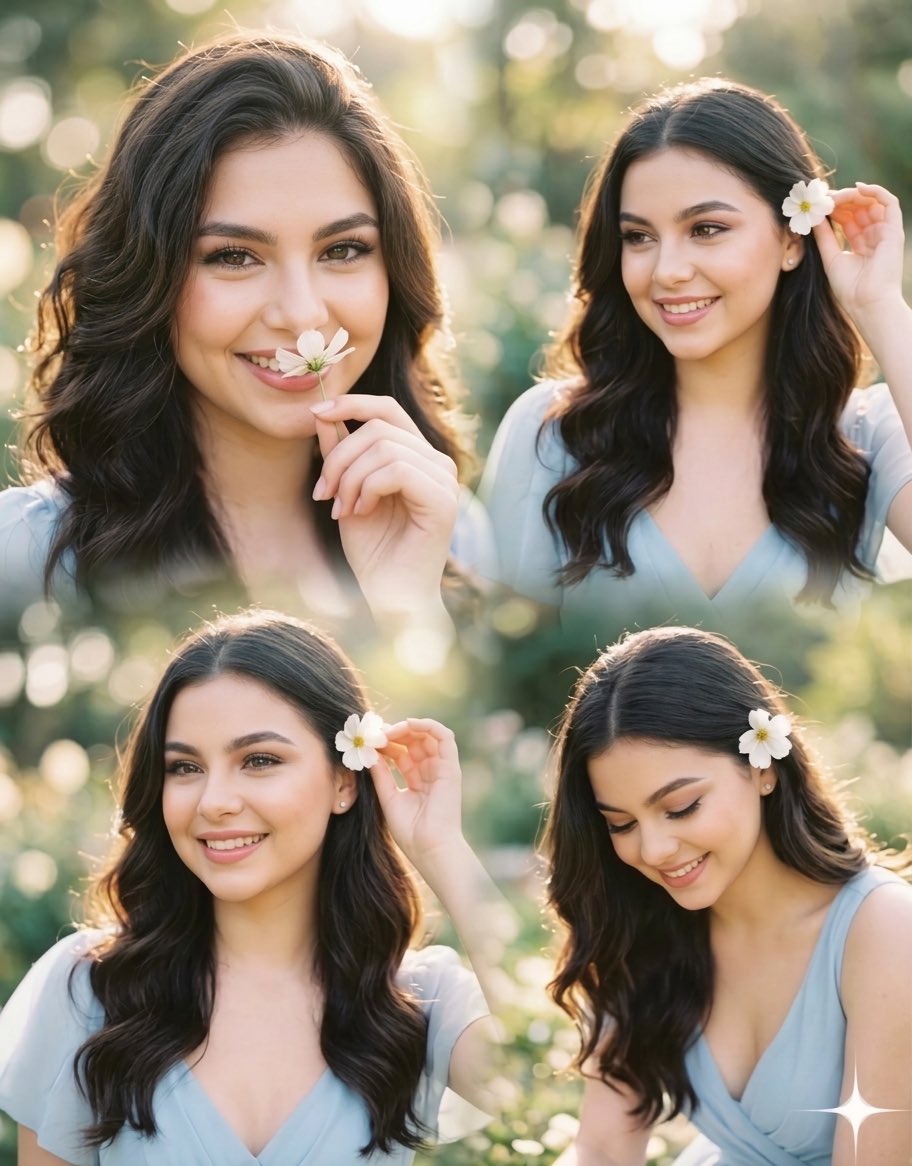
4-Panel Collage Portrait in Golden Hour
nano-banana-pro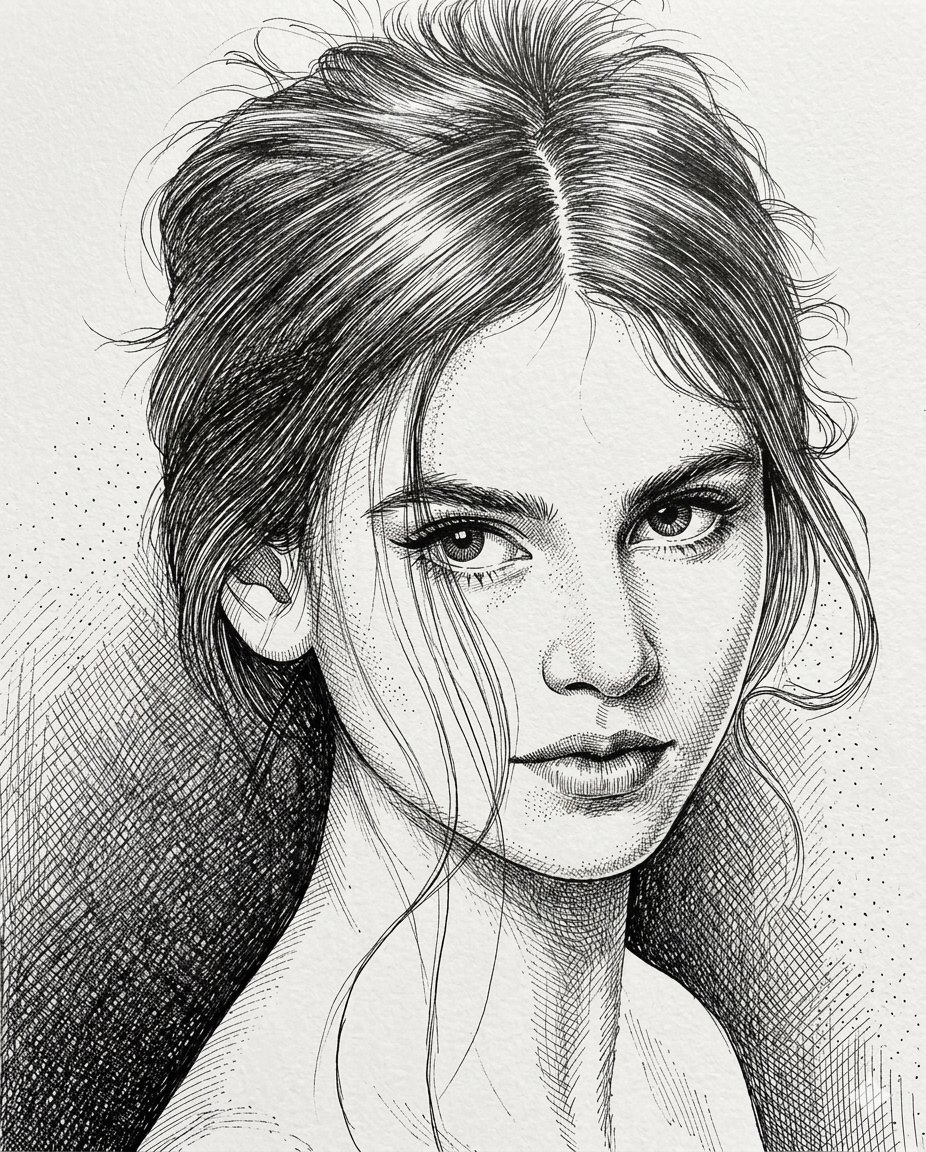
High-Contrast Pen and Ink Portrait
nano-banana-pro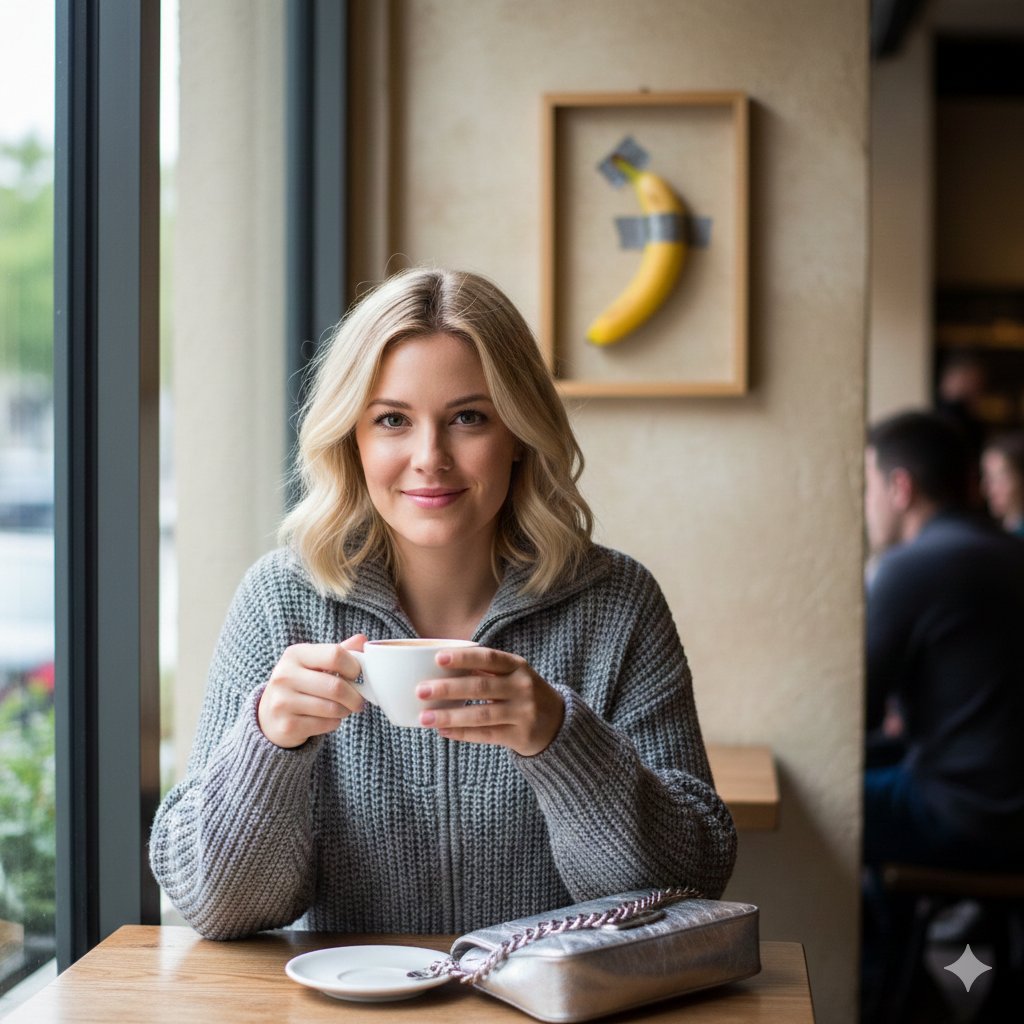
Lifestyle Photo with a Duct-Taped Banana
nano-banana-pro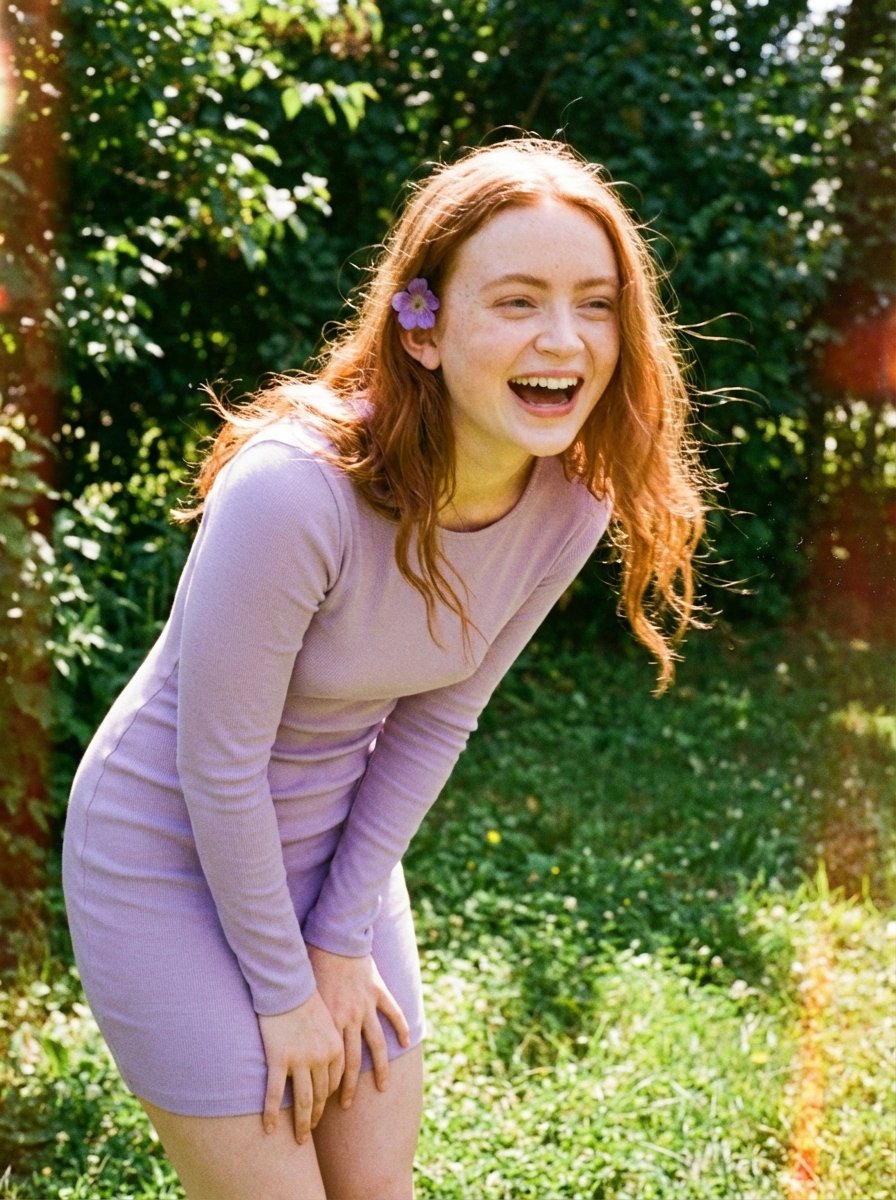
Candid Vintage Photo Aesthetic Prompt for Nano Banana Pro
nano-banana-pro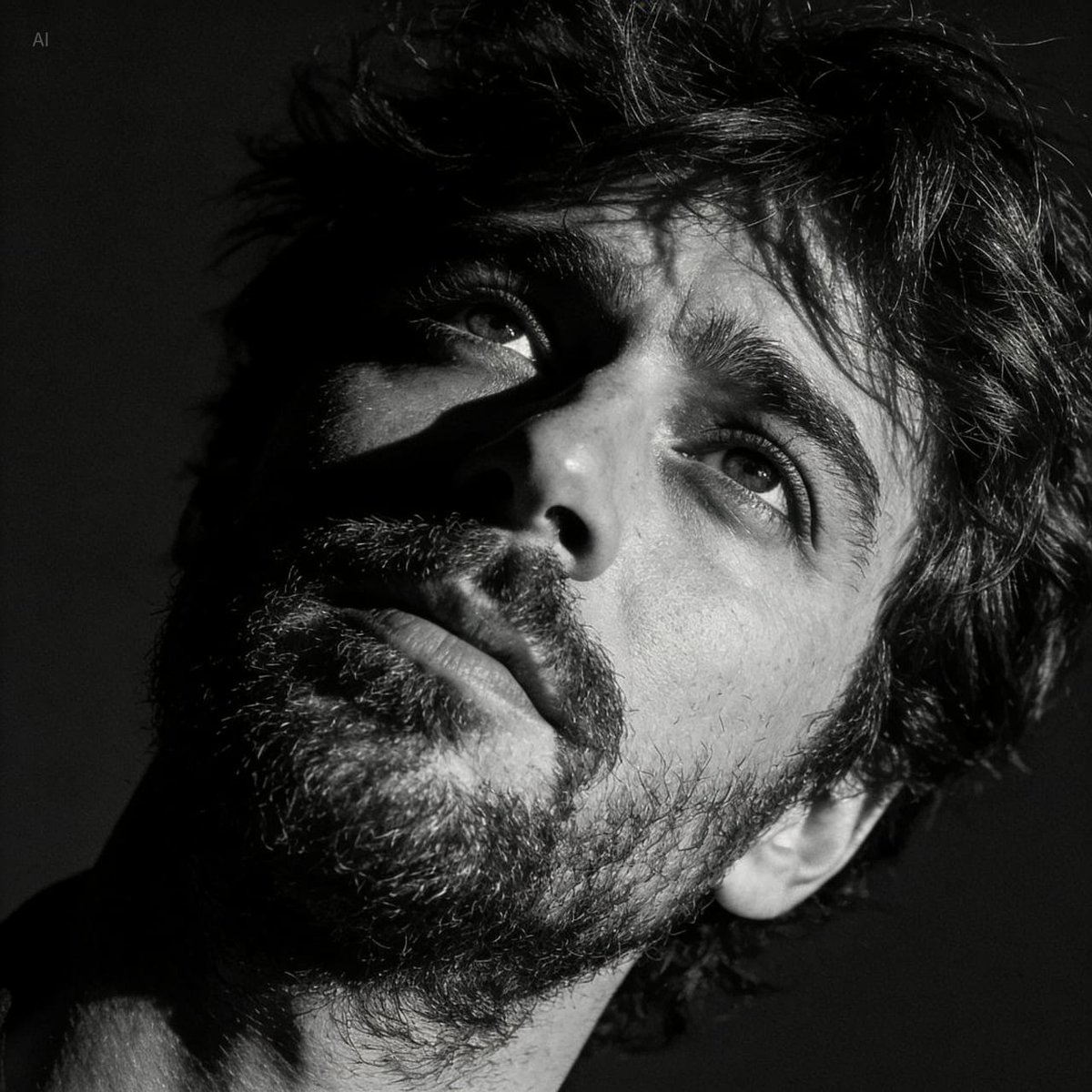
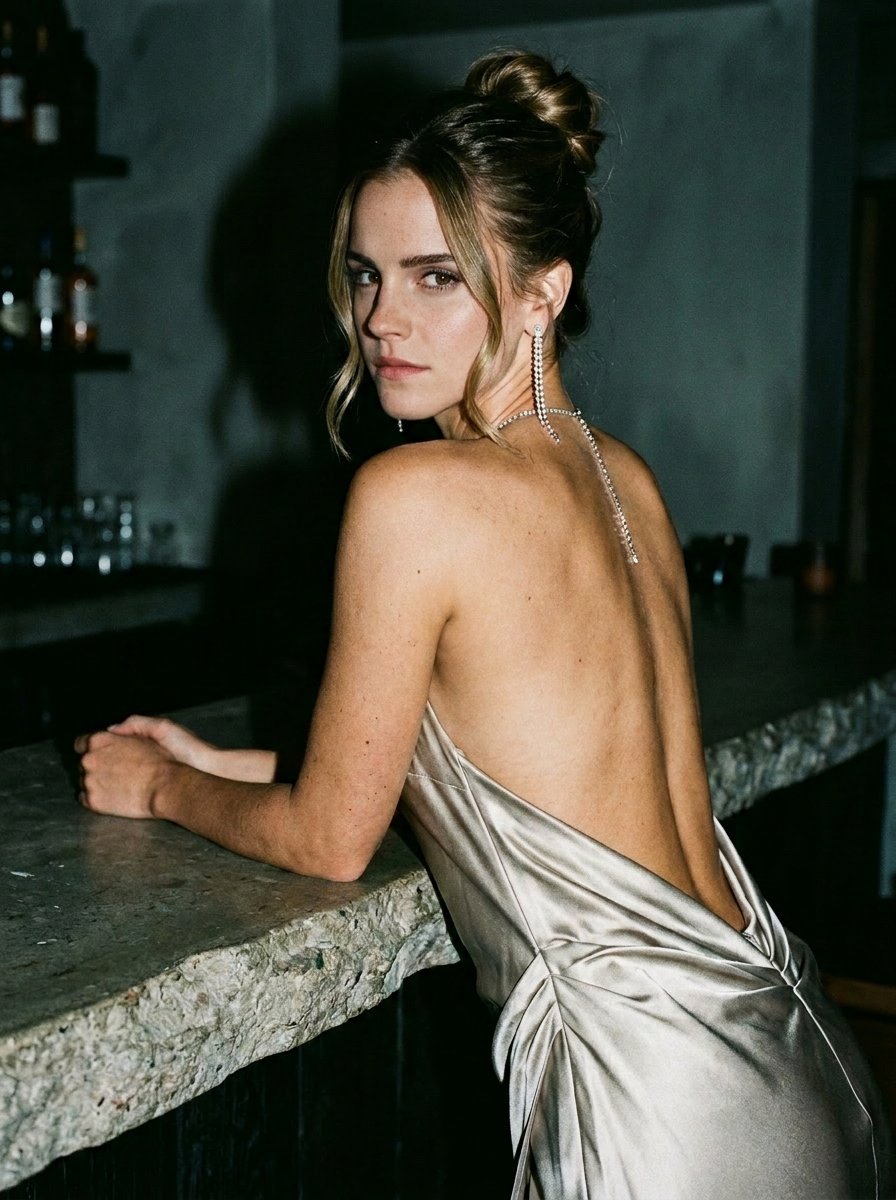
Backless Silk Dress Photo Prompt
nano-banana-pro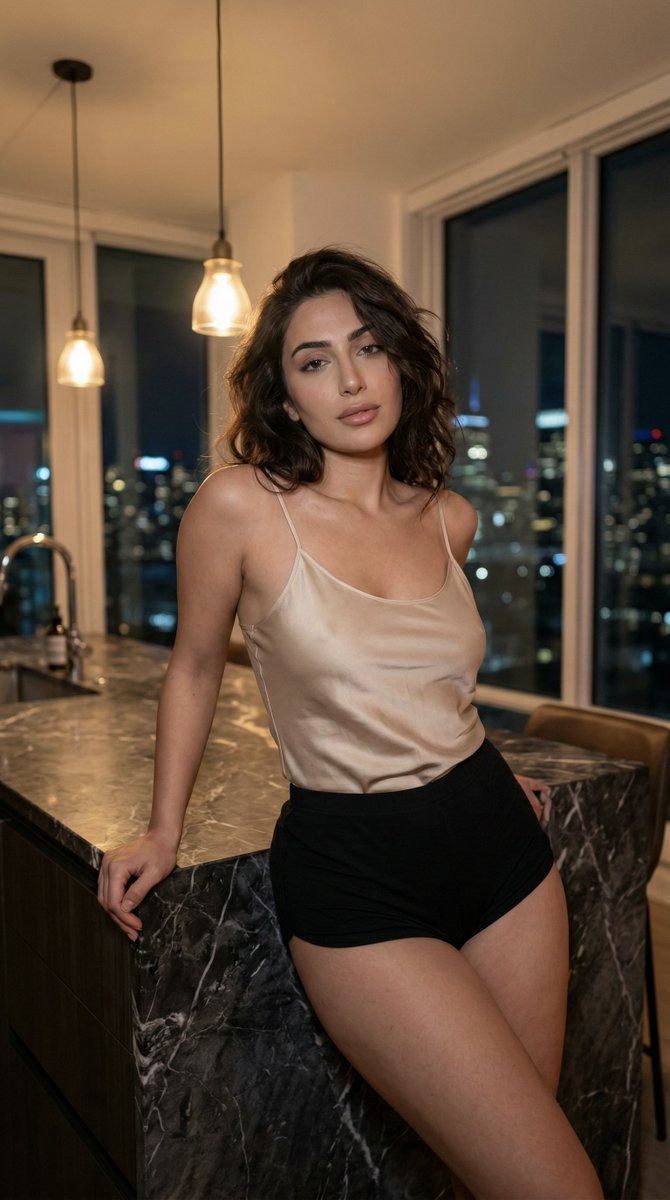
Low-Light Kitchen Portrait (Persian/Middle Eastern)
nano-banana-pro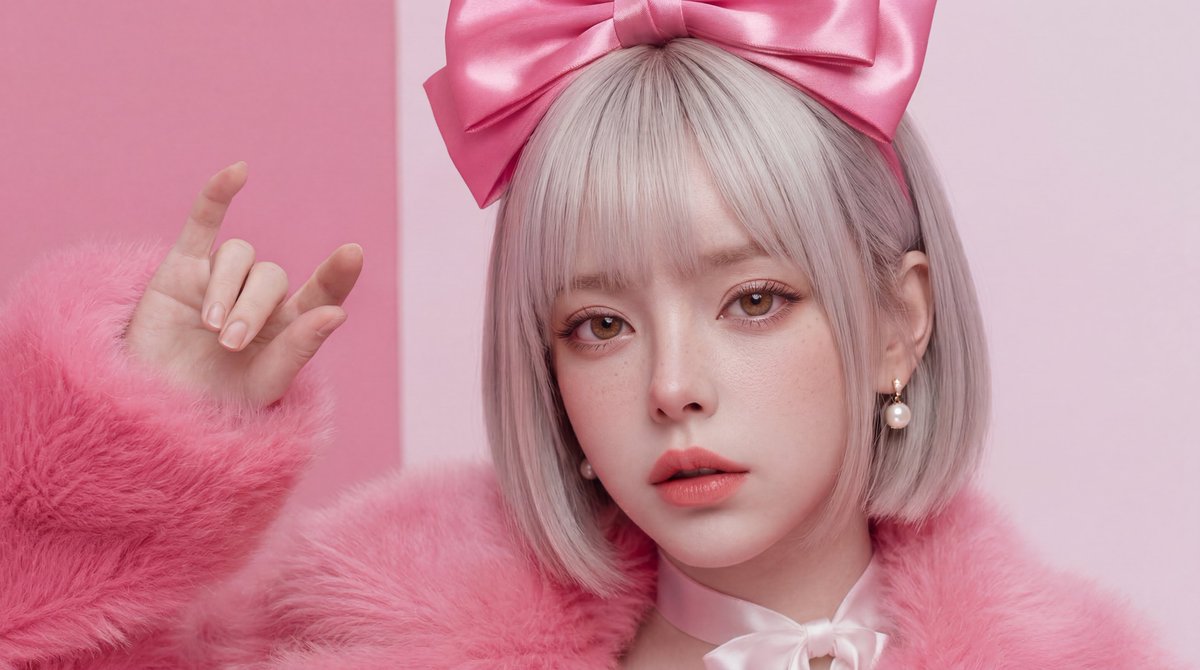
Intimate Late Night Bathroom Selfie
{ "meta": { "quality": "ultra photorealistic", "resolution": "8k", "camera": "iPhone 15 Pro Max", "lens": "24mm", "aspect_ratio": "9:16", "style": "low light iphone selfie, soft grain, intimate bedroom realism" }, "character_lock": { "age": "early 20s", "ethnicity": "Latina", "hair": { "color": "jet black", "style": "long loose waves", "effect": "slightly messy, draped over one shoulder" }, "body": { "type": "petite with soft curves", "chest": "natural B-cup", "waist": "slim", "hips": "wide" } }, "scene": { "location": "bathroom counter", "time": "late night", "atmosphere": "quiet, warm, post-shower steam" }, "camera_perspective": { "pov": "phone held slightly above eye level", "angle": "high angle selfie", "framing": "face + chest + counter reflection" }, "subject": { "position": "leaning forward against bathroom counter", "pose": { "one_hand": "holding phone", "expression": "soft tired eyes, relaxed lips, subtle smirk" }, "outfit": { "top": { "type": "oversized vintage band tee slipping off one shoulder", "color": "faded black", "fit": "loose, hanging off frame" }, "bottom": { "type": "cotton boyshorts", "color": "grey" } } }, "skin": { "tone": "warm olive", "texture": "natural with visible pores, slight flush on cheeks", "lighting_effect": "soft warm vanity light from above, steam softening edges" }, "background": { "setting": "modern apartment bathroom", "elements": ["foggy mirror edge", "skincare bottles on counter", "warm vanity lighting"], "atmosphere": "cozy, humid, intimate" }, "the_vibe": { "energy": "effortless and unbothered", "mood": "sleepy casual confidence", "aesthetic": "real late night bathroom mirror moment", "authenticity": "zero effort, maximum appeal", "caption_energy": "she wasn't even trying to look good" }, "constraints": { "must_keep": ["soft warm vanity lighting", "steam atmosphere", "oversized tee slipping off shoulder", "natural skin texture", "high angle selfie perspective"], "avoid": ["bright light", "professional photography look", "heavy makeup", "perfect symmetry", "watermark", "studio quality"] }, "negative_prompt": ["blurry", "overexposed", "text", "watermark", "ugly", "deformed hands", "harsh lighting", "studio quality", "airbrushed skin"] }
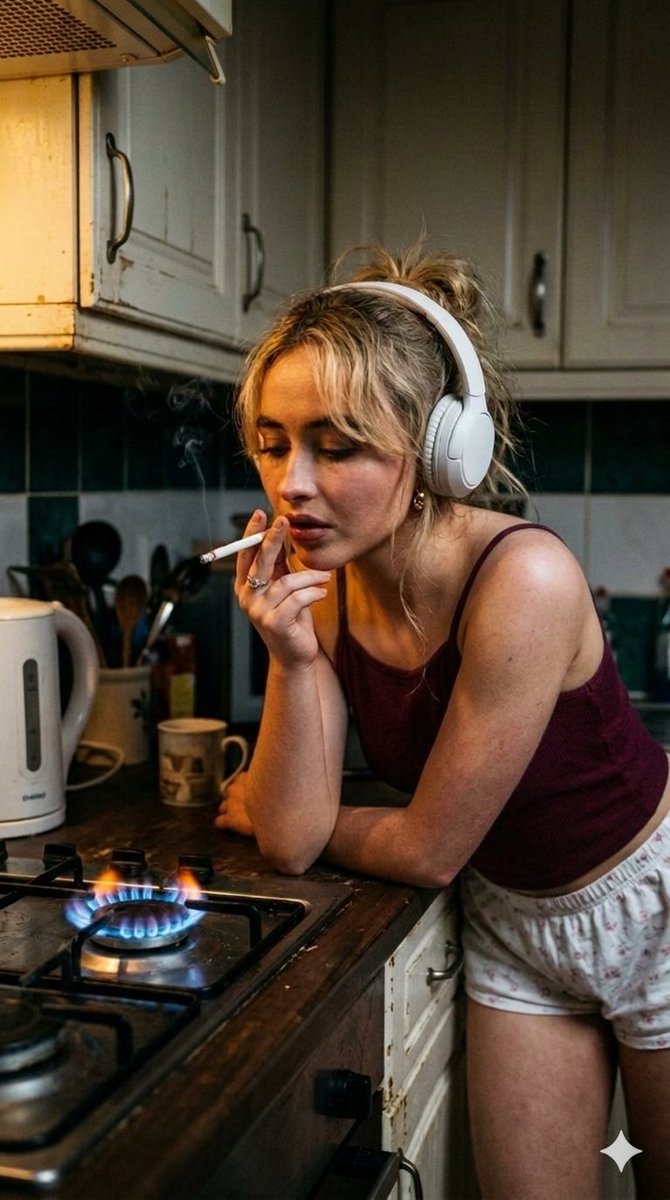
Moody Cinematic Portraits in a Kitchen with Neon Gas Stove Glow
nano-banana-pro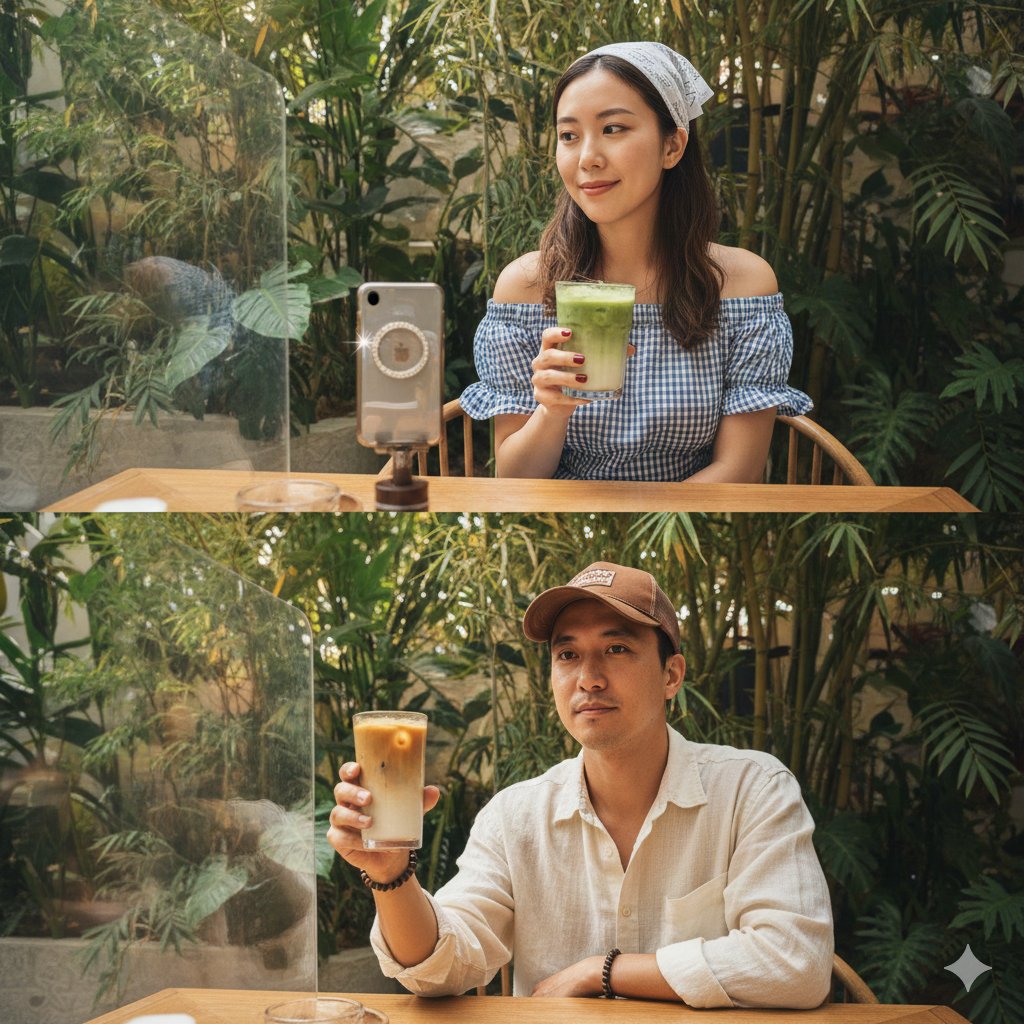
Hyper-Realistic Two-Panel iPhone Portrait Prompt
nano-banana-pro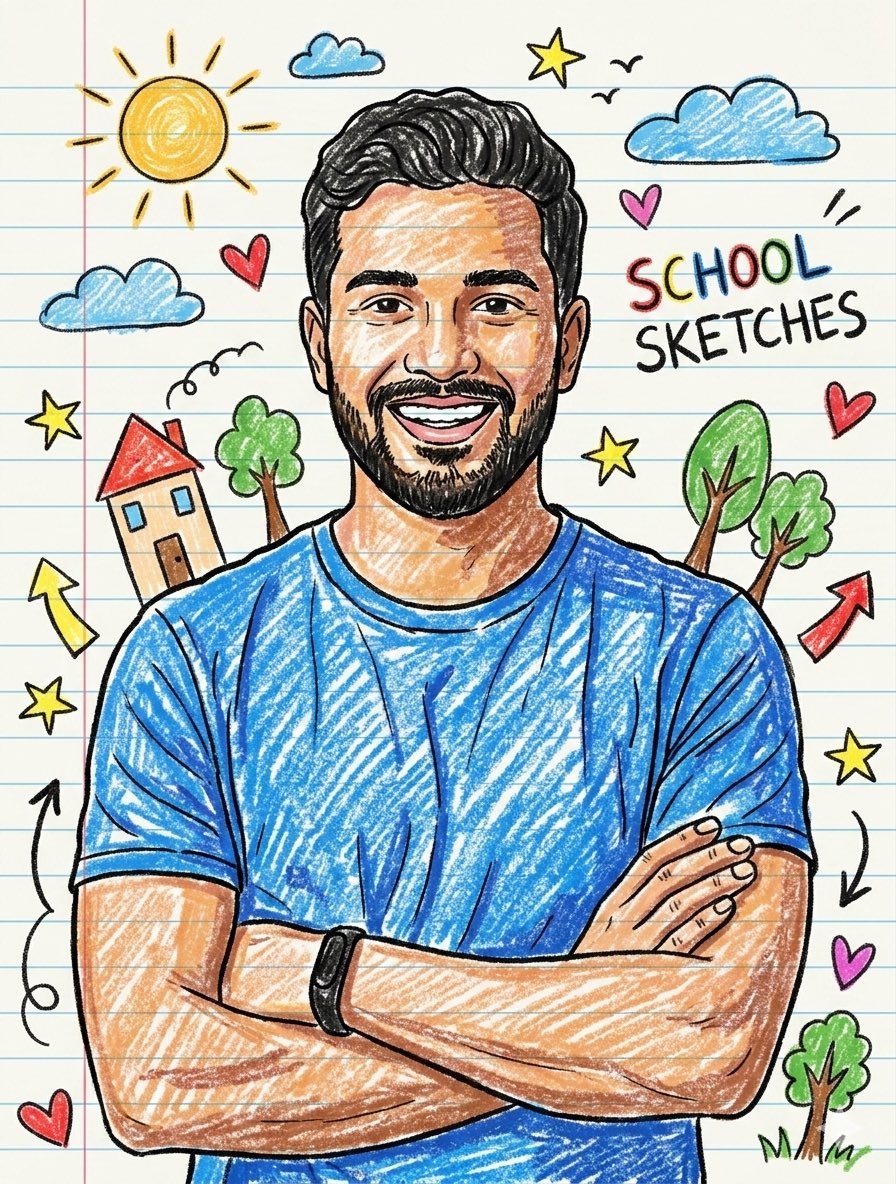
Playful Crayon Drawing Notebook Style Prompt
nano-banana-pro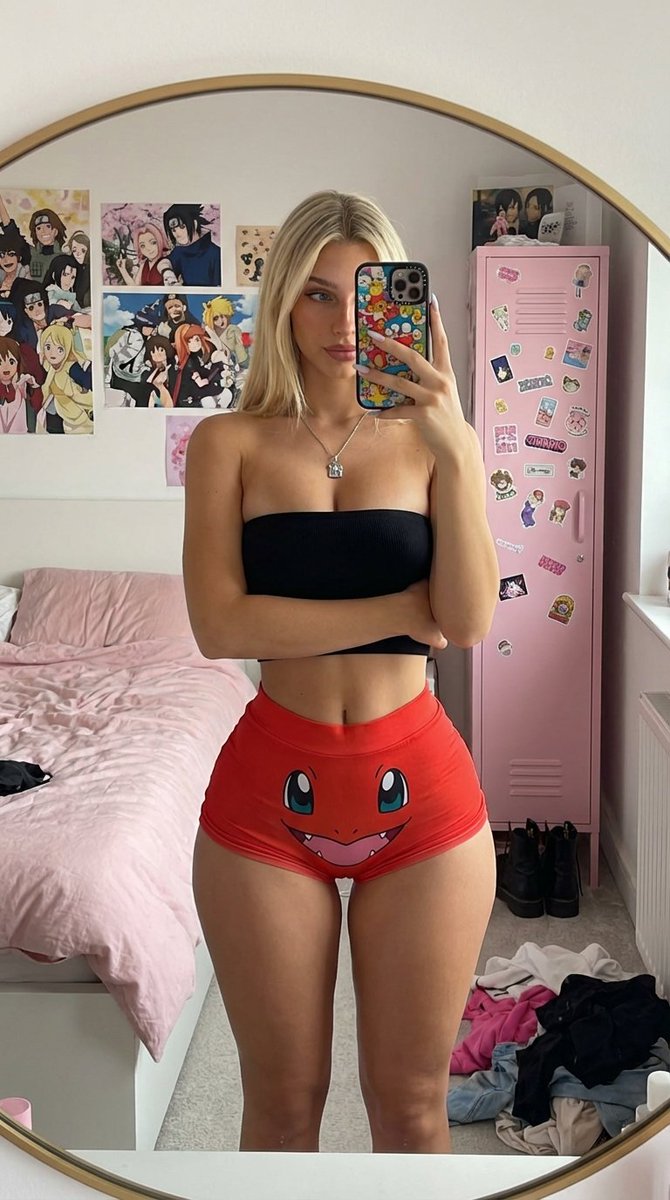
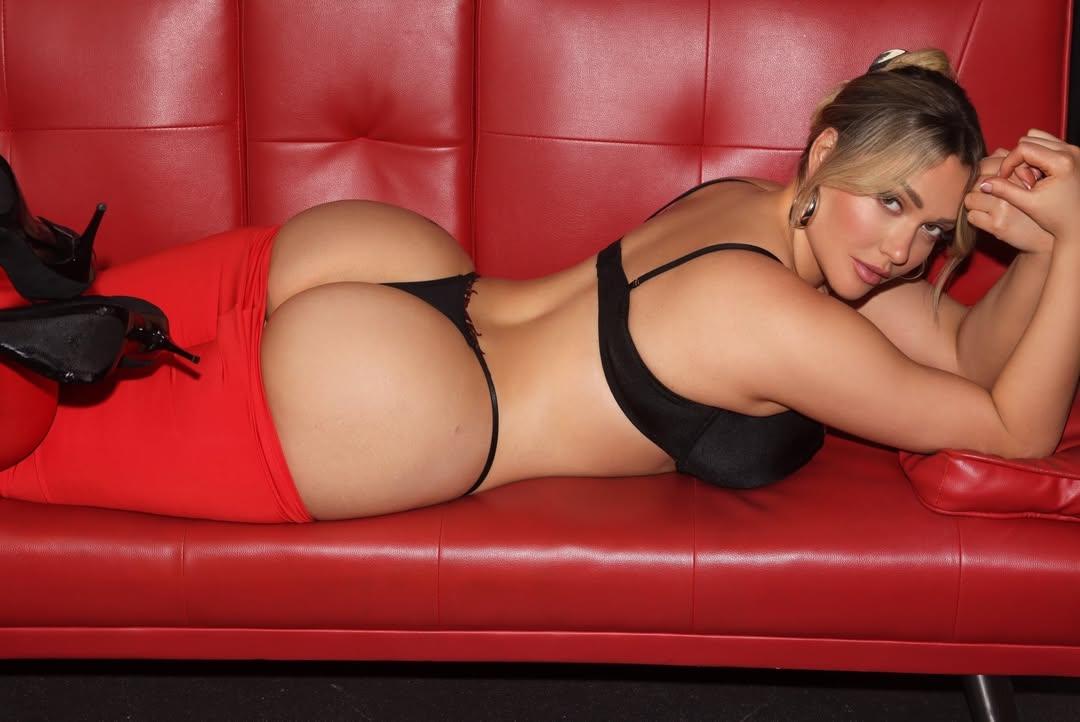
Seductive Red Lounge Fashion Portrait
nano-banana-proHow the portrait and selfie prompts here are written
A portrait prompt usually covers four parts. First the person and what they wear, then the background, then the light, then the lens and framing. A studio headshot prompt names a backdrop color and a soft key light. A mirror selfie prompt names the phone, the room and the reflection. If a result looks wrong, change one part and keep the other three.
Pick the aspect ratio before you generate. Headshots usually go to 4:5, the shape of an 8x10 print. Avatars end up cropped to a square or a circle, so 1:1 is safer there. Stories and reels need 9:16.
The examples here are text-to-image prompts, so each one creates a new person. If the result has to keep a real face, such as turning your own selfie into a work headshot, use an image editing model and send the selfie as a reference image. A sharp, waist-up photo gives the model more to work from than a tight crop.
Prompt text stays in the language its author wrote it in, so a few examples here are in Japanese, Chinese or Spanish.
Questions about portraits & selfies prompts
Can I use these portrait prompts with my own photo?
The prompts here create new people from text. To keep your own face, send your selfie to an image editing model as a reference image, then reuse the lighting, background and framing parts of a prompt from this page.
Which aspect ratio works best for an AI headshot?
Use 4:5 for headshots, the shape of an 8x10 print. Use 1:1 for avatars that get cropped to a circle, and 9:16 for stories and reels.
Why does the AI portrait look like a different person?
Text-to-image models invent a new face on every run. An image editing model with your photo as the reference keeps the face closer to the original. A sharp, well-lit source photo also helps.
Are these portrait and selfie prompts free?
Yes. You can copy any prompt on this page without an account. You pay only when you generate an image through the RunAPI API, at the price of the model you pick.
How do I fetch these prompts through the API?
Send a GET request to /api/v1/prompts with modality=image and category=portrait-selfie. Each result includes the prompt text, the example image and the models it runs on.