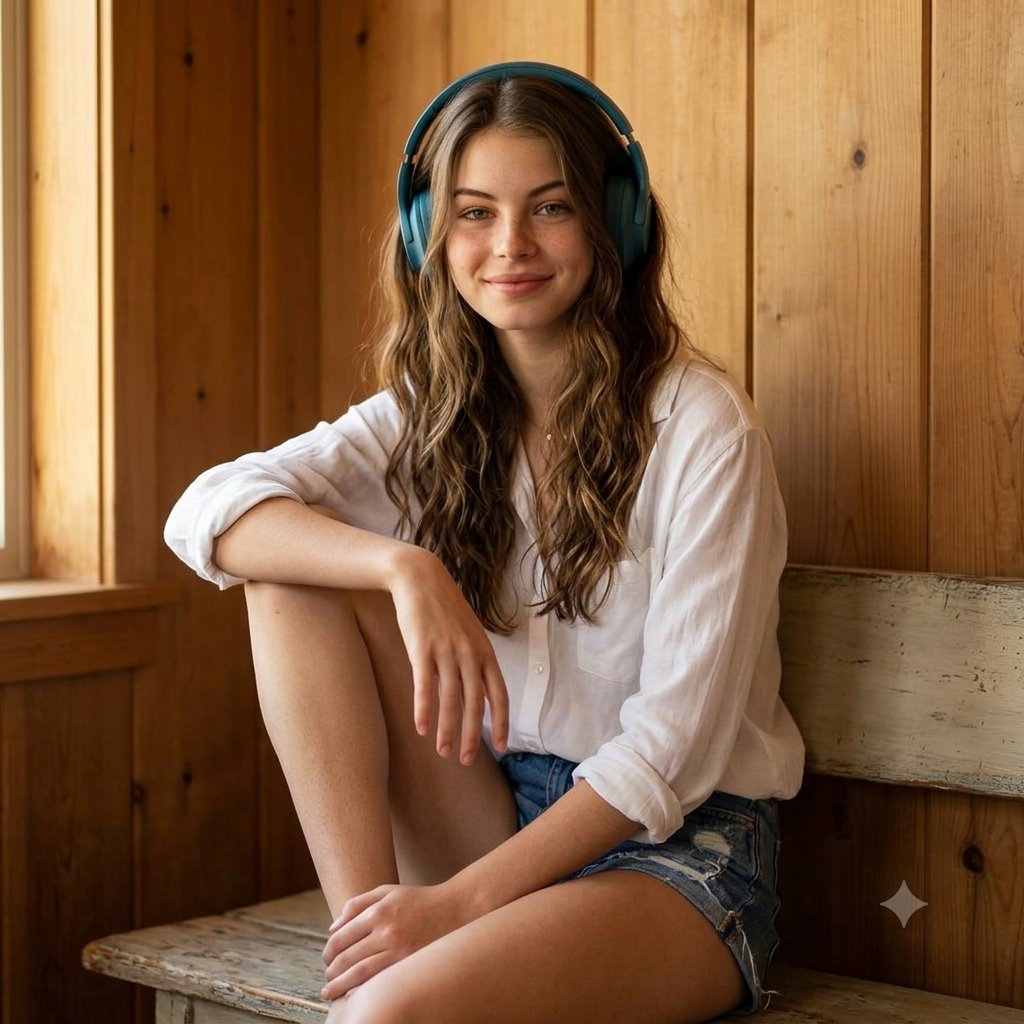
AI Portraits & Selfies Prompts
7,633 prompts for studio portraits, headshots, mirror selfies and fashion portraits. Each one is shown with the image it produced. Copy a prompt as written, or run it on GPT Image, Nano Banana or Seedream with the same API call.
Runs on 36 image models through one API key
curl -G https://runapi.ai/api/v1/prompts \
  -d modality=image -d category=portrait-selfie \
-H "Authorization: Bearer $RUNAPI_API_KEY"Portraits & Selfies prompt examples
7,633 prompts Updated November 20, 2026
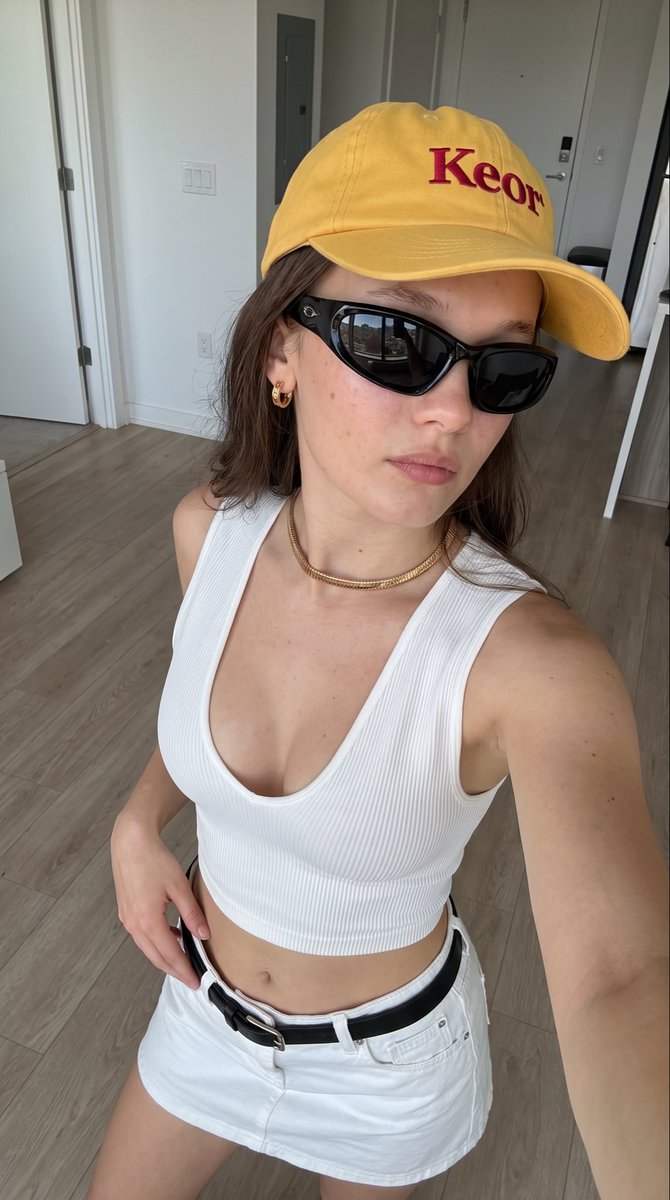
Realistic lifestyle selfie of a young woman
nano-banana-pro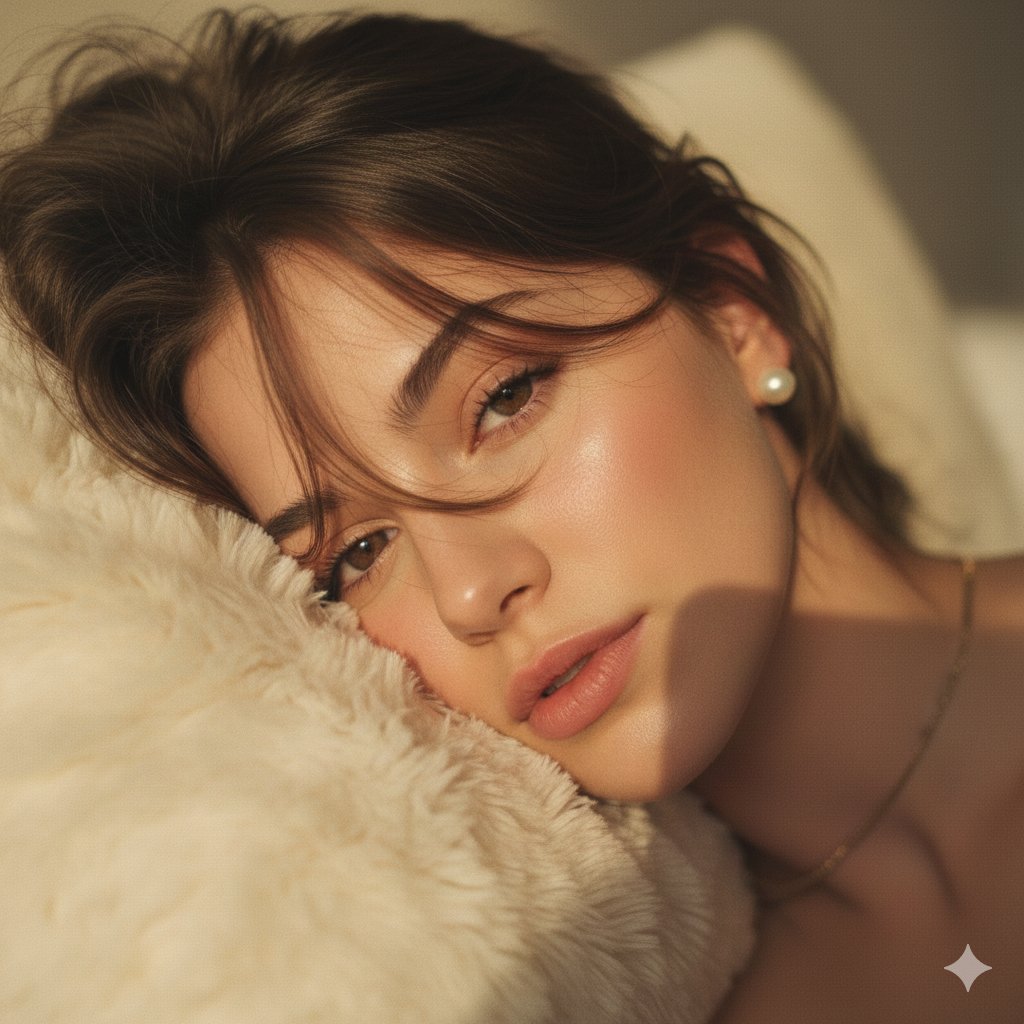
Hyper-Realistic POV Selfie with Bedhead Aesthetic
nano-banana-pro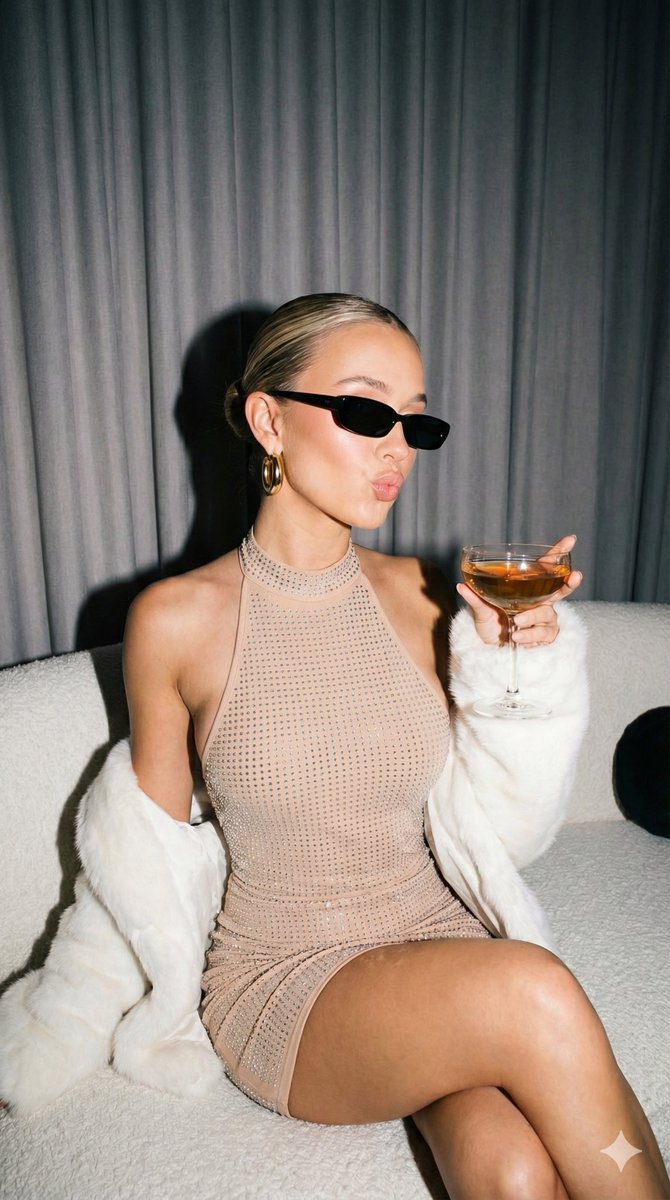
Glamorous Night-Luxe Portrait Prompt
nano-banana-pro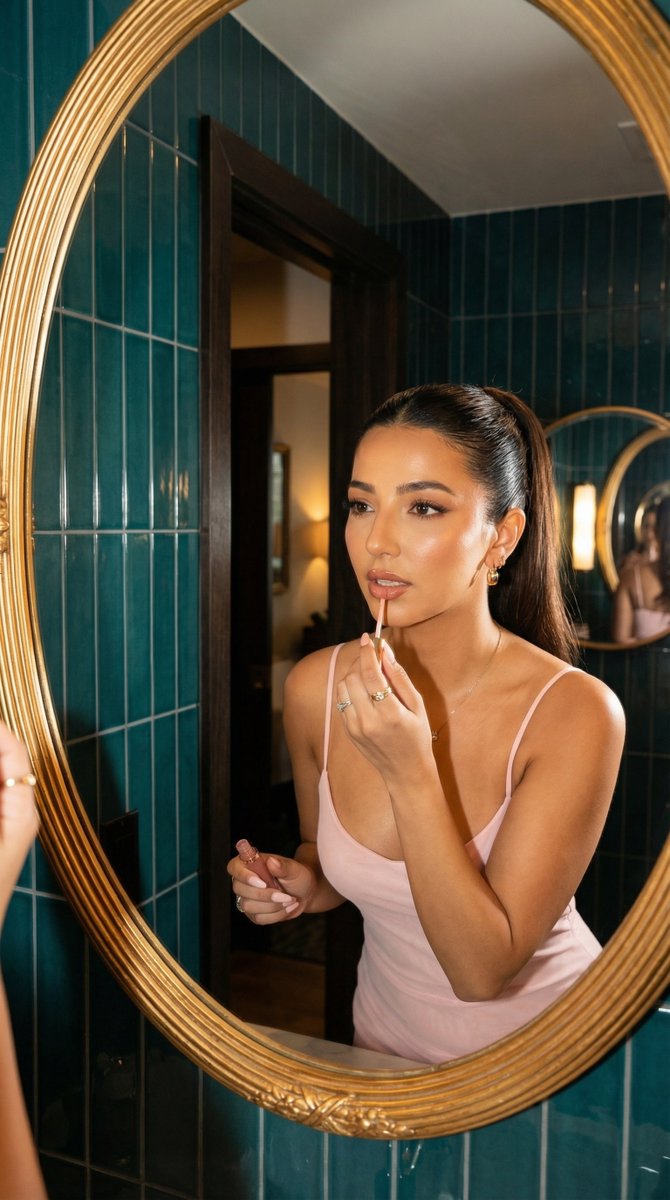
Glamorous Woman Applying Lip Gloss in Mirror Reflection
nano-banana-pro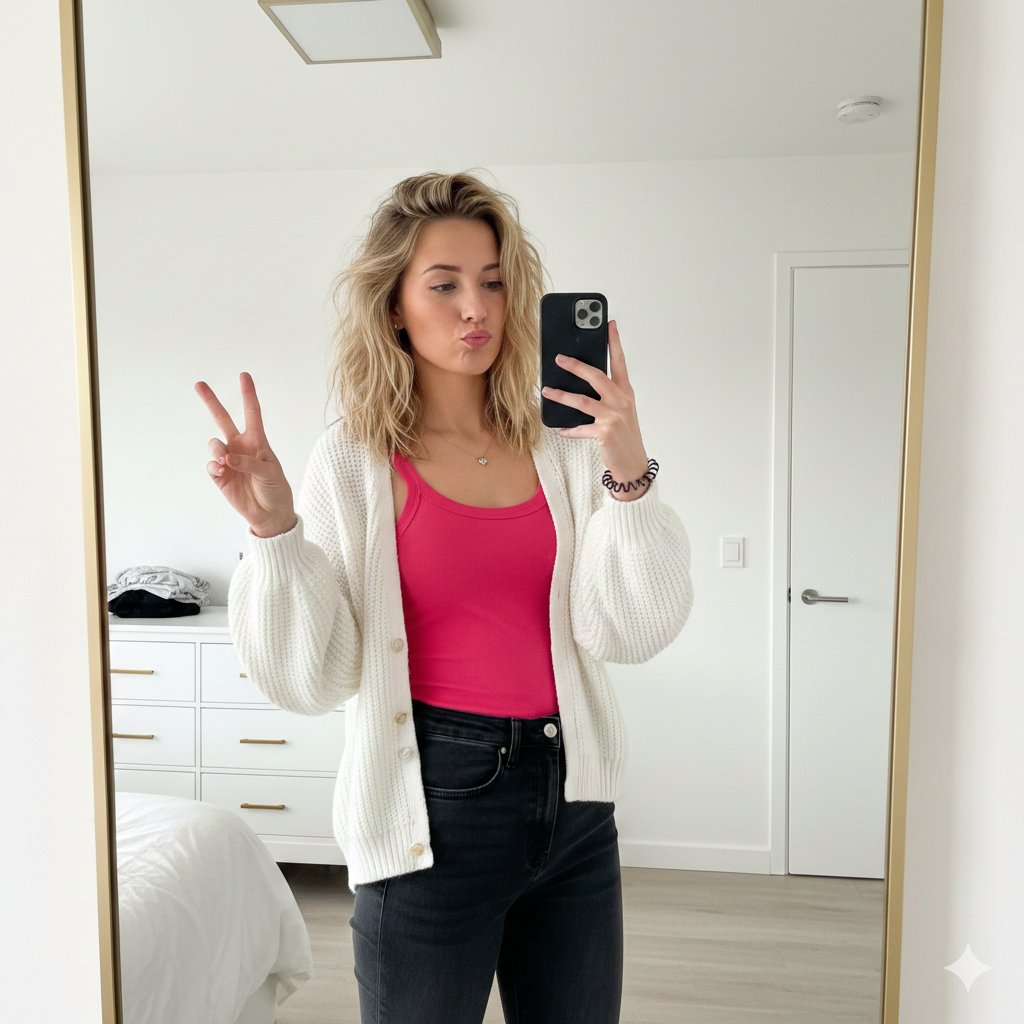
Detailed JSON prompt for a mirror selfie image generation
nano-banana-pro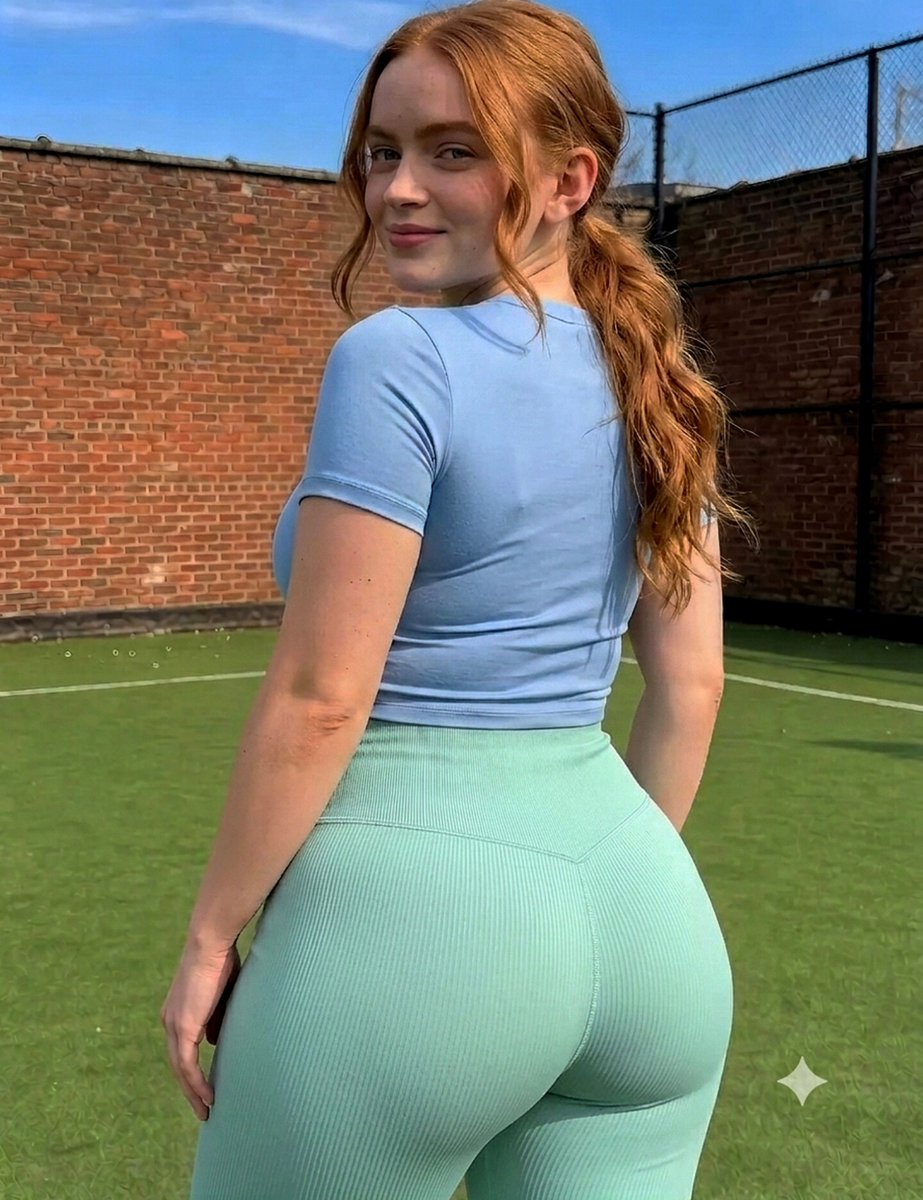
Athletic Lifestyle Sports Court Portrait
nano-banana-pro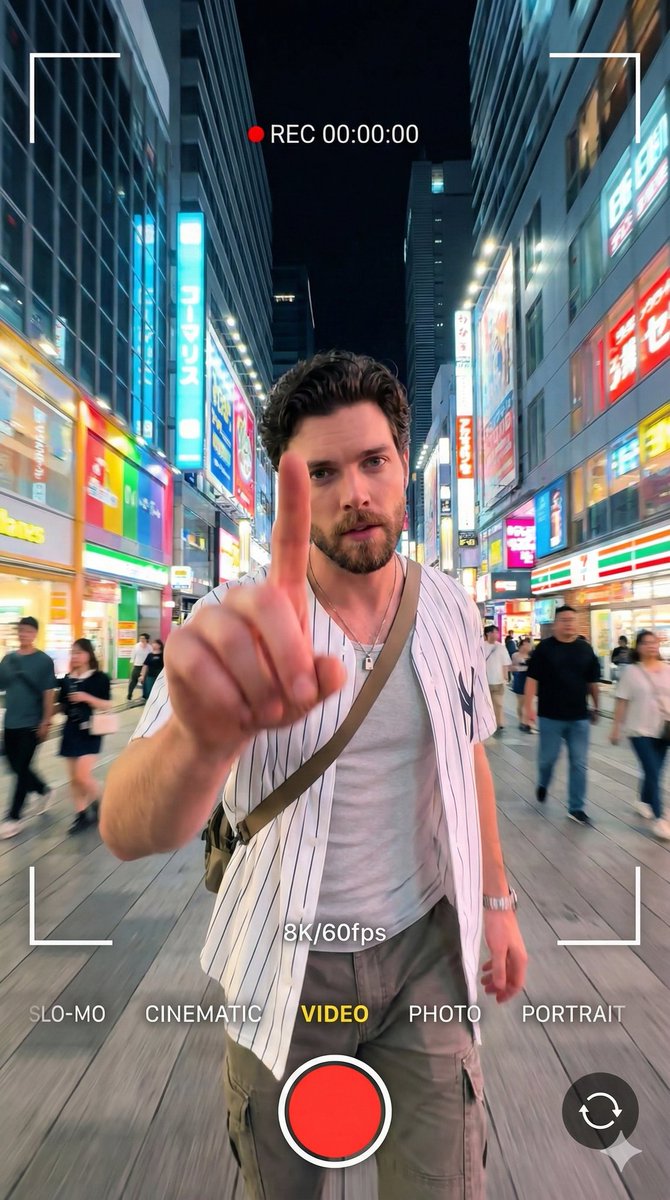
8K Cinematic Portrait with Video UI Overlays
nano-banana-pro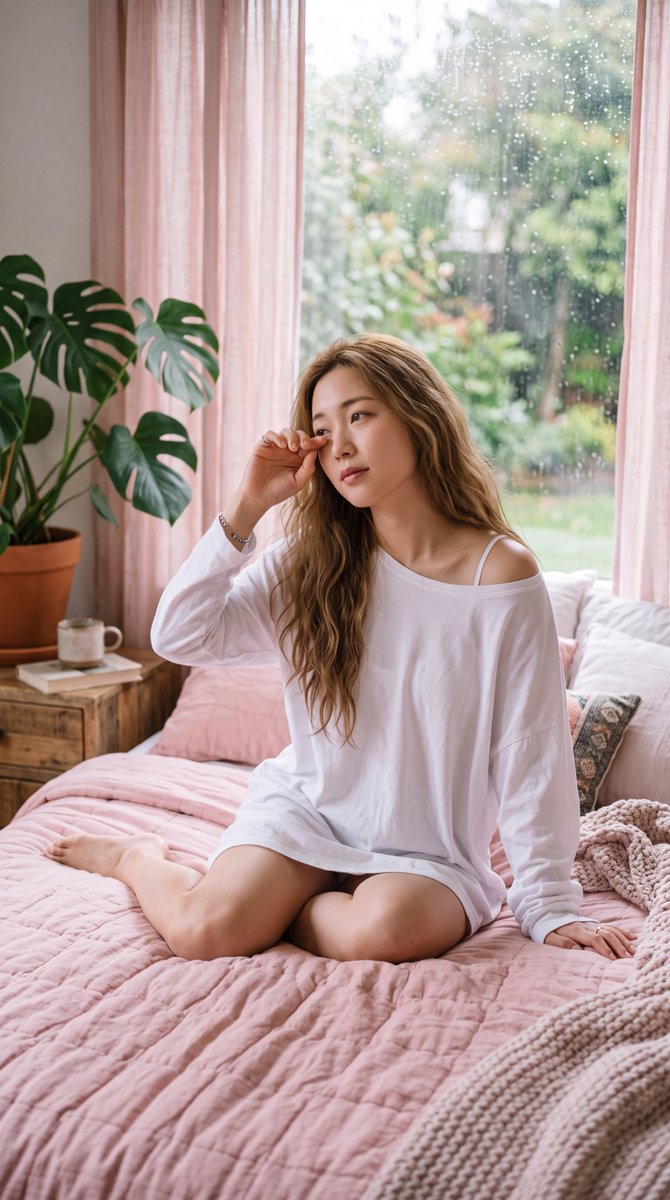
Cozy Bedroom Morning Portrait
nano-banana-pro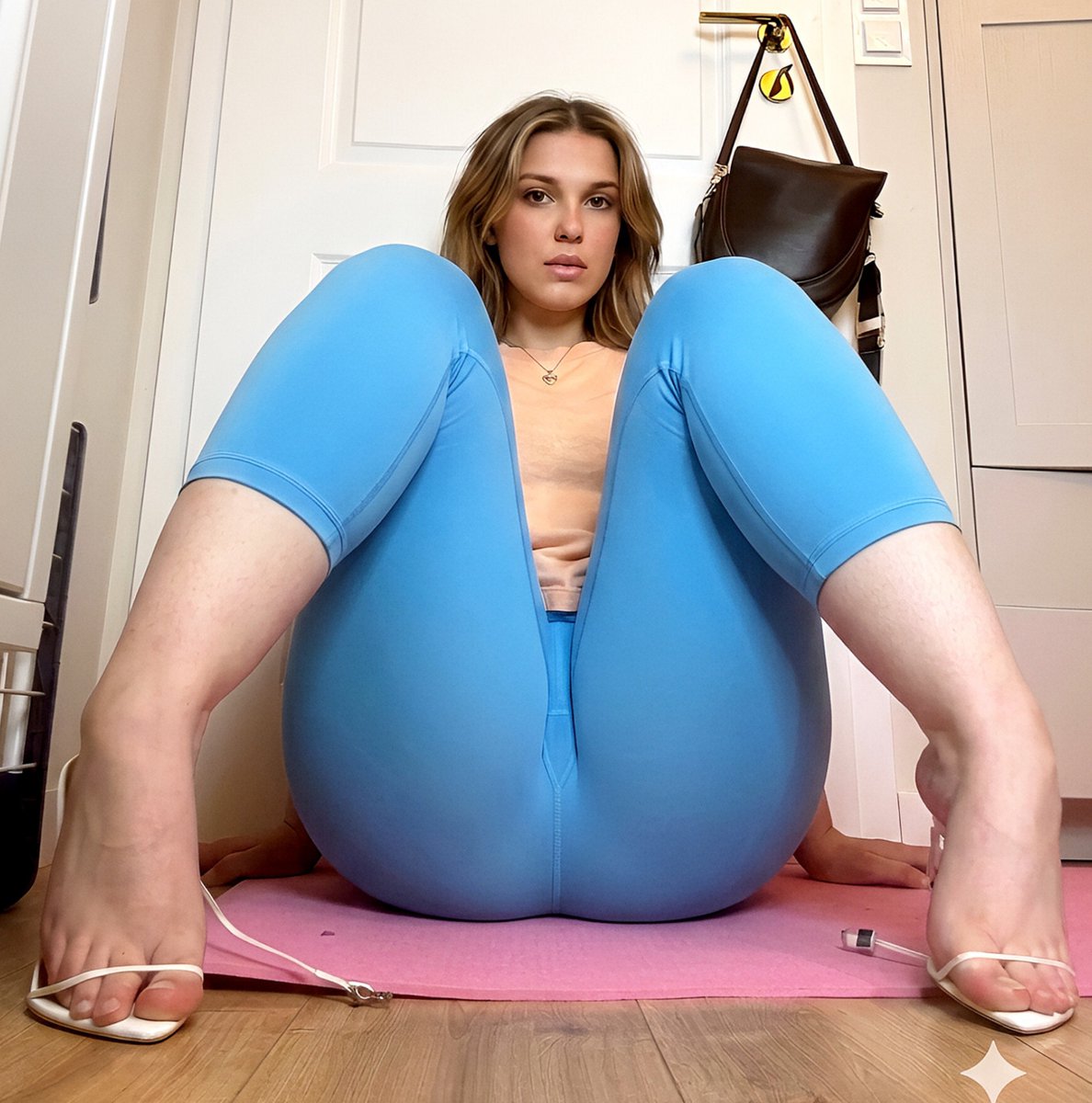
Lifestyle Yoga Indoor Portrait
nano-banana-pro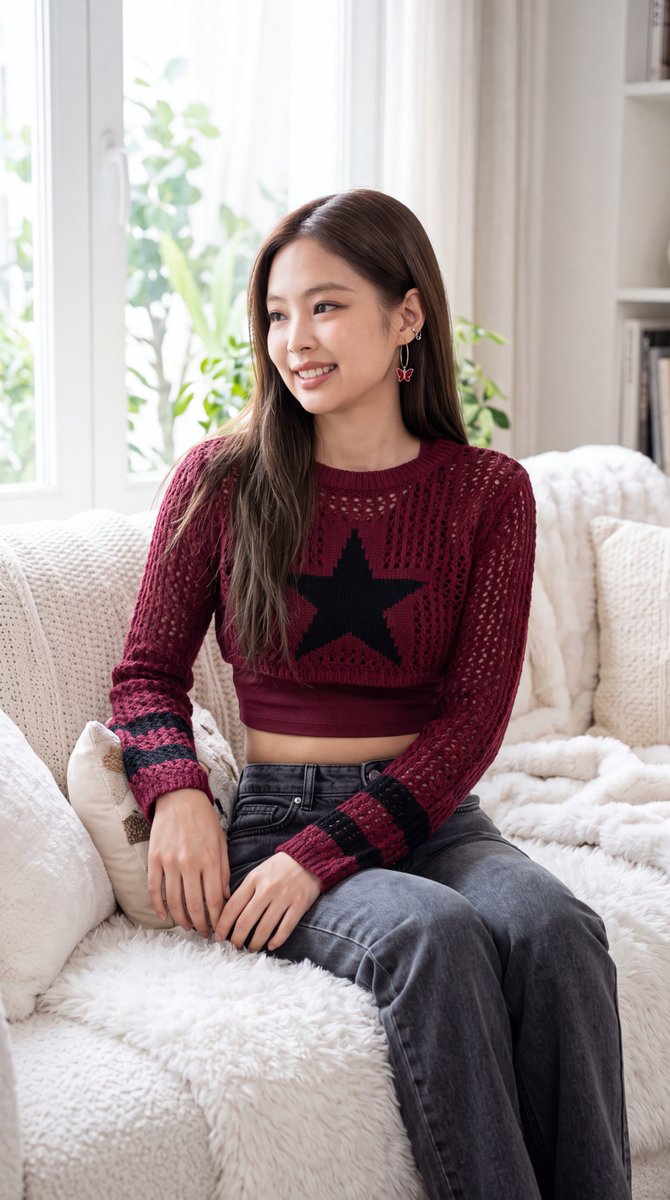
East Asian Fashion Portrait on Sofa
nano-banana-pro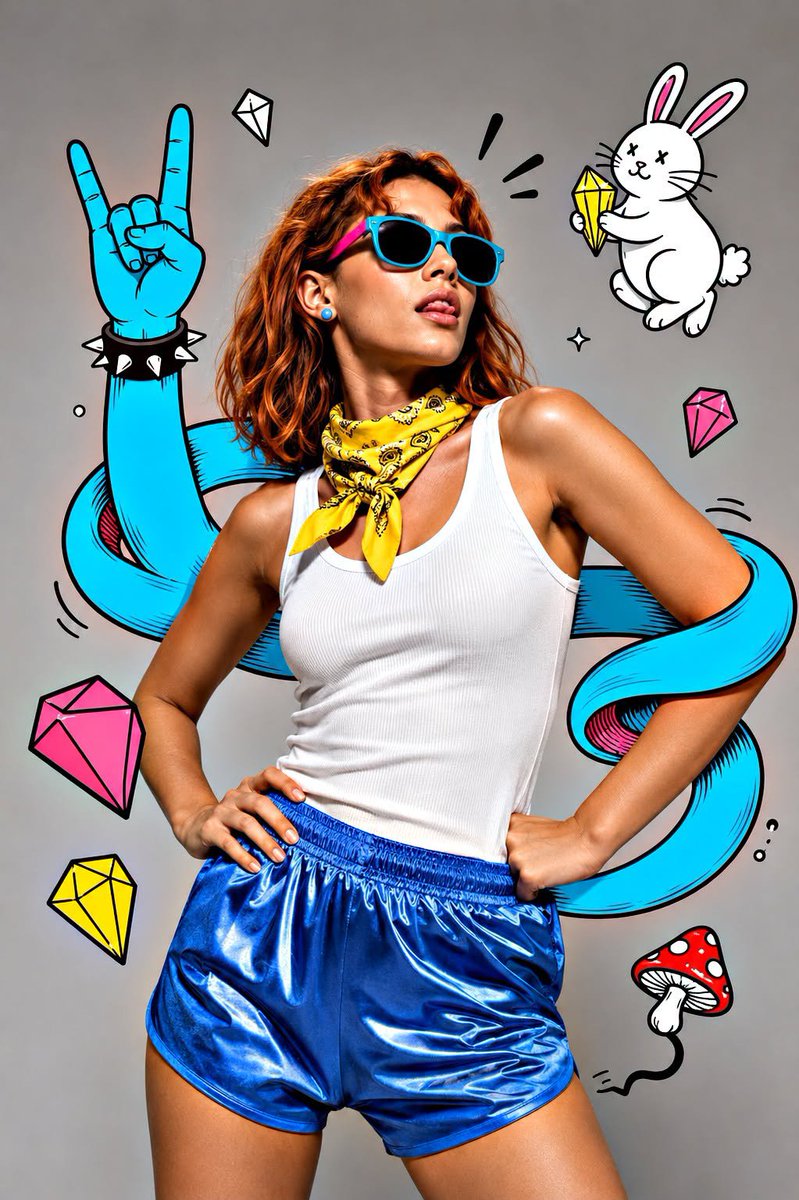
Mixed Media Fashion Studio Art
nano-banana-pro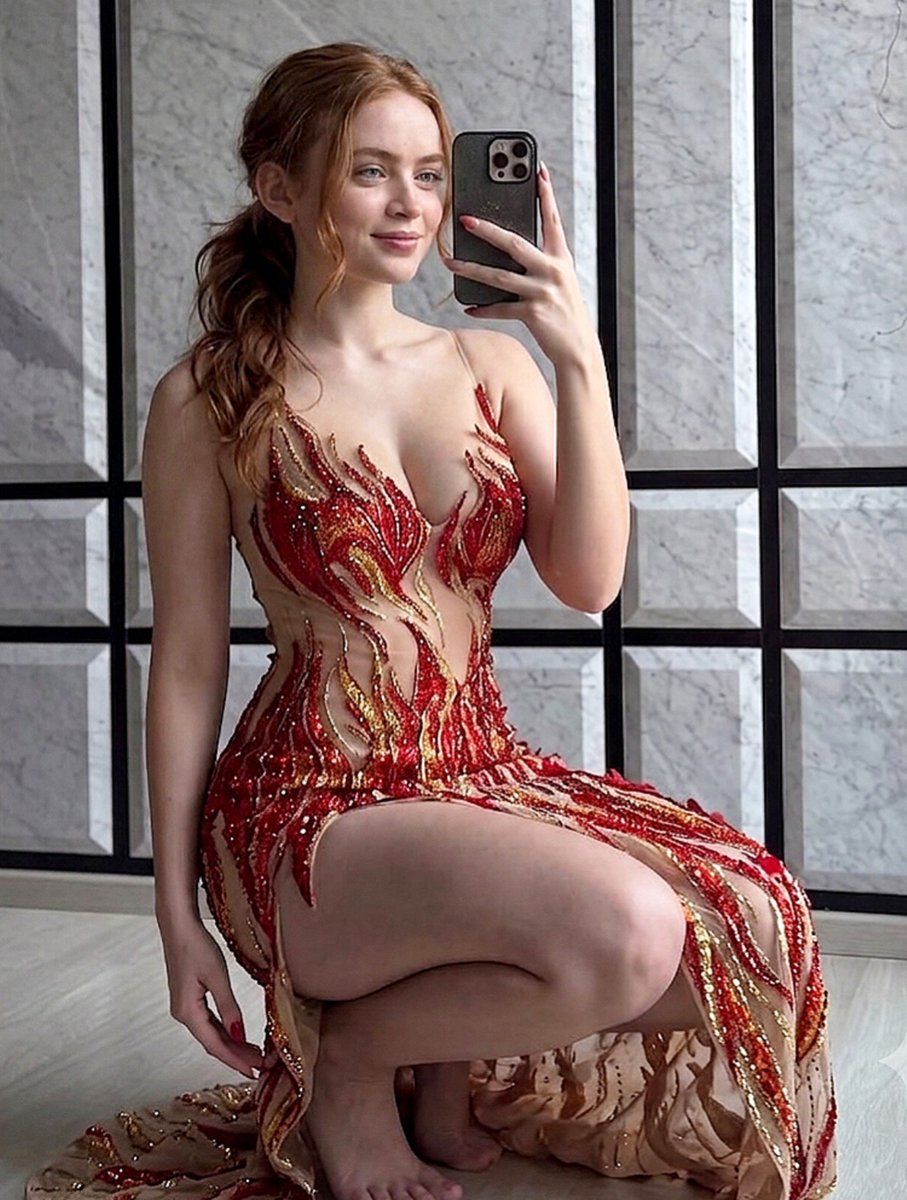
Emerald Evening Dress Fashion Portrait
nano-banana-pro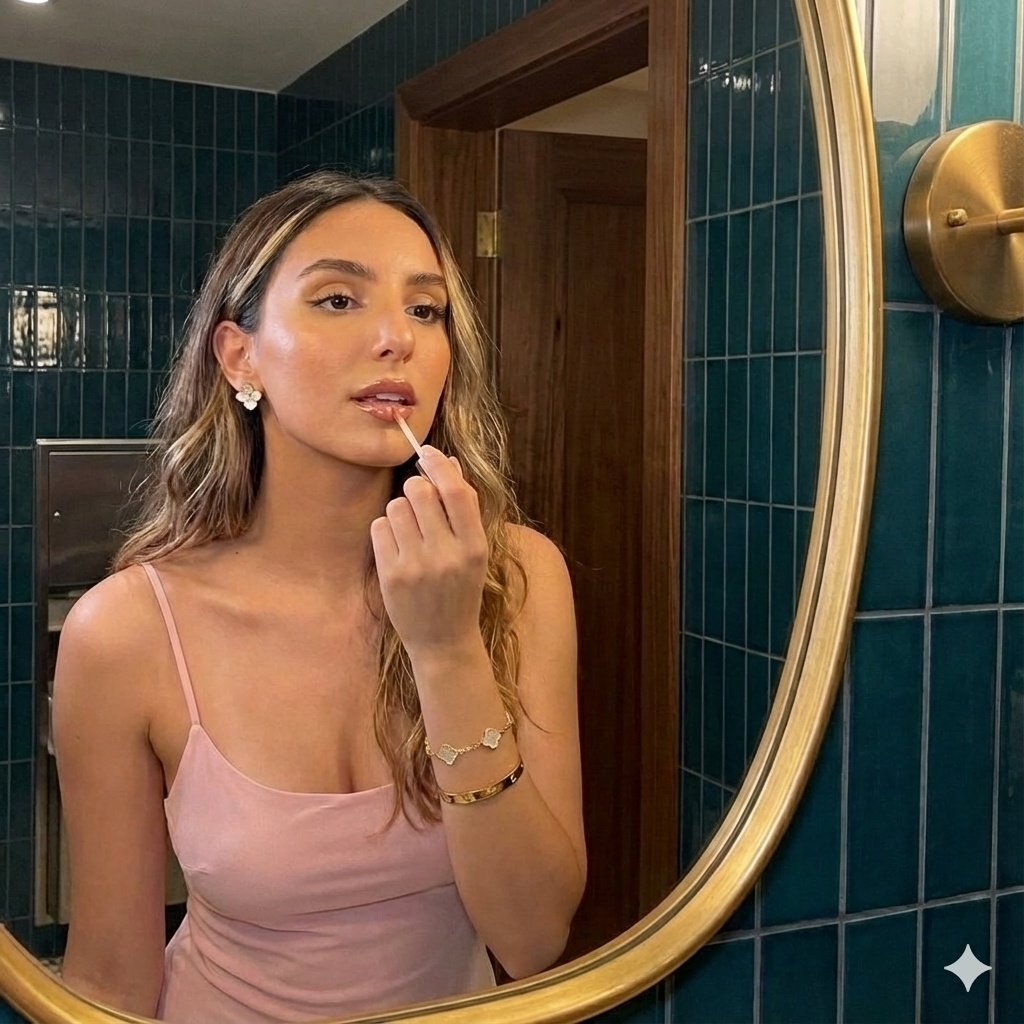
Glamorous Mirror Reflection Beauty Shot
nano-banana-pro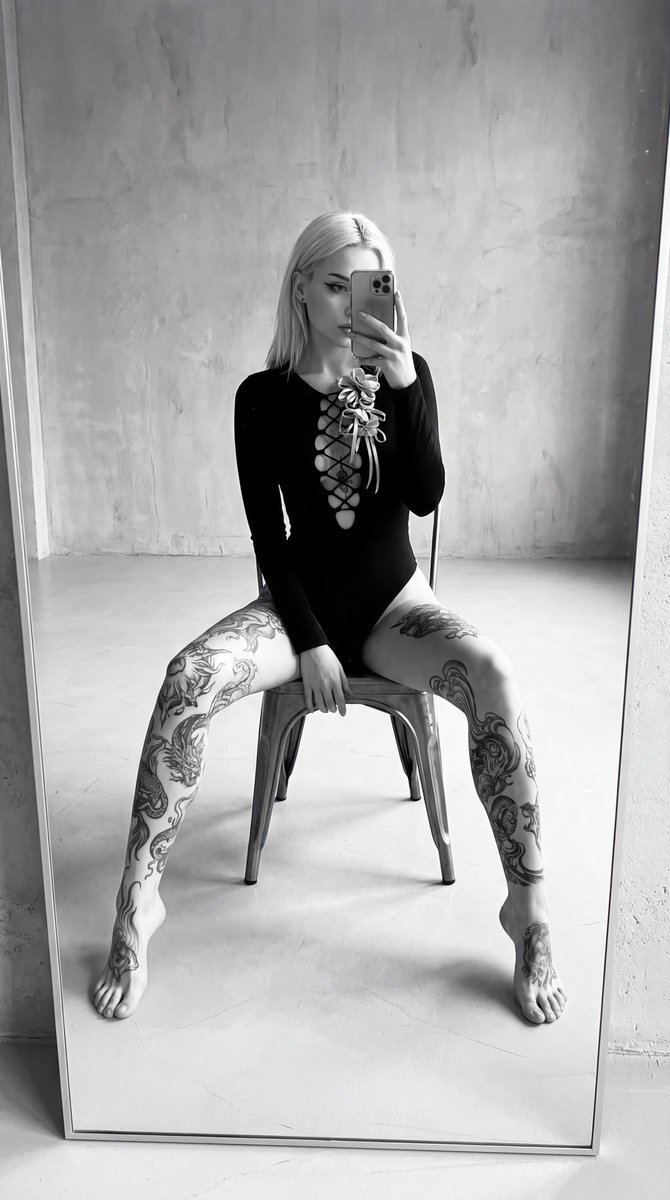
High-Contrast Black and White Tattooed Mirror Selfie
nano-banana-pro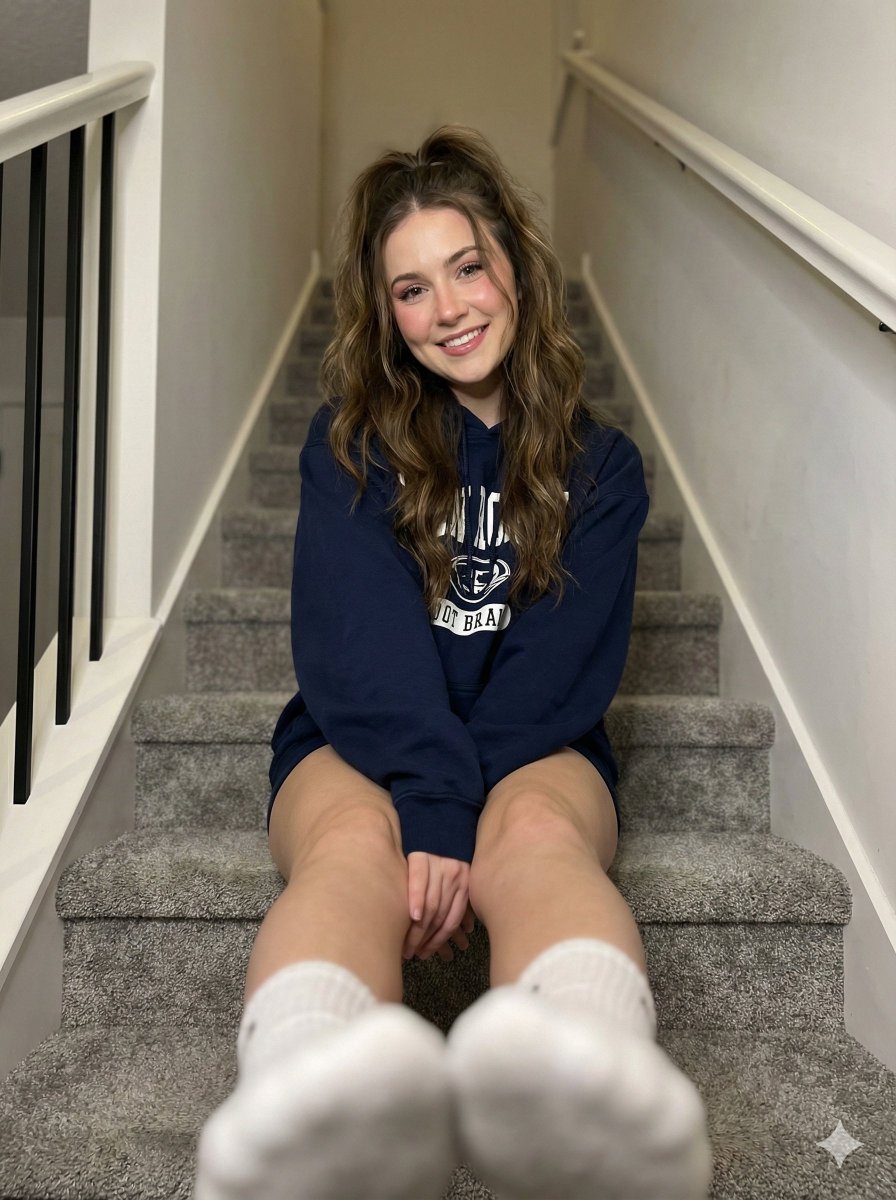
Candid Cozy Portrait on a Staircase with Foreshortening
nano-banana-pro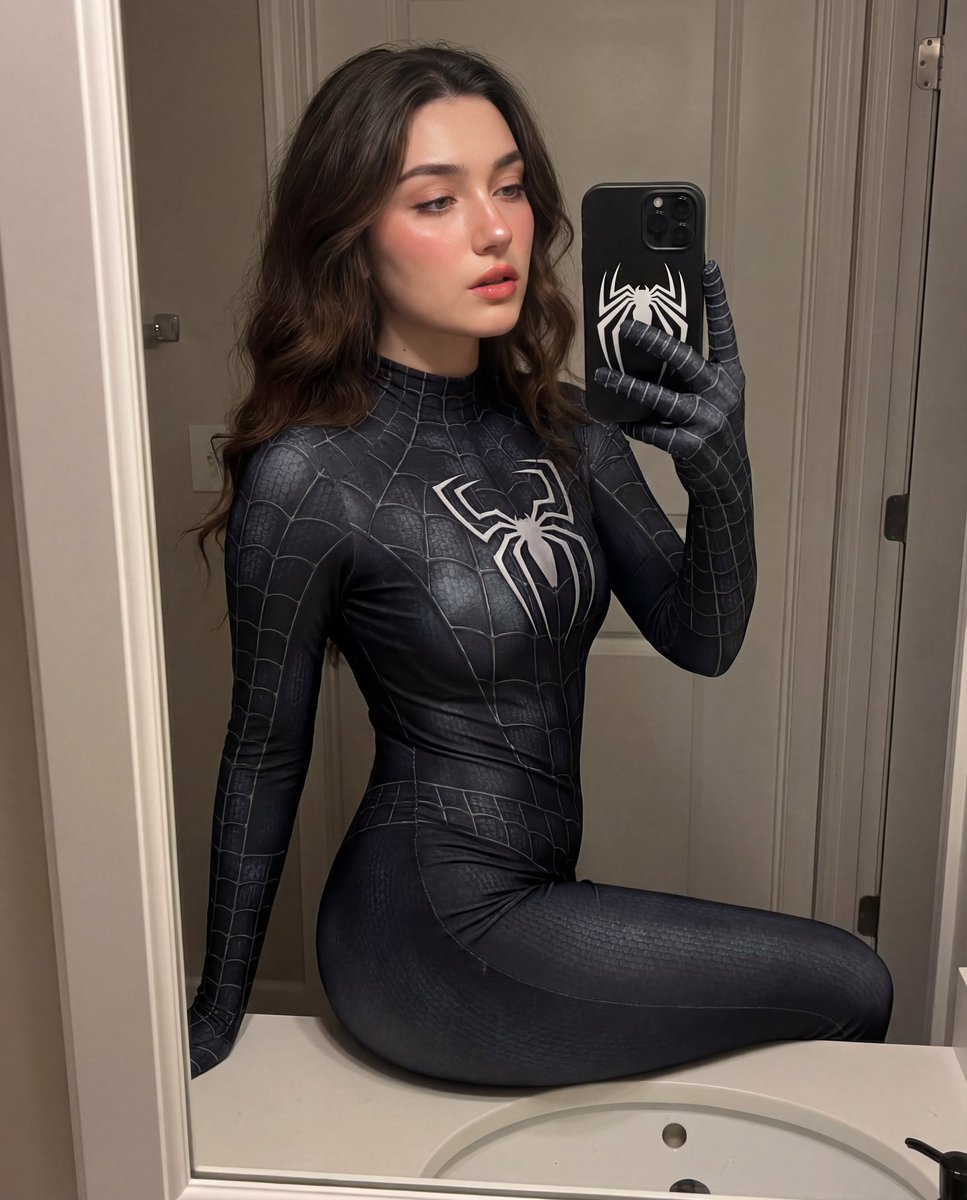
Photorealistic Symbiote Superhero Mirror Selfie
nano-banana-pro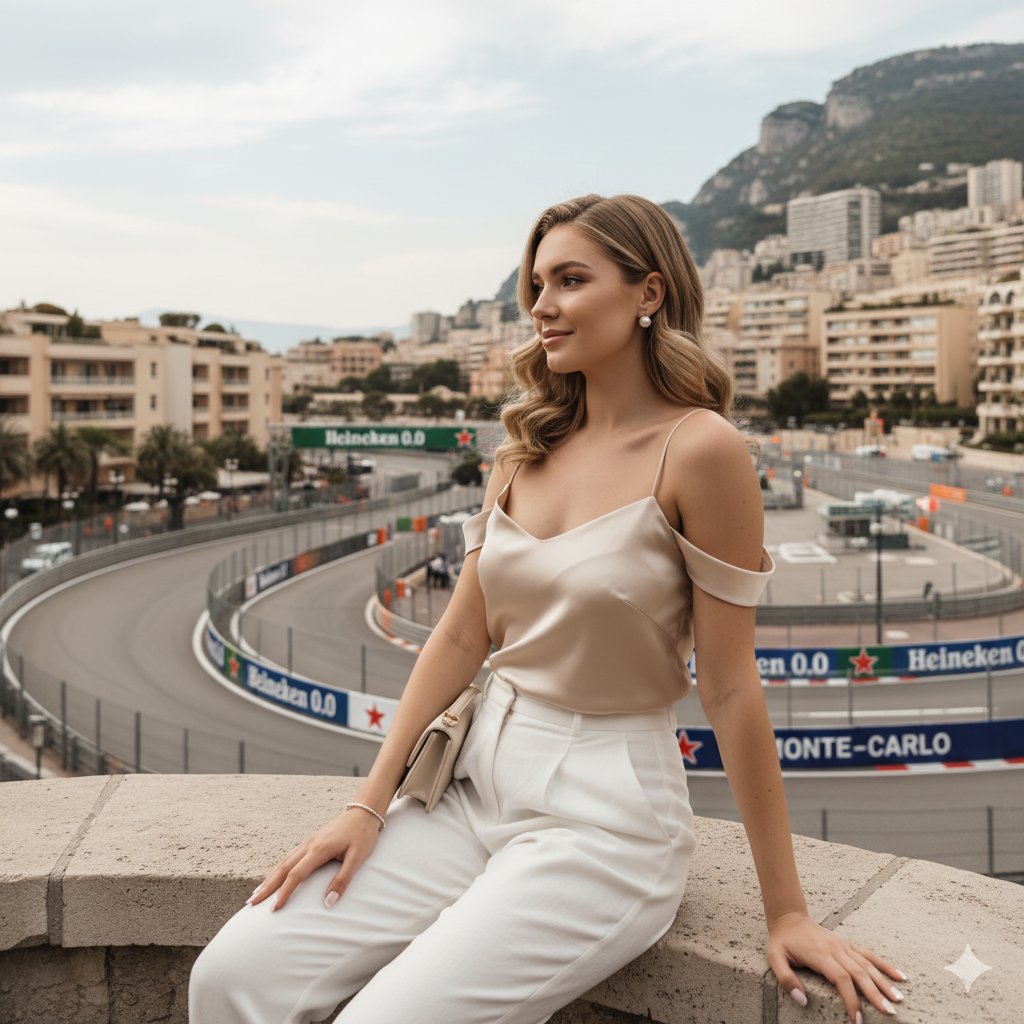
Candid Luxury Travel Photograph in Monaco
nano-banana-pro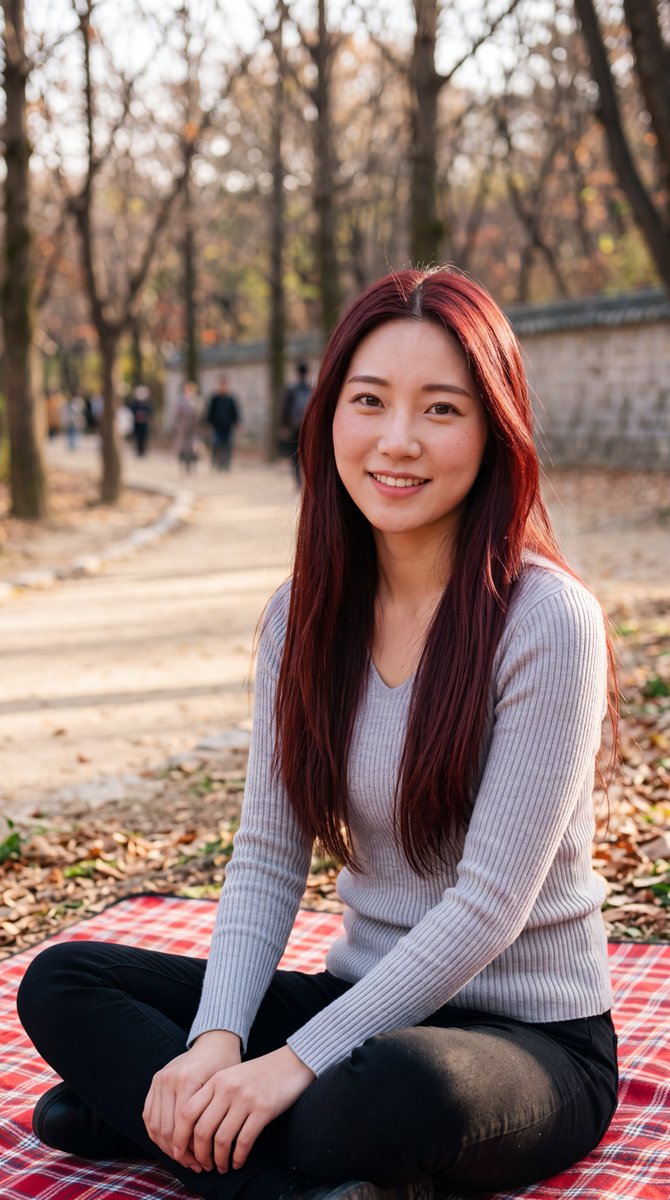
Burgundy Hair Portrait in Park
nano-banana-pro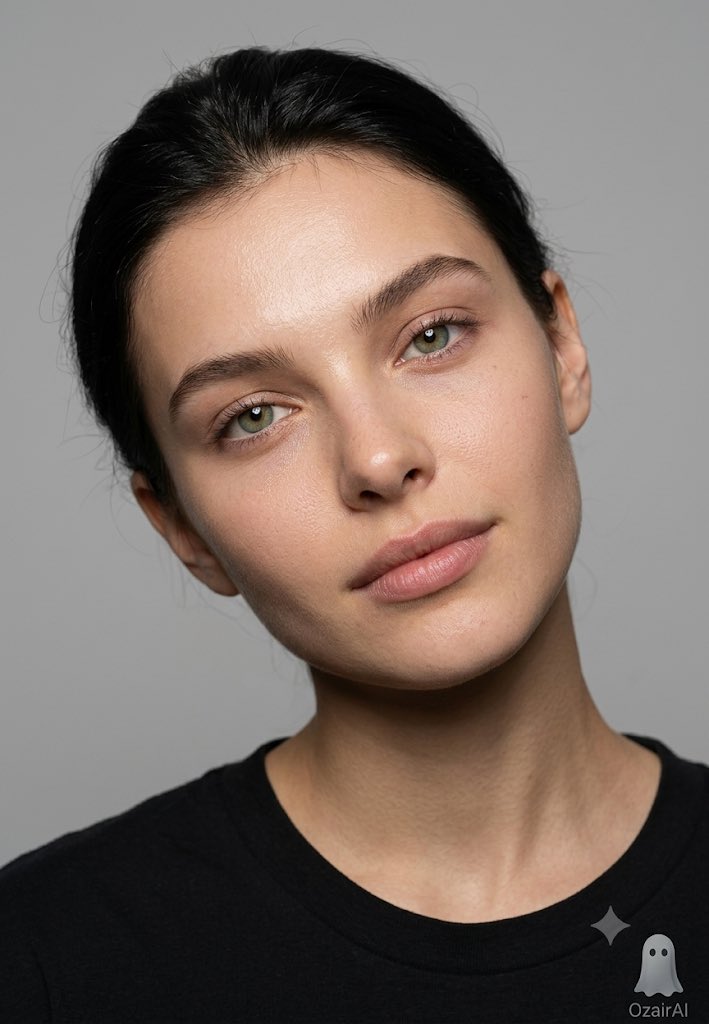
Hyper-Realistic Skin Detail Portrait
nano-banana-pro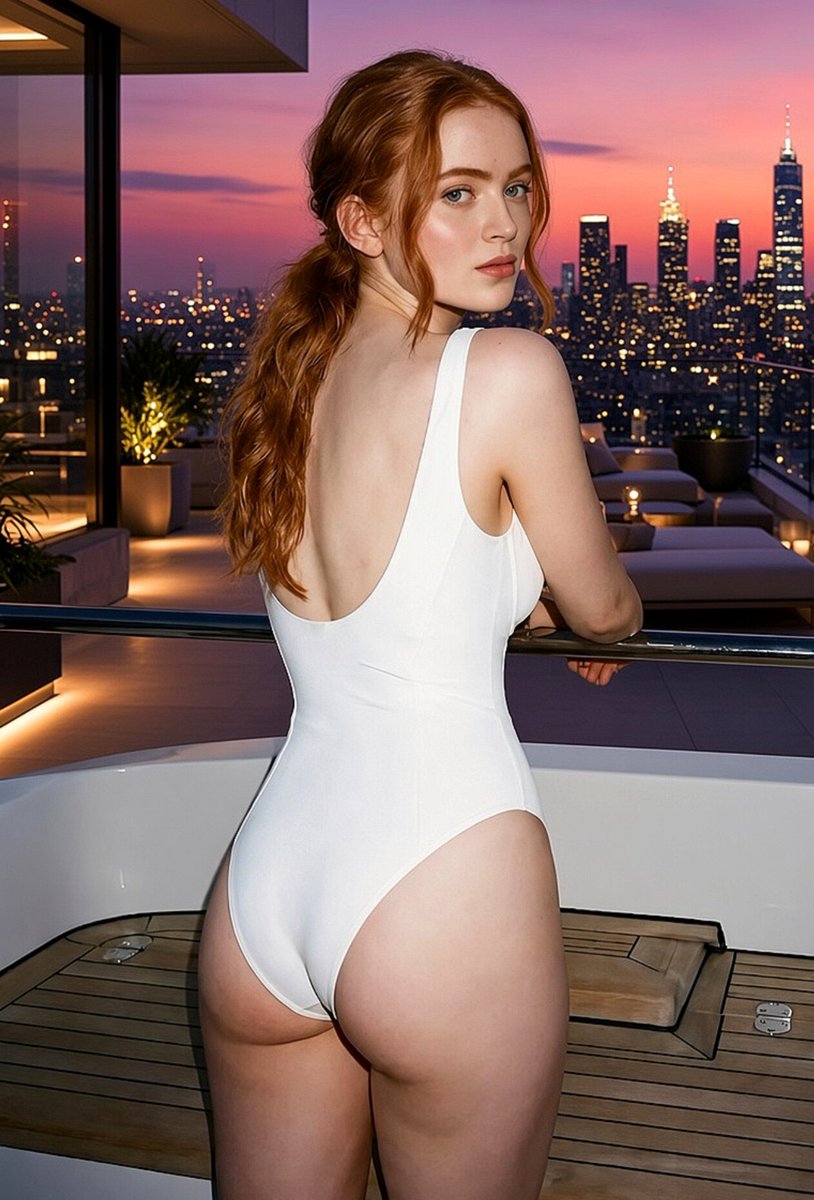
Luxury Rooftop Blue Hour Portrait
nano-banana-pro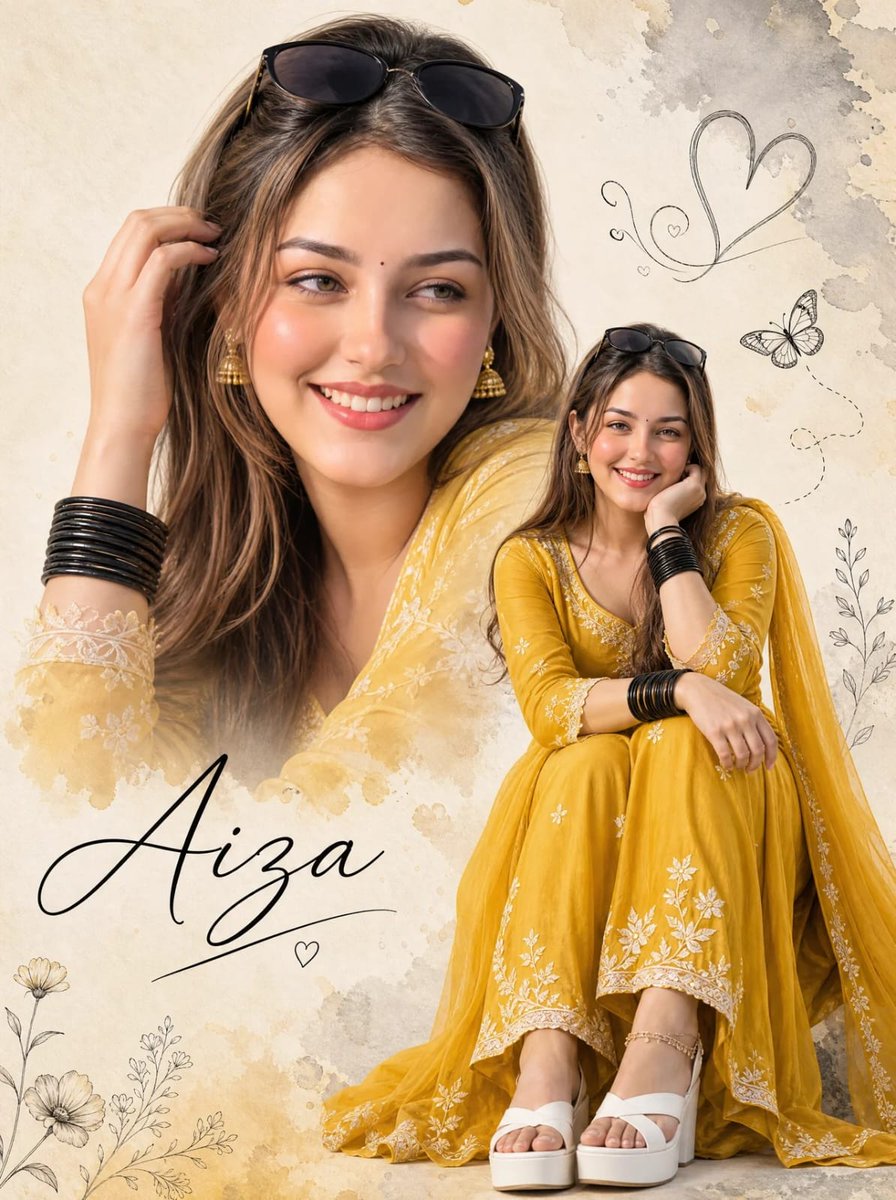
Double-Exposure Scrapbook Portrait Composite
nano-banana-proIntimate Sleeping Portrait Photography
Intimate, medium-close portrait photograph capturing Sydney Sweeney and Sabrina Carpenter deeply asleep and nestled together on a soft white bed, viewed from a slightly elevated angle. Sydney Sweeney, on the left, has her long hair tied back in a relaxed, loose bun with delicate strands framing her face, secured by a pink elastic band. Sabrina Carpenter, on the right, sleeps beside her with her long, flowing hair fanned gently. Both are in a peaceful, profound sleep with serene facial expressions and natural skin glow. Sydney Sweeney wears a ribbed pink tank top with thin spaghetti straps and white lace trim along the neckline. Sabrina Carpenter wears a light blue tank top with thin straps, a similar lace trim, and a small buttoned placket on the front. They are lying closely together, heads near each other on a white pillow, softly turned inward, creating an intimate composition. The immediate background consists solely of the white, softly wrinkled bedsheets and pillows, maintaining total focus on the two subjects. They wear small stud earrings. Natural, warm light streams in from a window to the left, highlighting textures, hair, and skin with soft highlights and subtle shadows. The atmosphere is peaceful, intimate, and profoundly calm. Shot on a full-frame camera with an 85mm prime lens; tack-sharp focus on the faces, aperture f/2.8 for depth of field, 1/200 sec, ISO 100 for maximum detail and low noise. (Aspect Ratio 9:16).
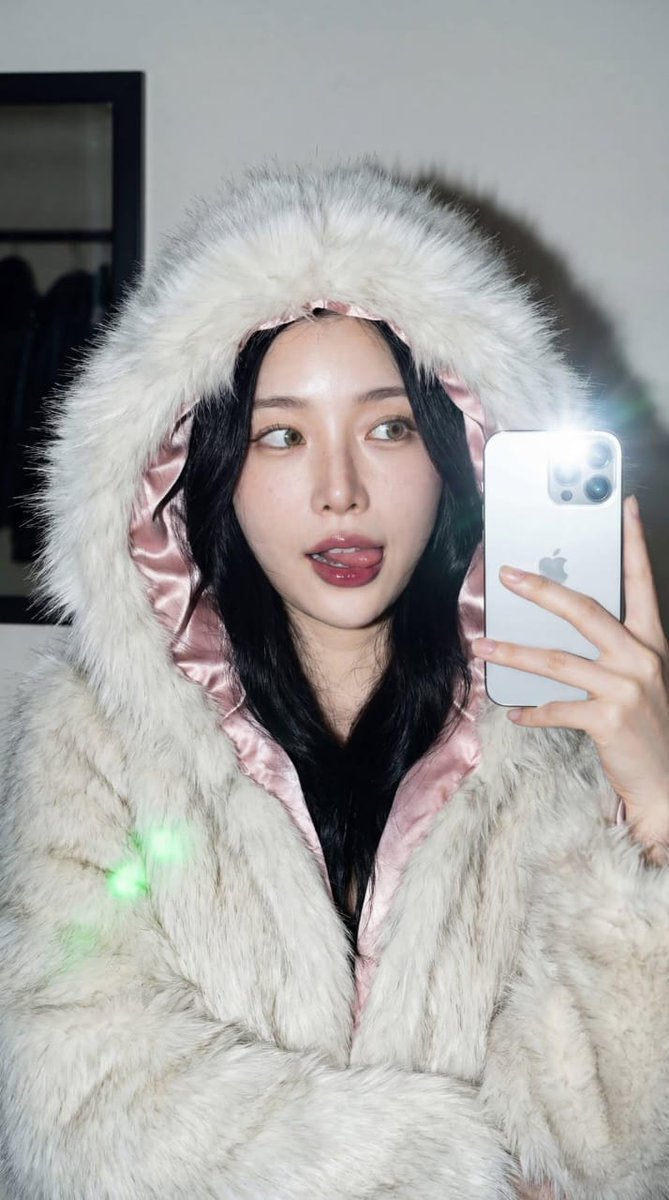
High-Contrast Portrait with Direct Flash and Faux Fur
nano-banana-proHow the portrait and selfie prompts here are written
A portrait prompt usually covers four parts. First the person and what they wear, then the background, then the light, then the lens and framing. A studio headshot prompt names a backdrop color and a soft key light. A mirror selfie prompt names the phone, the room and the reflection. If a result looks wrong, change one part and keep the other three.
Pick the aspect ratio before you generate. Headshots usually go to 4:5, the shape of an 8x10 print. Avatars end up cropped to a square or a circle, so 1:1 is safer there. Stories and reels need 9:16.
The examples here are text-to-image prompts, so each one creates a new person. If the result has to keep a real face, such as turning your own selfie into a work headshot, use an image editing model and send the selfie as a reference image. A sharp, waist-up photo gives the model more to work from than a tight crop.
Prompt text stays in the language its author wrote it in, so a few examples here are in Japanese, Chinese or Spanish.
Questions about portraits & selfies prompts
Can I use these portrait prompts with my own photo?
The prompts here create new people from text. To keep your own face, send your selfie to an image editing model as a reference image, then reuse the lighting, background and framing parts of a prompt from this page.
Which aspect ratio works best for an AI headshot?
Use 4:5 for headshots, the shape of an 8x10 print. Use 1:1 for avatars that get cropped to a circle, and 9:16 for stories and reels.
Why does the AI portrait look like a different person?
Text-to-image models invent a new face on every run. An image editing model with your photo as the reference keeps the face closer to the original. A sharp, well-lit source photo also helps.
Are these portrait and selfie prompts free?
Yes. You can copy any prompt on this page without an account. You pay only when you generate an image through the RunAPI API, at the price of the model you pick.
How do I fetch these prompts through the API?
Send a GET request to /api/v1/prompts with modality=image and category=portrait-selfie. Each result includes the prompt text, the example image and the models it runs on.