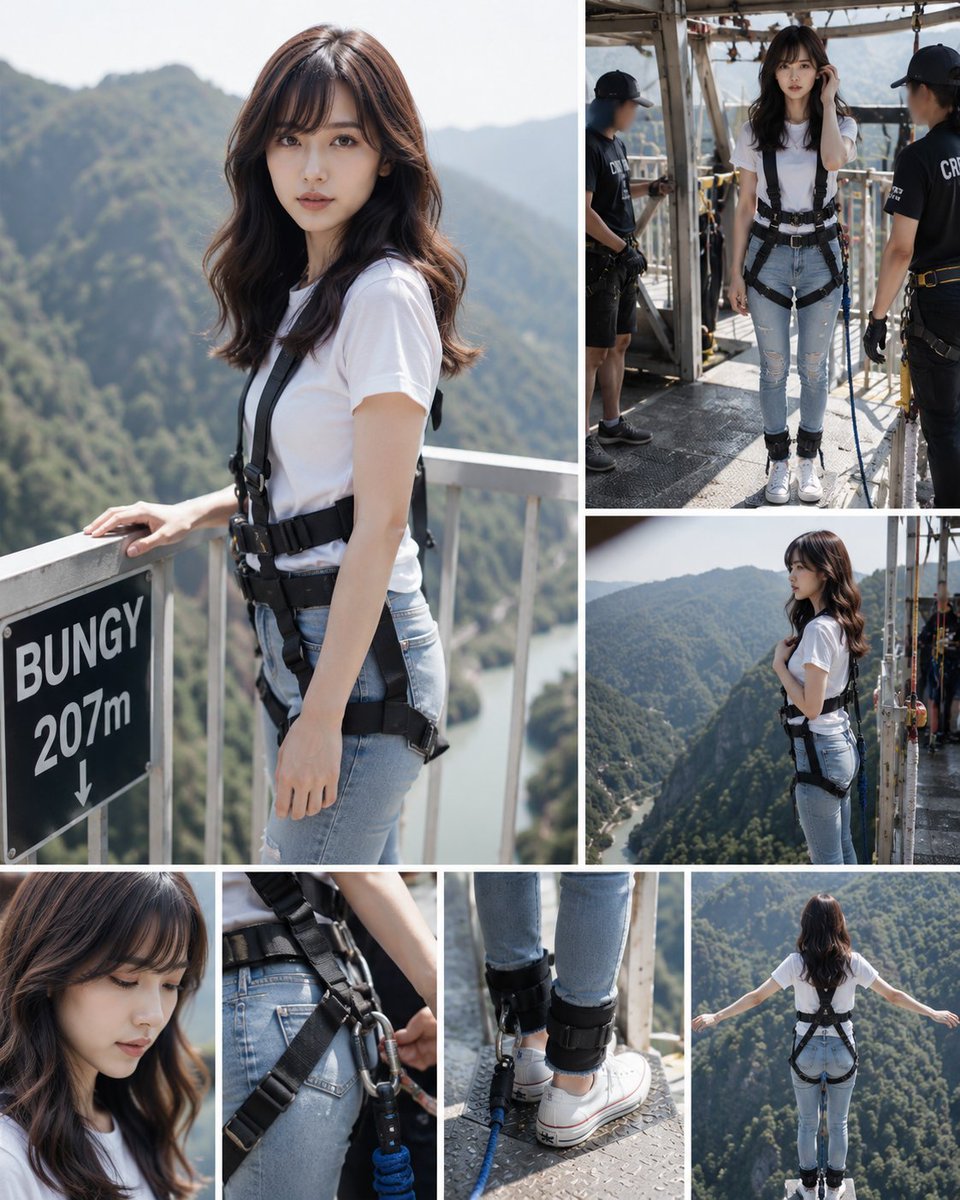
AI Portraits & Selfies Prompts
6,866 prompts for studio portraits, headshots, mirror selfies and fashion portraits. Each one is shown with the image it produced. Copy a prompt as written, or run it on GPT Image, Nano Banana or Seedream with the same API call.
Runs on 36 image models through one API key
curl -G https://runapi.ai/api/v1/prompts \
  -d modality=image -d category=portrait-selfie \
-H "Authorization: Bearer $RUNAPI_API_KEY"Portraits & Selfies prompt examples
6,866 prompts Updated October 10, 2026
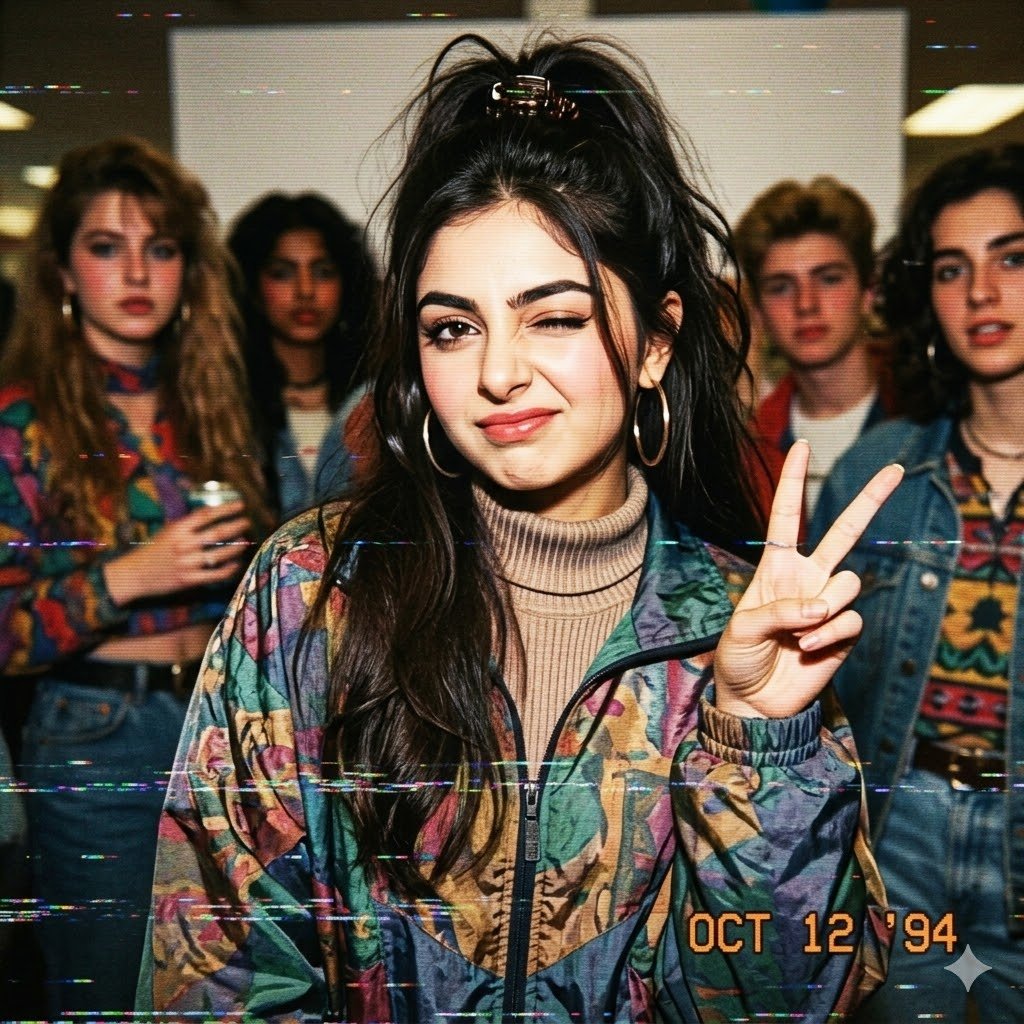
VHS 90s Mall Teen Group Portrait
gpt-image-2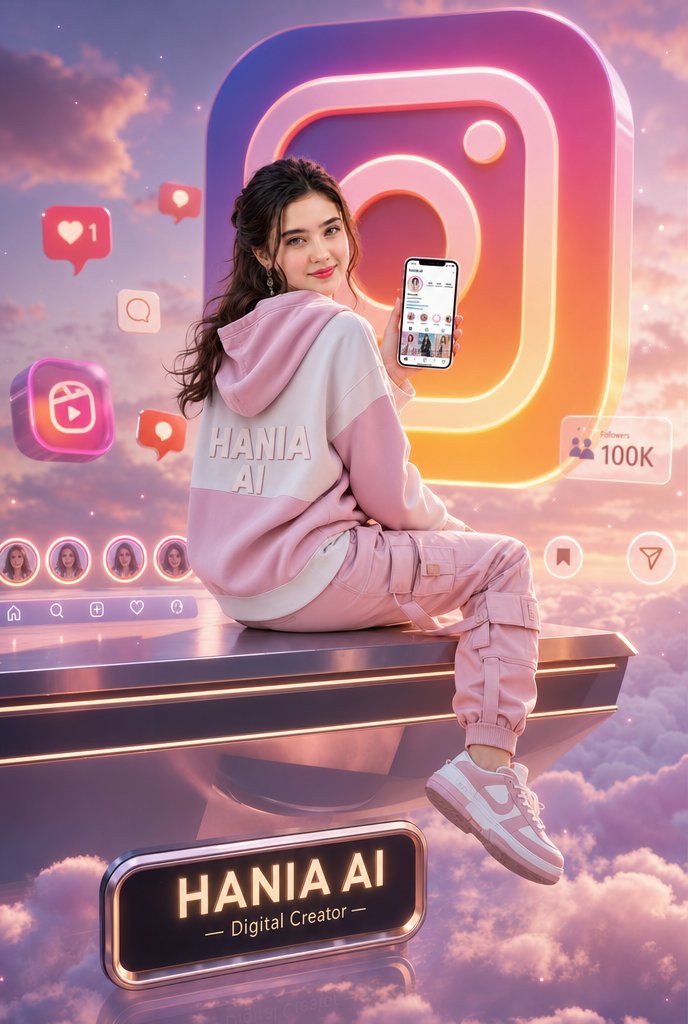
Floating Instagram Creator Portrait
gpt-image-2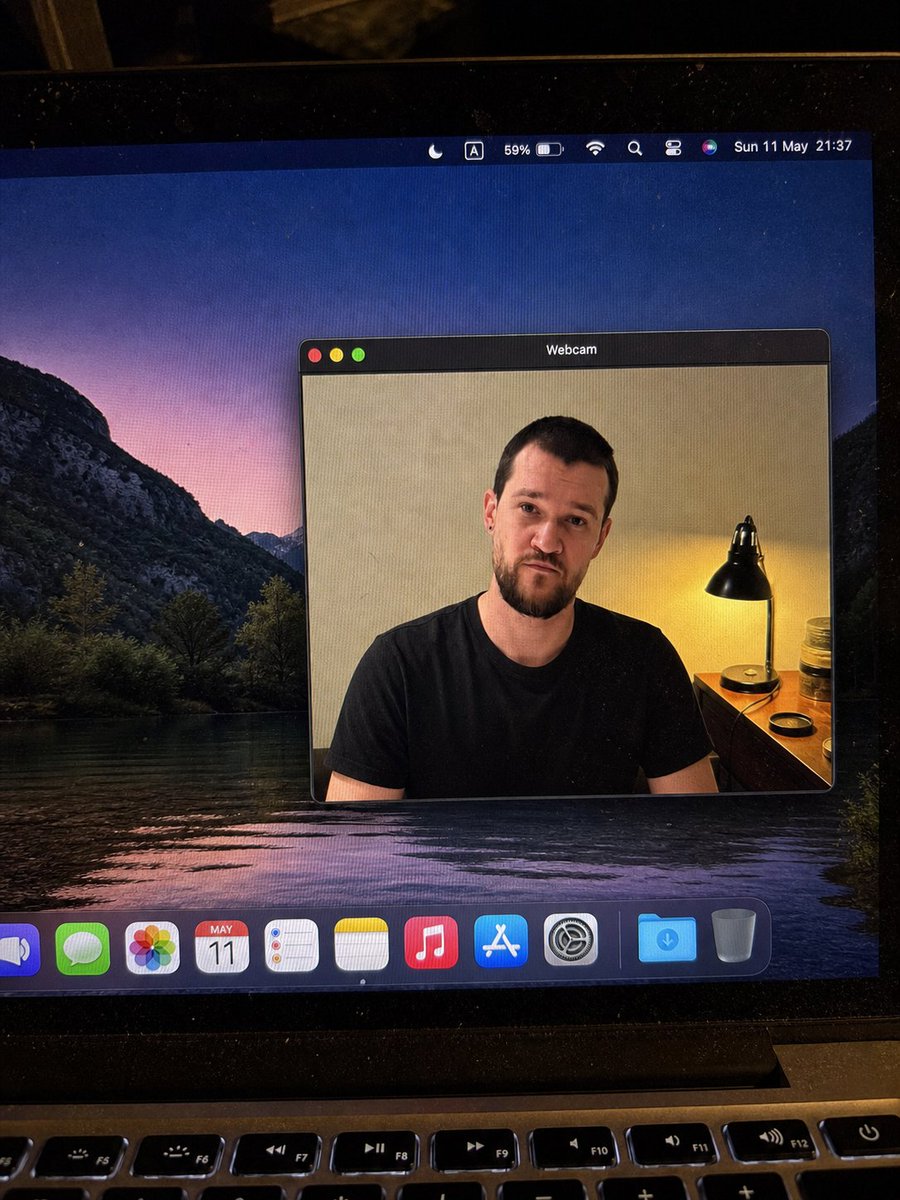
MacBook Webcam Window Photo
gpt-image-2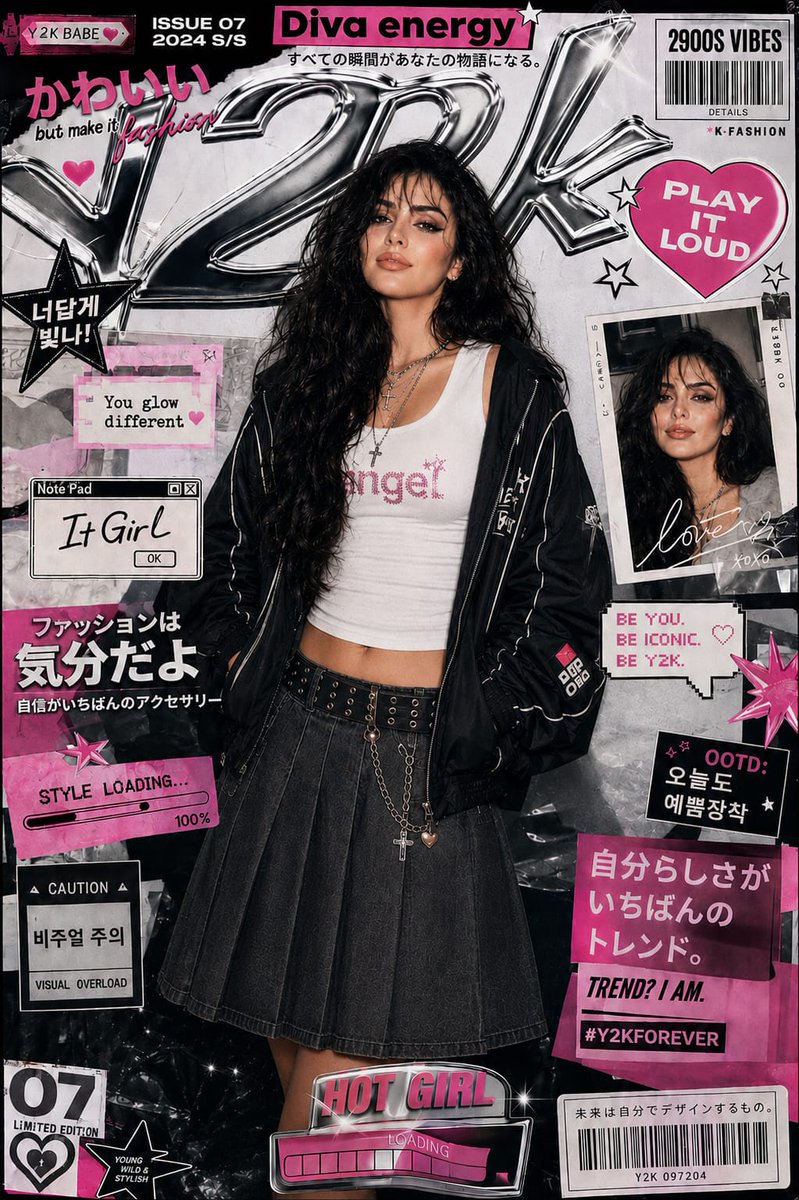
Y2K Style K-Fashion Poster
gpt-image-2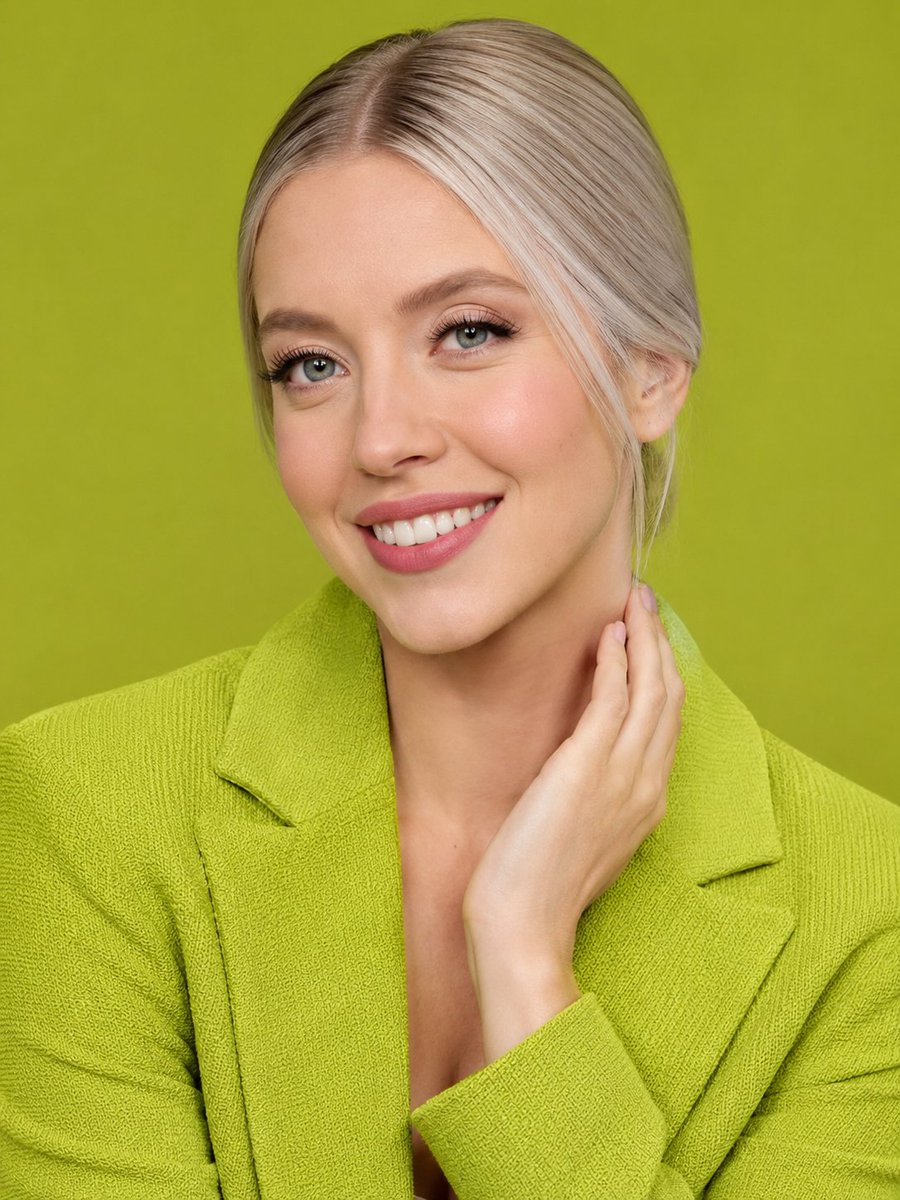
Lime Green Fashion Portrait
gpt-image-2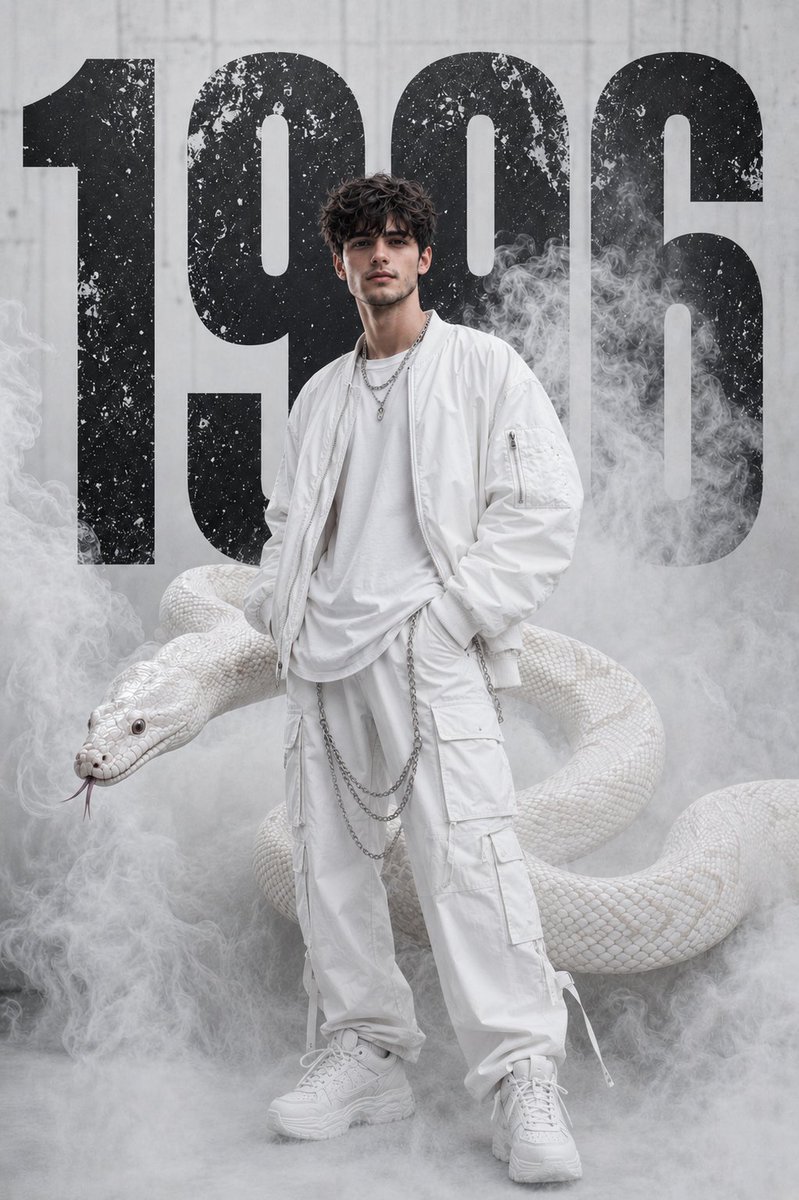
Monochromatic High-Fashion Editorial with Python
gpt-image-2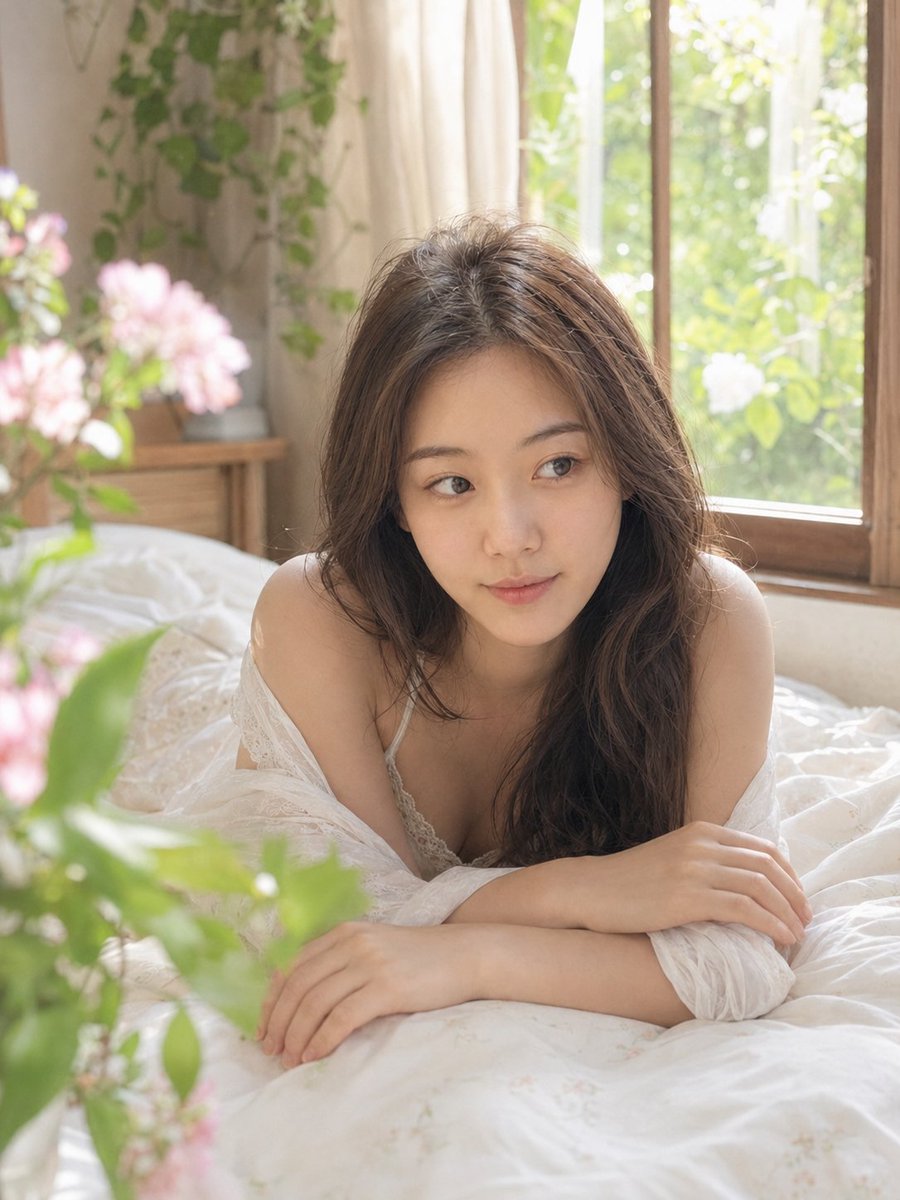
French Style Spring Forest Portrait
gpt-image-2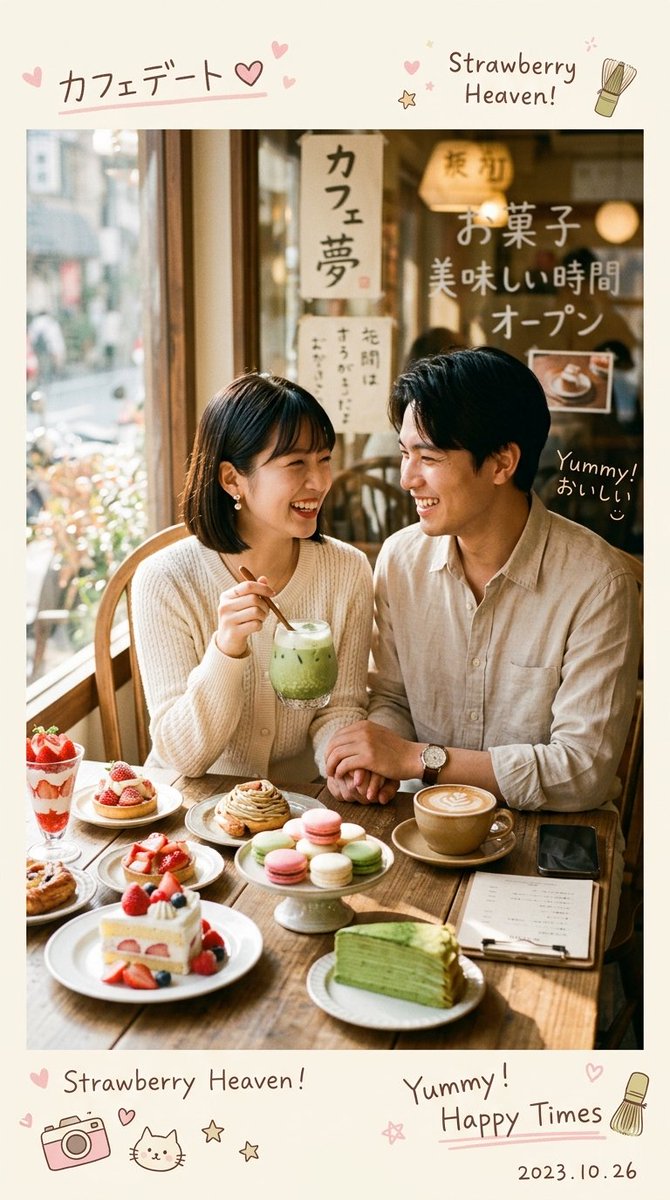
Aesthetic Cozy Cafe Photography
gpt-image-2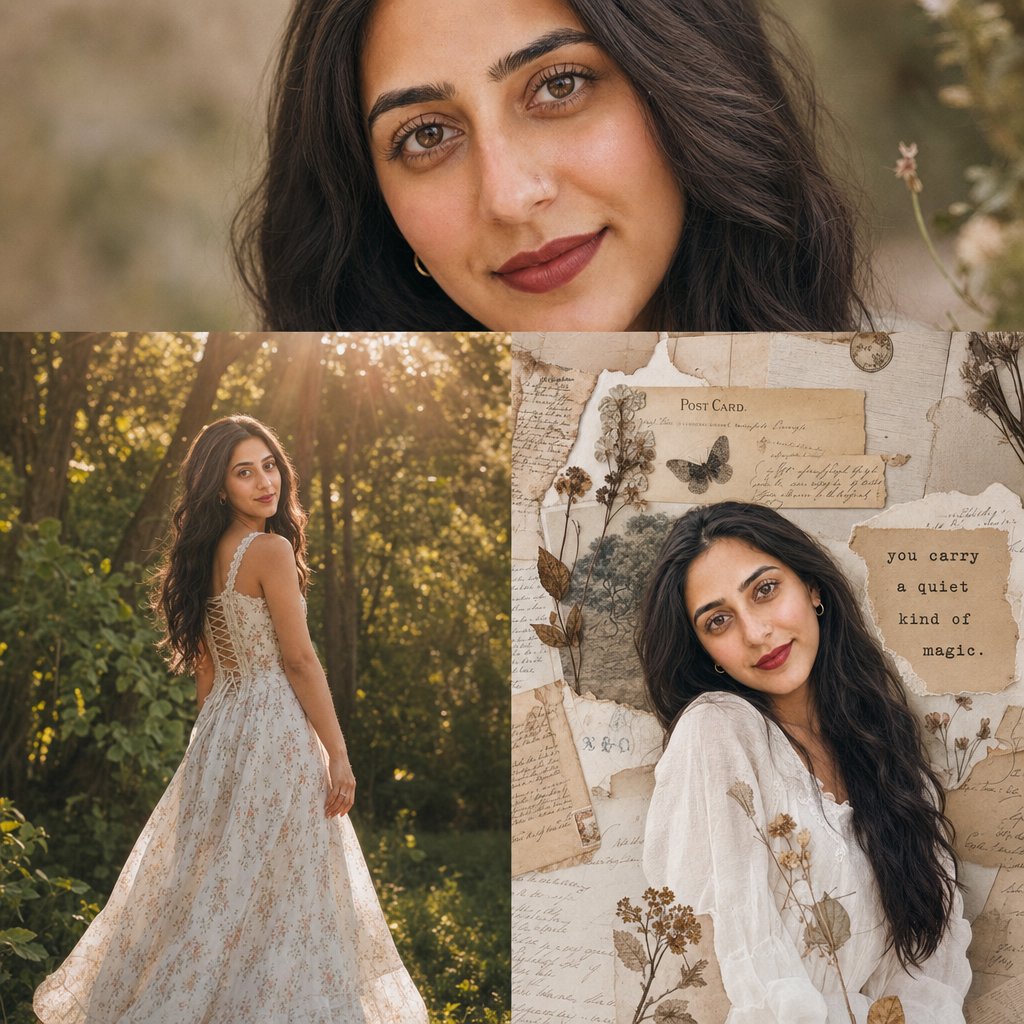
Nostalgic Vintage Collage Portrait
gpt-image-2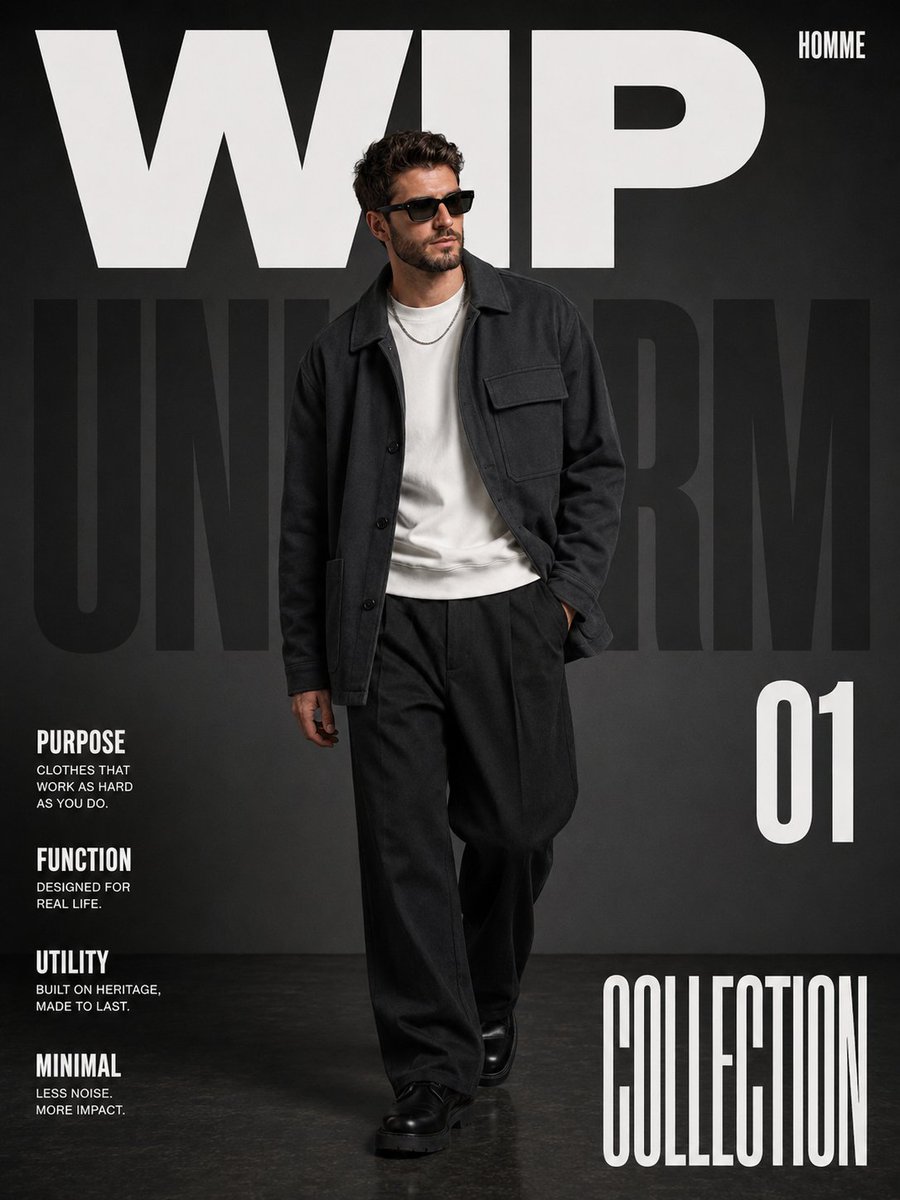
Premium Editorial Fashion Magazine
gpt-image-2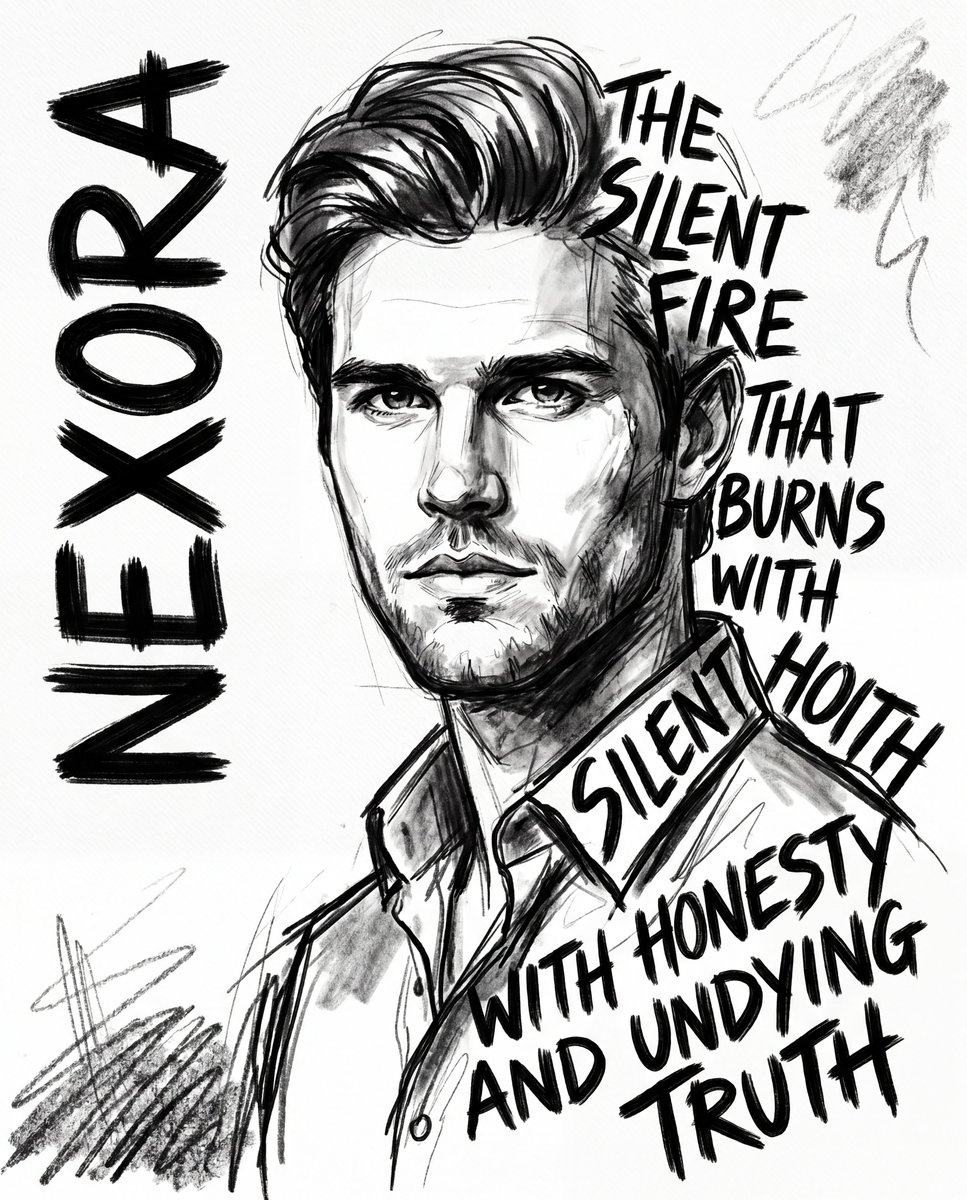
Expressionist Sketch Art Poster
gpt-image-2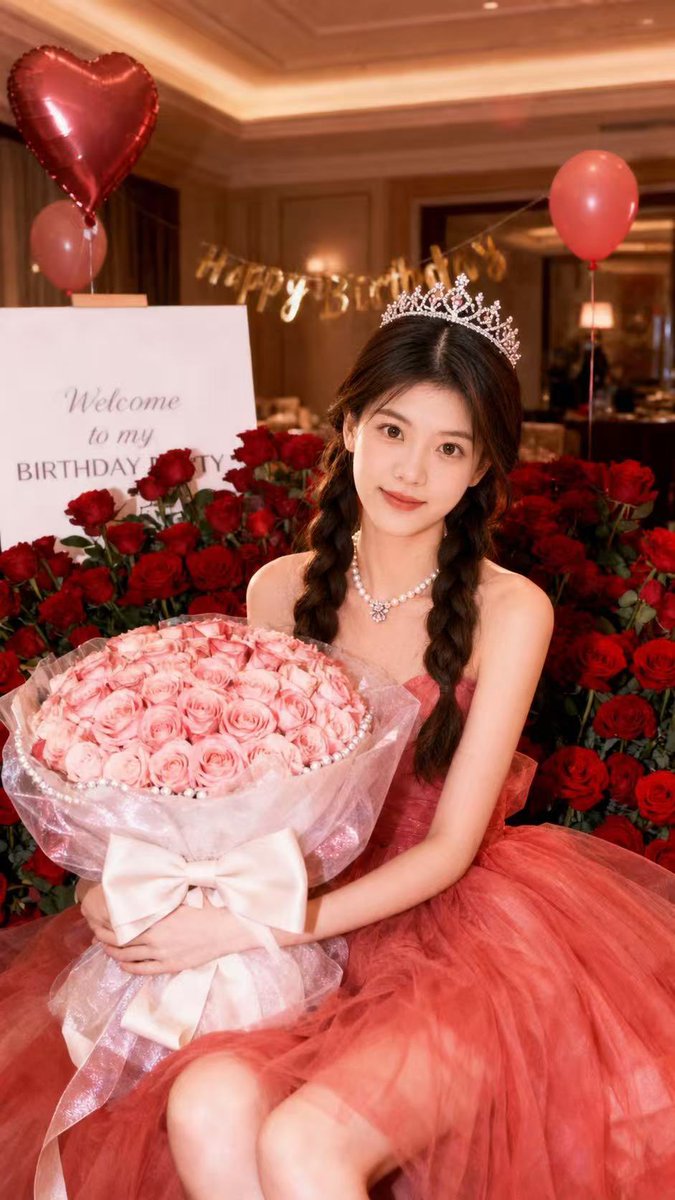
Dreamy Birthday Princess Portrait
gpt-image-2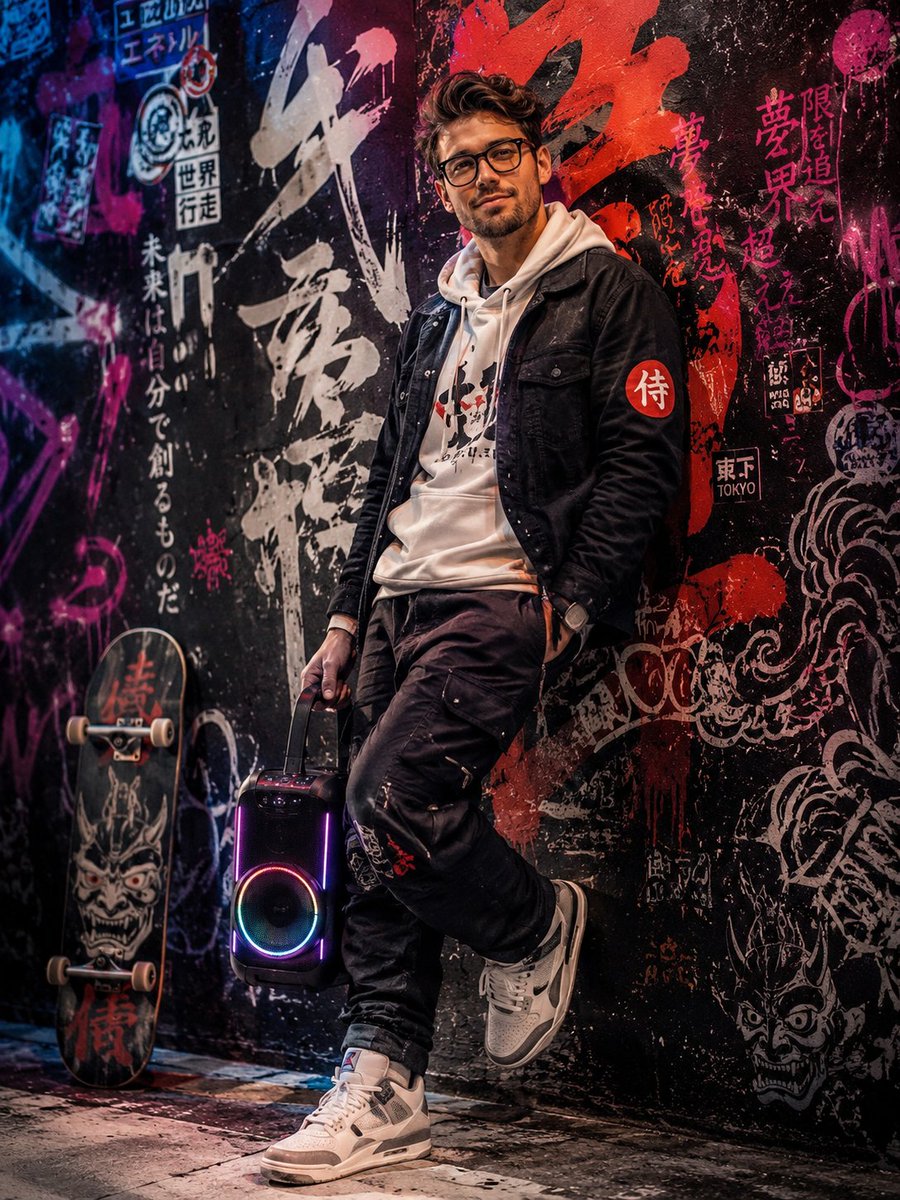
Japanese Graffiti Art Portrait
gpt-image-2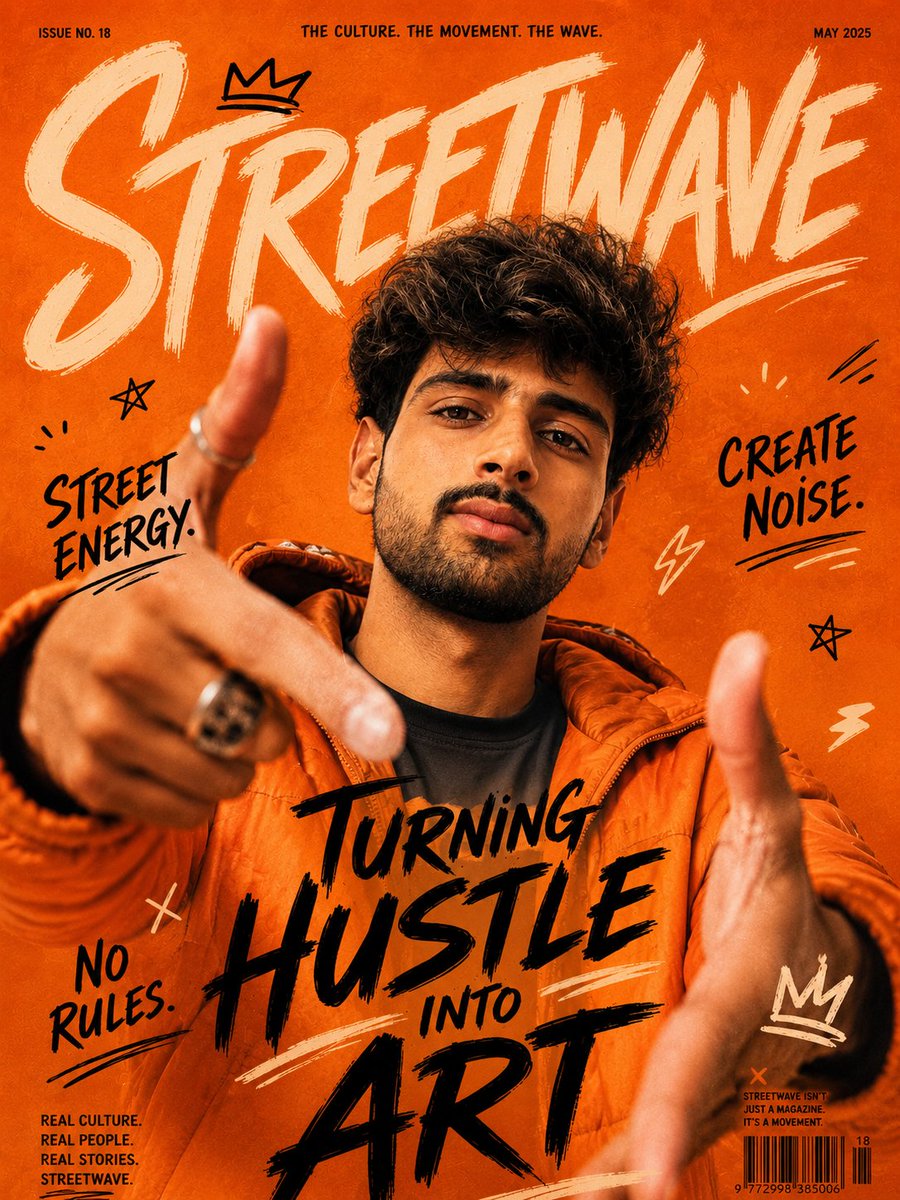
Urban Streetwave Magazine Cover
gpt-image-2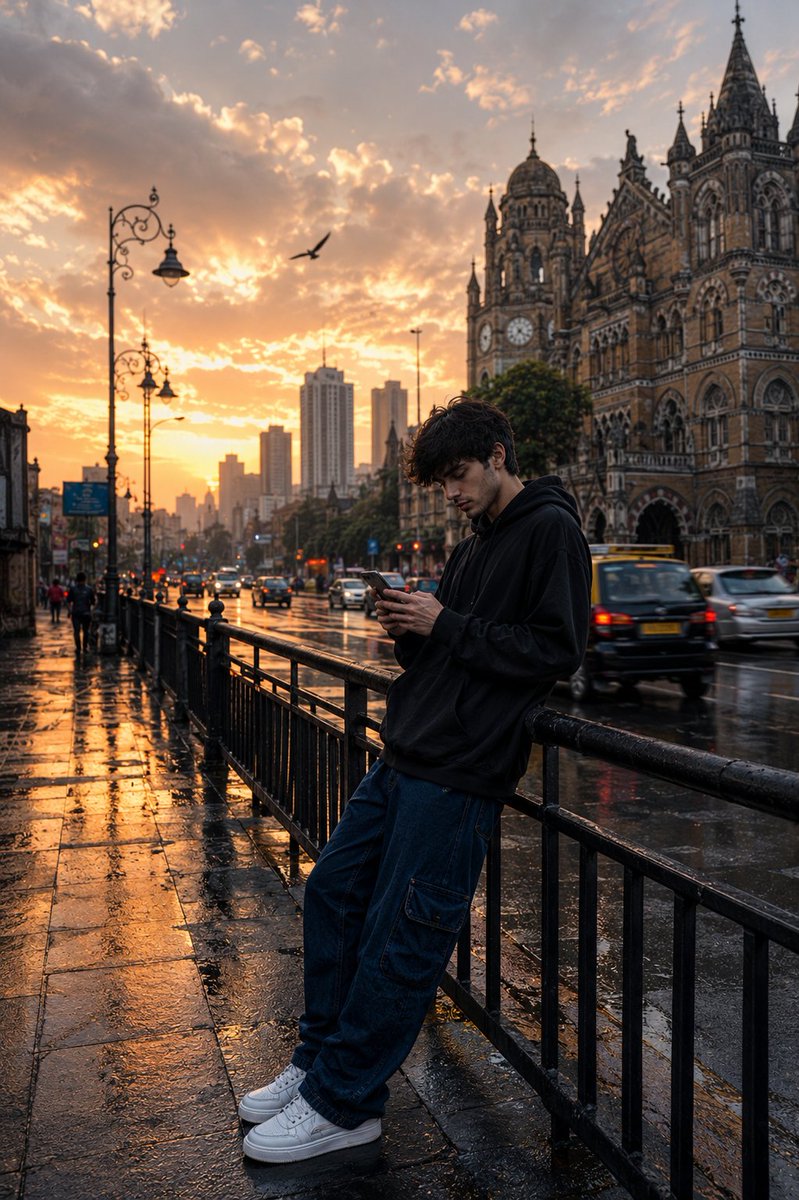
Mumbai Rainy Street Photography
gpt-image-2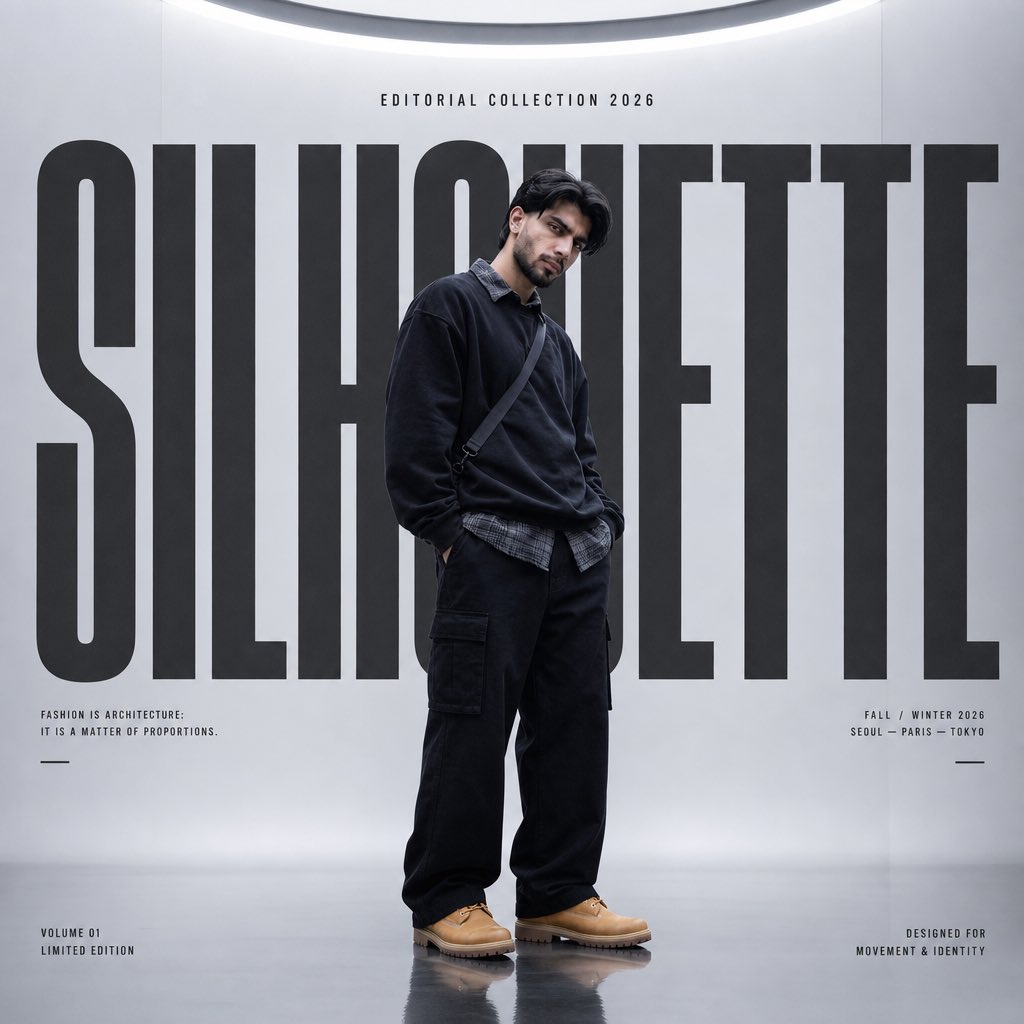
Silhouette High Fashion Editorial Poster
gpt-image-2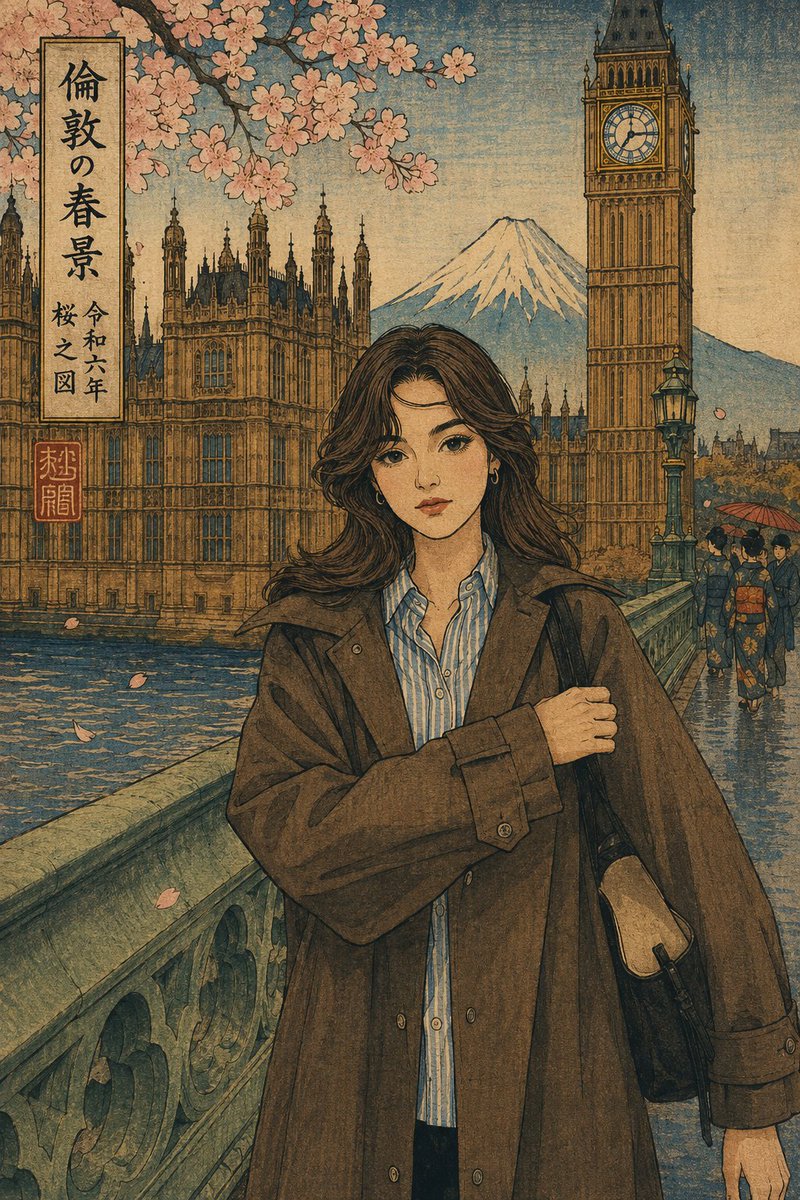
Ukiyo-e Portrait Transformation
gpt-image-2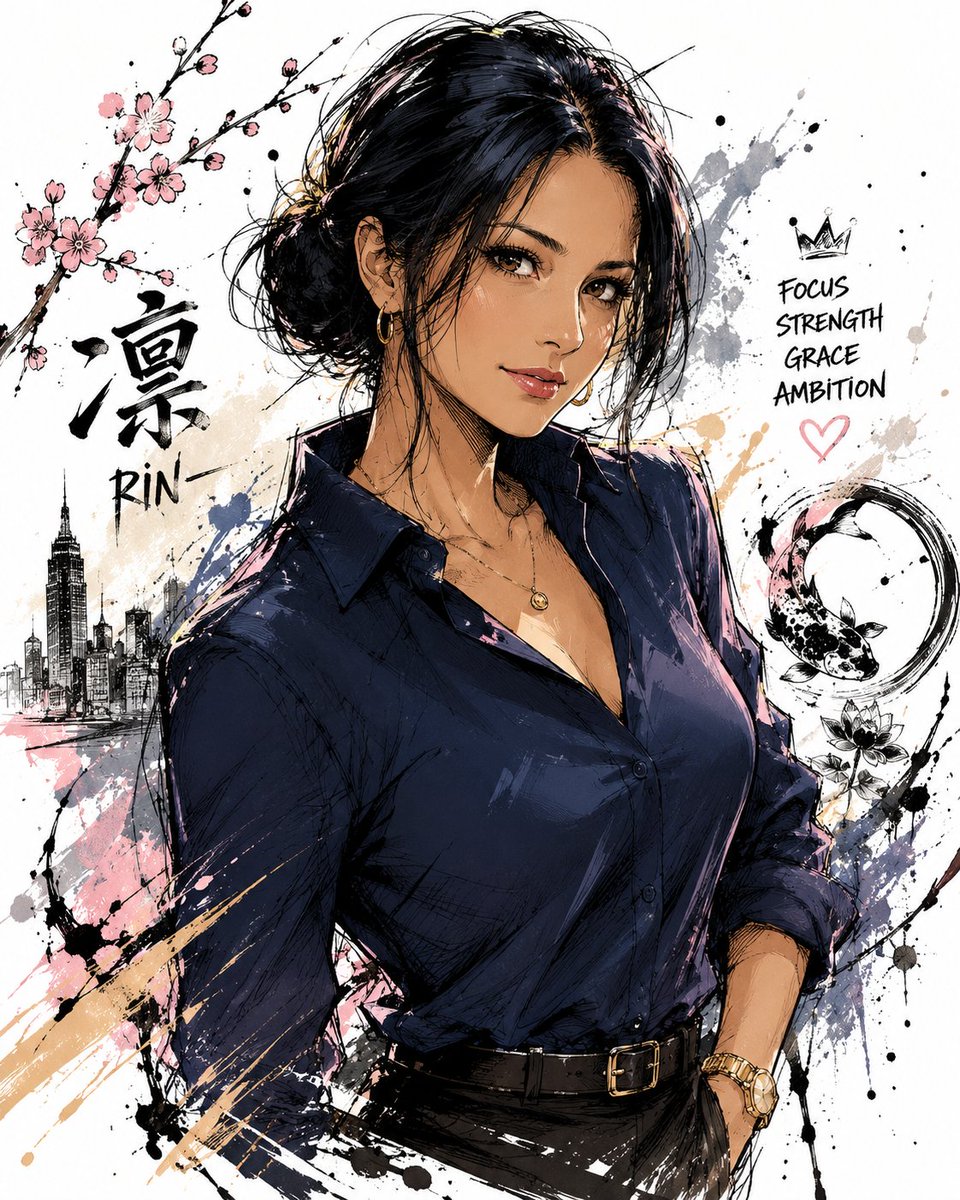
Japanese Ink Illustration Style
gpt-image-2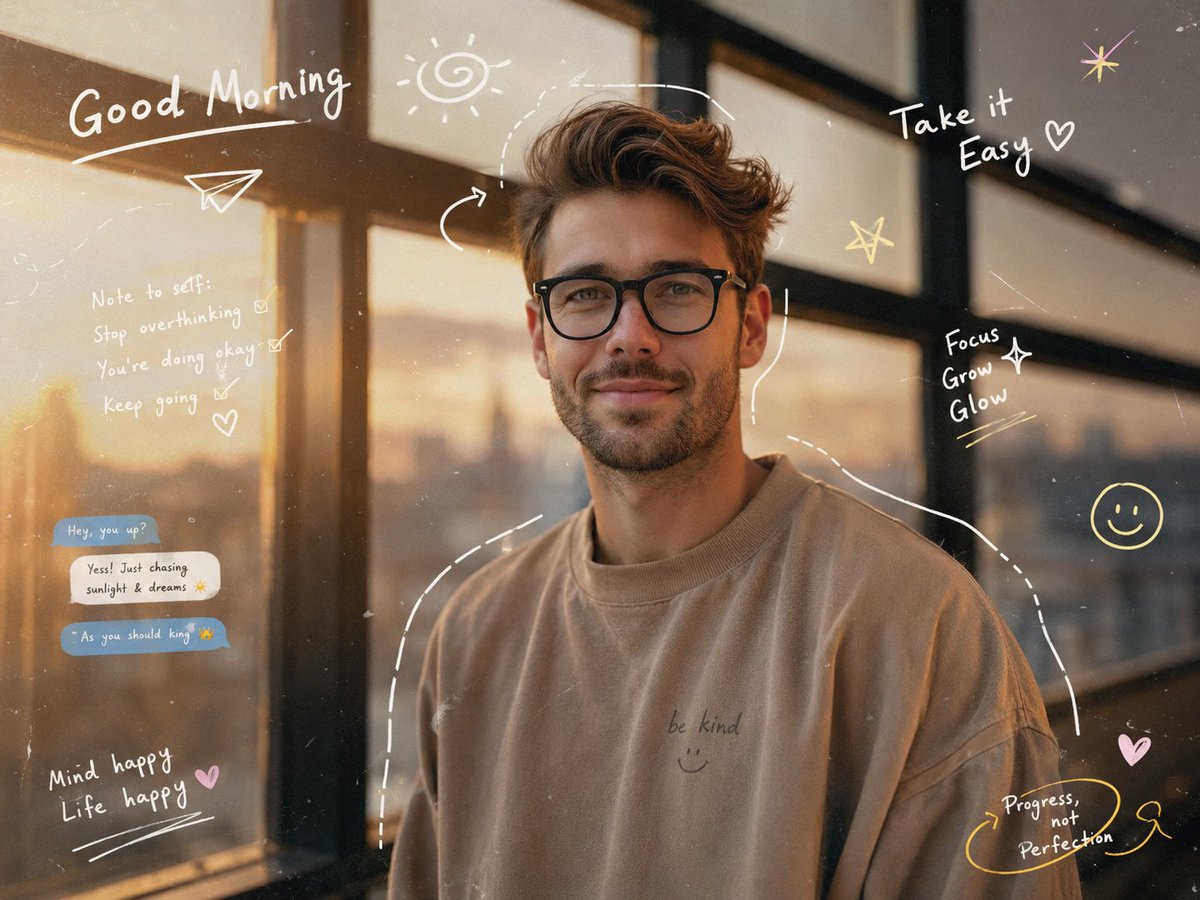
Gen-Z Aesthetic Doodle Portrait
gpt-image-2
Nine-Panel AI Profile Gallery Collage
gpt-image-2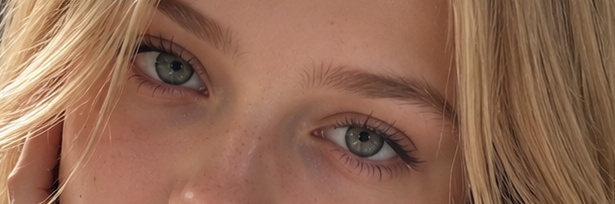
Photorealistic Blonde Eye Close-Up
gpt-image-2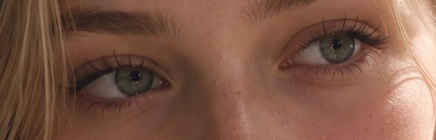
Photorealistic Close-Up Eyes
gpt-image-2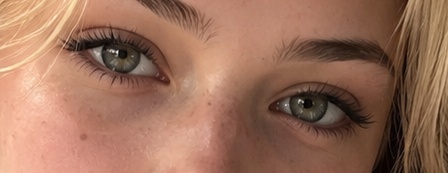
Photorealistic Eye Close-Up
gpt-image-2How the portrait and selfie prompts here are written
A portrait prompt usually covers four parts. First the person and what they wear, then the background, then the light, then the lens and framing. A studio headshot prompt names a backdrop color and a soft key light. A mirror selfie prompt names the phone, the room and the reflection. If a result looks wrong, change one part and keep the other three.
Pick the aspect ratio before you generate. Headshots usually go to 4:5, the shape of an 8x10 print. Avatars end up cropped to a square or a circle, so 1:1 is safer there. Stories and reels need 9:16.
The examples here are text-to-image prompts, so each one creates a new person. If the result has to keep a real face, such as turning your own selfie into a work headshot, use an image editing model and send the selfie as a reference image. A sharp, waist-up photo gives the model more to work from than a tight crop.
Prompt text stays in the language its author wrote it in, so a few examples here are in Japanese, Chinese or Spanish.
Questions about portraits & selfies prompts
Can I use these portrait prompts with my own photo?
The prompts here create new people from text. To keep your own face, send your selfie to an image editing model as a reference image, then reuse the lighting, background and framing parts of a prompt from this page.
Which aspect ratio works best for an AI headshot?
Use 4:5 for headshots, the shape of an 8x10 print. Use 1:1 for avatars that get cropped to a circle, and 9:16 for stories and reels.
Why does the AI portrait look like a different person?
Text-to-image models invent a new face on every run. An image editing model with your photo as the reference keeps the face closer to the original. A sharp, well-lit source photo also helps.
Are these portrait and selfie prompts free?
Yes. You can copy any prompt on this page without an account. You pay only when you generate an image through the RunAPI API, at the price of the model you pick.
How do I fetch these prompts through the API?
Send a GET request to /api/v1/prompts with modality=image and category=portrait-selfie. Each result includes the prompt text, the example image and the models it runs on.