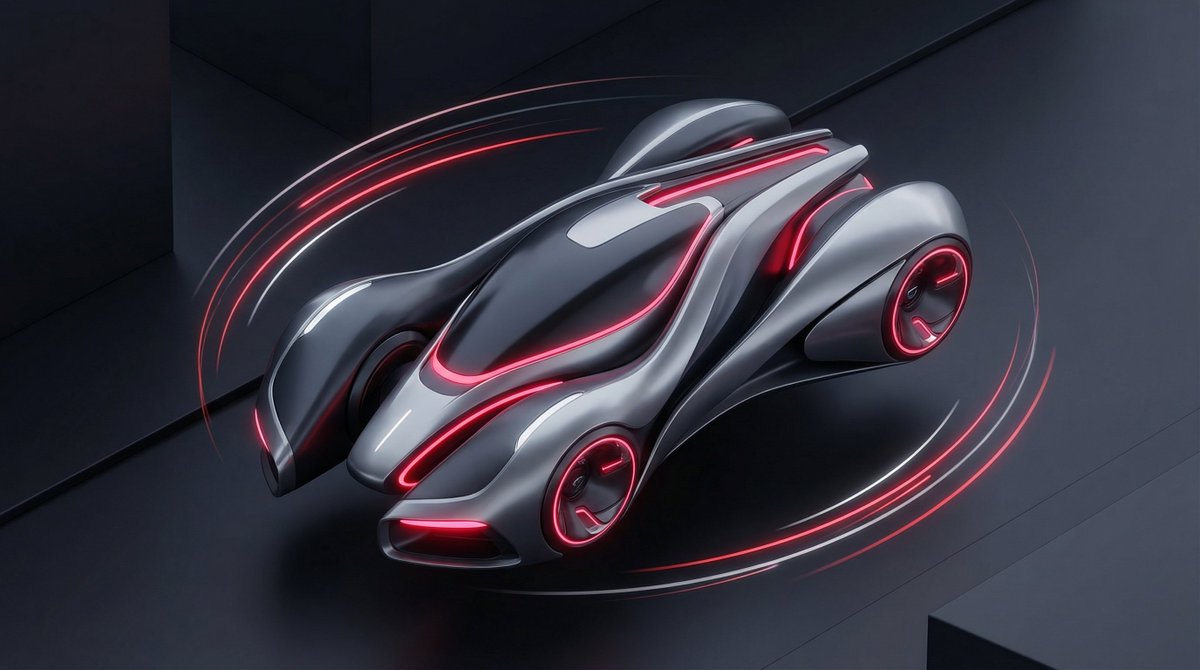
Korean GPT Image 2 Gallery Page
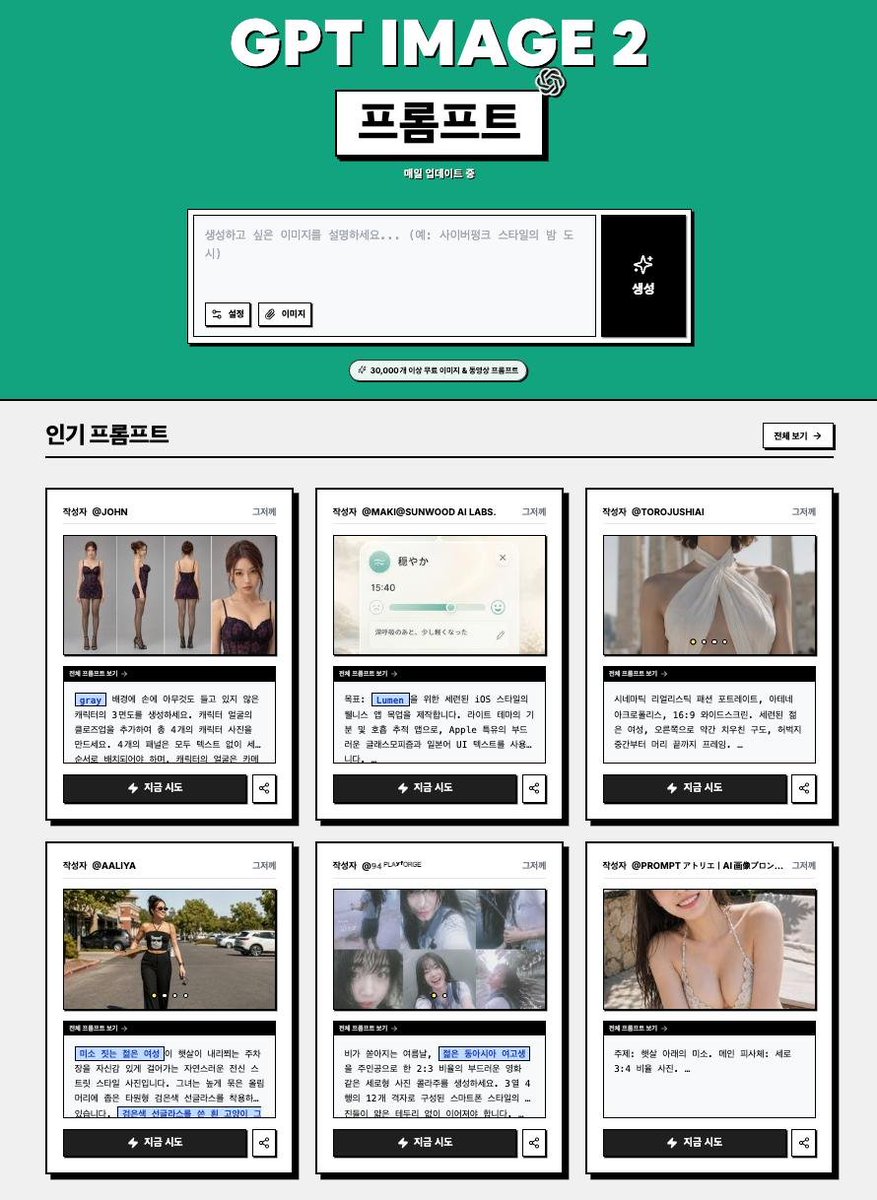
Korean GPT Image 2 Gallery Page

Prompt

Using REFERENCE_0 as the branding/source concept, transform the single dark banner into a full Korean web gallery landing-page mockup for GPT IMAGE 2 prompts. Goal: Create a clean, high-contrast promotional website screenshot rather than a simple banner, keeping the GPT Image 2 prompt-library idea but changing the visual system to a bold teal, black, white, and light-gray editorial UI. Layout: Use a vertical page composition. Add a large teal hero section at the top with the main title “GPT IMAGE 2”, a boxed Korean label “프롬프트”, a tiny OpenAI swirl icon near the title, and a small line of text reading “매일 업데이트 중”. Below it, add a wide prompt input/search module with Korean placeholder text, two small left buttons labeled “설명” and “이미지”, and a black right-side action button labeled “생성” with a sparkle icon. Add a small pill badge underneath mentioning a large prompt count. Main section: Under the hero, add a light-gray content area titled “인기 프롬프트” with a small outlined button on the right labeled “전체 보기 →”. Display exactly 6 prompt cards in a 3-column by 2-row grid. Each card should have: a top author line, an image thumbnail, a black strip labeled “현재 프롬프트 보기 →”, a short Korean prompt excerpt with a few blue highlighted keywords, a black call-to-action button labeled “⚡ 지금 시도”, and a small share icon button. The 6 cards should show these thumbnail themes: 1) fashion/model reference sheet, 2) soft chat or iOS-style UI screenshot, 3) close-up fashion/back clothing photo, 4) street fashion walking photo, 5) moody collage of young women, 6) bright portrait/cropped fashion photo. Style: Flat web UI mockup, thick black outlines, subtle drop shadows, crisp typography, Korean interface copy, commercial gallery feel, no browser chrome, no watermark. Preserve only the core GPT Image 2 prompt-gallery concept from the reference; replace the original dark striped banner look with this modern teal landing page.

Runs on 21 models

  • Flux
  • Flux 2
  • Flux Kontext
  • GPT-4o Image
  • GPT Image
  • GPT Image 2
  • GPT Image 2.5
  • GPT Image 2.6
  • Grok Imagine
  • Ideogram V3
  • Imagen 4
  • Kling
  • +9 more

What this prompt produces

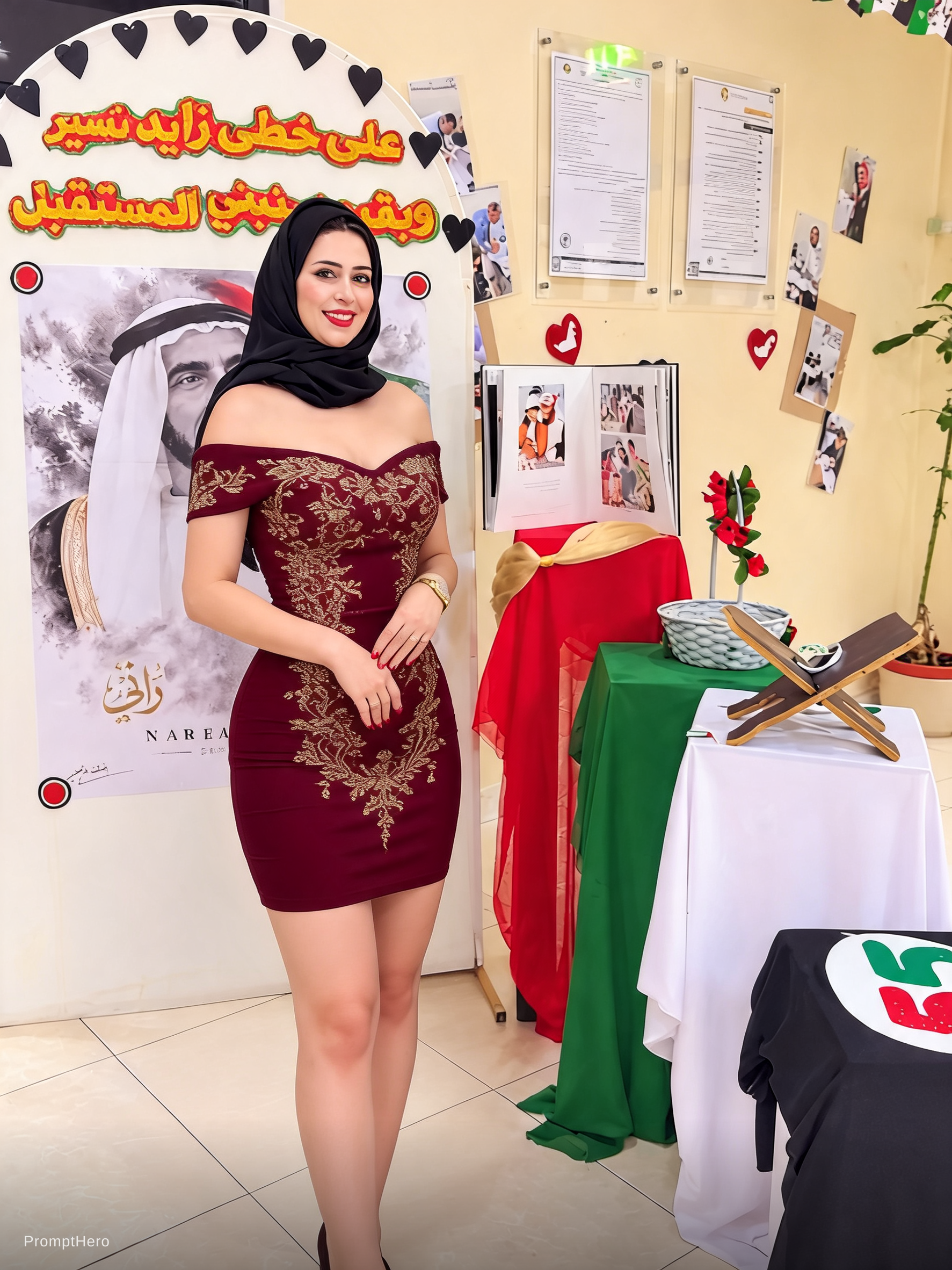
Seedream 5 prompt: Hot dress Not specified v2
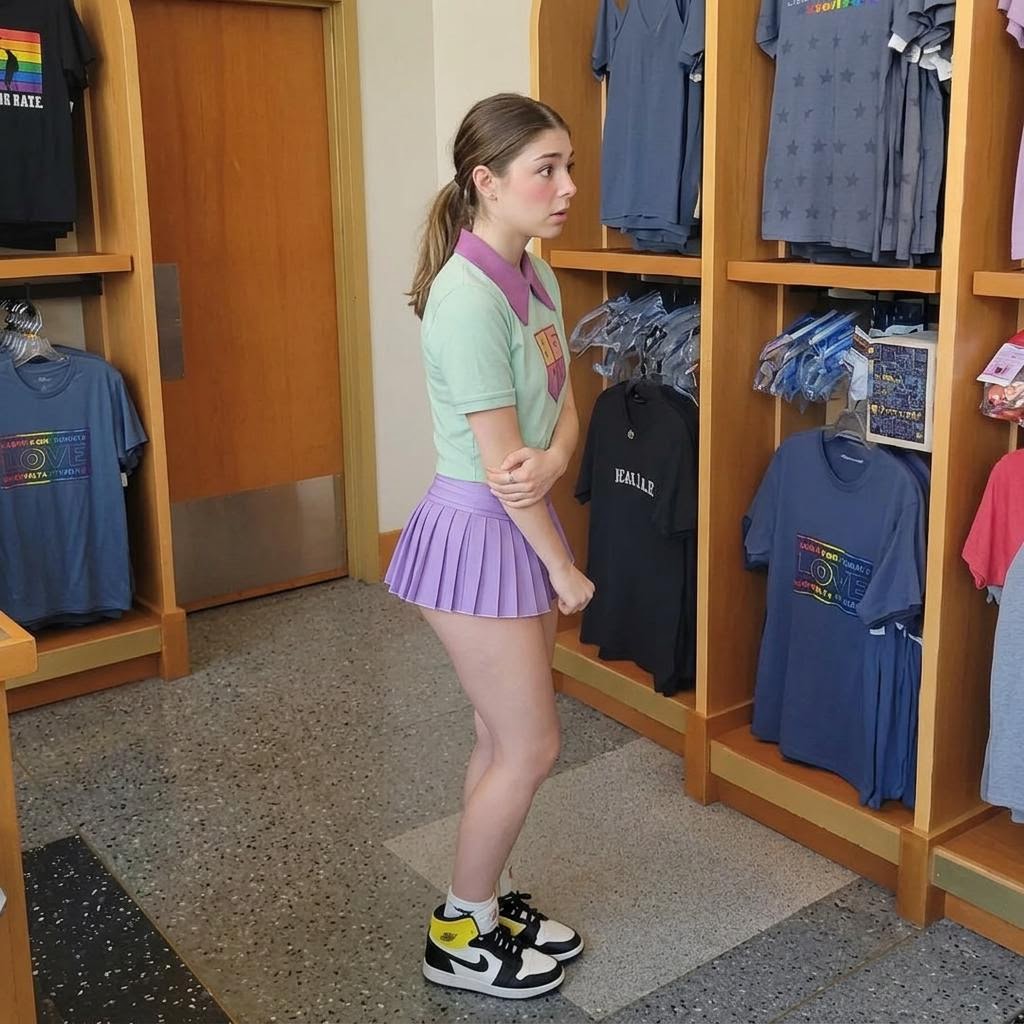
Nano Banana prompt: Match the same pose from the 1st image Not specified nano-banana-2.1
Seedream 5 prompt: Modern minimalist mobile app icon logo design for ... Not specified seedream-5-pro
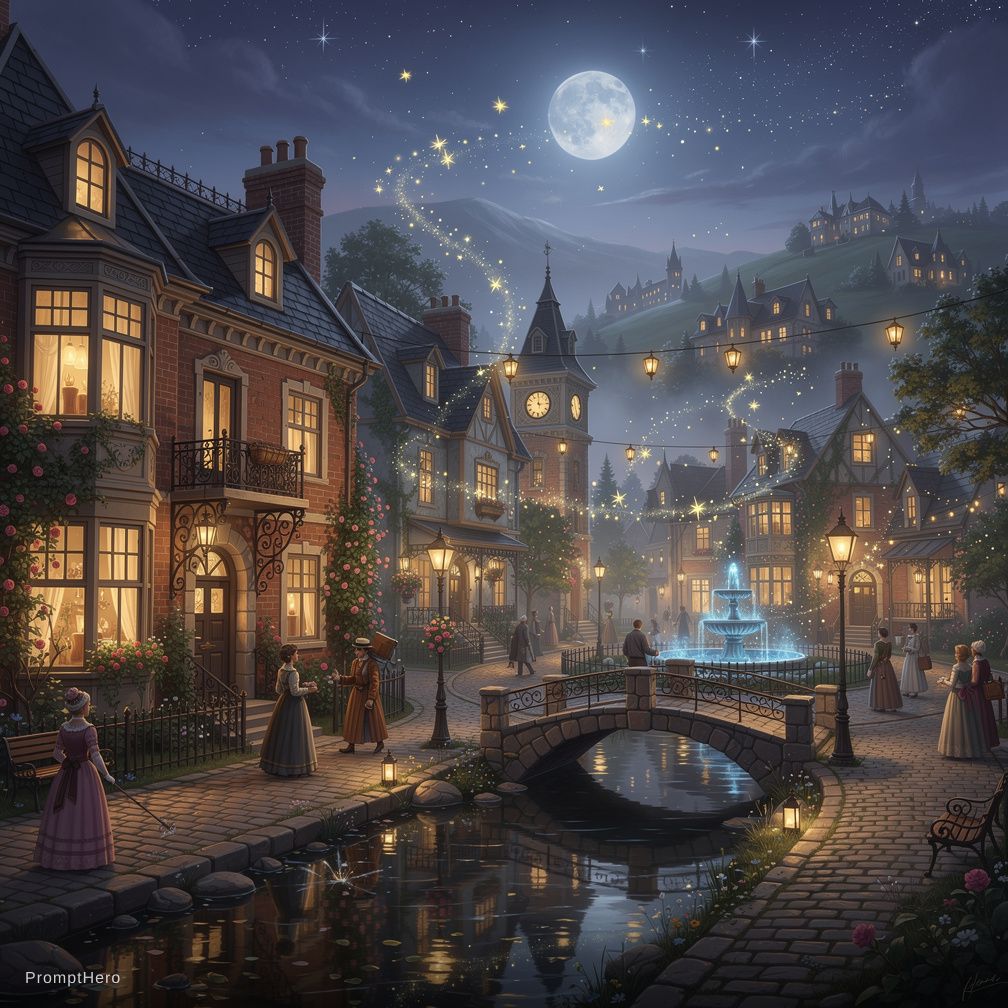
FLUX prompt: Enchanted Victorian villages Not specified flux-2-pro
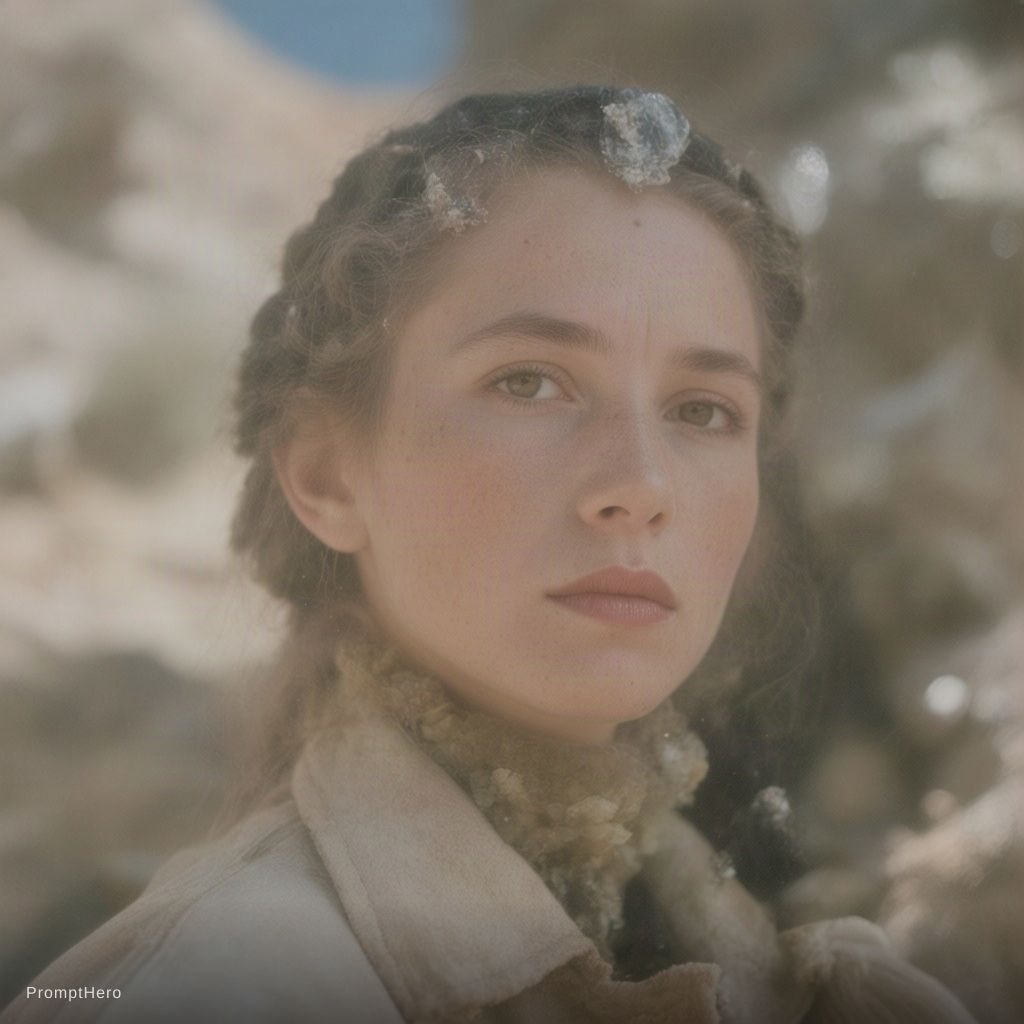
Hunyuan  prompt: субстанция Not specified hunyuan-3
ChatGPT Image prompt: A single cohesive Instagram Feed Portrait (4:5) so... Not specified v1

Run this prompt with the API

The request below sends this prompt, with its default values filled in, to the first model it runs on. Swap the model name for any other model listed above.

Prompt API docs
/api/v1/gpt_image_2/text_to_image
curl -X POST https://runapi.ai/api/v1/gpt_image_2/text_to_image \
  -H "Authorization: Bearer $RUNAPI_API_KEY" \
  -H "Content-Type: application/json" \
  --data-binary @- <<'JSON'
{
  "model": "gpt-image-2",
  "prompt": "Using REFERENCE_0 as the branding/source concept, transform the single dark banner into a full Korean web gallery landing-page mockup for GPT IMAGE 2 prompts.\n\nGoal: Create a clean, high-contrast promotional website screenshot rather than a simple banner, keeping the GPT Image 2 prompt-library idea but changing the visual system to a bold teal, black, white, and light-gray editorial UI.\n\nLayout: Use a vertical page composition. Add a large teal hero section at the top with the main title “GPT IMAGE 2”, a boxed Korean label “프롬프트”, a tiny OpenAI swirl icon near the title, and a small line of text reading “매일 업데이트 중”. Below it, add a wide prompt input/search module with Korean placeholder text, two small left buttons labeled “설명” and “이미지”, and a black right-side action button labeled “생성” with a sparkle icon. Add a small pill badge underneath mentioning a large prompt count.\n\nMain section: Under the hero, add a light-gray content area titled “인기 프롬프트” with a small outlined button on the right labeled “전체 보기 →”. Display exactly 6 prompt cards in a 3-column by 2-row grid. Each card should have: a top author line, an image thumbnail, a black strip labeled “현재 프롬프트 보기 →”, a short Korean prompt excerpt with a few blue highlighted keywords, a black call-to-action button labeled “⚡ 지금 시도”, and a small share icon button. The 6 cards should show these thumbnail themes: 1) fashion/model reference sheet, 2) soft chat or iOS-style UI screenshot, 3) close-up fashion/back clothing photo, 4) street fashion walking photo, 5) moody collage of young women, 6) bright portrait/cropped fashion photo.\n\nStyle: Flat web UI mockup, thick black outlines, subtle drop shadows, crisp typography, Korean interface copy, commercial gallery feel, no browser chrome, no watermark. Preserve only the core GPT Image 2 prompt-gallery concept from the reference; replace the original dark striped banner look with this modern teal landing page."
}
JSON

Try a prompt