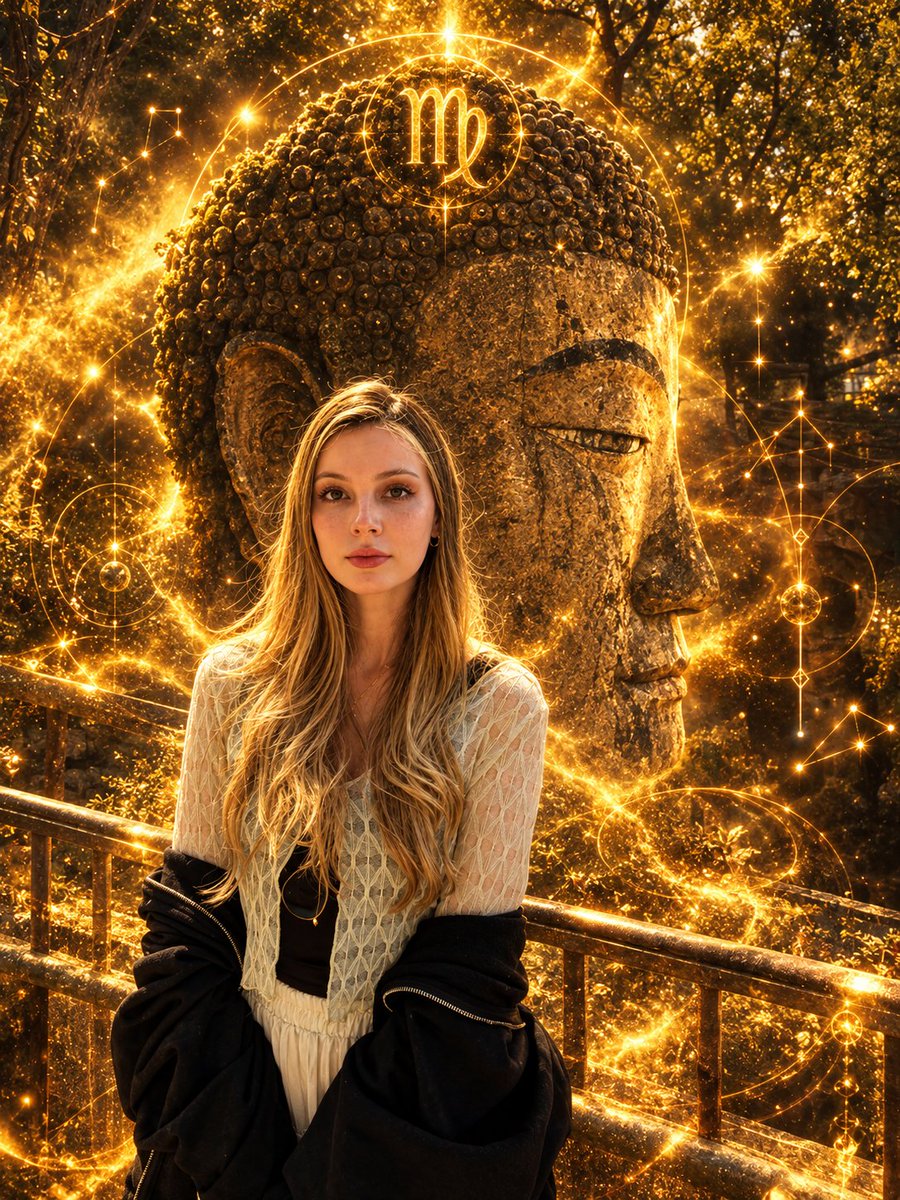
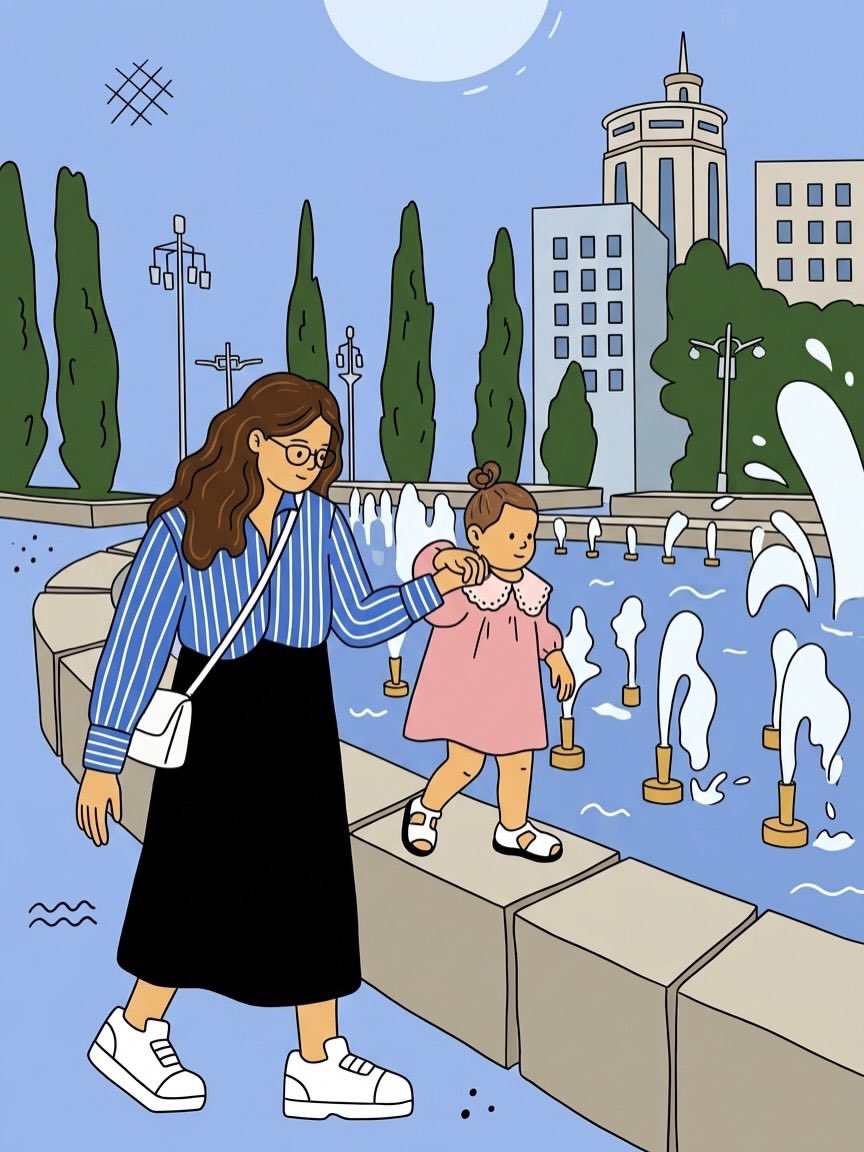
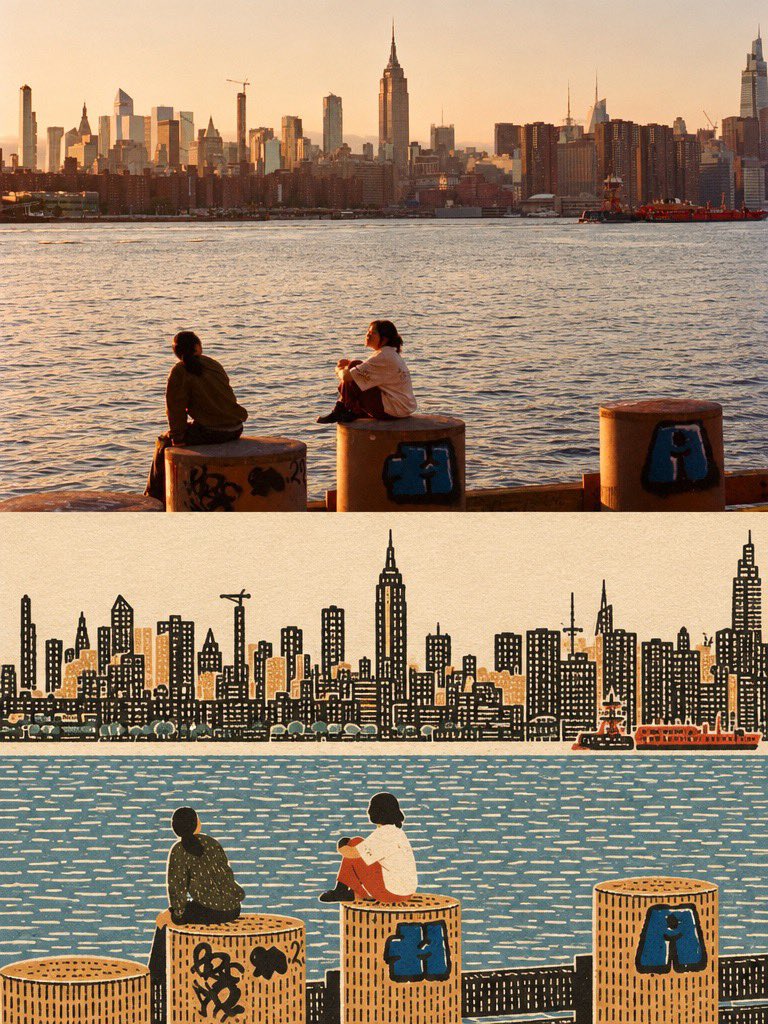
Logo Integration and Marker Overlay
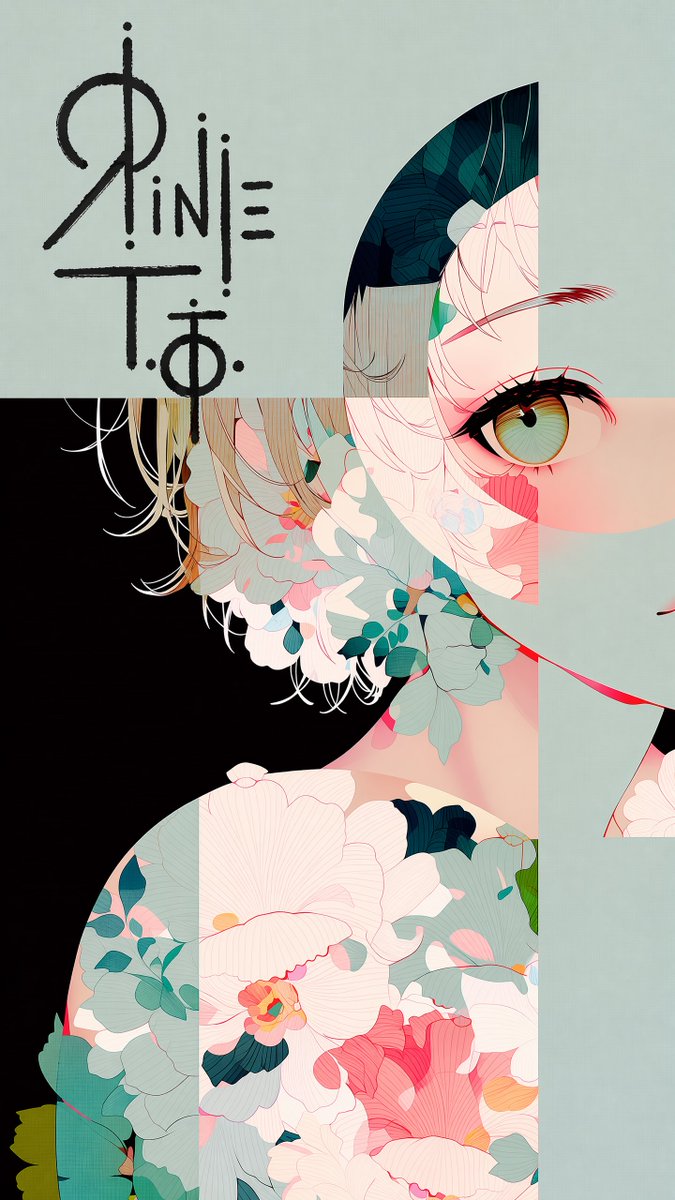
Logo Integration and Marker Overlay

Prompt

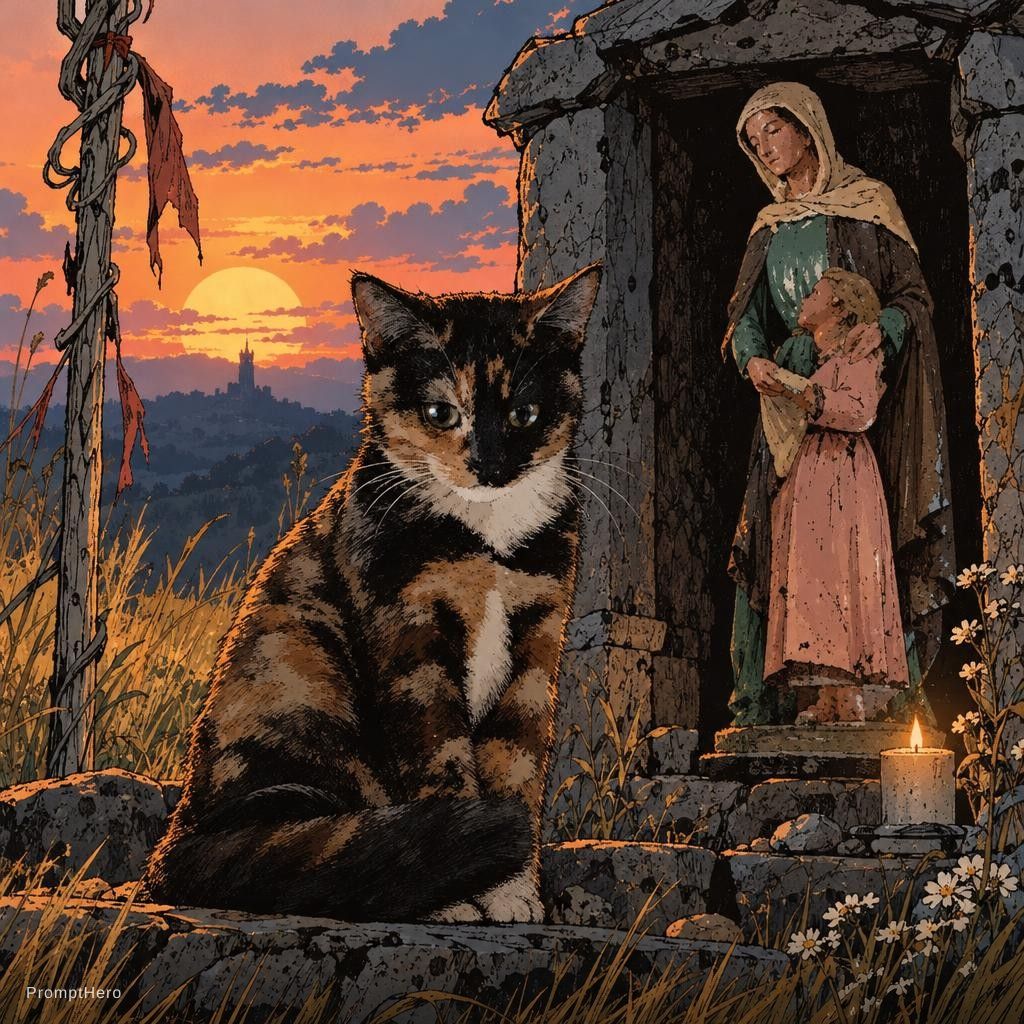
The first image is an illustration. The second image contains a logo design on a black background. Place the logo in the largest open, uncluttered area of the illustration — the zone with the fewest lines, shapes, and visual elements. [※ここに配置場所を一言追記] Reproduce the exact logo design from the second image. Render it bold and large, with rough hand-drawn strokes — as if signed directly onto the surface with a thick marker. Allow it to overflow slightly beyond the open area into adjacent illustrated content. Color rule: The logo color must always contrast against the background directly beneath it. Use dark lines over light backgrounds, light lines over dark backgrounds. Shift color mid-stroke if the logo crosses multiple background tones. Never let the logo blend into the surrounding color. Do not alter the illustration in any other way. Preserve all original colors, lines, and composition exactly.

Runs on 21 models

  • Flux
  • Flux 2
  • Flux Kontext
  • GPT-4o Image
  • GPT Image
  • GPT Image 2
  • GPT Image 2.5
  • GPT Image 2.6
  • Grok Imagine
  • Ideogram V3
  • Imagen 4
  • Kling
  • +9 more

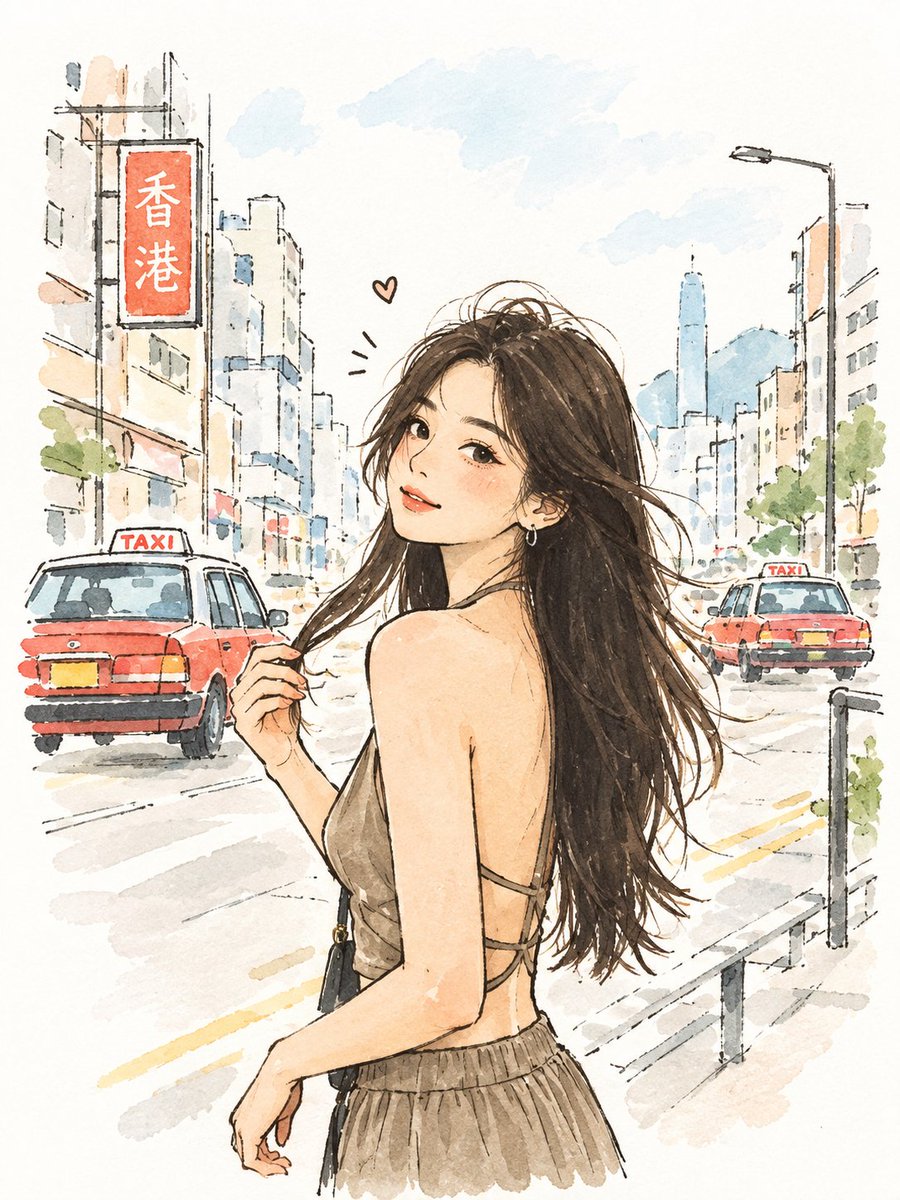
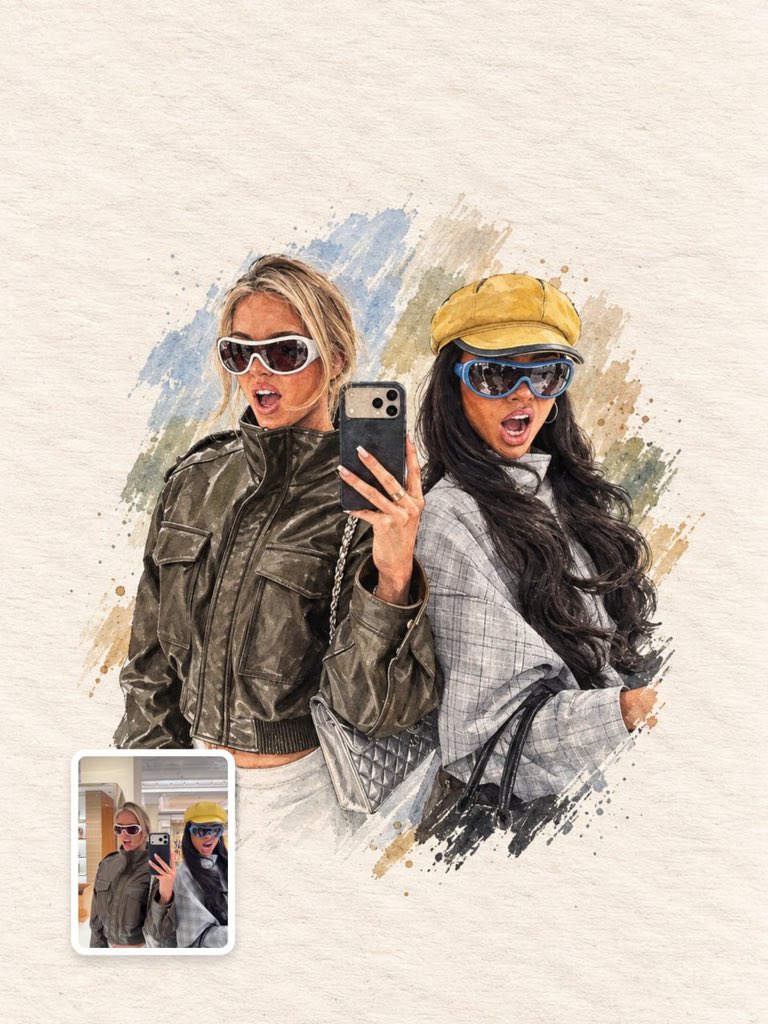
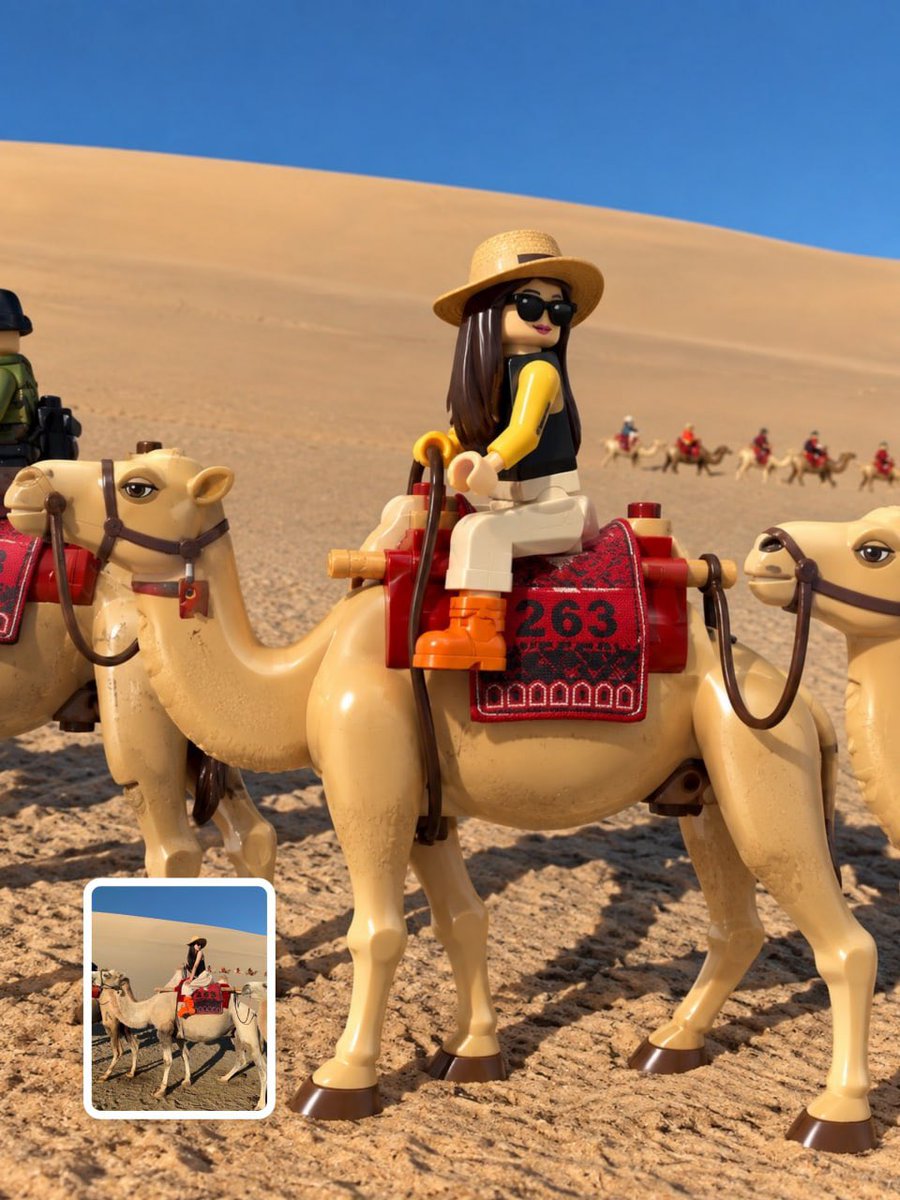
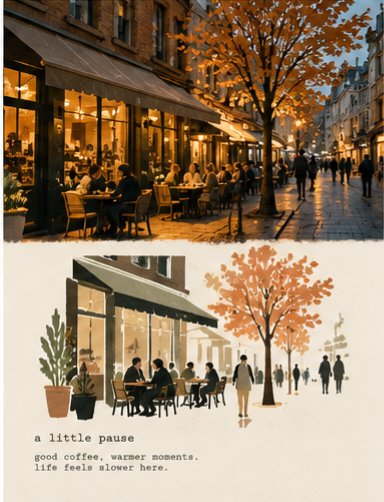
What this prompt produces

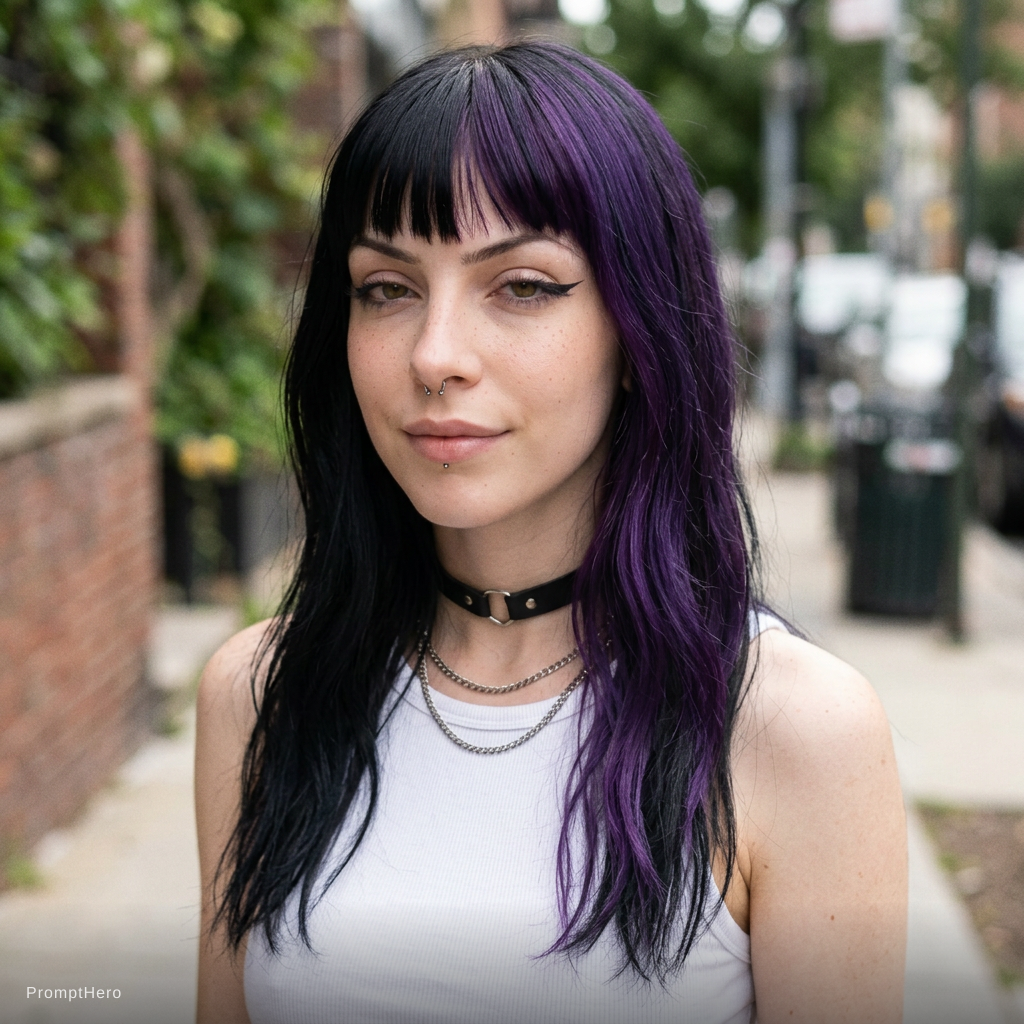
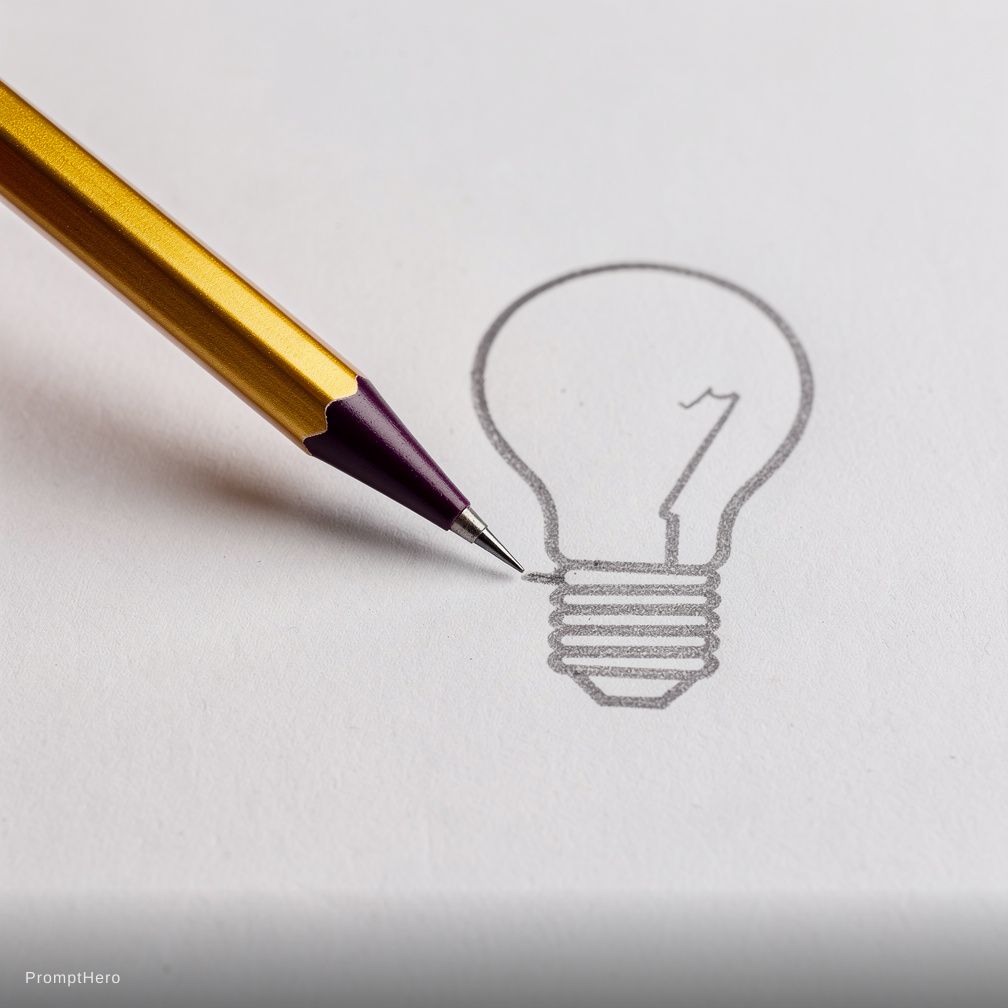
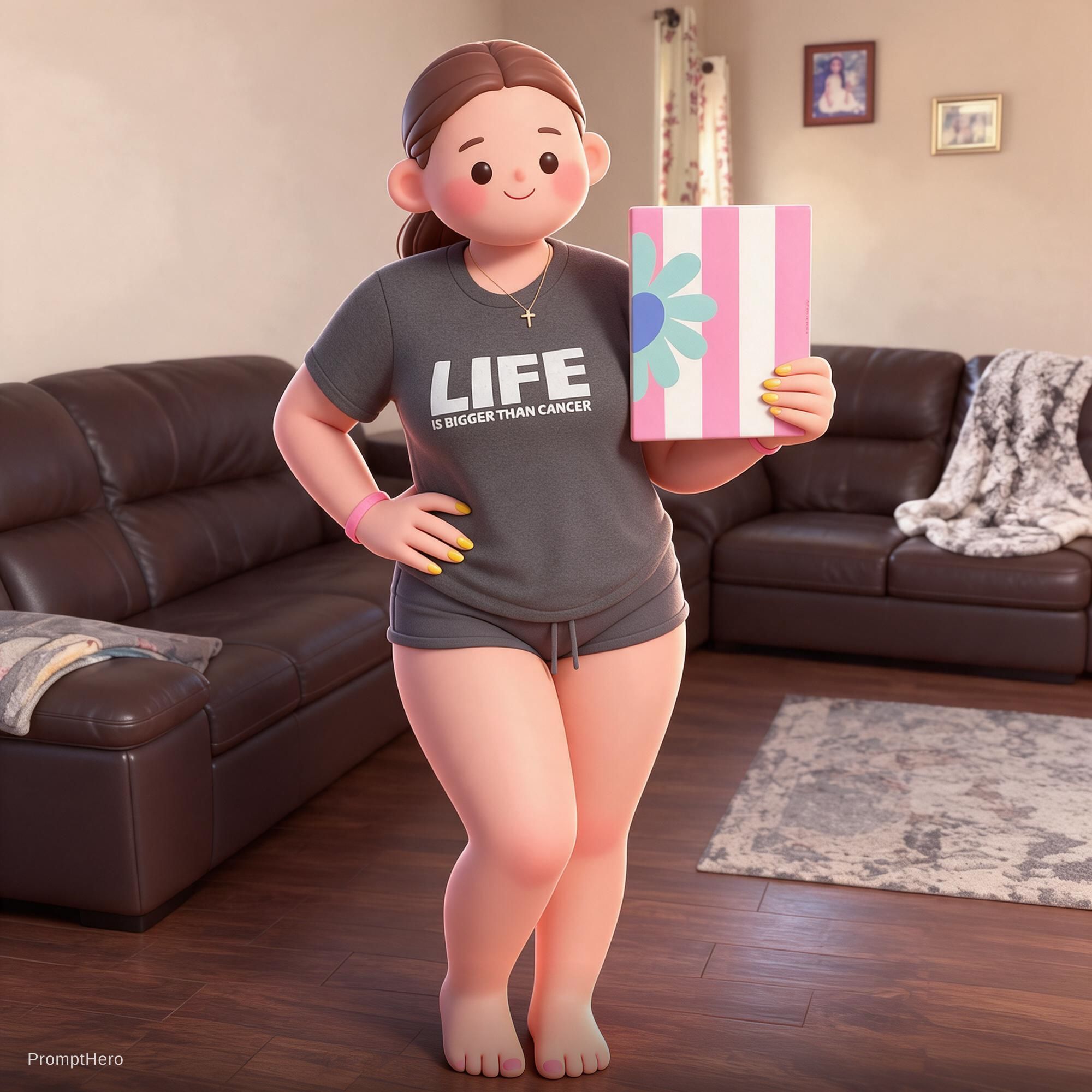
Nano Banana prompt: She is wearing this outfit(white top ) given in im... Not specified nano-banana-2.1
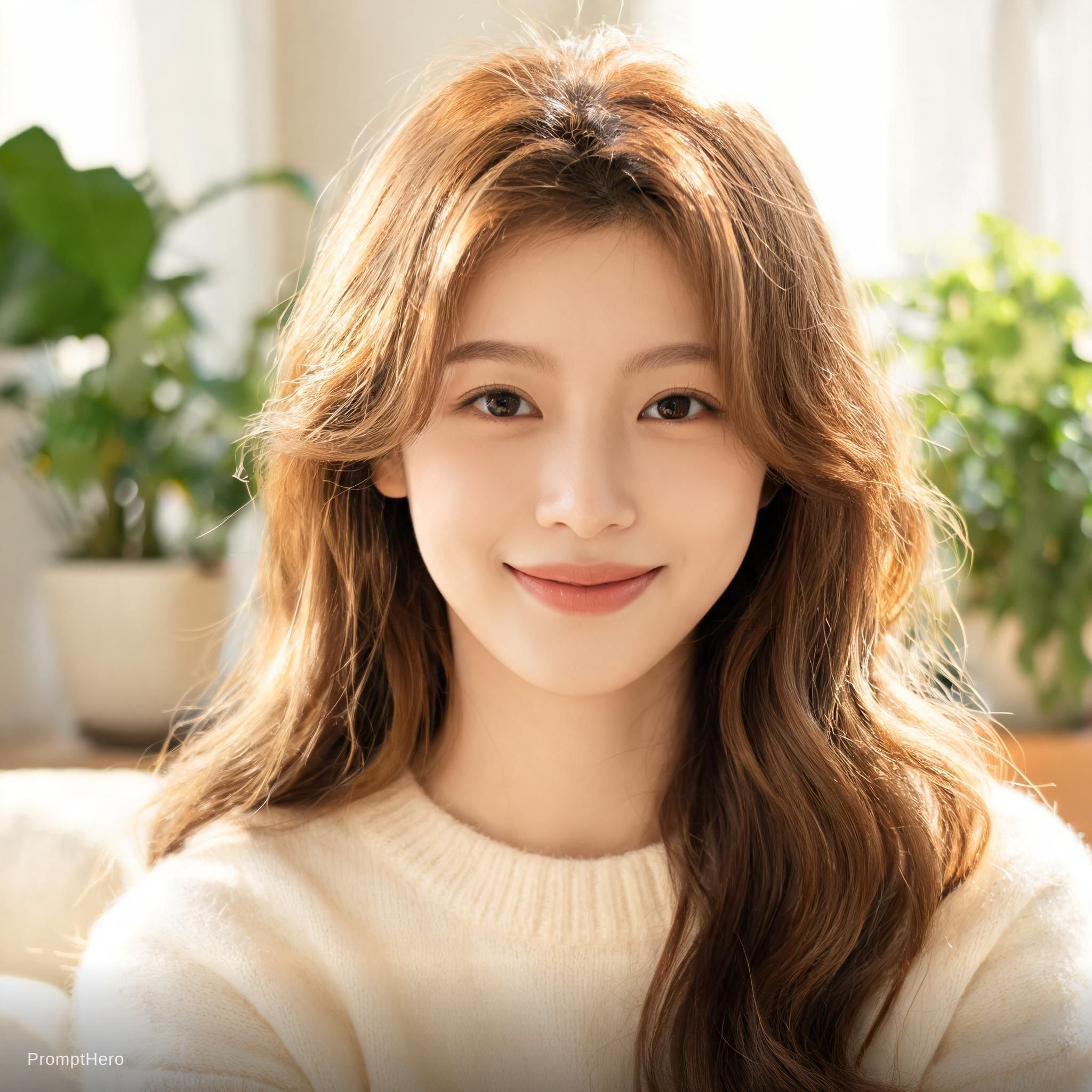
Seedream 5 prompt: woman Not specified v2
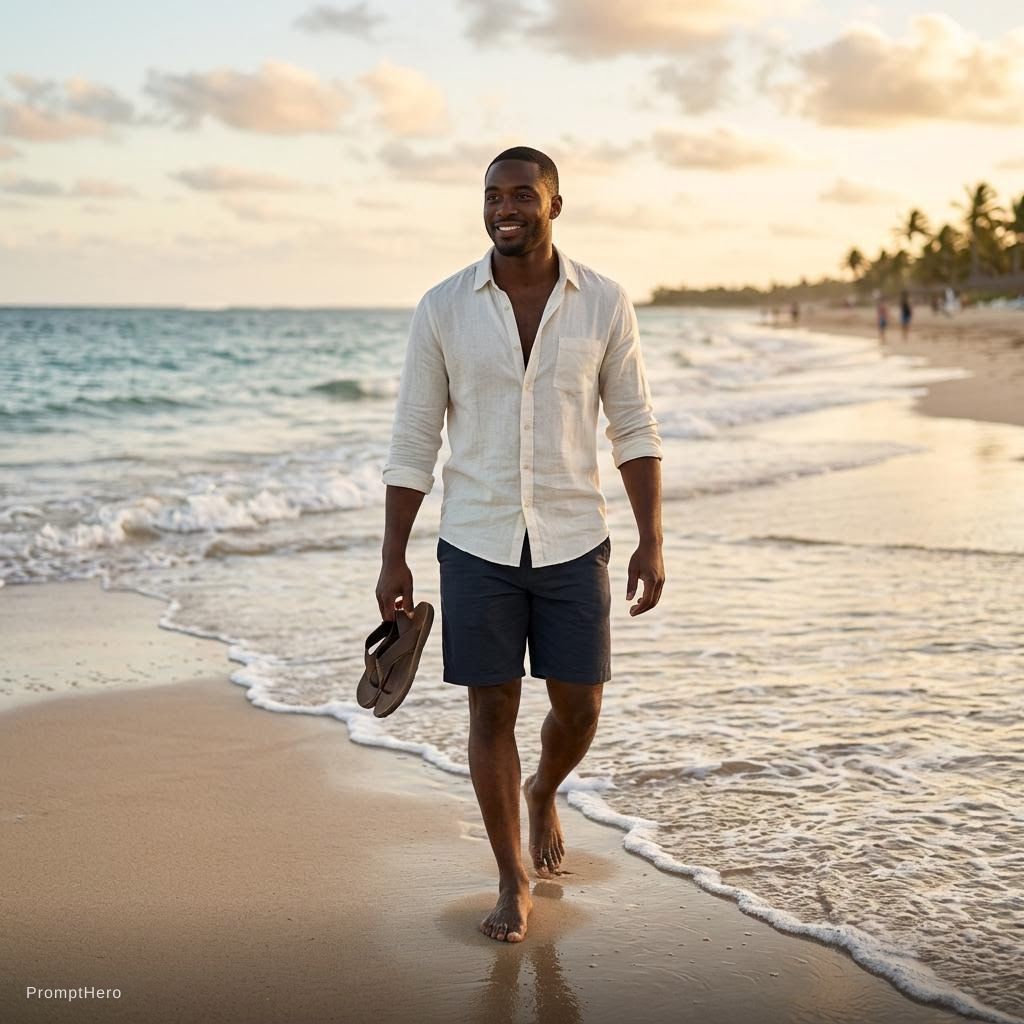
Hero prompt: مع رجل اسود على شاطى البحر Not specified 1.0
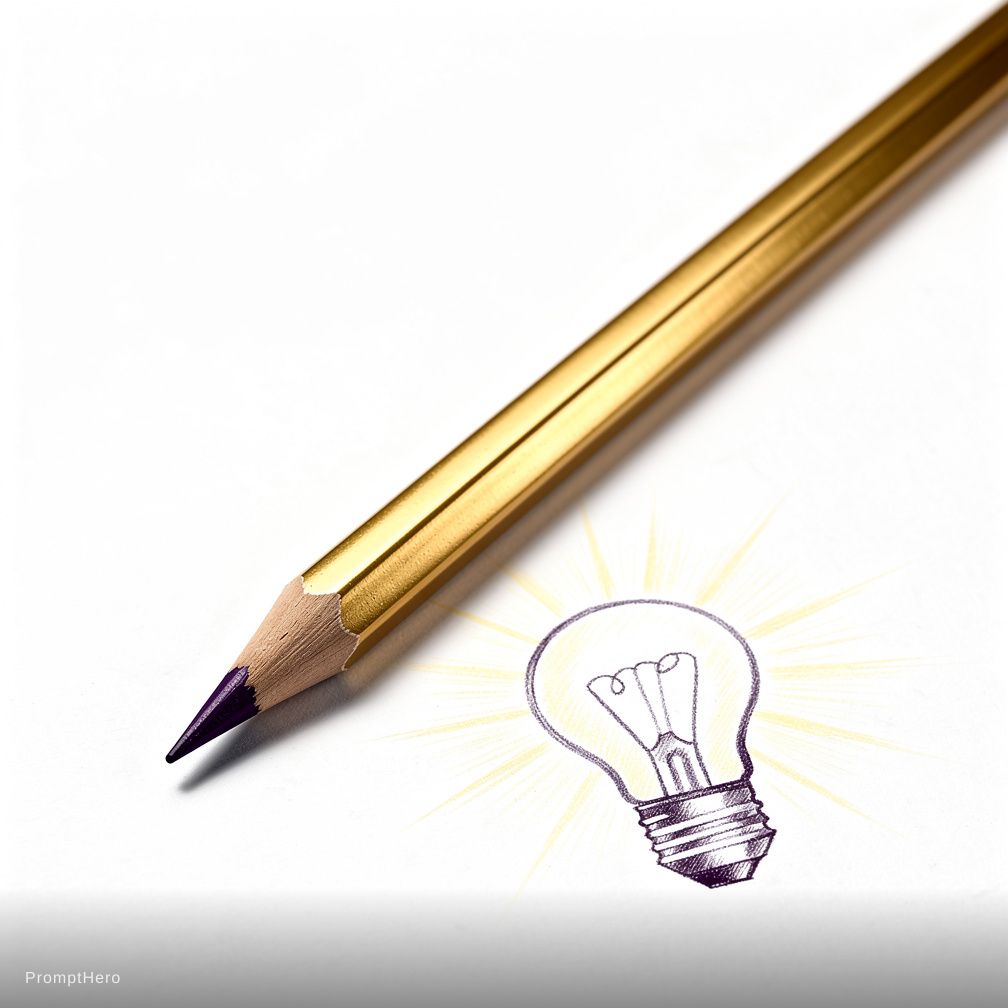
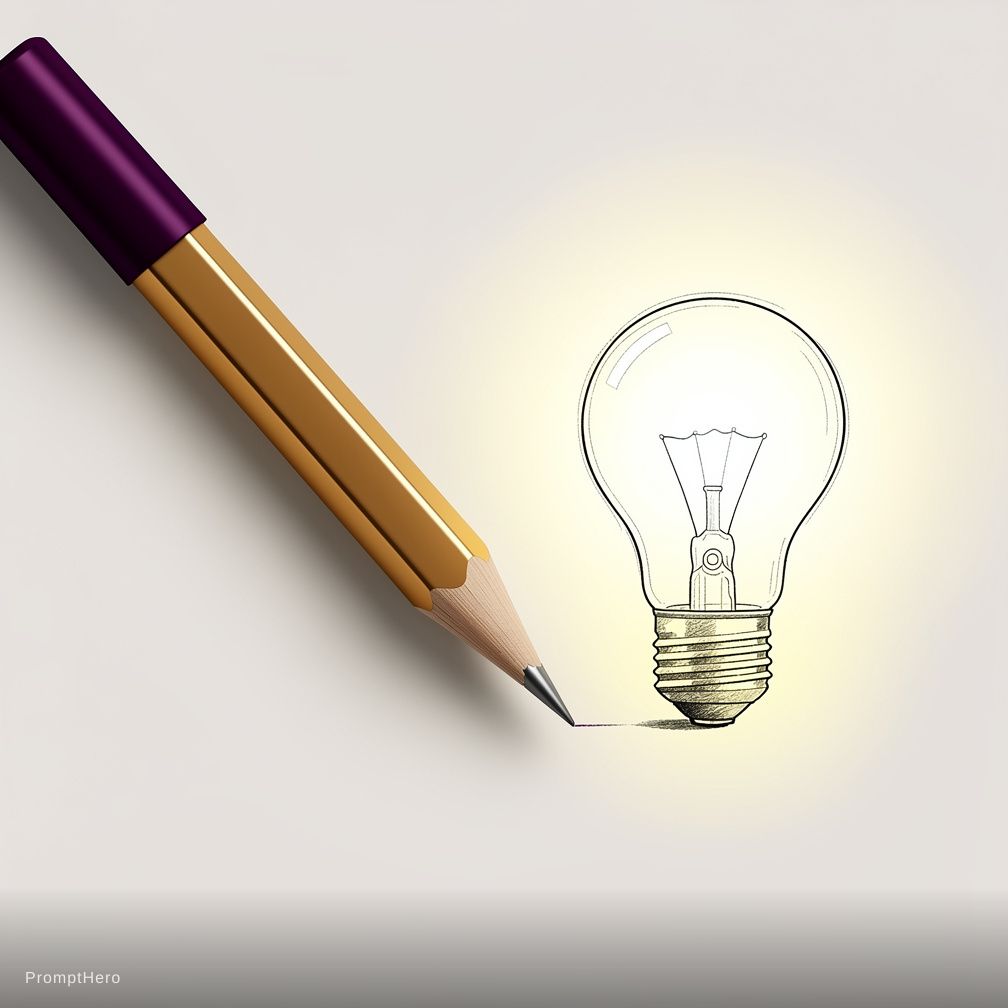
FLUX prompt: می‌خوام برام یک مداد طلایی ته بنفش تیره رو که داره... Not specified flux-2-pro

Run this prompt with the API

The request below sends this prompt, with its default values filled in, to the first model it runs on. Swap the model name for any other model listed above.

Prompt API docs
/api/v1/gpt_image_2/text_to_image
curl -X POST https://runapi.ai/api/v1/gpt_image_2/text_to_image \
  -H "Authorization: Bearer $RUNAPI_API_KEY" \
  -H "Content-Type: application/json" \
  --data-binary @- <<'JSON'
{
  "model": "gpt-image-2",
  "prompt": "The first image is an illustration. The second image contains a logo design on a black background.\n\nPlace the logo in the largest open, uncluttered area of the illustration — the zone with the fewest lines, shapes, and visual elements. [※ここに配置場所を一言追記]\n\nReproduce the exact logo design from the second image. Render it bold and large, with rough hand-drawn strokes — as if signed directly onto the surface with a thick marker. Allow it to overflow slightly beyond the open area into adjacent illustrated content.\n\nColor rule: The logo color must always contrast against the background directly beneath it. Use dark lines over light backgrounds, light lines over dark backgrounds. Shift color mid-stroke if the logo crosses multiple background tones. Never let the logo blend into the surrounding color.\n\nDo not alter the illustration in any other way. Preserve all original colors, lines, and composition exactly."
}
JSON

Try a prompt