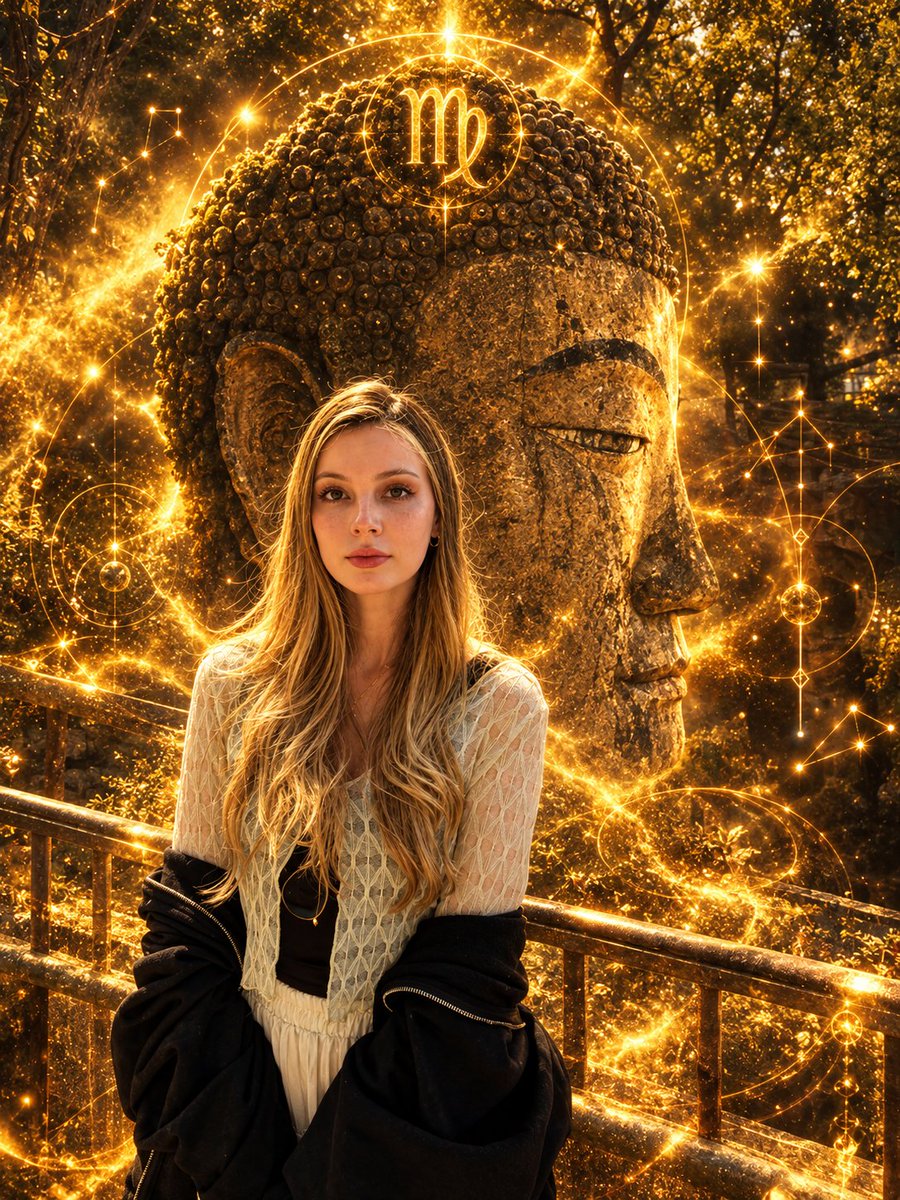
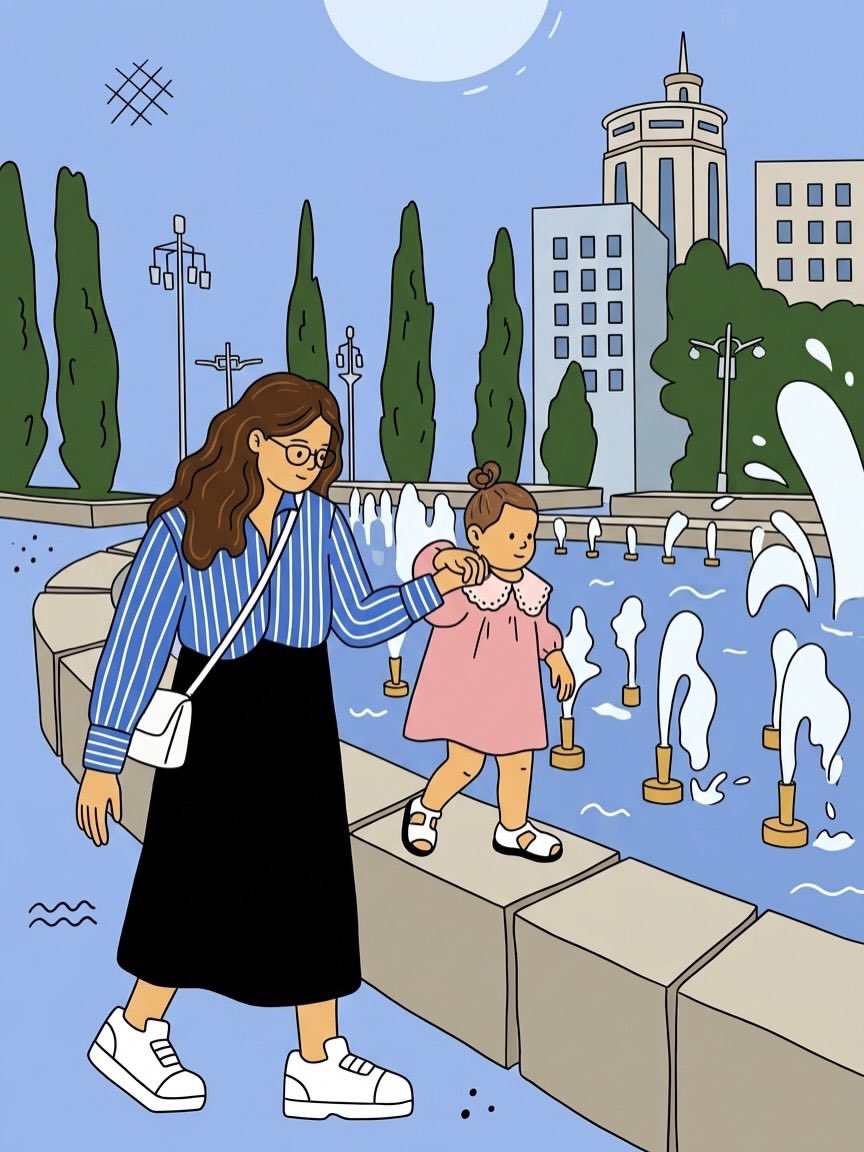
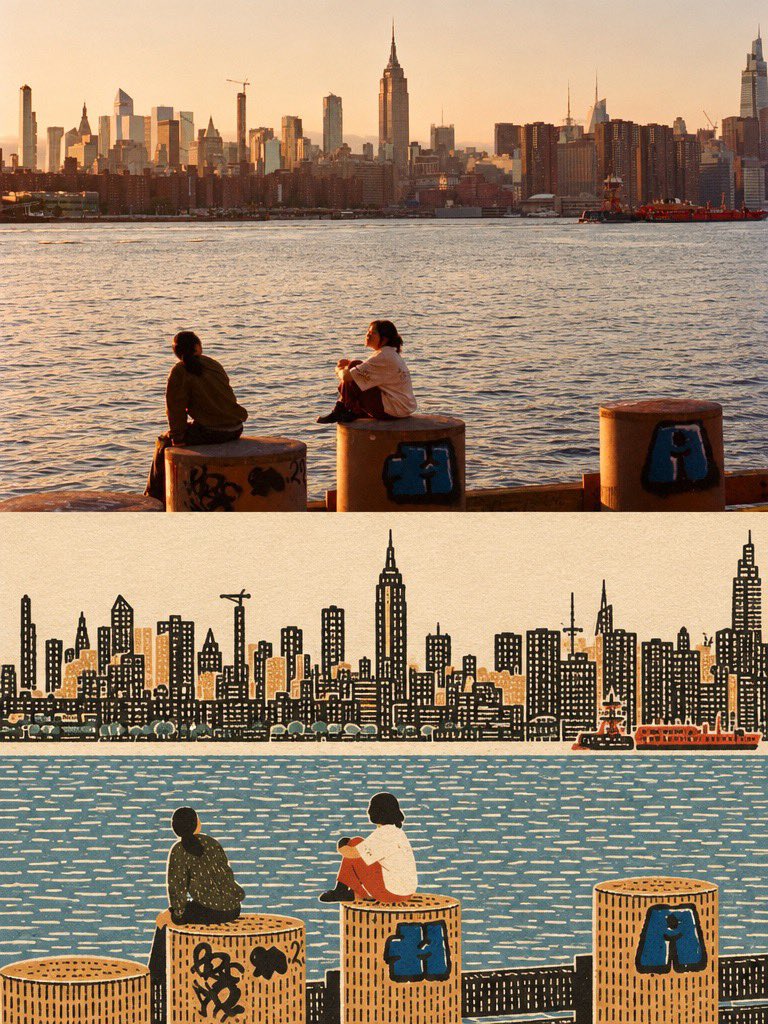
Image to 16-Bit Retro Pixel Art Transformation
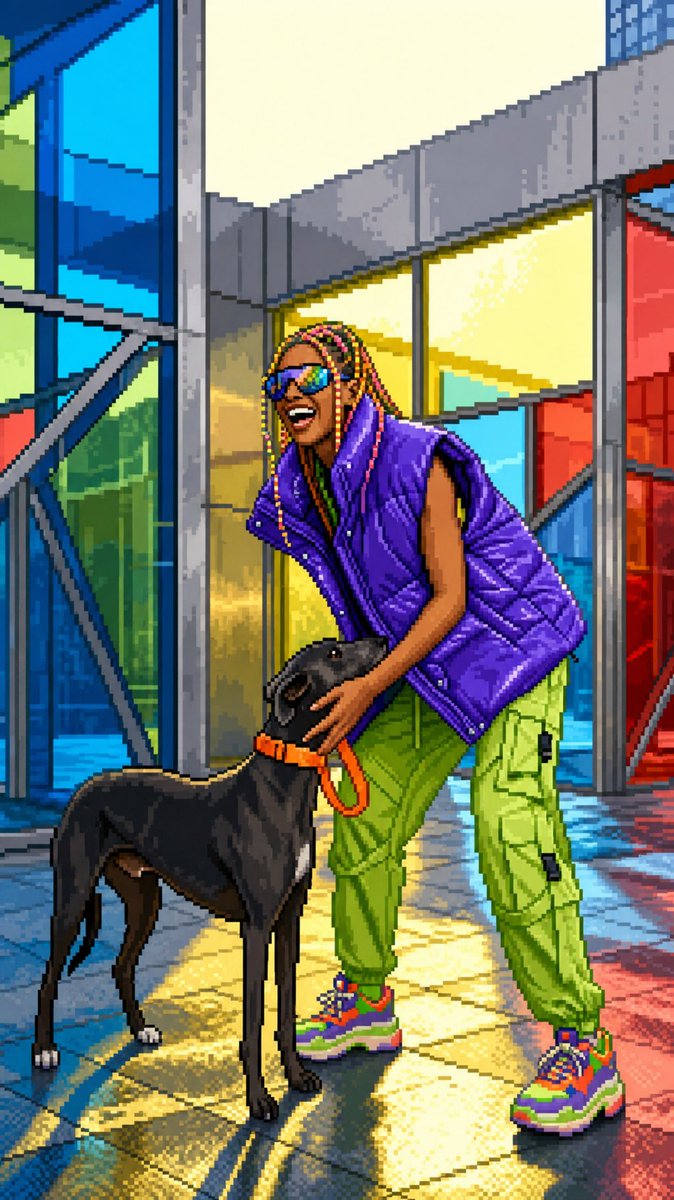
Image to 16-Bit Retro Pixel Art Transformation

prompt

Transform the uploaded image into clean high-quality retro pixel art while preserving the original composition, subject placement, camera angle, proportions, pose, clothing, and overall scene structure. FORMAT Preserve the original image aspect ratio, composition and framing. Do not crop, zoom, reposition, or redesign the scene. Maintain the original visual hierarchy and subject placement. SUBJECT Preserve the main subject, recognizable silhouette, facial direction, clothing structure, pose, body proportions, and key visual features. Reduce unnecessary detail while keeping the subject immediately recognizable. Do not alter the person, anatomy, outfit, or scene structure. PIXEL ART STYLE Convert the entire image into premium 16-bit retro pixel art. Use a strict low-resolution pixel grid across the entire image. Downsample into large visible pixels before rendering. Consistent pixel size throughout. Clean pixel-perfect geometry. Crisp hard edges. No semi-realistic rendering. COLOR Limited retro gaming color palette. Strong contrast between shapes. Clear color separation. Carefully selected colors with excellent readability. No excessive color variation. SHADING Simplified retro-game shading. Flat color regions. One to two shading tones per surface. Minimal highlights. No realistic gradients. No soft lighting transitions. ENVIRONMENT Convert all environmental elements into pixel-art equivalents — background, props, architecture, vegetation, terrain, sky, lighting. Keep scene depth and perspective while simplifying details. QUALITY No blur. No anti-aliasing. No smooth transitions. No noise. No artifacts. No smudging. FINAL LOOK A polished SNES-era retro game screenshot — faithful to the original composition, pixel-perfect in every detail.

Werkt met 21 modellen

  • Flux
  • Flux 2
  • Flux Kontext
  • GPT-4o Image
  • GPT Image
  • GPT Image 2
  • GPT Image 2.5
  • GPT Image 2.6
  • Grok Imagine
  • Ideogram V3
  • Imagen 4
  • Kling
  • +9 Meer

Wat deze prompt oplevert

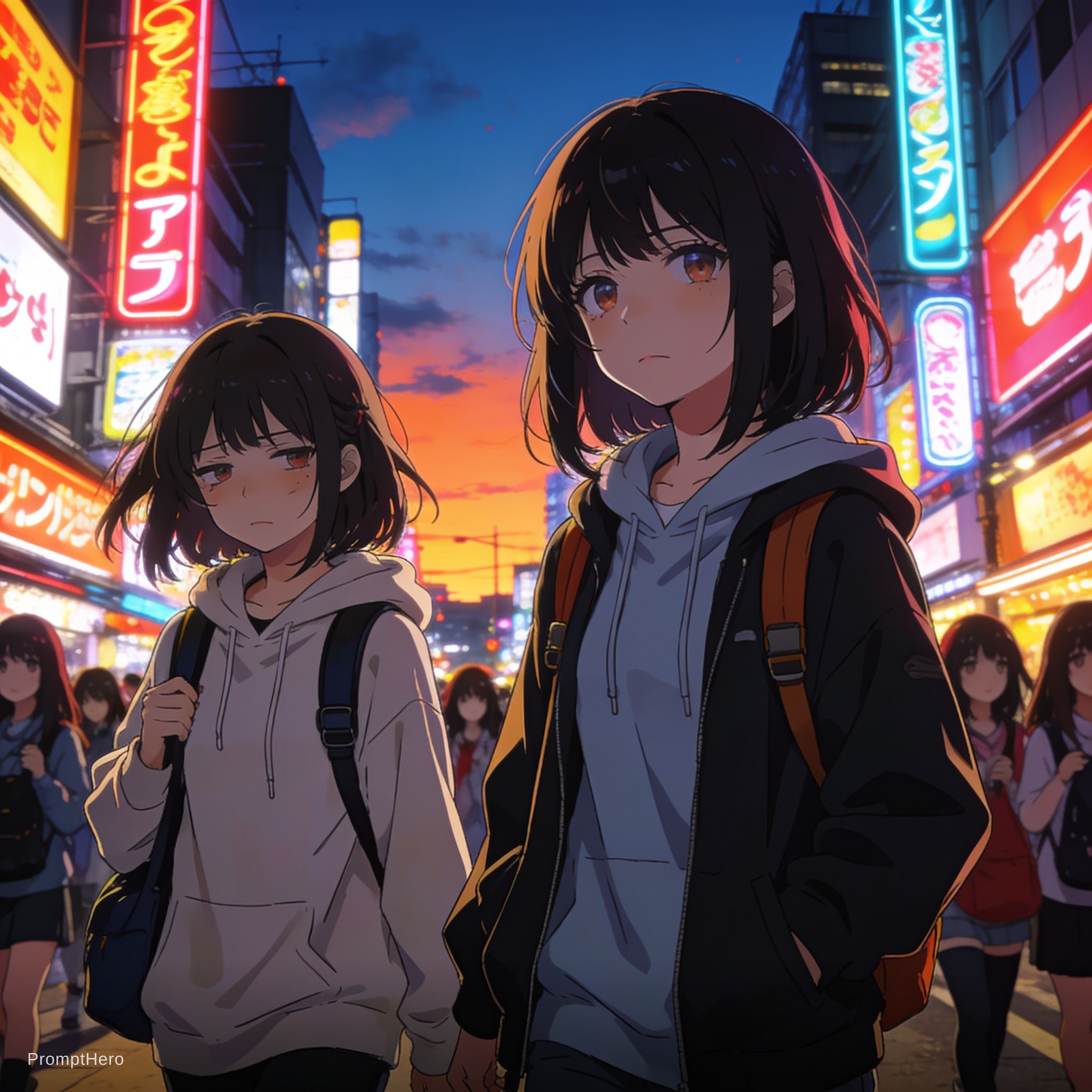
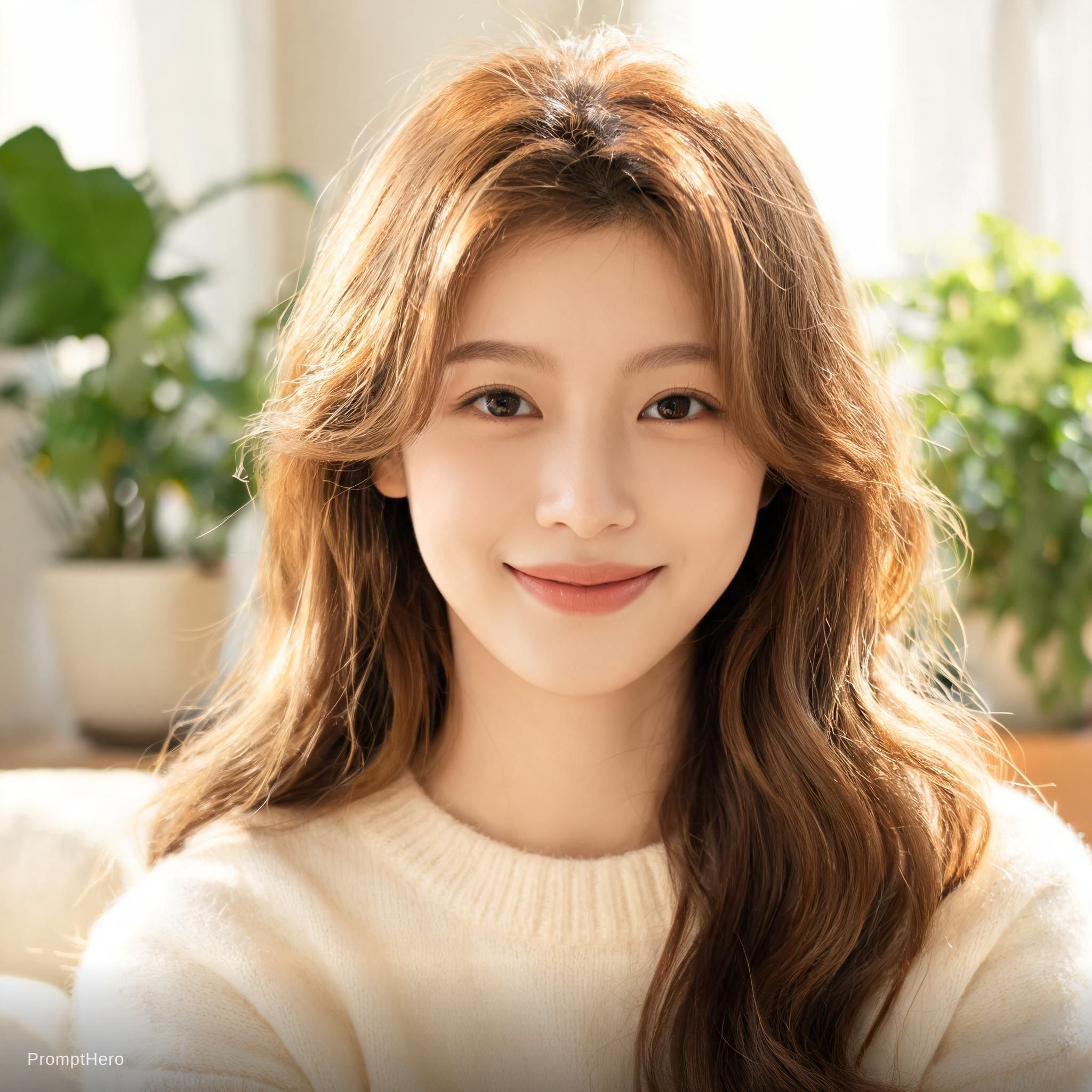
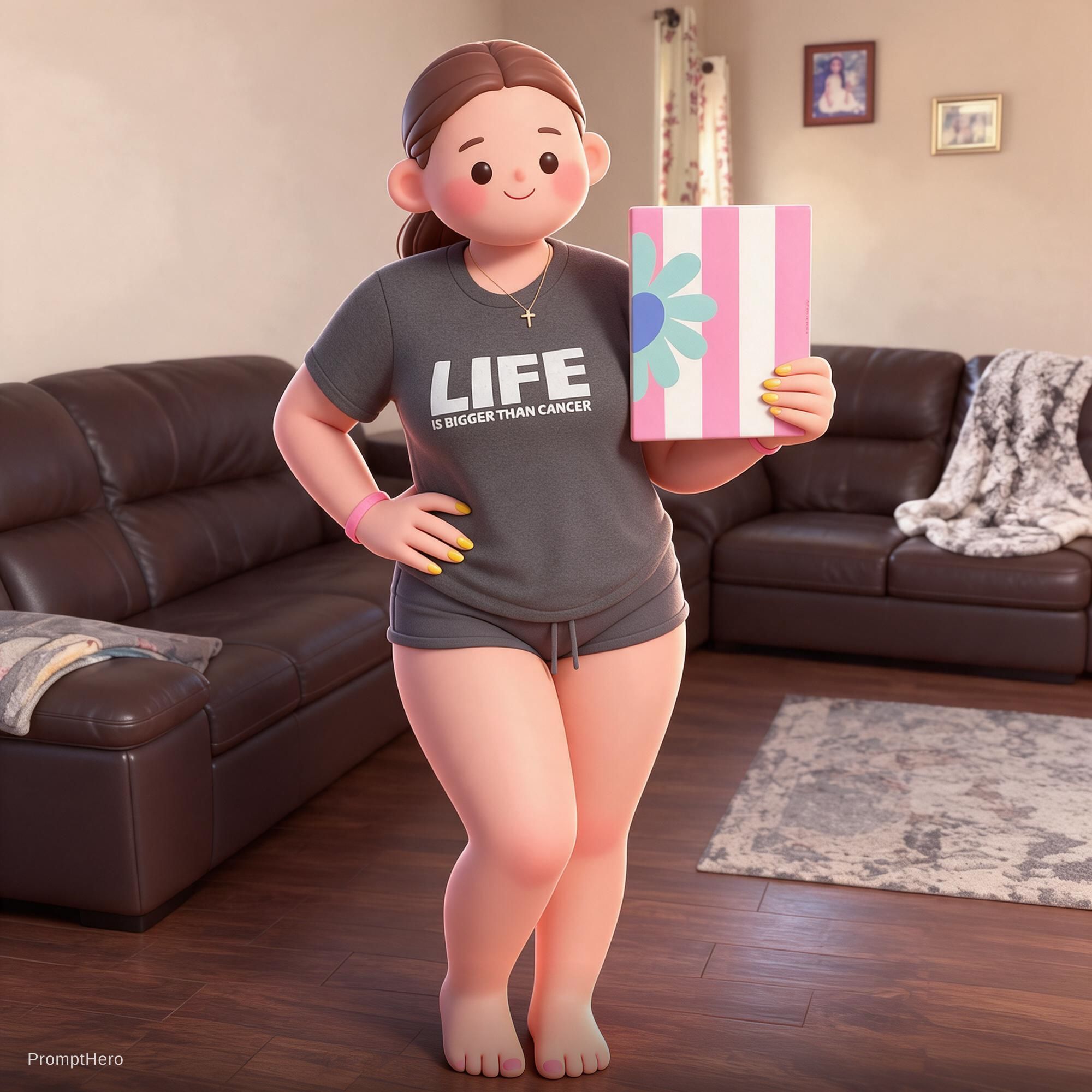
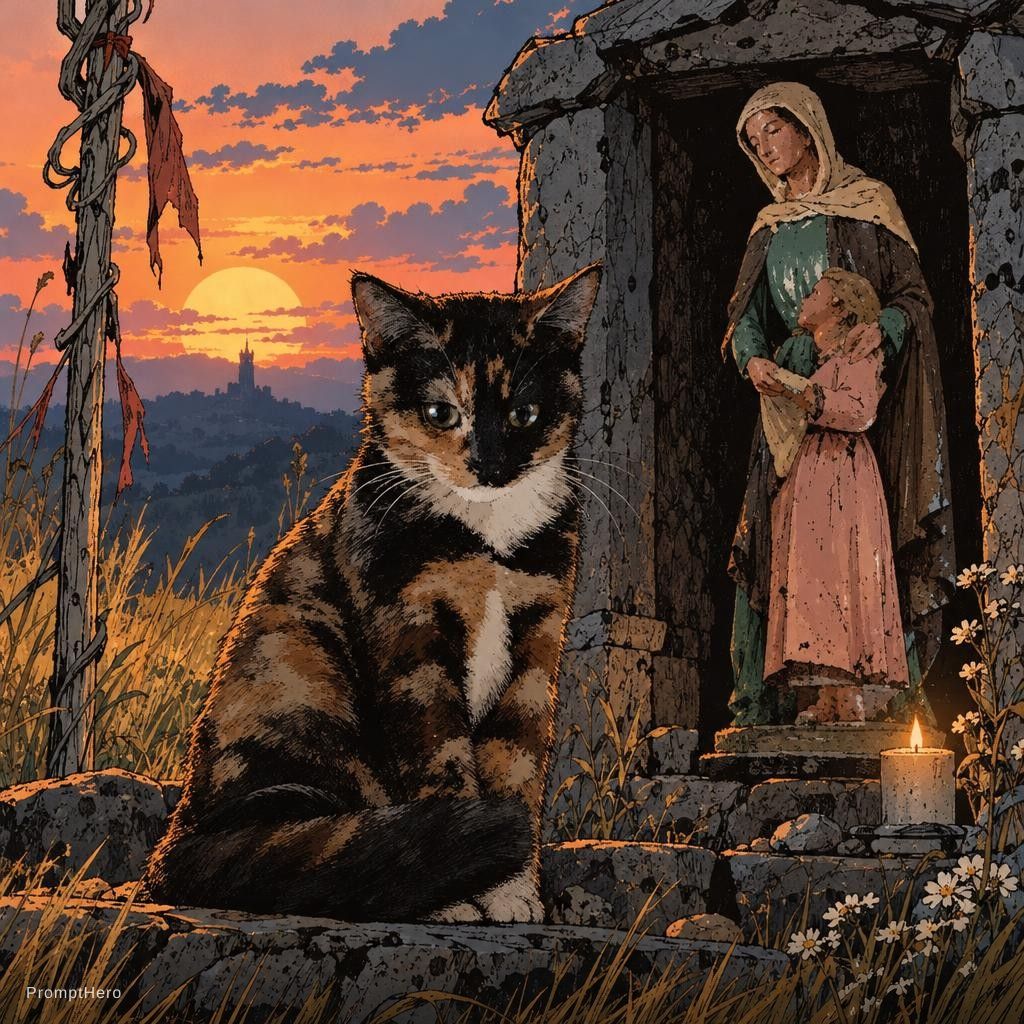
Seedream 5 prompt: score_9, score_8_up, score_7_up, 2girls, tomany gi... Niet opgegeven seedream-4.5
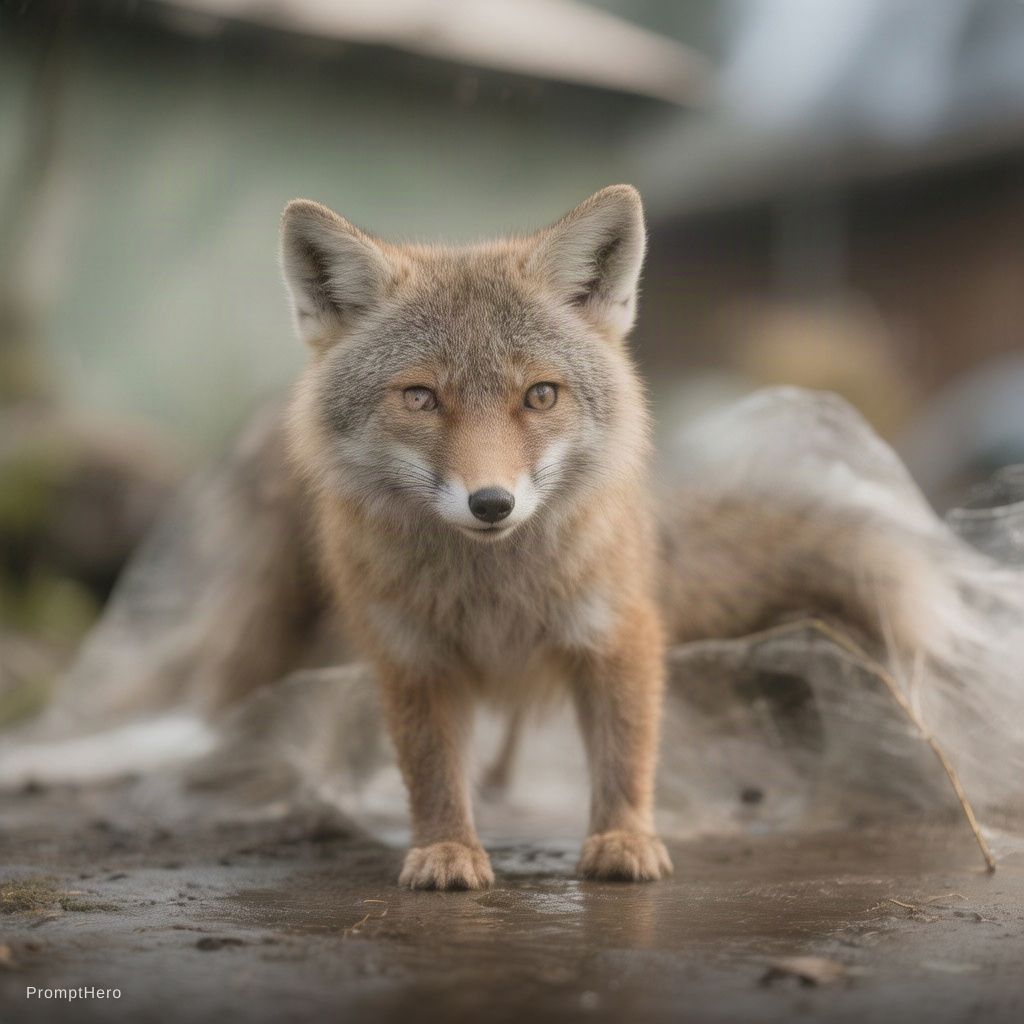
Hunyuan  prompt: feet Niet opgegeven hunyuan-3
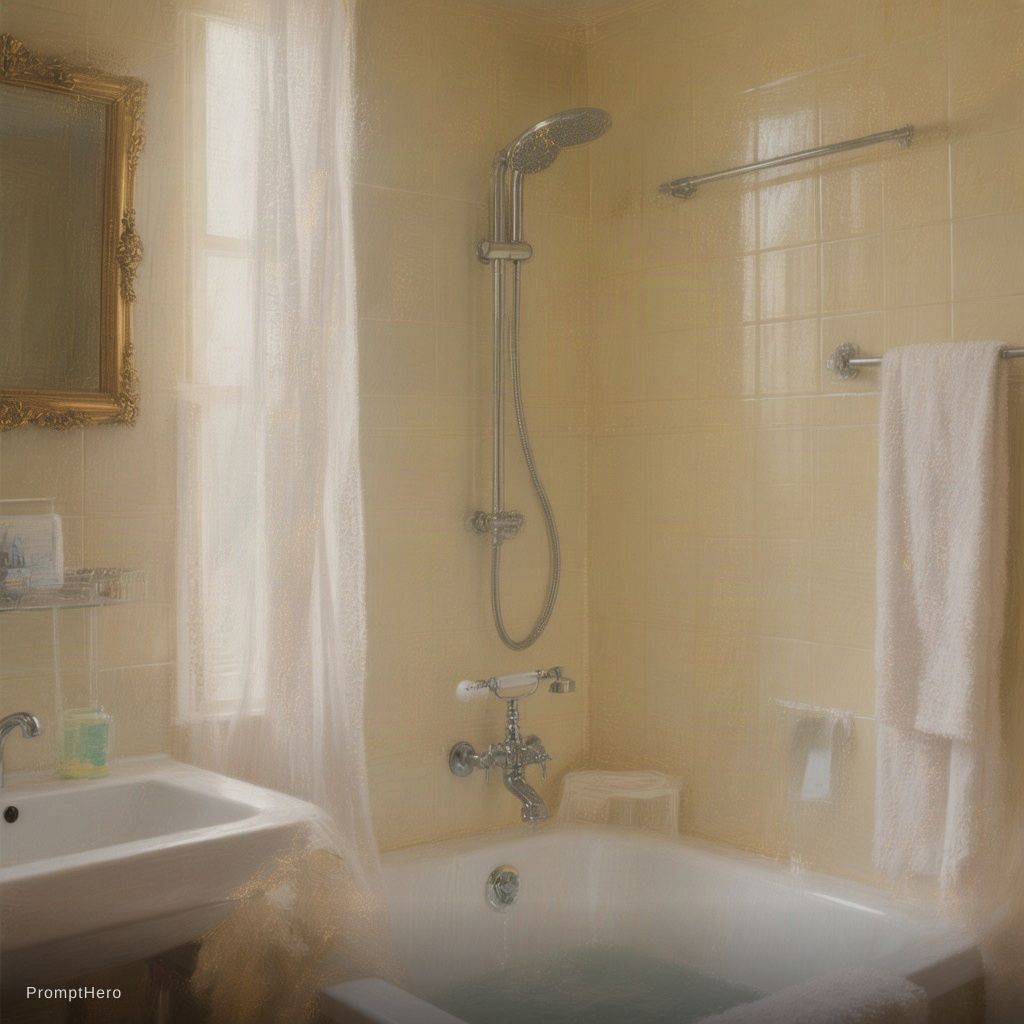
Hunyuan  prompt: Bathroom Niet opgegeven hunyuan-3
Nano Banana prompt: She is wearing this outfit(white top ) given in im... Niet opgegeven nano-banana-2.1
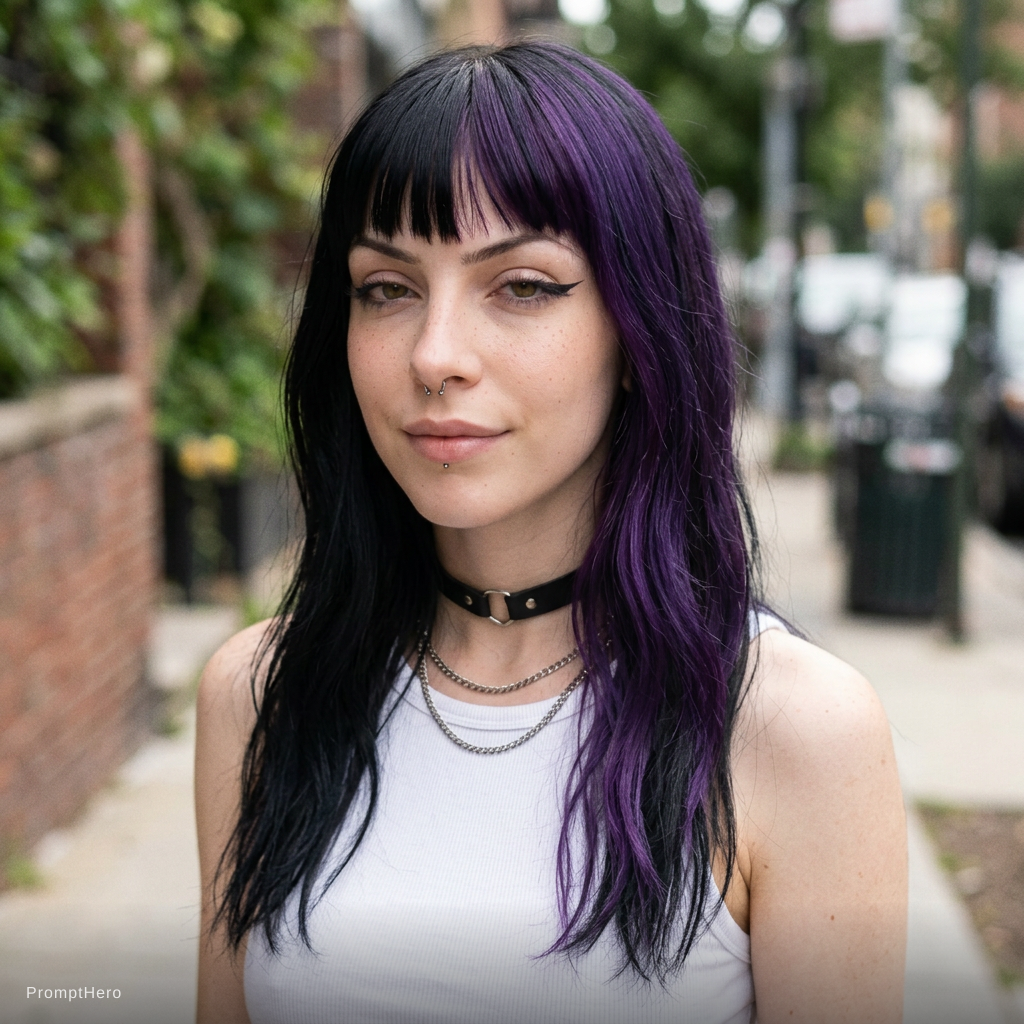
Seedream 5 prompt: woman Niet opgegeven v2
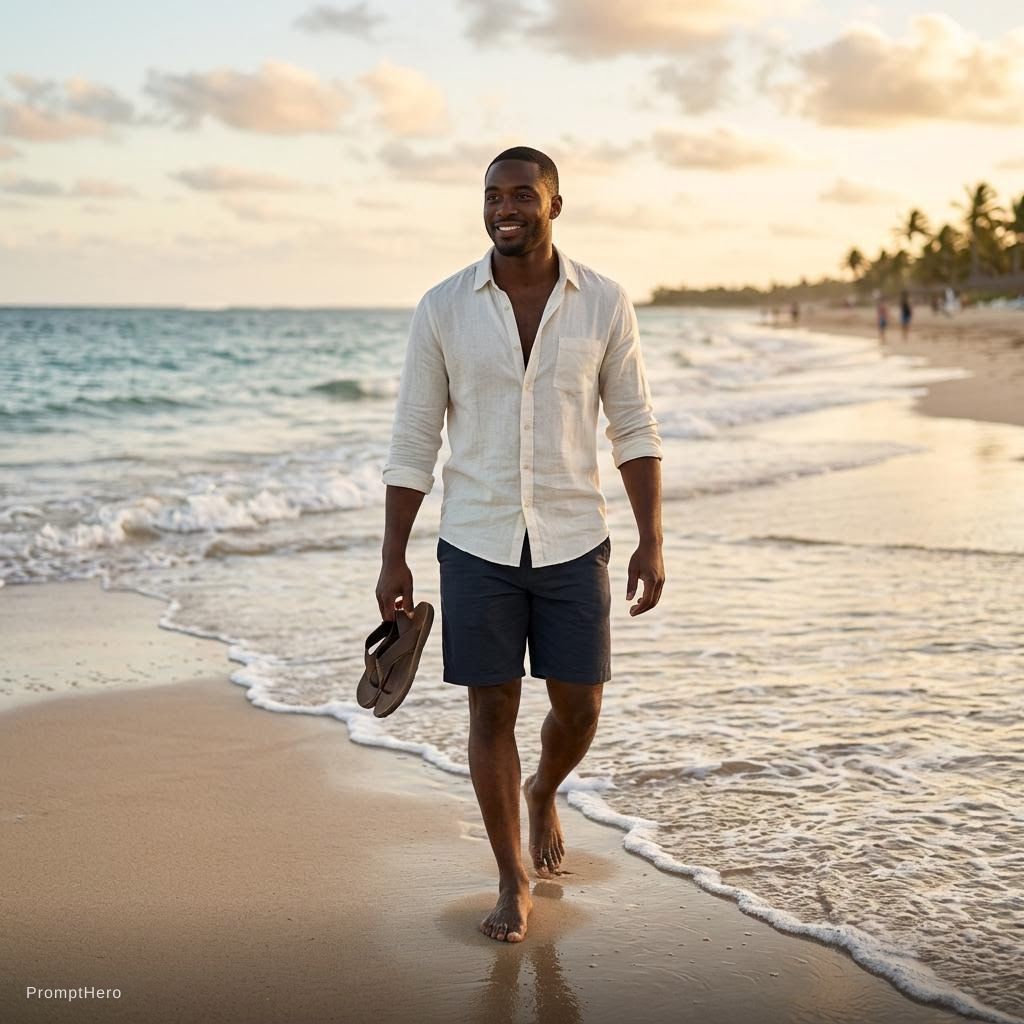
Hero prompt: مع رجل اسود على شاطى البحر Niet opgegeven 1.0

Run deze prompt met de API

Het onderstaande verzoek stuurt deze prompt, met de standaardwaarden ingevuld, naar het eerste model waarop het draait. Verwissel de modelnaam voor een ander hierboven vermeld model.

prompt API-documentatie
/api/v1/gpt_image_2/text_to_image
curl -X POST https://runapi.ai/api/v1/gpt_image_2/text_to_image \
  -H "Authorization: Bearer $RUNAPI_API_KEY" \
  -H "Content-Type: application/json" \
  --data-binary @- <<'JSON'
{
  "model": "gpt-image-2",
  "prompt": "Transform the uploaded image into clean high-quality retro pixel art while preserving the original composition, subject placement, camera angle, proportions, pose, clothing, and overall scene structure. FORMAT Preserve the original image aspect ratio, composition and framing. Do not crop, zoom, reposition, or redesign the scene. Maintain the original visual hierarchy and subject placement. SUBJECT Preserve the main subject, recognizable silhouette, facial direction, clothing structure, pose, body proportions, and key visual features. Reduce unnecessary detail while keeping the subject immediately recognizable. Do not alter the person, anatomy, outfit, or scene structure. PIXEL ART STYLE Convert the entire image into premium 16-bit retro pixel art. Use a strict low-resolution pixel grid across the entire image. Downsample into large visible pixels before rendering. Consistent pixel size throughout. Clean pixel-perfect geometry. Crisp hard edges. No semi-realistic rendering. COLOR Limited retro gaming color palette. Strong contrast between shapes. Clear color separation. Carefully selected colors with excellent readability. No excessive color variation. SHADING Simplified retro-game shading. Flat color regions. One to two shading tones per surface. Minimal highlights. No realistic gradients. No soft lighting transitions. ENVIRONMENT Convert all environmental elements into pixel-art equivalents — background, props, architecture, vegetation, terrain, sky, lighting. Keep scene depth and perspective while simplifying details. QUALITY No blur. No anti-aliasing. No smooth transitions. No noise. No artifacts. No smudging. FINAL LOOK A polished SNES-era retro game screenshot — faithful to the original composition, pixel-perfect in every detail."
}
JSON

Probeer a prompt