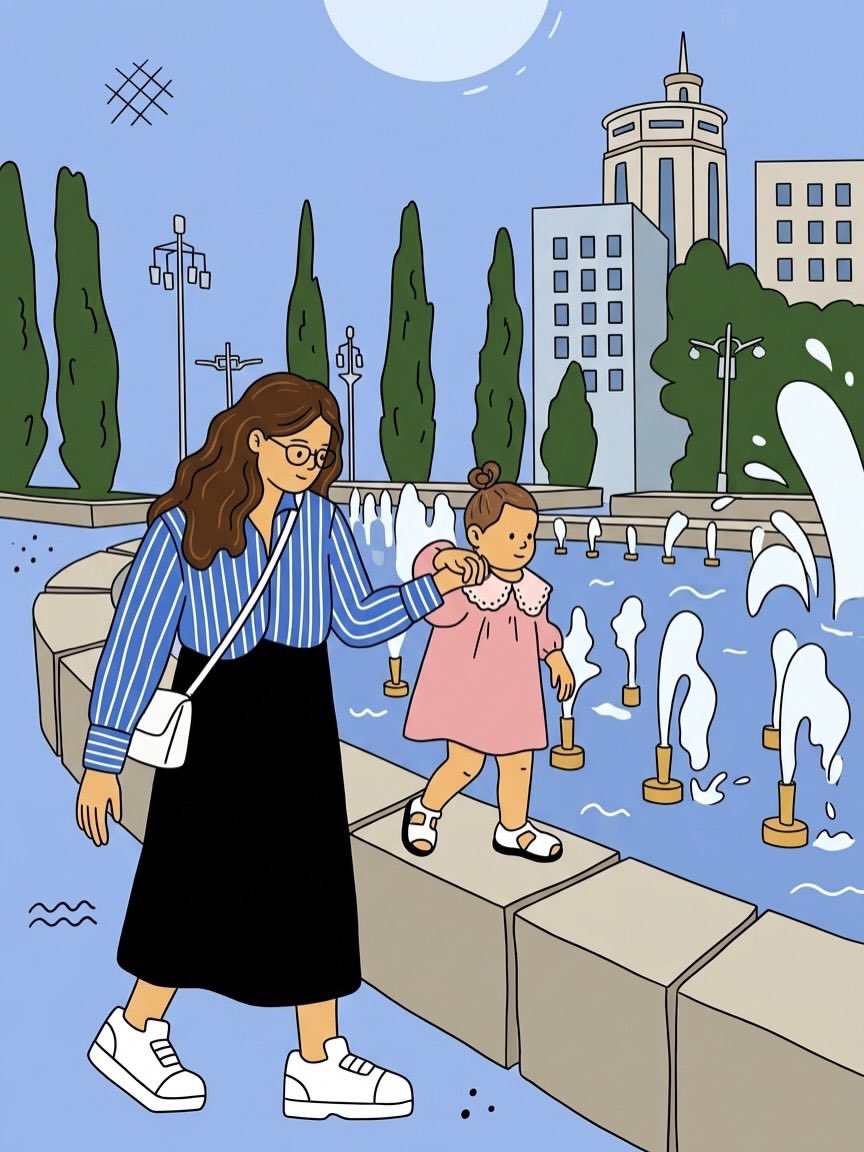
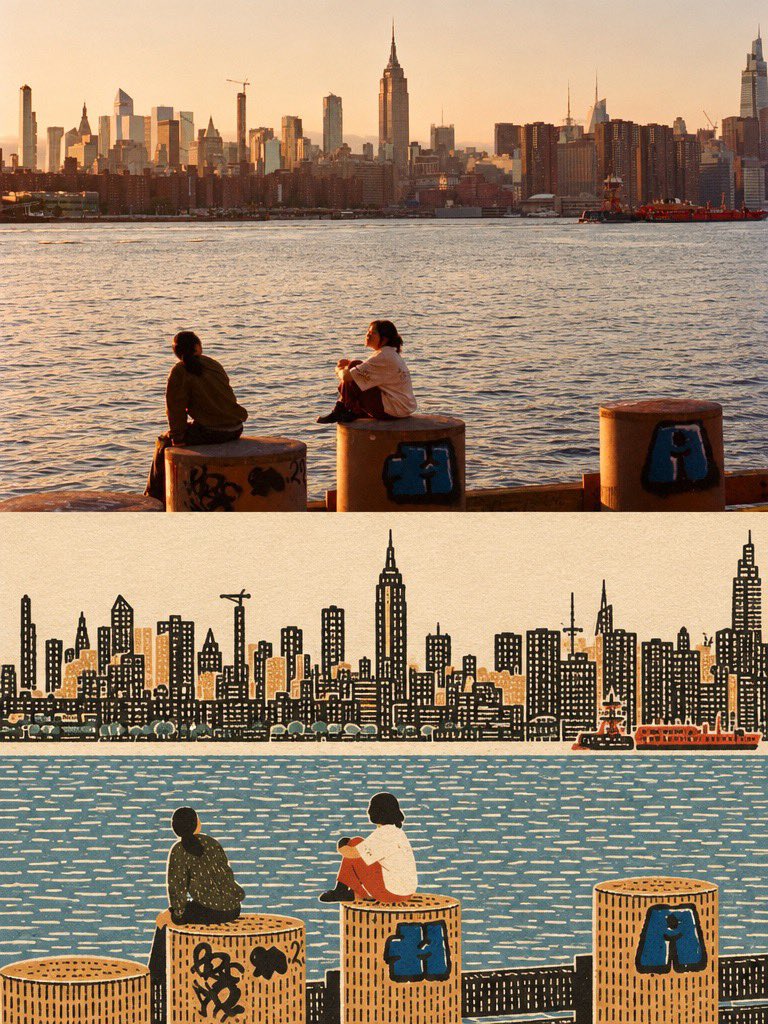
Cinematic Layered Typography Poster
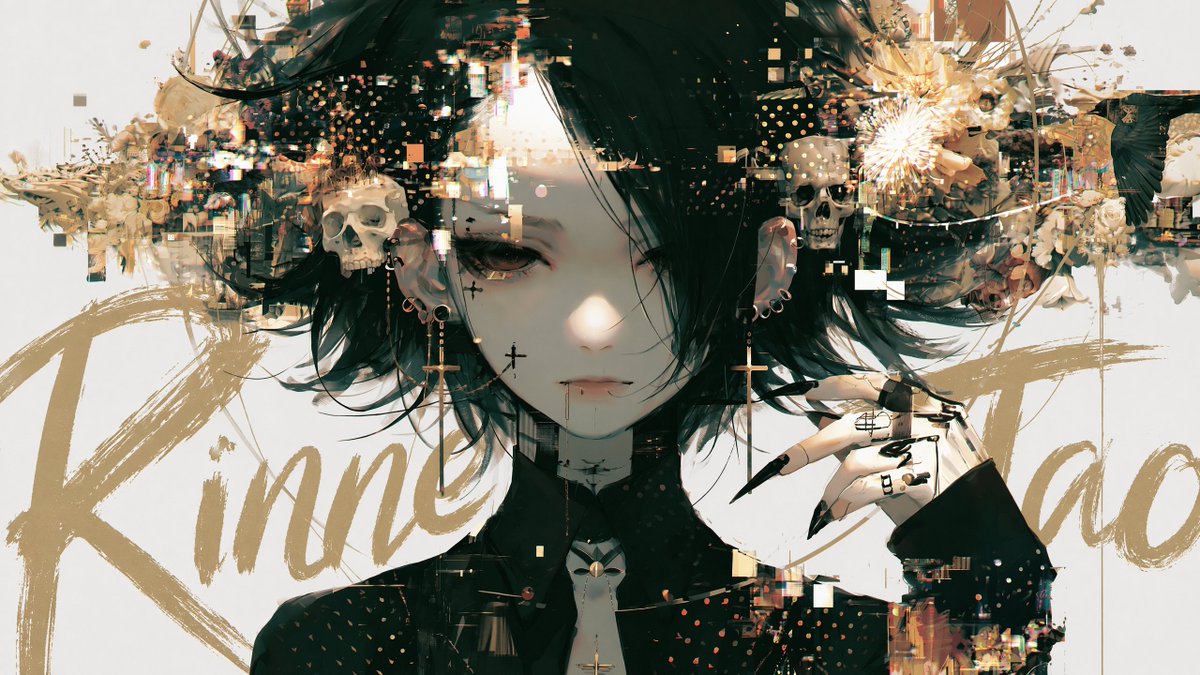
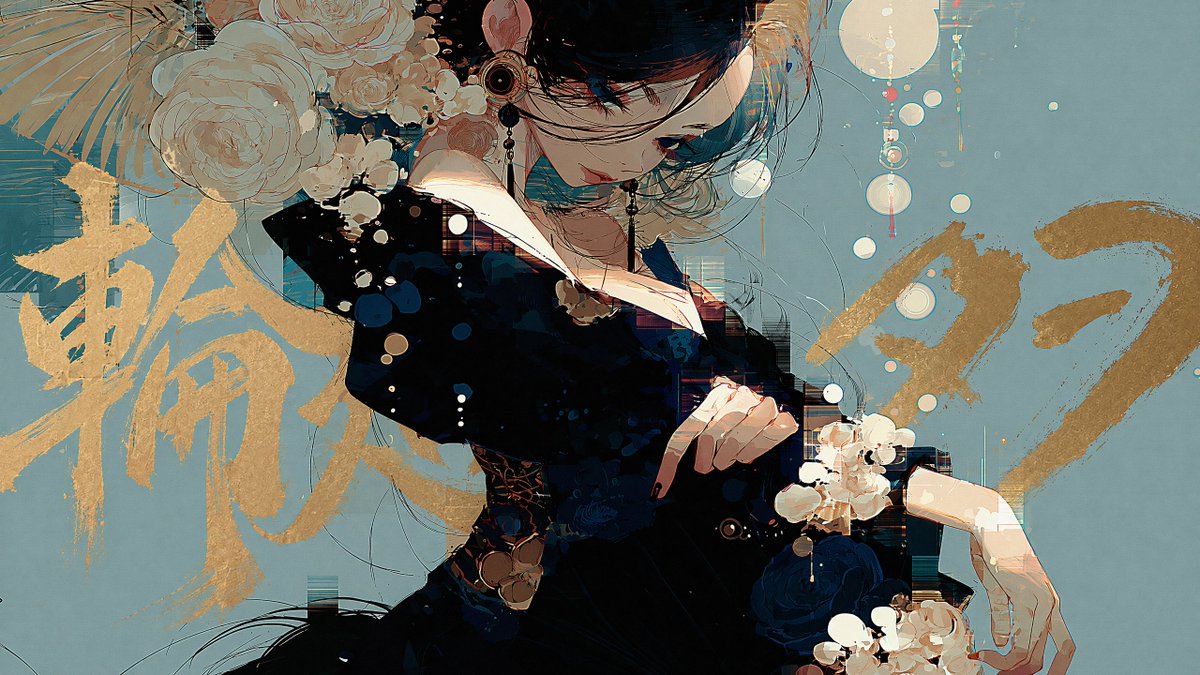
Cinematic Layered Typography Poster

prompt

Add a title text to this image with intentional layer depth. [Text to Add] - The phrase to add: "[ここにタイトルを入力]" [Typography] - If the text is in English or romaji: handwritten brush script style — loose, expressive, confident strokes, imperfect and alive - If the text is in Japanese: calligraphic brushwork by a master — rough, bold, spontaneous ink strokes with natural variation in pressure and thickness - Scale: large and dominant — the text is a visual element, not a label - Color: choose a color that does not clash with or duplicate the background — prioritize visual harmony over legibility [Layer Depth — Critical Rule] - The text must appear BEHIND the main subject (person, figure, or foreground object) - The main subject occludes the text naturally — as if the subject is standing in front of the text - The background remains behind both the text and the subject - If any other text elements exist in the image (watermarks, captions, body copy, small text), the title must appear in front of all of them - Layer order from back to front: background → existing text elements → title text → subject [Legibility — Important] - Do not force the text to be readable - It is acceptable — even desirable — for portions of the text to be hidden behind the subject - The text exists as a design element and compositional layer, not as information to be read - Layout and aesthetic integration take priority over legibility at all times [Placement] - The text spans large across the image, partially hidden behind the subject - Placement feels cinematic and intentional — like a movie poster or editorial cover - Allow the text to bleed beyond the frame edges naturally - Do not generate random text blocks, body copy, or filler text anywhere in the image - Only the specified title text should appear as a new addition [Style Preservation] - Do not alter the subject, colors, or composition of the original image - Add only the text layer — nothing else

Werkt met 21 modellen

  • Flux
  • Flux 2
  • Flux Kontext
  • GPT-4o Image
  • GPT Image
  • GPT Image 2
  • GPT Image 2.5
  • GPT Image 2.6
  • Grok Imagine
  • Ideogram V3
  • Imagen 4
  • Kling
  • +9 Meer

Wat deze prompt oplevert

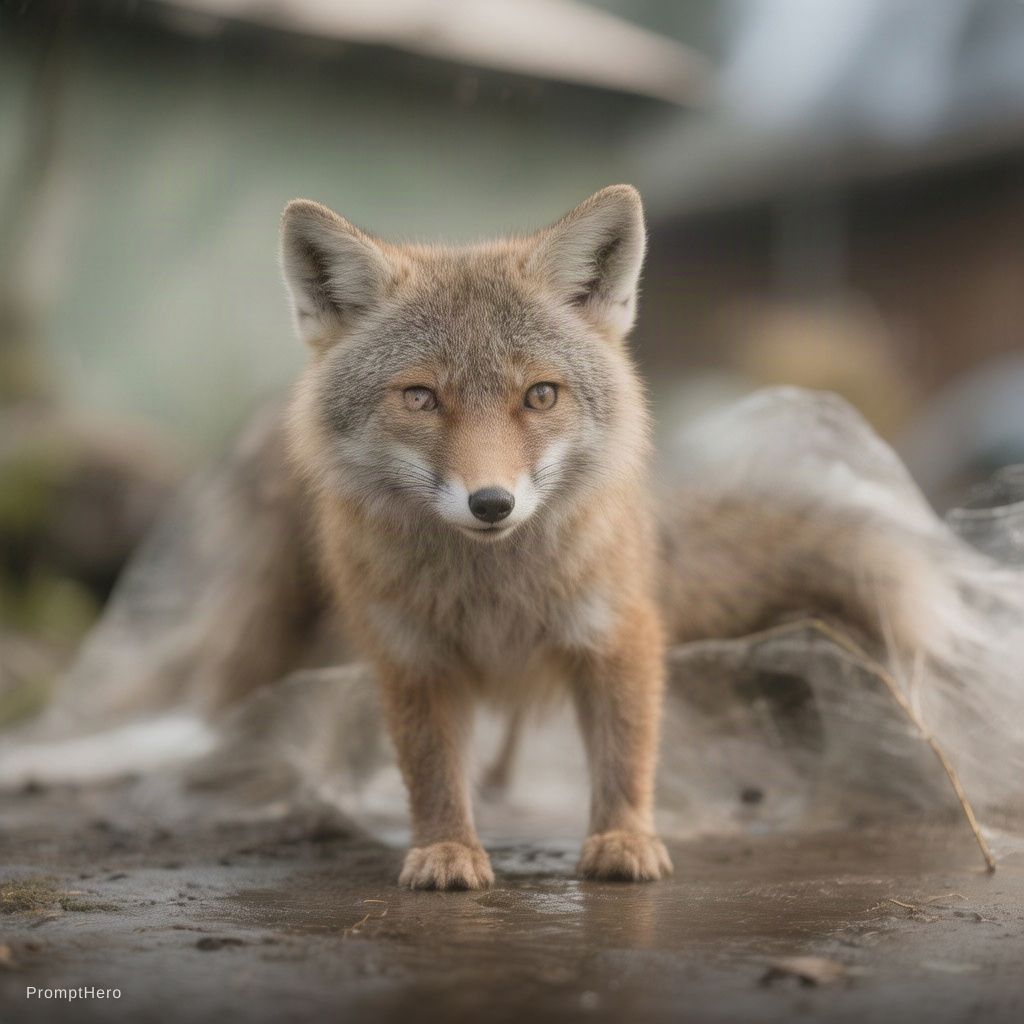
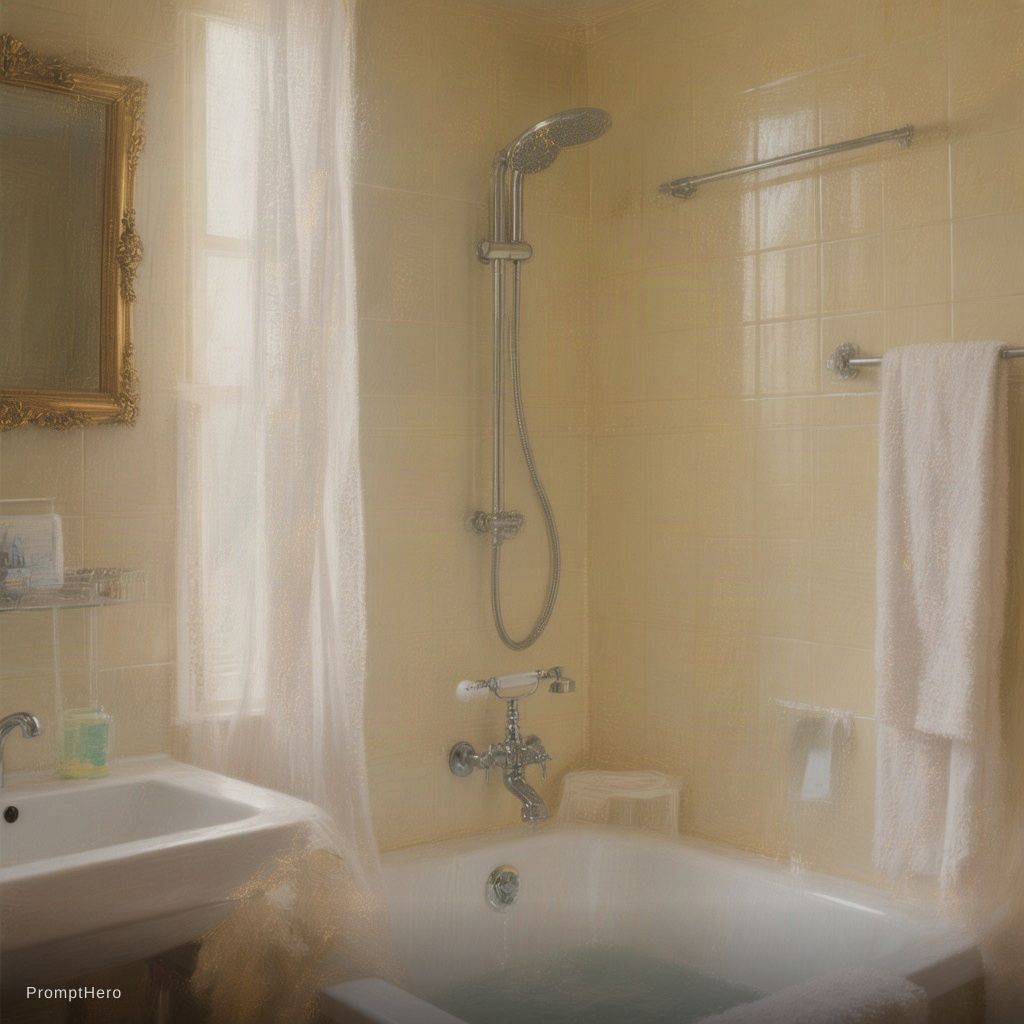
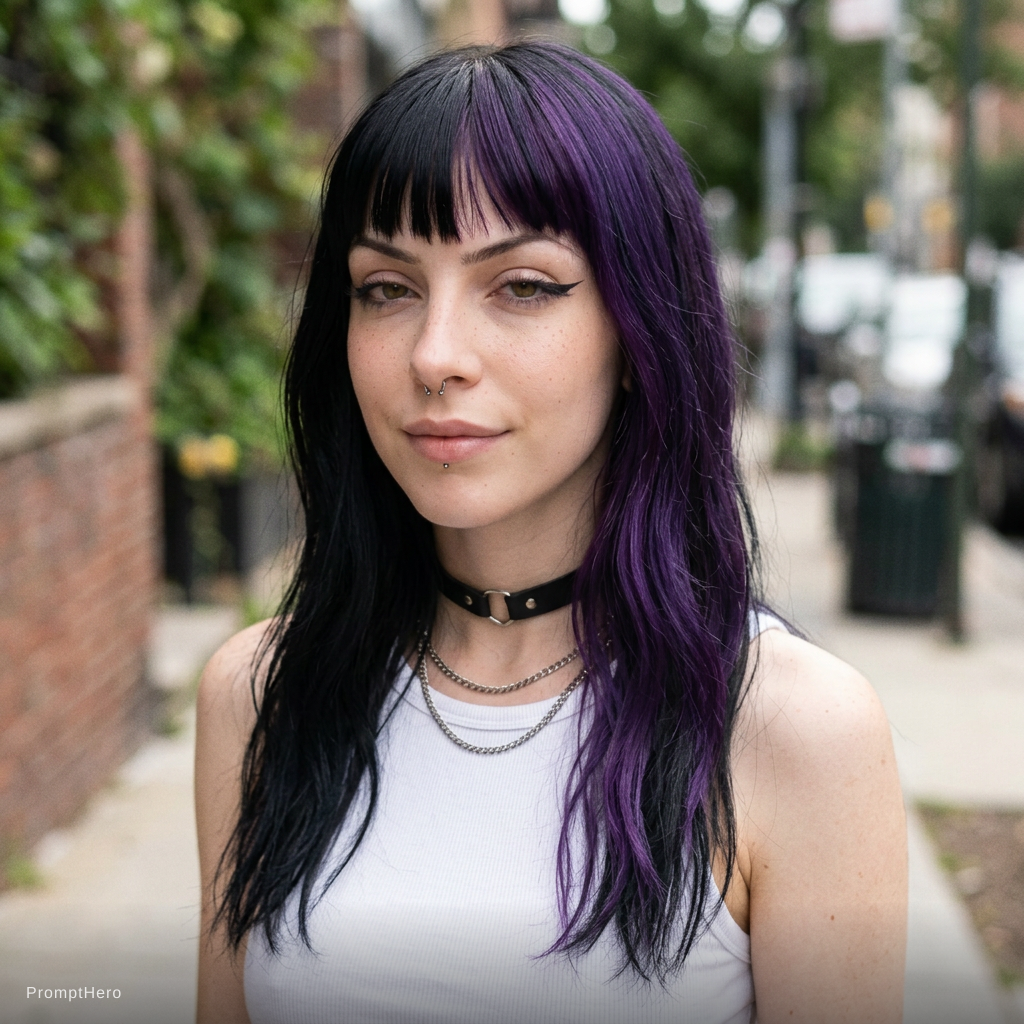
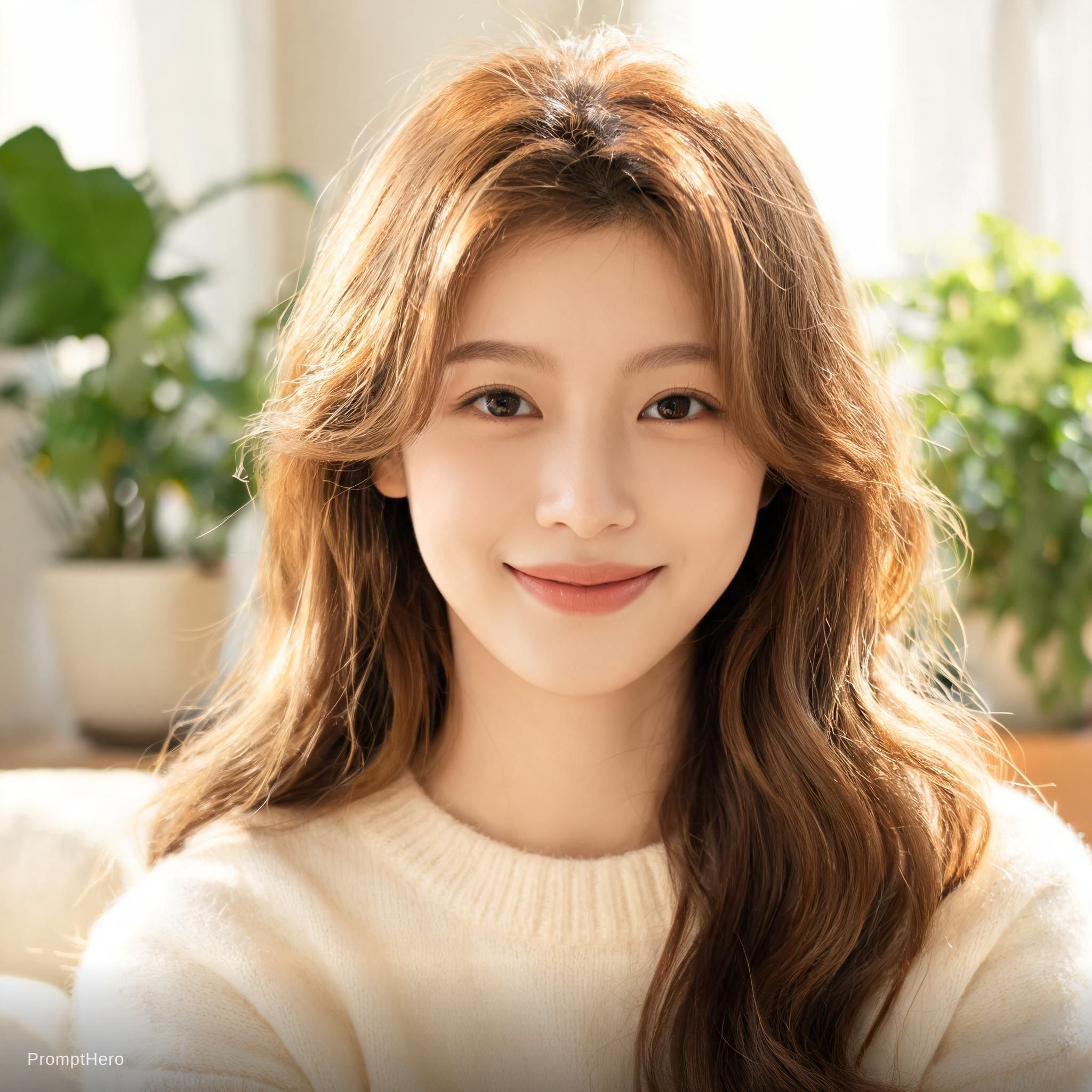
Hunyuan  prompt: feet Niet opgegeven hunyuan-3
Hunyuan  prompt: Bathroom Niet opgegeven hunyuan-3
Nano Banana prompt: She is wearing this outfit(white top ) given in im... Niet opgegeven nano-banana-2.1
Seedream 5 prompt: woman Niet opgegeven v2
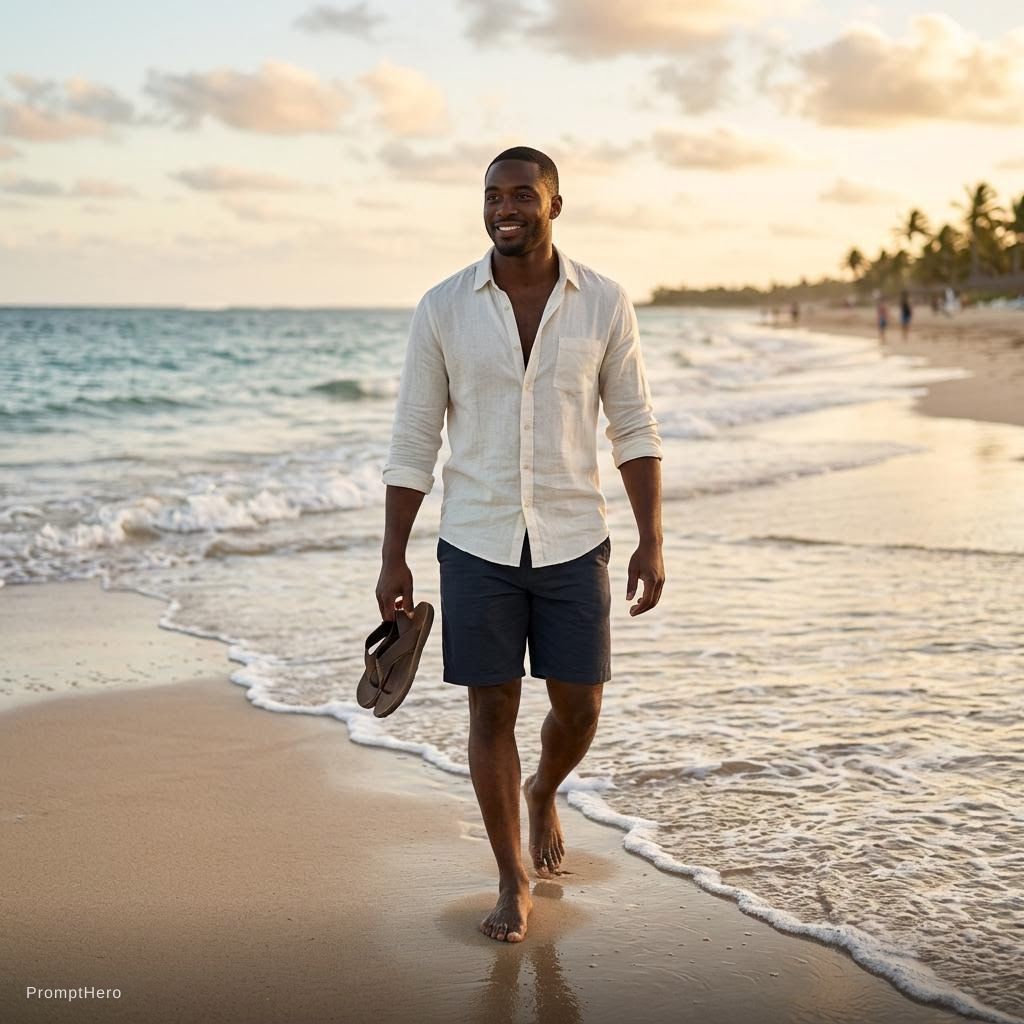
Hero prompt: مع رجل اسود على شاطى البحر Niet opgegeven 1.0
FLUX prompt: می‌خوام برام یک مداد طلایی ته بنفش تیره رو که داره... Niet opgegeven flux-2-pro

Run deze prompt met de API

Het onderstaande verzoek stuurt deze prompt, met de standaardwaarden ingevuld, naar het eerste model waarop het draait. Verwissel de modelnaam voor een ander hierboven vermeld model.

prompt API-documentatie
/api/v1/gpt_image_2/text_to_image
curl -X POST https://runapi.ai/api/v1/gpt_image_2/text_to_image \
  -H "Authorization: Bearer $RUNAPI_API_KEY" \
  -H "Content-Type: application/json" \
  --data-binary @- <<'JSON'
{
  "model": "gpt-image-2",
  "prompt": "Add a title text to this image with intentional layer depth.\n\n[Text to Add]\n- The phrase to add: \"[ここにタイトルを入力]\"\n\n[Typography]\n- If the text is in English or romaji: handwritten brush script style — loose, expressive, confident strokes, imperfect and alive\n- If the text is in Japanese: calligraphic brushwork by a master — rough, bold, spontaneous ink strokes with natural variation in pressure and thickness\n- Scale: large and dominant — the text is a visual element, not a label\n- Color: choose a color that does not clash with or duplicate the background — prioritize visual harmony over legibility\n\n[Layer Depth — Critical Rule]\n- The text must appear BEHIND the main subject (person, figure, or foreground object)\n- The main subject occludes the text naturally — as if the subject is standing in front of the text\n- The background remains behind both the text and the subject\n- If any other text elements exist in the image (watermarks, captions, body copy, small text), the title must appear in front of all of them\n- Layer order from back to front: background → existing text elements → title text → subject\n\n[Legibility — Important]\n- Do not force the text to be readable\n- It is acceptable — even desirable — for portions of the text to be hidden behind the subject\n- The text exists as a design element and compositional layer, not as information to be read\n- Layout and aesthetic integration take priority over legibility at all times\n\n[Placement]\n- The text spans large across the image, partially hidden behind the subject\n- Placement feels cinematic and intentional — like a movie poster or editorial cover\n- Allow the text to bleed beyond the frame edges naturally\n- Do not generate random text blocks, body copy, or filler text anywhere in the image\n- Only the specified title text should appear as a new addition\n\n[Style Preservation]\n- Do not alter the subject, colors, or composition of the original image\n- Add only the text layer — nothing else"
}
JSON

Probeer a prompt