Storyboard Re-Render Workflow UI
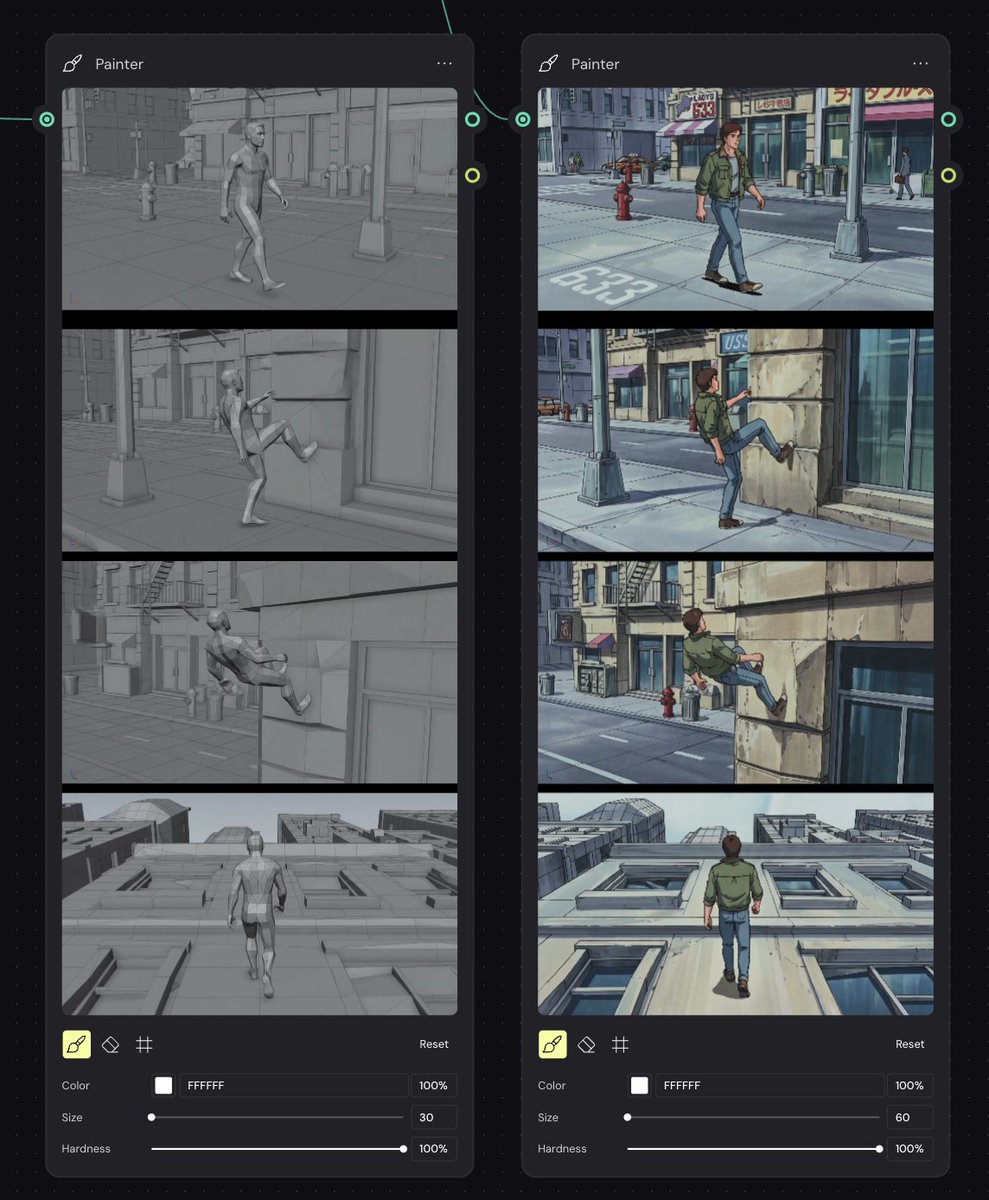
Storyboard Re-Render Workflow UI

翻译: Prompt

Goal: Create a dark node-based workflow screenshot showing a side-by-side comparison between a gray 3D animation storyboard and a re-rendered 90s anime-style storyboard, as if inside a visual AI/compositing tool. Canvas: Landscape 4:3 screen capture on a nearly black dotted grid workspace. Add thin teal curved connector lines between nodes, with small circular input/output ports on the node edges. Layout: Place exactly 2 tall rounded-rectangle nodes side by side. Both nodes are titled “Painter” at the top left with a small brush/pen icon, and a three-dot menu at the top right. The left node shows the grayscale source storyboard; the right node shows the stylized output storyboard. Each node contains exactly 4 stacked widescreen storyboard frames separated by thick black dividers, followed by a compact painter control panel at the bottom. Left node storyboard frames: Render all 4 frames as monochrome gray 3D viewport/cinematic previz images with low-saturation clay materials and simple urban geometry. Frame 1: a generic male mannequin walks down a city sidewalk with storefronts, a hydrant, street pole, and road markings. Frame 2: the mannequin raises one leg toward a stone building wall as if beginning to climb. Frame 3: the mannequin is partially up the wall, body leaning back, legs pressed against the facade. Frame 4: rear view of the mannequin walking upward along a vertical building facade, with windows and rooftop perspective visible. Right node storyboard frames: Recreate the same 4 actions and camera angles, but as detailed 1990s hand-painted anime cel animation. Use a young adult male character with green jacket, blue jeans, and brown shoes, brown hair, and realistic anime proportions. Frame 1: he walks along a sunny city sidewalk past storefronts, a red fire hydrant, streetlight, and road marking “633”. Frame 2: he lifts his foot onto a stone wall beside a glass storefront. Frame 3: he climbs higher on the building facade, with street, hydrant, fire escape, and shop signs in the background. Frame 4: rear view as he walks vertically up the pale building wall, windows receding below him and rooftops visible ahead. Painter controls: At the bottom of each node show exactly 3 tool icons: a highlighted yellow brush icon, an eraser icon, and a grid/hash icon. Include a small “Reset” label on the right. Under the icons show exactly 3 labeled controls: Color with a white swatch and hex text “FFFFFF” plus “100%”; Size with a slider, left node value “30” and right node value “60”; Hardness with a slider and “100%”. Visual style: Crisp UI mockup, dark charcoal panels, rounded corners, subtle shadows, muted teal connector accents, precise alignment. The left storyboard should look like a gray 3D render, while the right storyboard should look like a polished anime repaint with blue-gray shadows, ink outlines, hand-painted backgrounds, and cinematic framing. Constraints: Use exactly 2 nodes, exactly 4 storyboard frames per node, and exactly 3 controls per node. Keep all visible UI text in English. Do not add extra panels, logos, watermarks, or explanatory captions outside the node interface.

翻译: Runs on 21 models

  • Flux
  • Flux 2
  • Flux Kontext
  • GPT-4o Image
  • GPT Image
  • GPT Image 2
  • GPT Image 2.5
  • GPT Image 2.6
  • Grok Imagine
  • Ideogram V3
  • Imagen 4
  • Kling
  • 翻译: +9 more

此 prompt 的输出

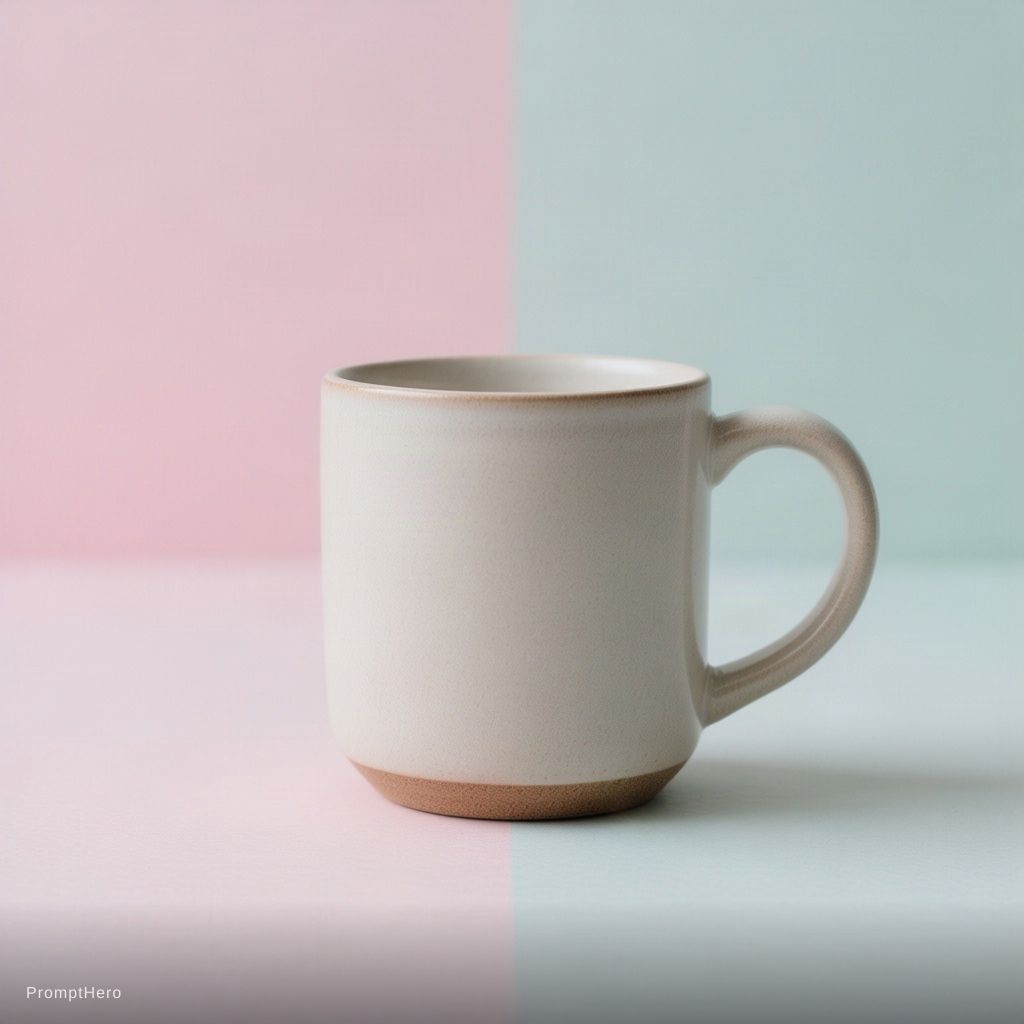
Hunyuan  prompt: Minimalist product photo of a ceramic mug on a pas... 未指定 hunyuan-3
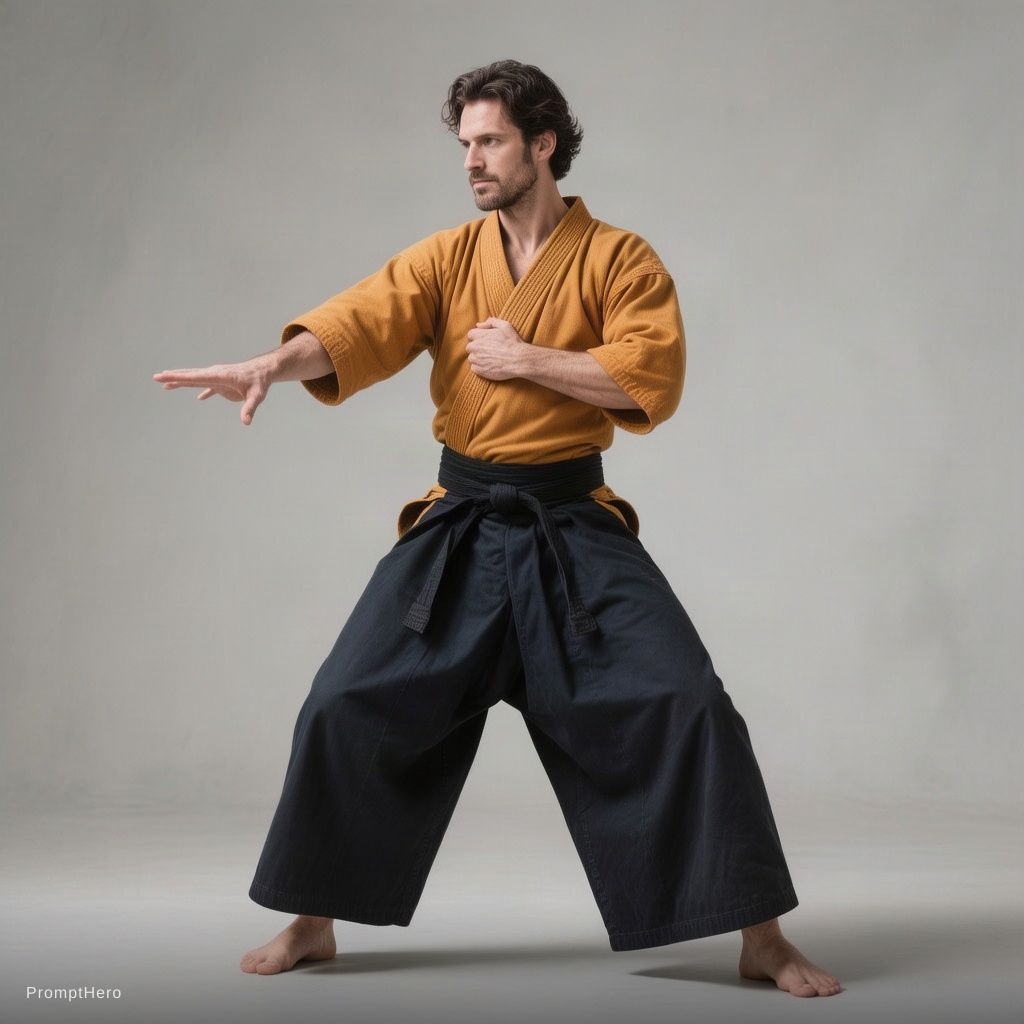
Hunyuan  prompt: Aikido 未指定 hunyuan-3
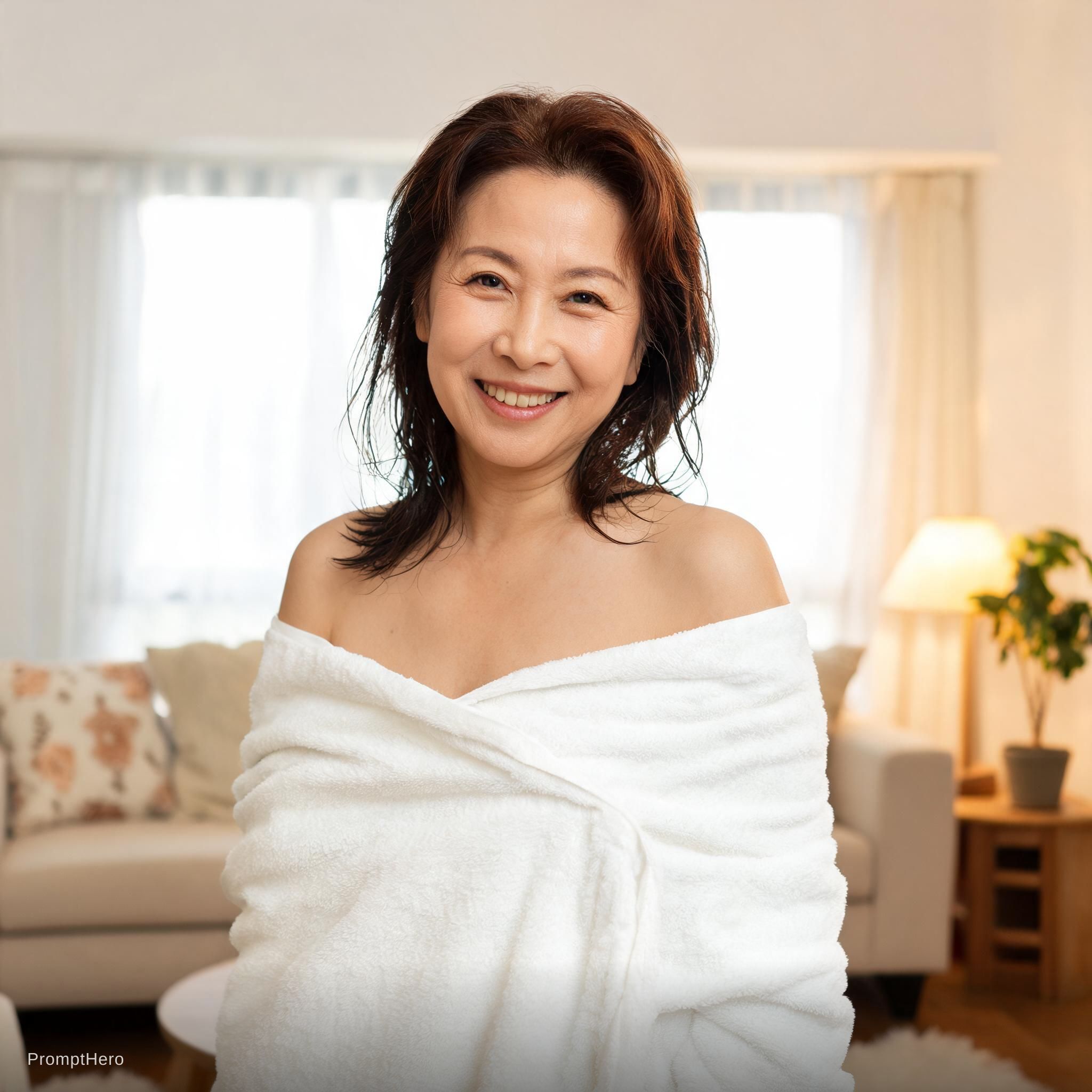
Seedream 5 prompt: f smiling middle aged woman in nice home wrapped i... 未指定 v2
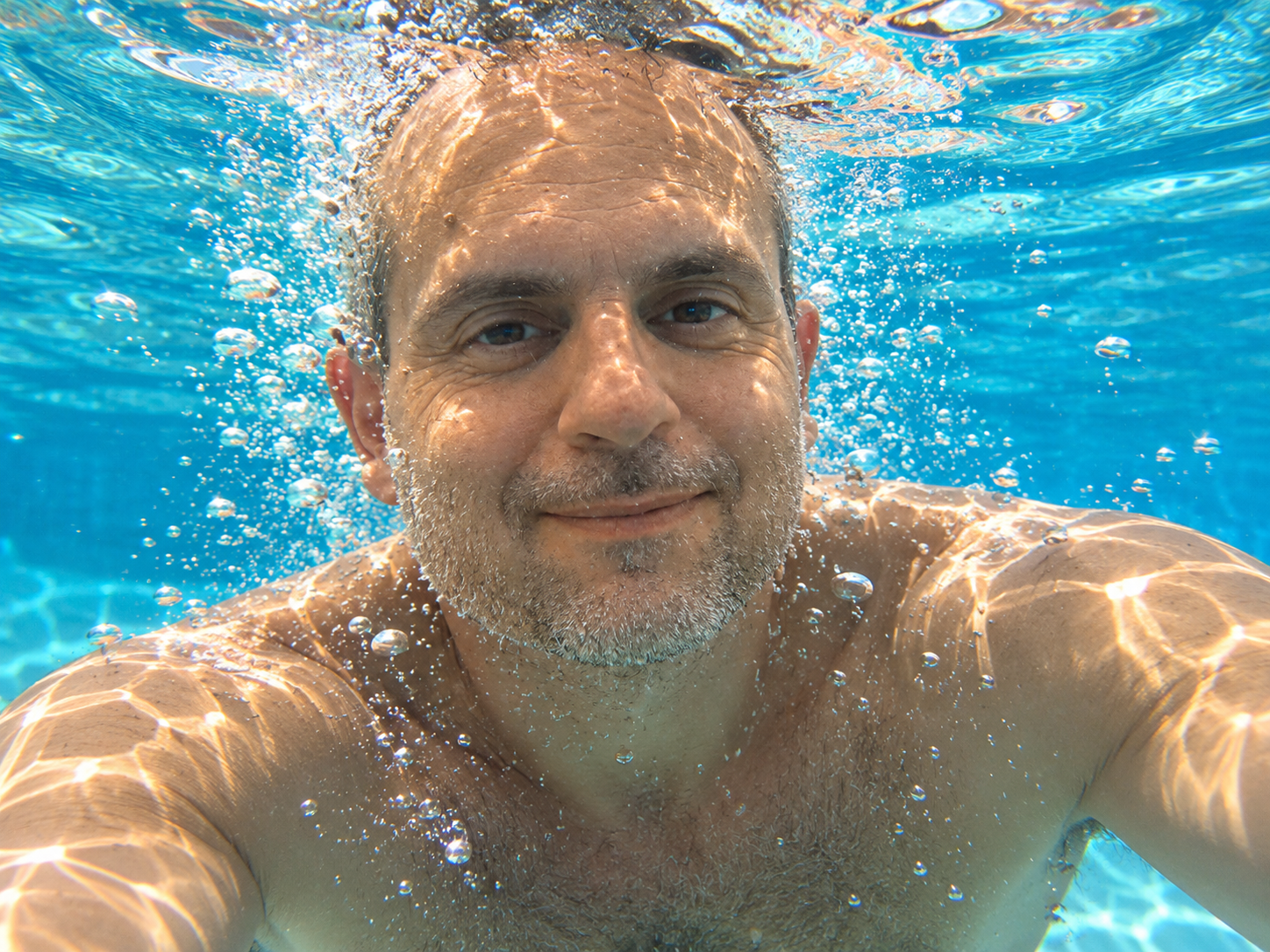
Create an extreme close-up underwater portrait, ca... 未指定 未指定
Using the face from the attached photograph, recre... 未指定 未指定
Using the face from the attached photo, recreate a... 未指定 未指定

翻译: Run this prompt with the API

翻译: The request below sends this prompt, with its default values filled in, to the first model it runs on. Swap the model name for any other model listed above.

翻译: Prompt API docs
/api/v1/gpt_image_2/text_to_image
curl -X POST https://runapi.ai/api/v1/gpt_image_2/text_to_image \
  -H "Authorization: Bearer $RUNAPI_API_KEY" \
  -H "Content-Type: application/json" \
  --data-binary @- <<'JSON'
{
  "model": "gpt-image-2",
  "prompt": "Goal: Create a dark node-based workflow screenshot showing a side-by-side comparison between a gray 3D animation storyboard and a re-rendered 90s anime-style storyboard, as if inside a visual AI/compositing tool.\n\nCanvas: Landscape 4:3 screen capture on a nearly black dotted grid workspace. Add thin teal curved connector lines between nodes, with small circular input/output ports on the node edges.\n\nLayout: Place exactly 2 tall rounded-rectangle nodes side by side. Both nodes are titled “Painter” at the top left with a small brush/pen icon, and a three-dot menu at the top right. The left node shows the grayscale source storyboard; the right node shows the stylized output storyboard. Each node contains exactly 4 stacked widescreen storyboard frames separated by thick black dividers, followed by a compact painter control panel at the bottom.\n\nLeft node storyboard frames: Render all 4 frames as monochrome gray 3D viewport/cinematic previz images with low-saturation clay materials and simple urban geometry. Frame 1: a generic male mannequin walks down a city sidewalk with storefronts, a hydrant, street pole, and road markings. Frame 2: the mannequin raises one leg toward a stone building wall as if beginning to climb. Frame 3: the mannequin is partially up the wall, body leaning back, legs pressed against the facade. Frame 4: rear view of the mannequin walking upward along a vertical building facade, with windows and rooftop perspective visible.\n\nRight node storyboard frames: Recreate the same 4 actions and camera angles, but as detailed 1990s hand-painted anime cel animation. Use a young adult male character with green jacket, blue jeans, and brown shoes, brown hair, and realistic anime proportions. Frame 1: he walks along a sunny city sidewalk past storefronts, a red fire hydrant, streetlight, and road marking “633”. Frame 2: he lifts his foot onto a stone wall beside a glass storefront. Frame 3: he climbs higher on the building facade, with street, hydrant, fire escape, and shop signs in the background. Frame 4: rear view as he walks vertically up the pale building wall, windows receding below him and rooftops visible ahead.\n\nPainter controls: At the bottom of each node show exactly 3 tool icons: a highlighted yellow brush icon, an eraser icon, and a grid/hash icon. Include a small “Reset” label on the right. Under the icons show exactly 3 labeled controls: Color with a white swatch and hex text “FFFFFF” plus “100%”; Size with a slider, left node value “30” and right node value “60”; Hardness with a slider and “100%”.\n\nVisual style: Crisp UI mockup, dark charcoal panels, rounded corners, subtle shadows, muted teal connector accents, precise alignment. The left storyboard should look like a gray 3D render, while the right storyboard should look like a polished anime repaint with blue-gray shadows, ink outlines, hand-painted backgrounds, and cinematic framing.\n\nConstraints: Use exactly 2 nodes, exactly 4 storyboard frames per node, and exactly 3 controls per node. Keep all visible UI text in English. Do not add extra panels, logos, watermarks, or explanatory captions outside the node interface."
}
JSON

翻译: Try a prompt