Dark Chat UI Anime Conversion Screenshot
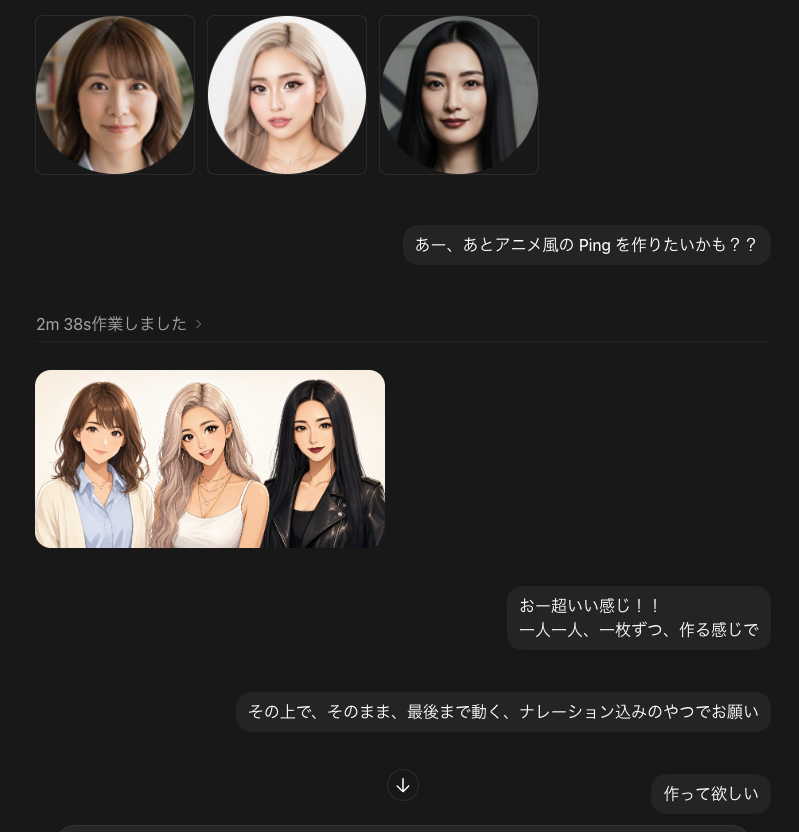
Dark Chat UI Anime Conversion Screenshot

翻译: Prompt

Goal: Create a dark-mode chat interface screenshot showing an AI image-generation conversation about making anime-style animated characters from photos. Canvas: Square 768×768 image, dark charcoal background, cropped like a desktop chat app. Use subtle rounded rectangles, soft shadows, and muted gray dividers. Layout: At the top left, display exactly 3 square thumbnail cards in a row, each with a circular portrait inside: 1) a brunette woman with shoulder-length wavy hair, 2) a blonde woman with long light hair, 3) a black-haired woman with straight long hair. Each face should be intentionally blurred or covered with a soft rectangular privacy blur. To the right beneath the thumbnails, place a rounded dark chat bubble containing the Japanese message あー、あとアニメ風の Ping を作りたいかも??. Below, show a small gray status line on the left reading 2m 38s作業しました ›, followed by a thin horizontal divider. Generated image preview: Under the divider on the left, place exactly 1 rounded rectangular preview image showing the same 3 women transformed into polished anime/semi-realistic character art, standing shoulder-to-shoulder on a warm off-white background. Count the characters exactly: 3 women — brunette in a cream cardigan over a light blue shirt, blonde in a white top with layered necklaces, and black-haired woman in a black leather jacket. Keep all faces privacy-blurred with soft rectangular blur blocks. Chat bubbles: Include exactly 4 visible outgoing message bubbles total: 1 top prompt bubble, 2 mid-lower bubbles, and 1 bottom-right bubble. The mid-lower first bubble should read おー超いい感じ!! 一人一人、一枚ずつ、作る感じで. The mid-lower second, wider bubble should read その上で、そのまま、最後まで動く、ナレーション込みのやつでお願い. The bottom-right bubble should read 作って欲しい. Add a small circular down-arrow button centered near the lower middle between the bubbles. Visual style: Realistic UI screenshot, Japanese chat app aesthetic, minimal and modern, dark theme, rounded corners, graphite message bubbles, light gray text, clean spacing. The character art preview should look like high-quality anime-photo conversion rather than flat cartoon. Constraints: Use exactly 3 top portrait thumbnails, exactly 1 generated preview image, exactly 3 anime-style women inside the preview, exactly 4 chat bubbles, and exactly 1 down-arrow button. Do not add app logos, watermarks, extra buttons, extra text, or extra people.

翻译: Runs on 20 models

  • Flux
  • Flux 2
  • Flux Kontext
  • GPT-4o Image
  • GPT Image
  • GPT Image 2
  • GPT Image 2.5
  • GPT Image 2.6
  • Grok Imagine
  • Ideogram V3
  • Imagen 4
  • Kling
  • 翻译: +8 more

此 prompt 的输出

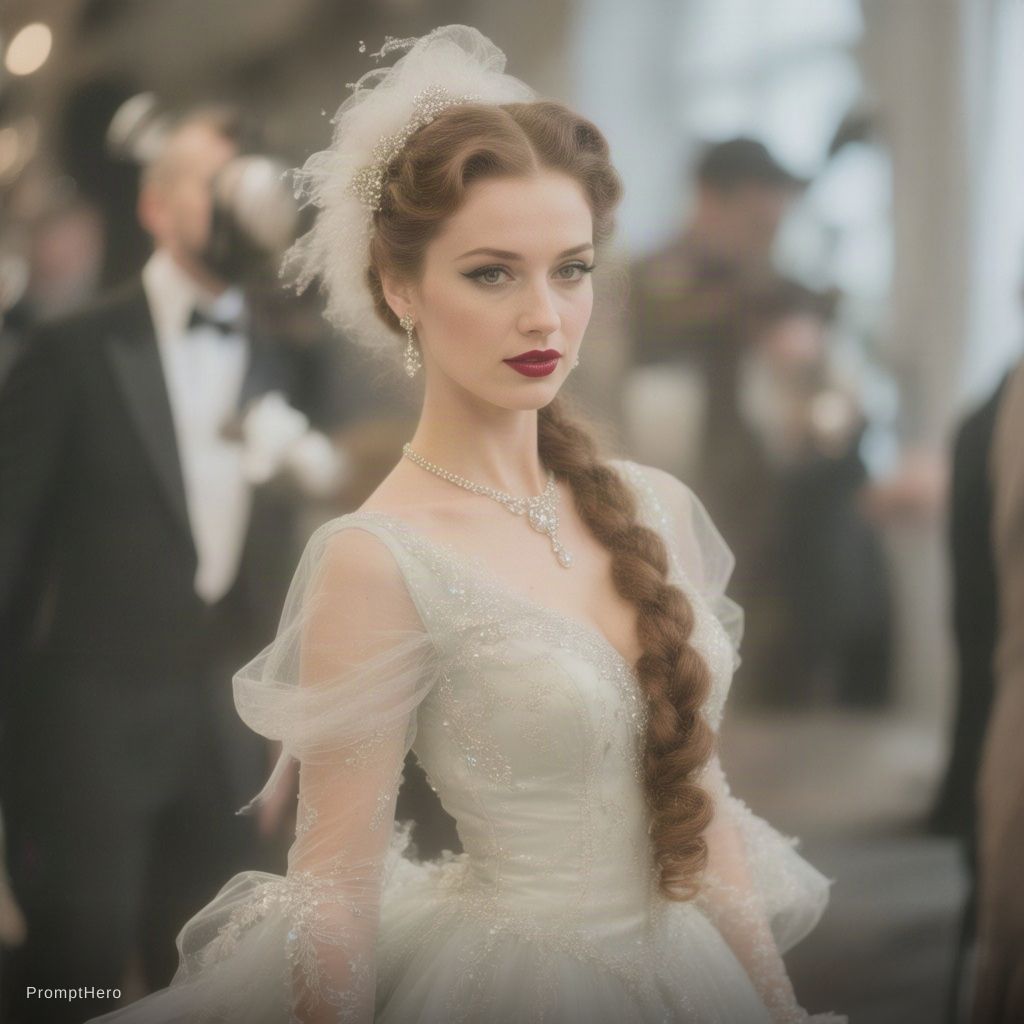
Hunyuan  prompt: Ballroom 未指定 hunyuan-3
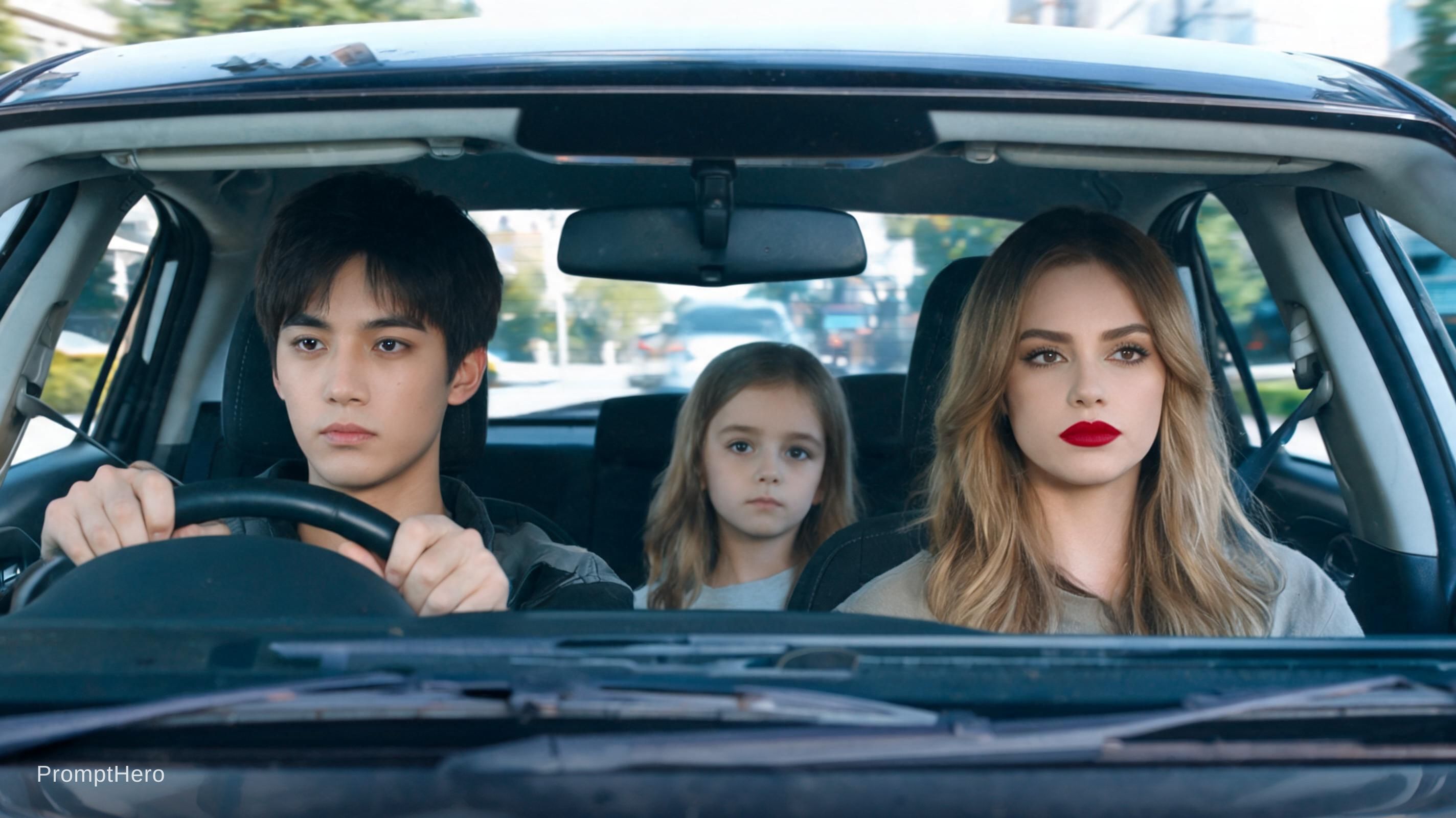
Seedream 5 prompt: 一辆家用小汽车内有三位人物,男性坐在驾驶位上,背景为移动的汽车,视角从前挡风玻璃往车内视角,可以看到... 未指定 v2
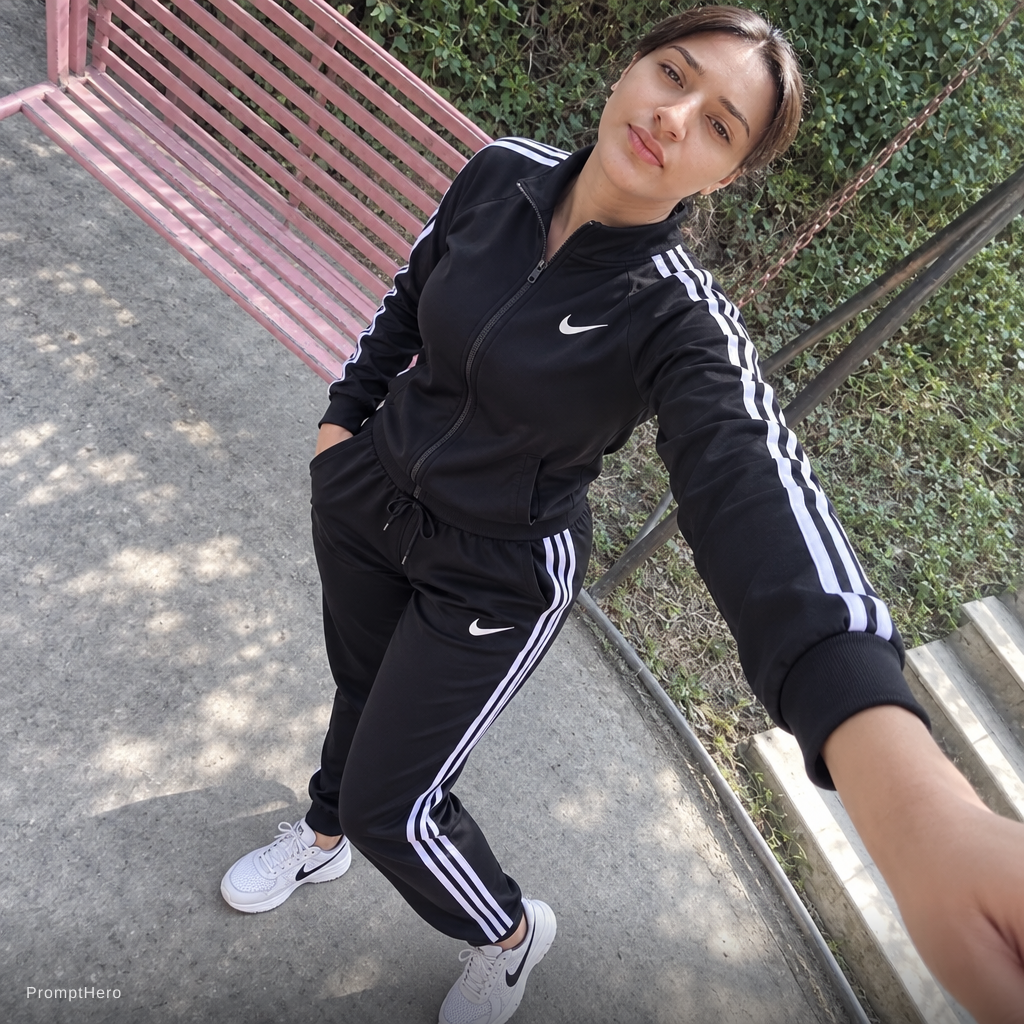
ChatGPT Image prompt: Sport stil 未指定 gpt-image-2.6-flare
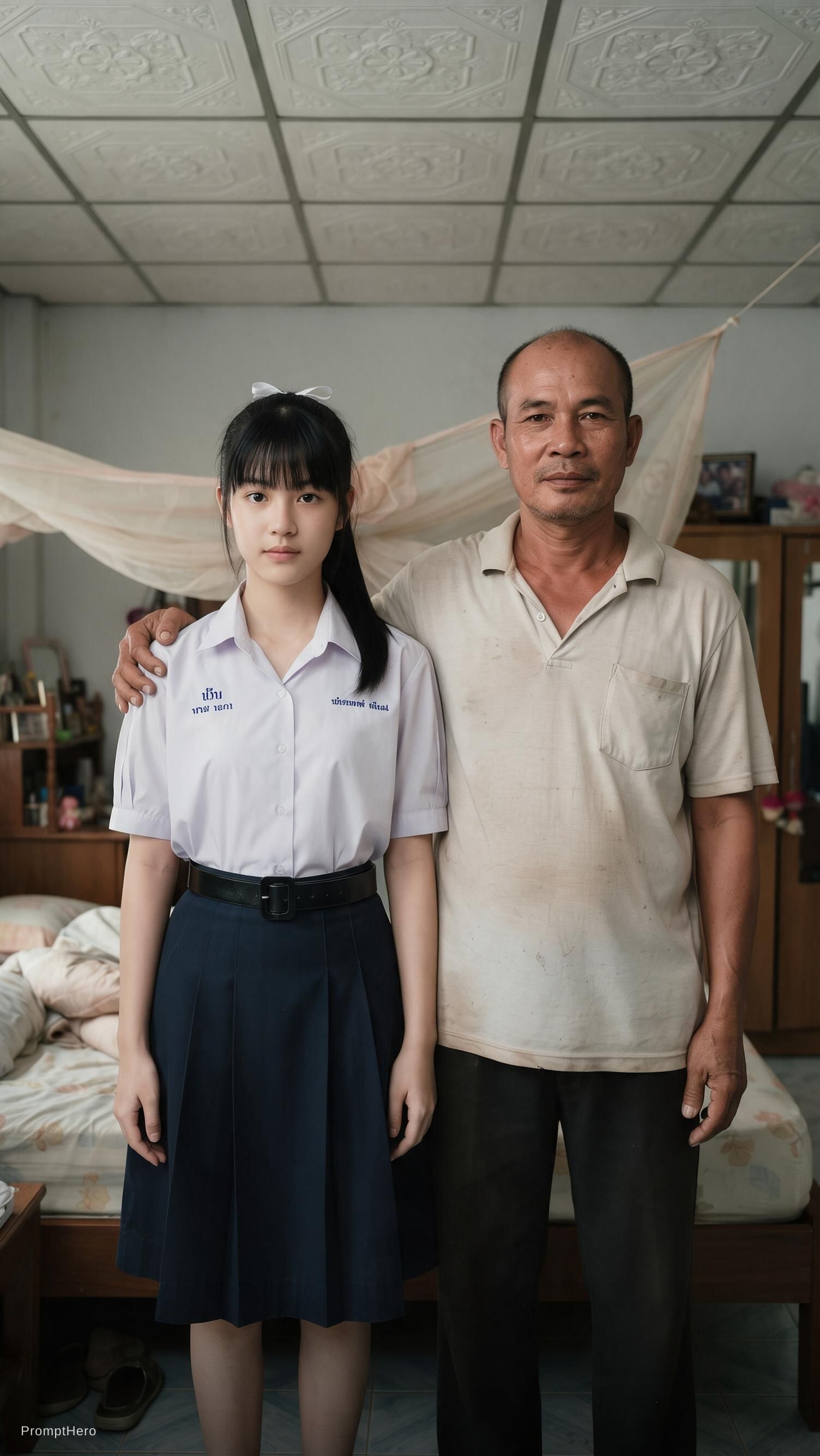
Seedream 5 prompt: Have the man put his arm around the woman's should 未指定 seedream-5-pro
Hunyuan  prompt: póster/imagen 未指定 hunyuan-3
Seedream 5 prompt: Conductor 未指定 v2

翻译: Run this prompt with the API

翻译: The request below sends this prompt, with its default values filled in, to the first model it runs on. Swap the model name for any other model listed above.

翻译: Prompt API docs
/api/v1/gpt_image_2/text_to_image
curl -X POST https://runapi.ai/api/v1/gpt_image_2/text_to_image \
  -H "Authorization: Bearer $RUNAPI_API_KEY" \
  -H "Content-Type: application/json" \
  --data-binary @- <<'JSON'
{
  "model": "gpt-image-2",
  "prompt": "Goal: Create a dark-mode chat interface screenshot showing an AI image-generation conversation about making anime-style animated characters from photos.\n\nCanvas: Square 768×768 image, dark charcoal background, cropped like a desktop chat app. Use subtle rounded rectangles, soft shadows, and muted gray dividers.\n\nLayout: At the top left, display exactly 3 square thumbnail cards in a row, each with a circular portrait inside: 1) a brunette woman with shoulder-length wavy hair, 2) a blonde woman with long light hair, 3) a black-haired woman with straight long hair. Each face should be intentionally blurred or covered with a soft rectangular privacy blur. To the right beneath the thumbnails, place a rounded dark chat bubble containing the Japanese message あー、あとアニメ風の Ping を作りたいかも??. Below, show a small gray status line on the left reading 2m 38s作業しました ›, followed by a thin horizontal divider.\n\nGenerated image preview: Under the divider on the left, place exactly 1 rounded rectangular preview image showing the same 3 women transformed into polished anime/semi-realistic character art, standing shoulder-to-shoulder on a warm off-white background. Count the characters exactly: 3 women — brunette in a cream cardigan over a light blue shirt, blonde in a white top with layered necklaces, and black-haired woman in a black leather jacket. Keep all faces privacy-blurred with soft rectangular blur blocks.\n\nChat bubbles: Include exactly 4 visible outgoing message bubbles total: 1 top prompt bubble, 2 mid-lower bubbles, and 1 bottom-right bubble. The mid-lower first bubble should read おー超いい感じ!!\n一人一人、一枚ずつ、作る感じで. The mid-lower second, wider bubble should read その上で、そのまま、最後まで動く、ナレーション込みのやつでお願い. The bottom-right bubble should read 作って欲しい. Add a small circular down-arrow button centered near the lower middle between the bubbles.\n\nVisual style: Realistic UI screenshot, Japanese chat app aesthetic, minimal and modern, dark theme, rounded corners, graphite message bubbles, light gray text, clean spacing. The character art preview should look like high-quality anime-photo conversion rather than flat cartoon.\n\nConstraints: Use exactly 3 top portrait thumbnails, exactly 1 generated preview image, exactly 3 anime-style women inside the preview, exactly 4 chat bubbles, and exactly 1 down-arrow button. Do not add app logos, watermarks, extra buttons, extra text, or extra people."
}
JSON

翻译: Try a prompt

预计: $0.04 / 张图片

登录后即可使用 RunAPI 生成。

登录后生成

登录后即可使用可用语言模型开始生成。